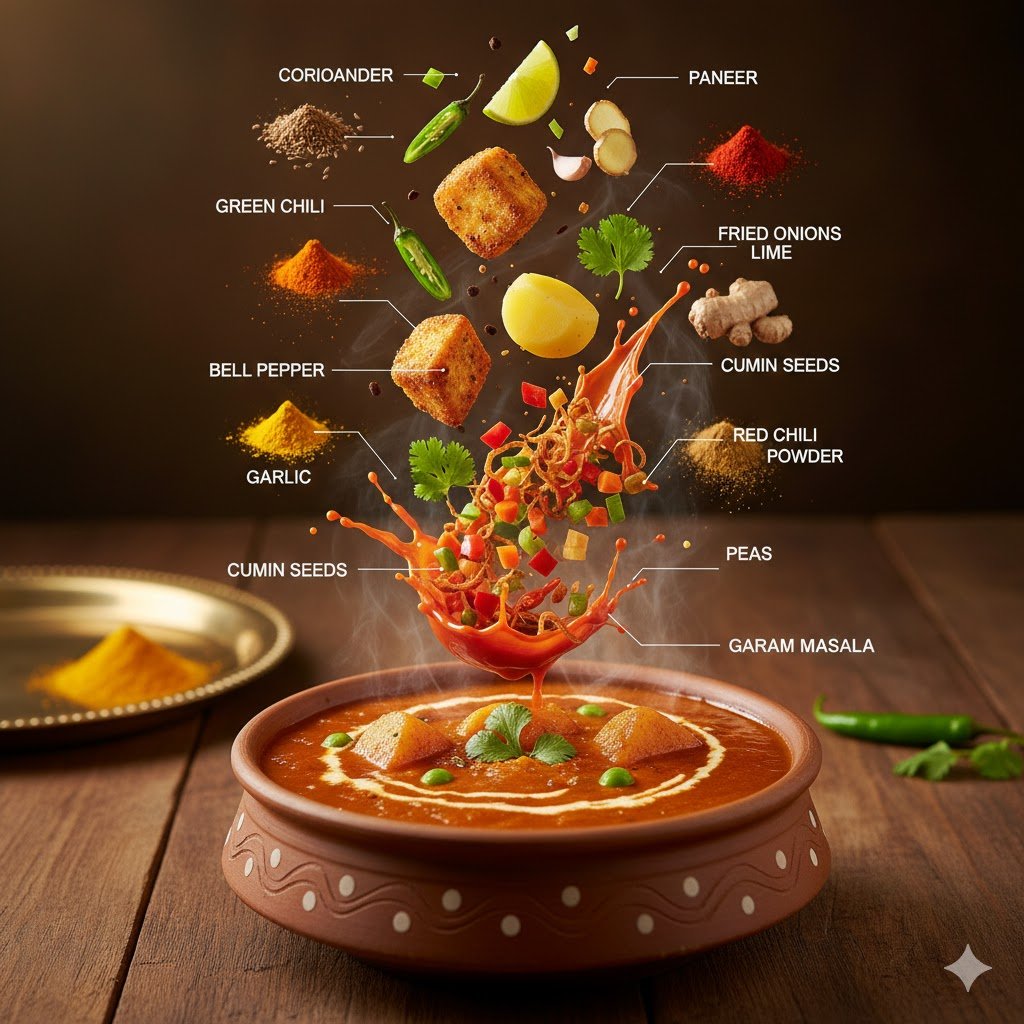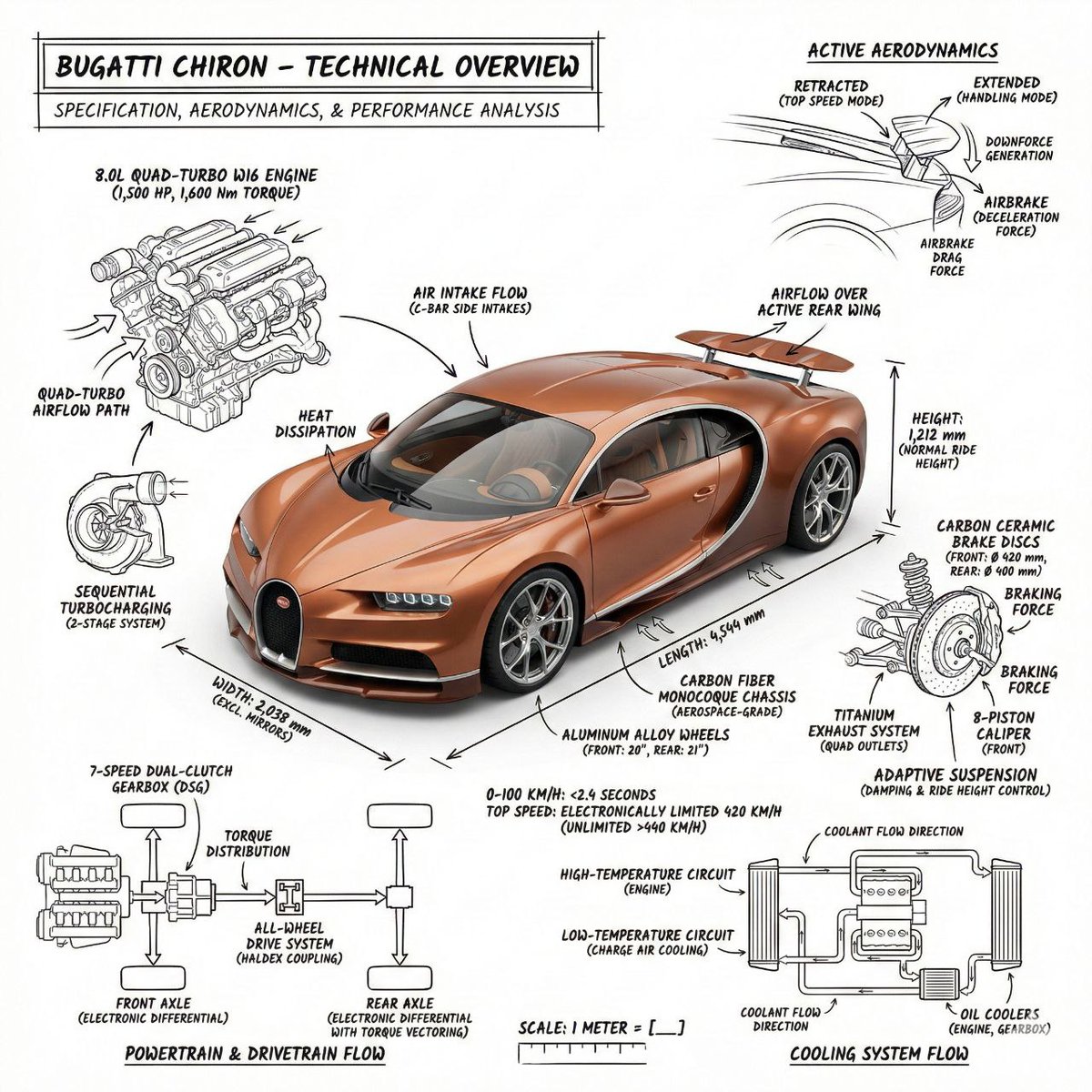
Organize a knowledge topic into a calm educational infographic with adaptive cards, hierarchy, examples, and readable spacing.
Image Prompt
Qwen2 Image
Image prompt template
Preview
Image Prompt

Infographic board focused on logic, spacing, hierarchy, examples, and long-read comfort.
Full prompt
Education infographic prompt: topic structure, adaptive cards, hierarchy, examples, and readability checks.
Create a minimalist educational infographic explaining [KNOWLEDGE TOPIC]. Organize modules according to the topic structure instead of forcing a fixed number. Use a soft light background, white cards, consistent spacing, clear headings, short explanations, and simple icons or diagrams only when they clarify the content. Adapt the layout to the content: definition, comparison, process, system map, or common mistakes. Keep reading comfort and logic ahead of symmetry. Avoid dense paragraphs, over-saturated colors, decorative icons, tiny text, and unsupported claims.
Usage notes
Replace the topic, audience level, module type, color accent, language, and final aspect ratio.
Prompt FAQ
Quick checks for inputs, model fit, and how to adapt the template without weakening the result.
Replace the topic, audience level, module type, color accent, language, and final aspect ratio.
Check composition, lighting, crop, subject accuracy, readable text, and any claims or labels that need manual cleanup.
Yes. Keep the core structure, then adjust detail level, aspect ratio, and constraints for the model you choose in Rivya.
More prompts in this mode