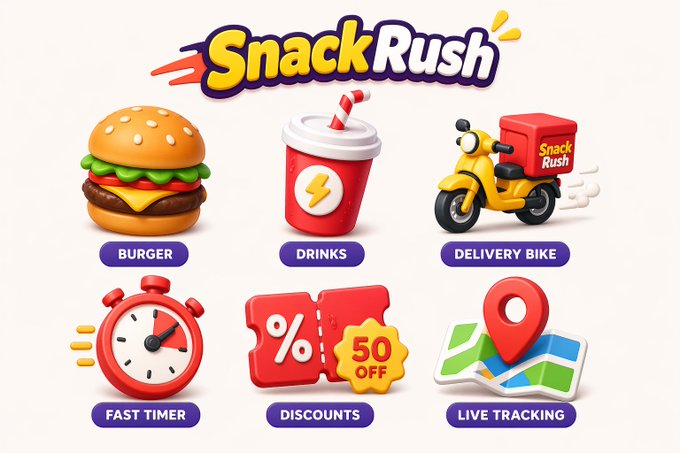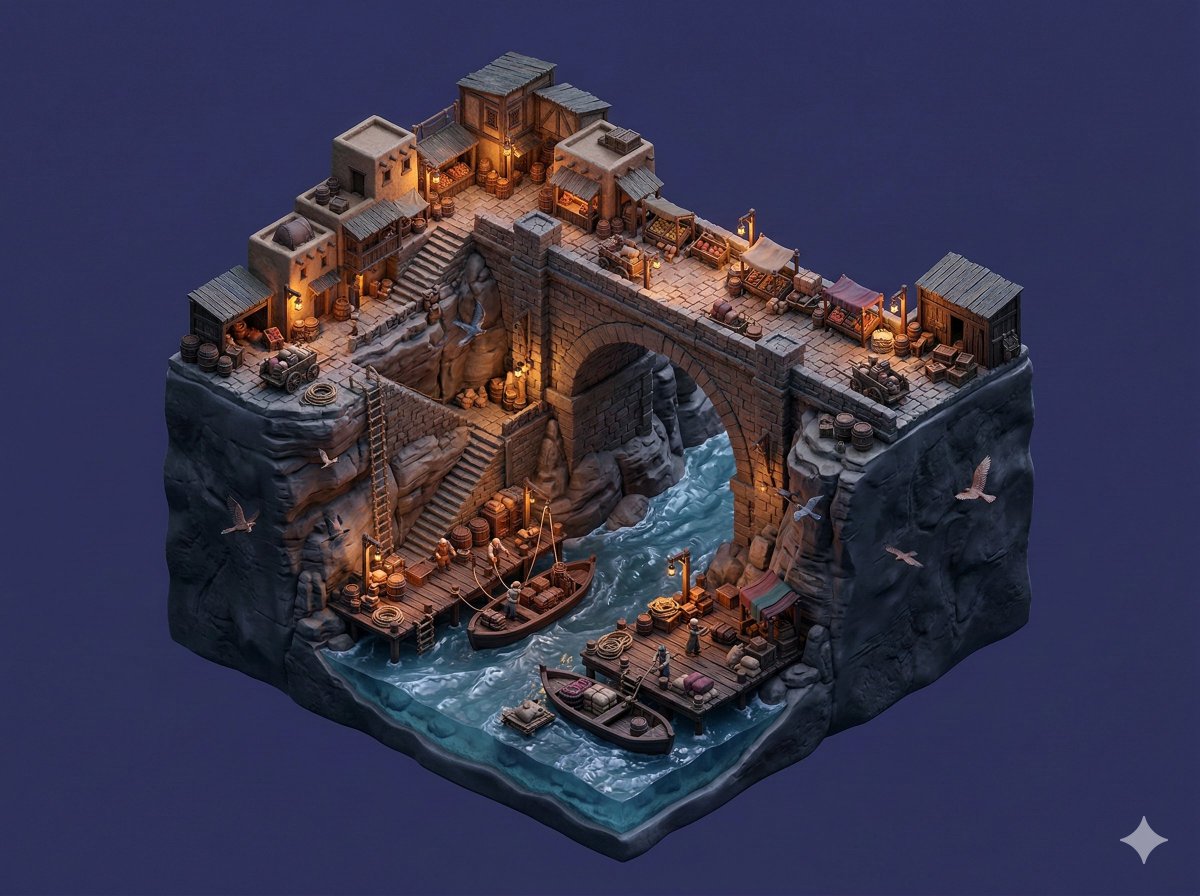
Create a reusable image prompt for a colorful doodle annotation board with a clear subject, hand-drawn arrows, editable label placeholders, aligned sections, and clean negative space.
The recommended model and prompt are filled in. Choose your own inputs and generation settings.
Preview
Image Prompt
Preview for Colorful Doodle Annotation Board, focused on subject clarity, doodle arrows, editable labels, clean hierarchy, and reusable layout.
Colorful doodle annotation board prompt with a clear subject, hand-drawn arrows, editable labels, aligned sections, and clean negative space.
Design a production-ready image prompt for a colorful doodle annotation board. Define the main subject, background surface, annotation zones, hand-drawn arrows, highlight shapes, label placeholders, composition grid, line weight, ink palette, texture style, aspect ratio, and delivery use. Organize the image as a scannable visual system: keep the subject clear, align annotation blocks, separate callouts from the main artwork, preserve clean negative space, and make all labels, marks, and title areas editable. The result should work as an explainer board, product feature layout, editorial annotation graphic, or social carousel frame. Avoid unreadable handwriting, fixed copy, real brand names, fixed logos, misleading claims, cluttered arrows, random stickers, mismatched doodle styles, crowded backgrounds, distorted typography, and elements unrelated to a colorful doodle annotation board.
Usage notes
Replace the subject, annotation topics, label wording, arrow style, ink palette, section layout, texture treatment, aspect ratio, and final delivery use before running.
Prompt FAQ
Replace the subject, annotation topics, label wording, arrow style, ink palette, section layout, texture treatment, aspect ratio, and final delivery use.
Check subject clarity, arrow readability, label editability, callout alignment, negative space, visual hierarchy, and whether any fixed logos or unreadable text appeared.
Yes. Keep the annotation-board structure and quality checks, then swap the subject, callout topics, label system, crop, and delivery format.
More prompts in this mode