Create a reusable image prompt for an isolated clay character turnaround with consistent front, side, and three-quarter views on a clean background.
The recommended model and prompt are filled in. Choose your own inputs and generation settings.
Preview
Image Prompt
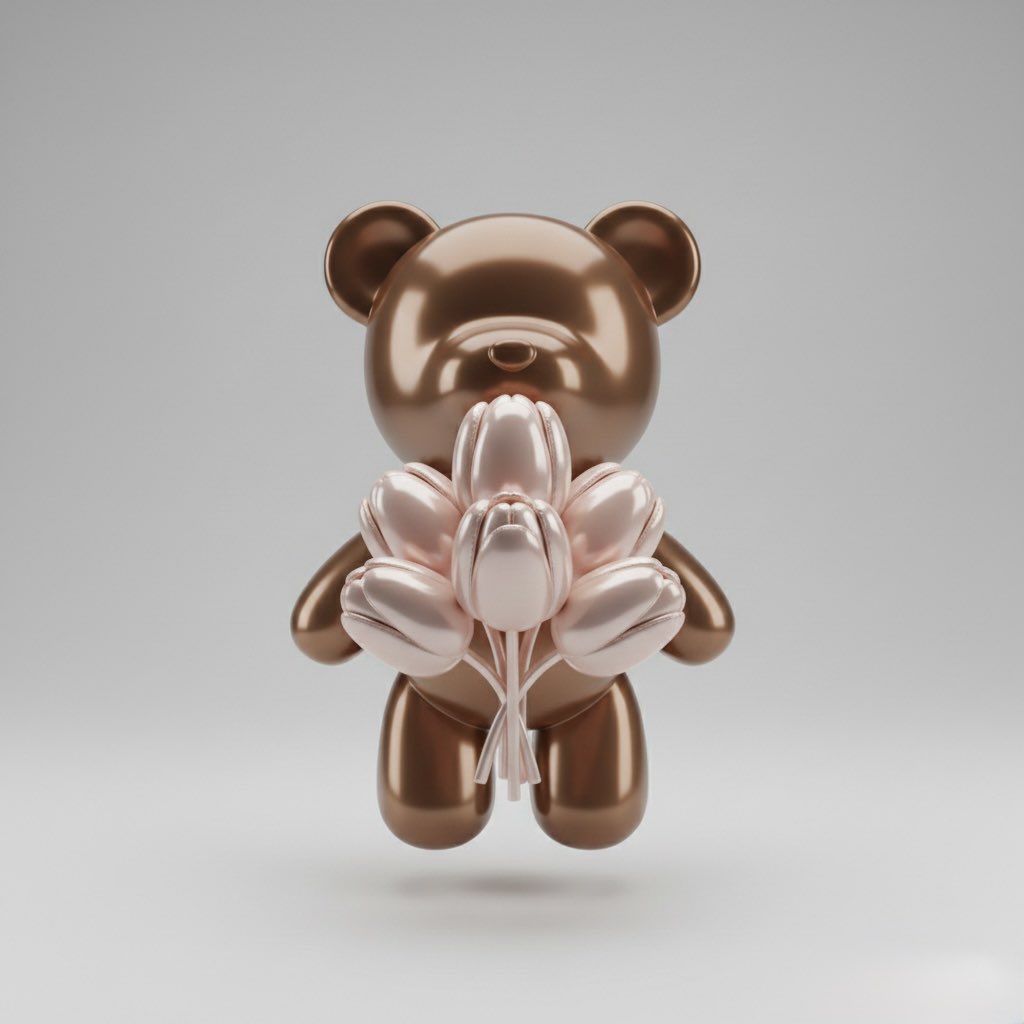
Preview for Clay Character Turnaround Cutout, focused on character consistency, clay texture, clean background, full-body crop, and cutout readiness.
Clay character turnaround cutout prompt with consistent front, side, and three-quarter views, handcrafted texture, clean background, and crop-safe silhouette.
Design a production-ready image prompt for a clay character turnaround cutout. Define the character concept, silhouette, clay texture, face shape, expression, pose set, wardrobe details, color palette, scale, lighting direction, clean background, and final delivery use. Show the same character consistently across front, side, and three-quarter views, with matching proportions, facial features, clothing, accessories, and handcrafted clay material. Treat the output as a cutout-ready character asset: keep the background plain, protect the full body from cropping, avoid overlapping props, keep labels and marks editable, and leave clear separation around the character for background removal or sticker use. Avoid distorted anatomy, inconsistent views, fixed logos, real brand names, celebrity likenesses, protected characters, unreadable text, cluttered backgrounds, mismatched accessories, and elements unrelated to a clay character turnaround cutout.
Usage notes
Replace the character concept, expression, pose set, wardrobe, accessories, palette, view count, background treatment, and final asset use before running.
Prompt FAQ
Replace the character concept, expression, pose set, wardrobe, accessories, palette, view count, background treatment, and final asset use.
Check whether the views match, proportions stay consistent, clay texture reads clearly, the full body is not cropped, and the background is clean enough for cutout use.
Yes. Keep the clean background, consistent silhouette, and multi-view checks, then adjust the pose set, scale, crop, and delivery format for the asset you need.
More prompts in this mode