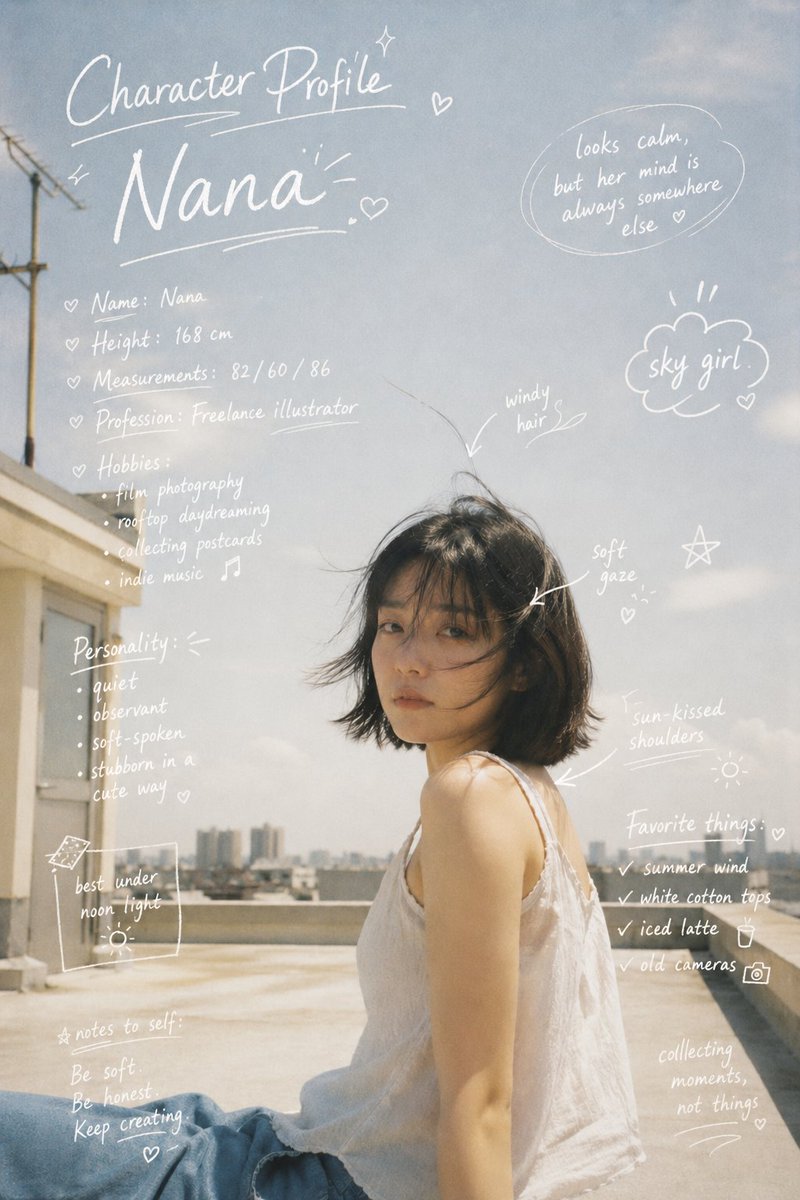
Turn a still frame into a clean director's annotation board that explains camera movement, framing, and final shot intent.
The recommended model and prompt are filled in. Choose your own inputs and generation settings.
Preview
Image Prompt
Preview for Camera Move Sketch Annotation Board, focused on shot planning, motion clarity, and readable overlays.
Director-style camera movement annotation board with arrows, motion arcs, framing boxes, numbered callouts, and a clear final aerial shot plan.
Create a production-ready image annotation board on top of [REFERENCE_FRAME_OR_SCENE]. Keep the base frame recognizable, then add clean hand-drawn sketch marks that explain a planned camera move: start position, crane or rise path, tilt direction, look-down angle, final aerial or overhead framing, and the subject that must remain in focus. Use thin arrows, numbered callouts, horizon guides, transparent motion arcs, framing boxes, and a small editable notes area. Make the annotations look like a director's shot-planning overlay rather than decorative doodles. Preserve important faces, products, architecture, and readable scene structure underneath the marks. Use restrained colors such as white, cyan, yellow, or red only where they clarify motion. Avoid fake interface chrome, dense paragraphs, brand logos, permanent subtitles, inaccurate physics, arrows that contradict the scene perspective, illegible micro text, or scribbles that cover the key subject.
Usage notes
Replace the reference frame, movement path, final angle, focal subject, annotation colors, and note labels before running.
Prompt FAQ
It is built for director notes: every arrow, guide, callout, and frame box should explain camera position, movement, or final composition.
Define the starting camera position, movement path, tilt or pan direction, final framing, focal subject, and the labels that should stay editable.
Avoid dense text, decorative scribbles, fake UI chrome, arrows that fight the scene perspective, and marks that hide the main subject.
More prompts in this mode