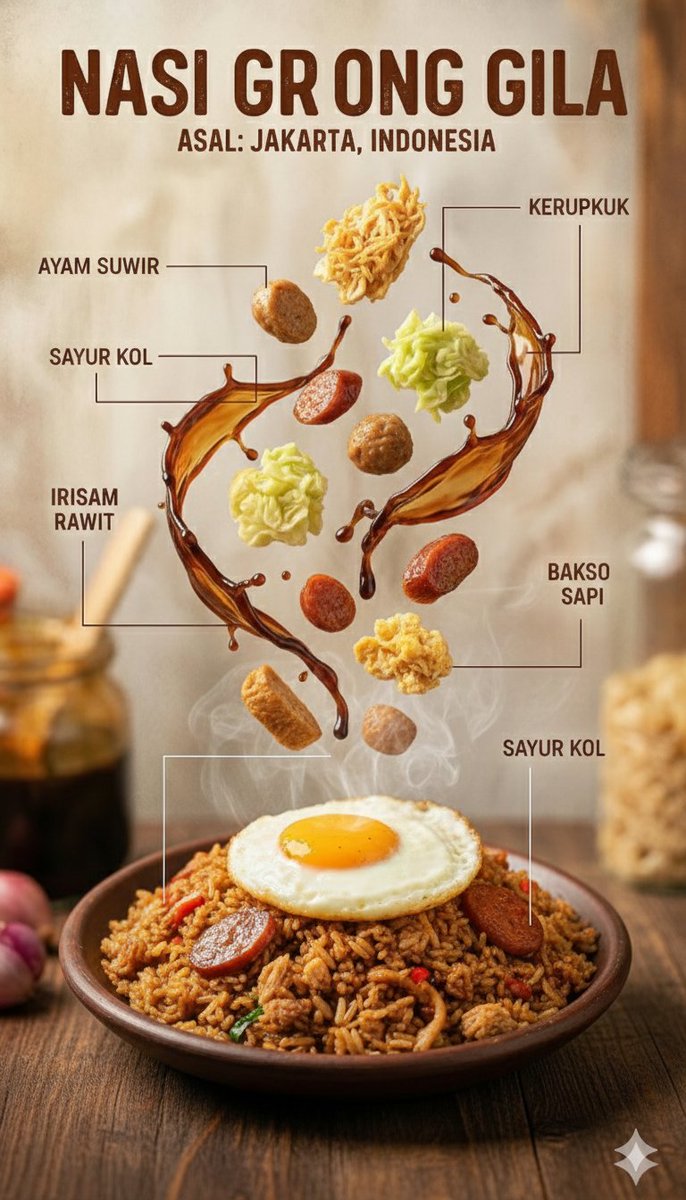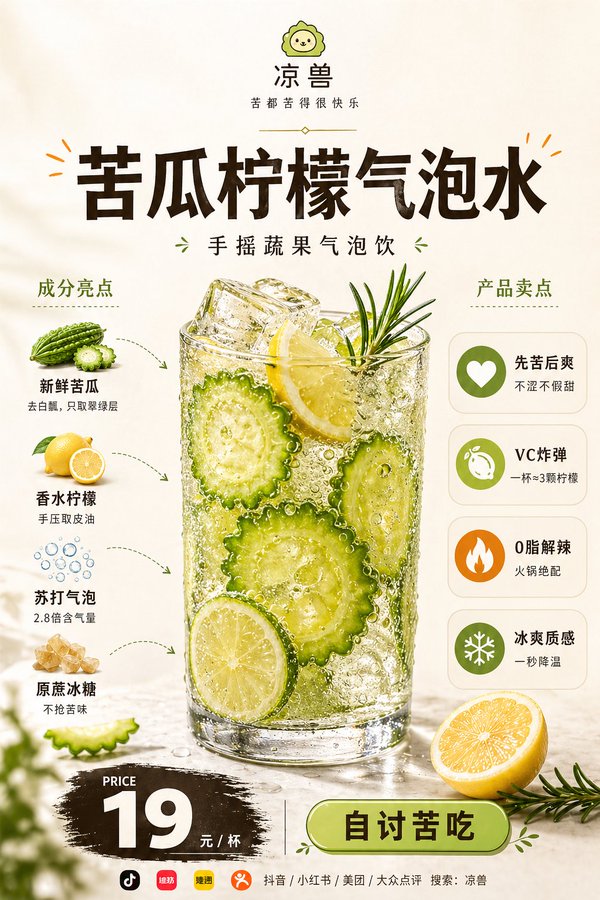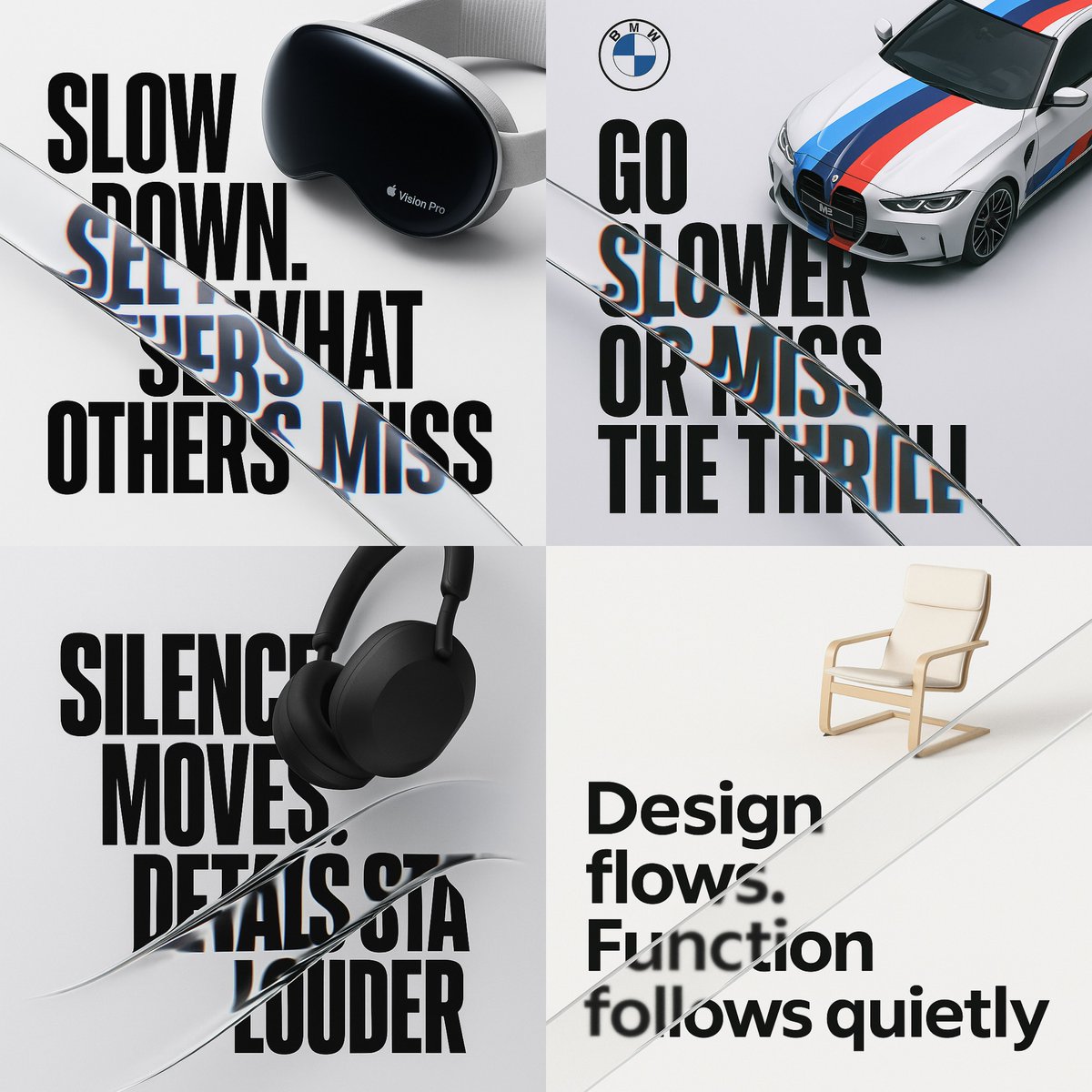
Convert a brand or campaign idea into a hard-edged brutalist poster with strong hierarchy, rough texture, and editable copy zones.
The recommended model and prompt are filled in. Choose your own inputs and generation settings.
Preview
Image Prompt
Poster layout focused on hierarchy, contrast, copy zones, texture, and brand-safe placeholders.
Brutalist poster prompt: brand idea, grid, headline hierarchy, texture, CTA area, and readability limits.
Design a brutalist brand poster for [BRAND OR CAMPAIGN]. Use oversized type, exposed grid logic, sharp contrast, rough paper or concrete texture, and one strong visual anchor. Keep the layout direct and controlled: headline first, supporting line second, brand or CTA area last. Use placeholder copy and a generic mark unless the user provides approved brand assets. The poster should feel bold and editorial without becoming messy. Avoid illegible type, random grunge overlays, copied logos, unsafe claims, and decorative clutter.
Usage notes
Replace the brand idea, headline, supporting copy, visual anchor, palette, and output channel.
Prompt FAQ
Replace the brand idea, headline, supporting copy, visual anchor, palette, and output channel.
Check composition, lighting, crop, subject accuracy, readable text, and any claims or labels that need manual cleanup.
Yes. Keep the core structure, then adjust detail level, aspect ratio, and constraints for the model you choose in Rivya.
More prompts in this mode