
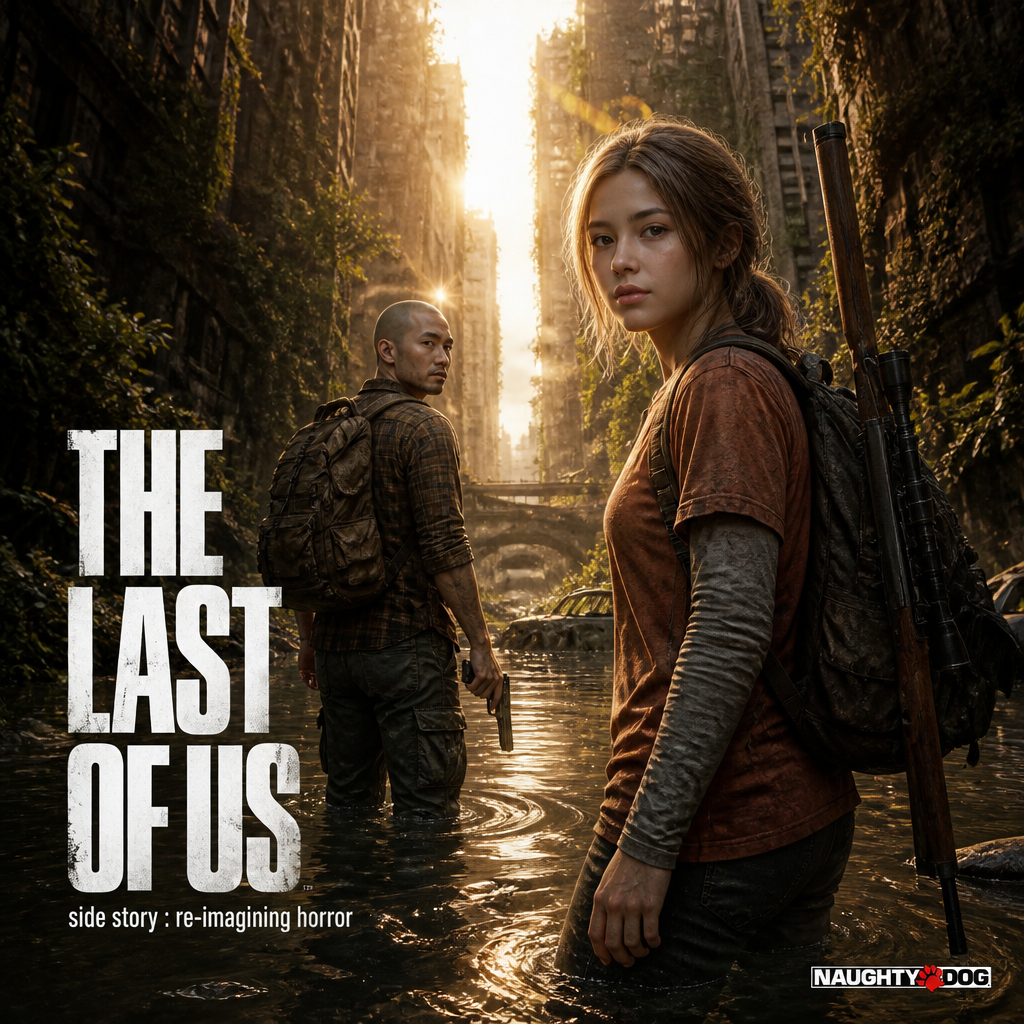
Use Z-Image to sketch a concept, an ad composition, or a social graphic from text. Change the prompt to try another direction, and review the result before using it.
The final cost is rounded up to whole credits.
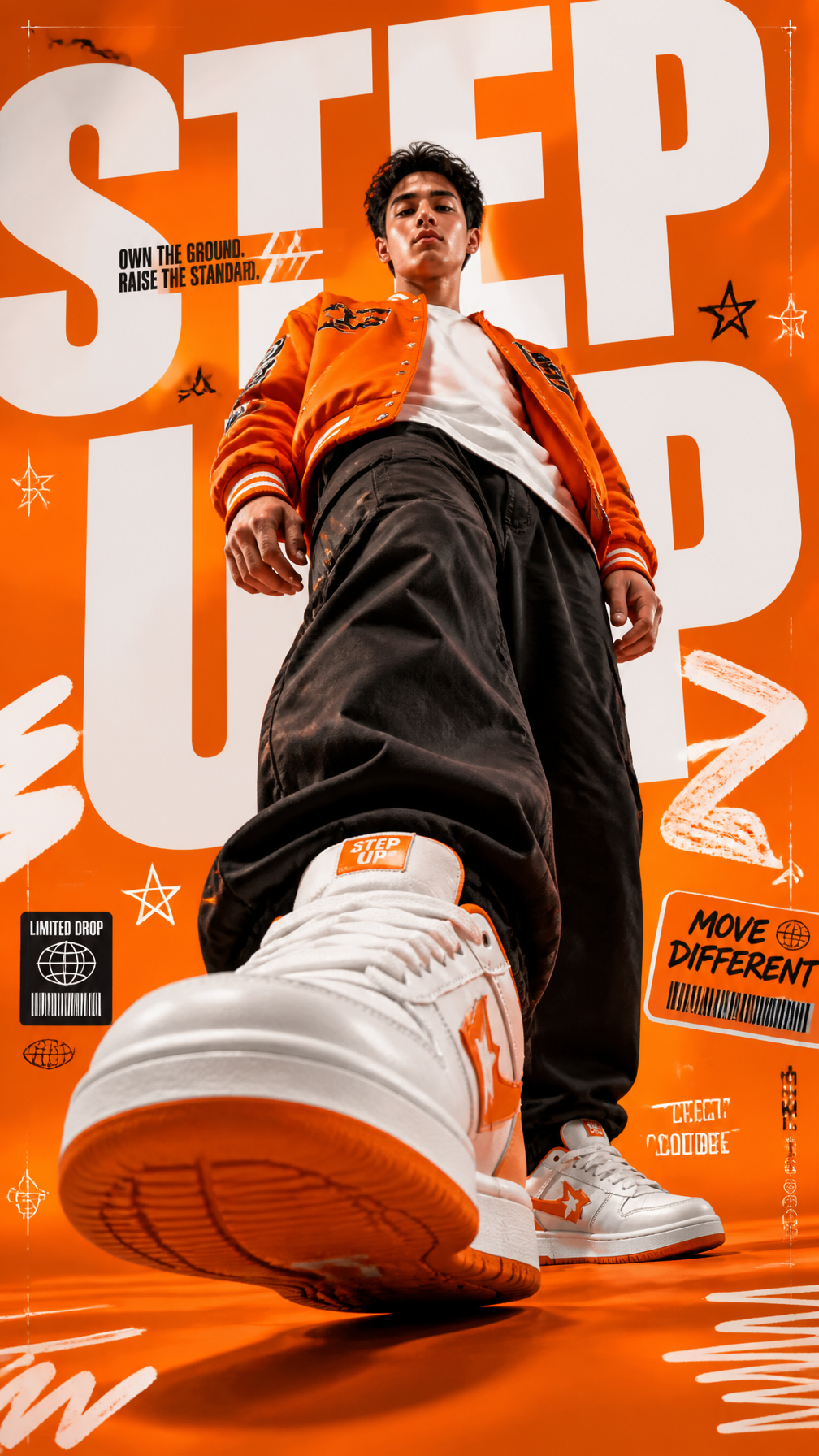
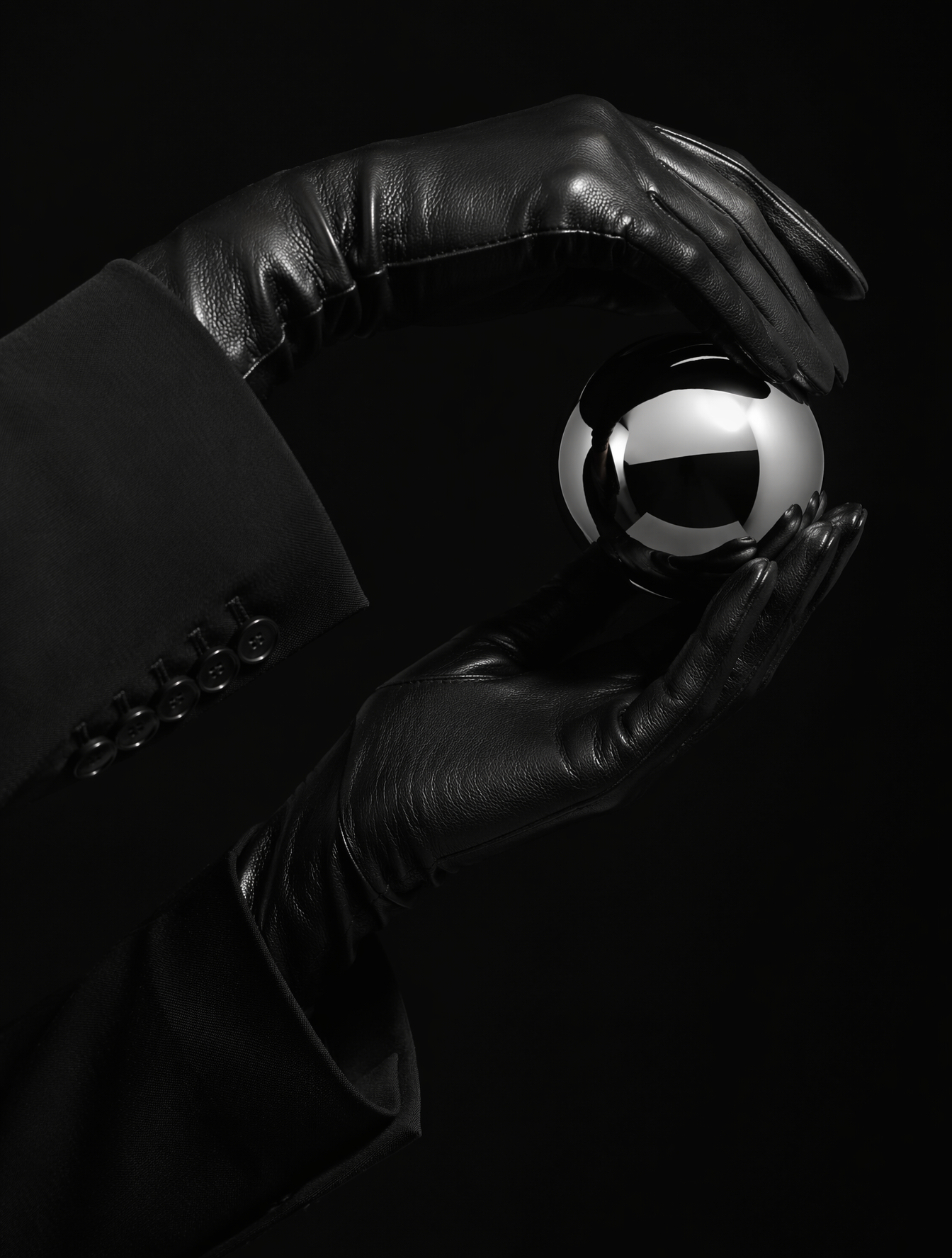
Example output
Z-Image
Text to Image
Example output
Z-Image
Best for
Supports
Try this model
No results to display yet.
Model examples
Review examples to help decide whether the model fits your task.
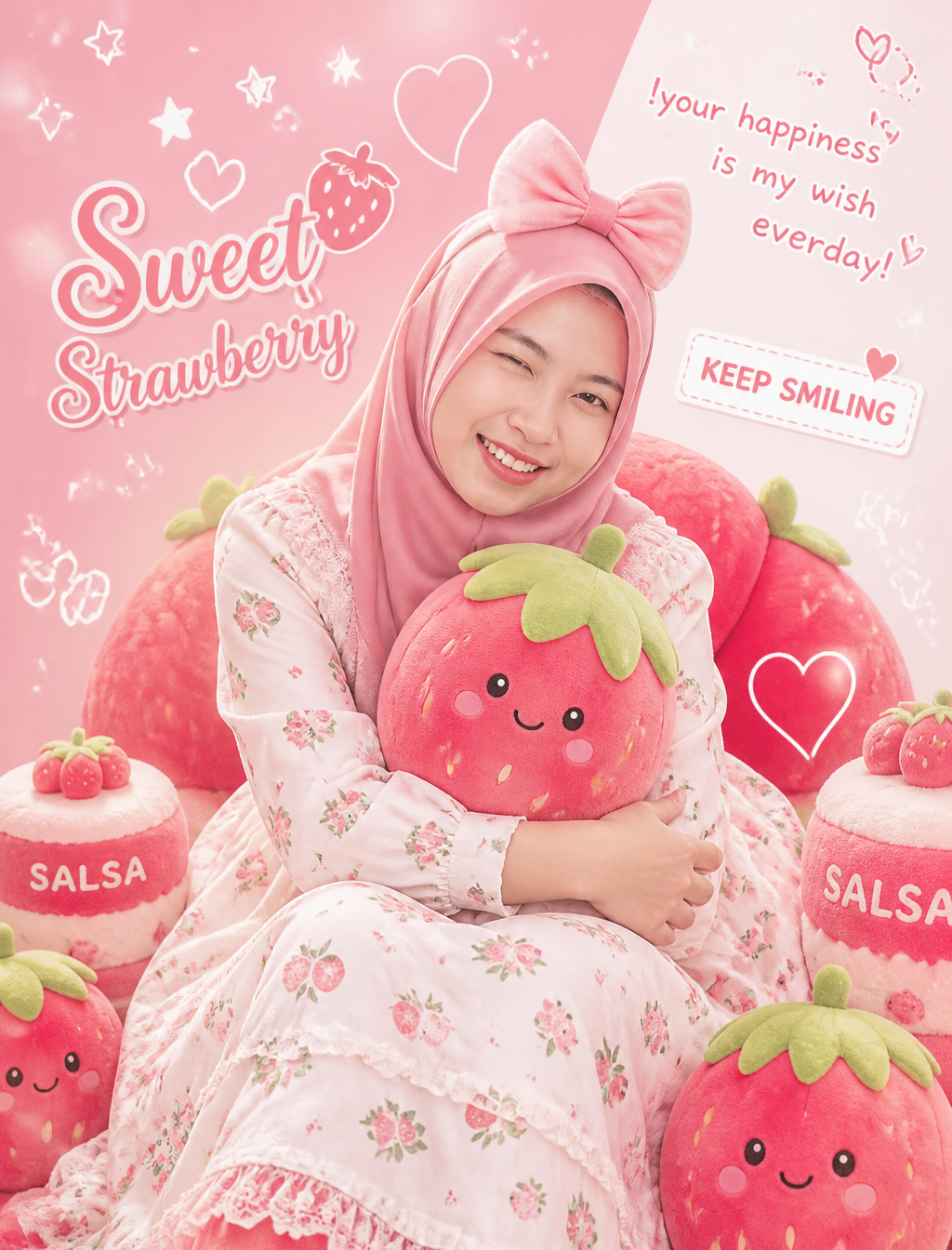
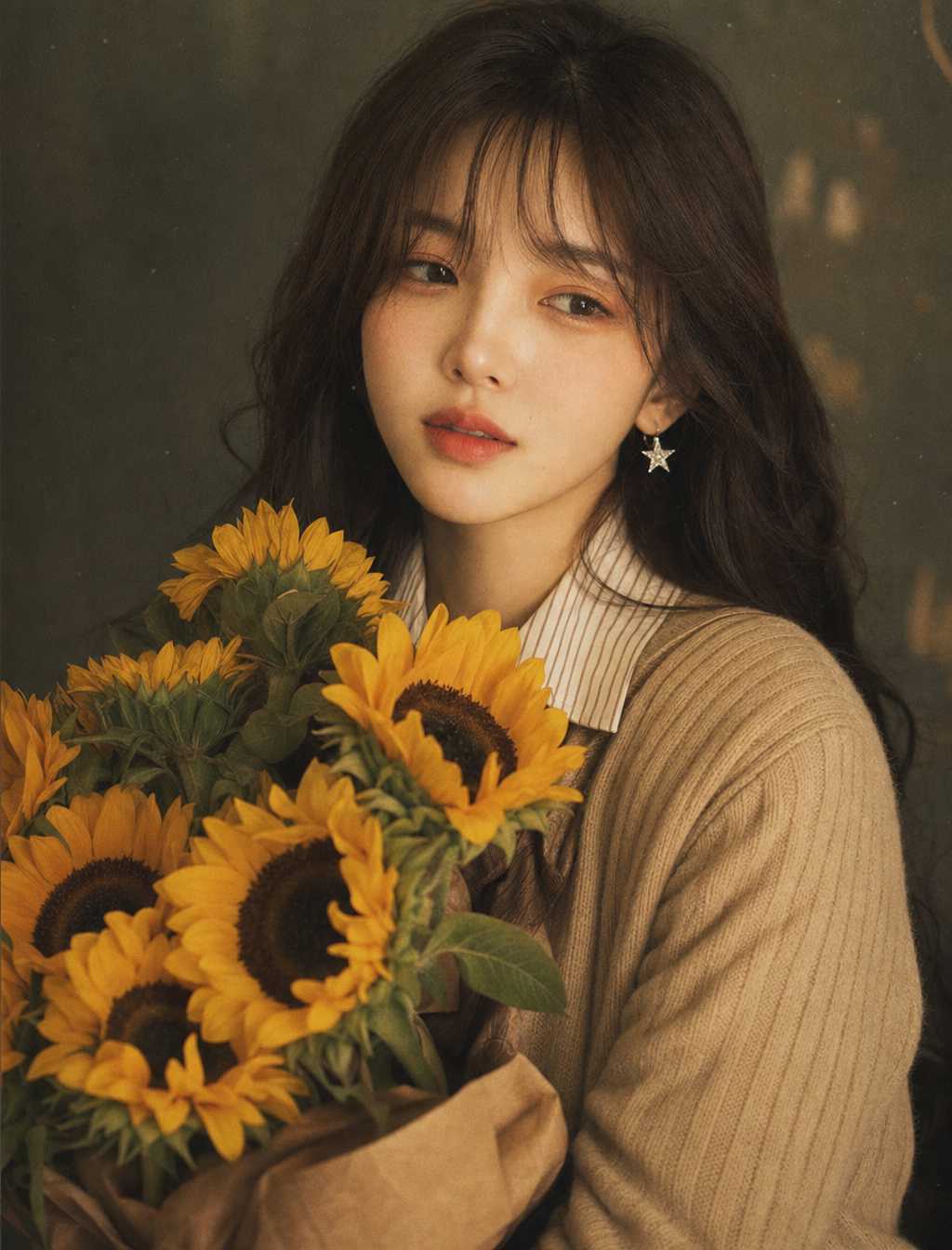
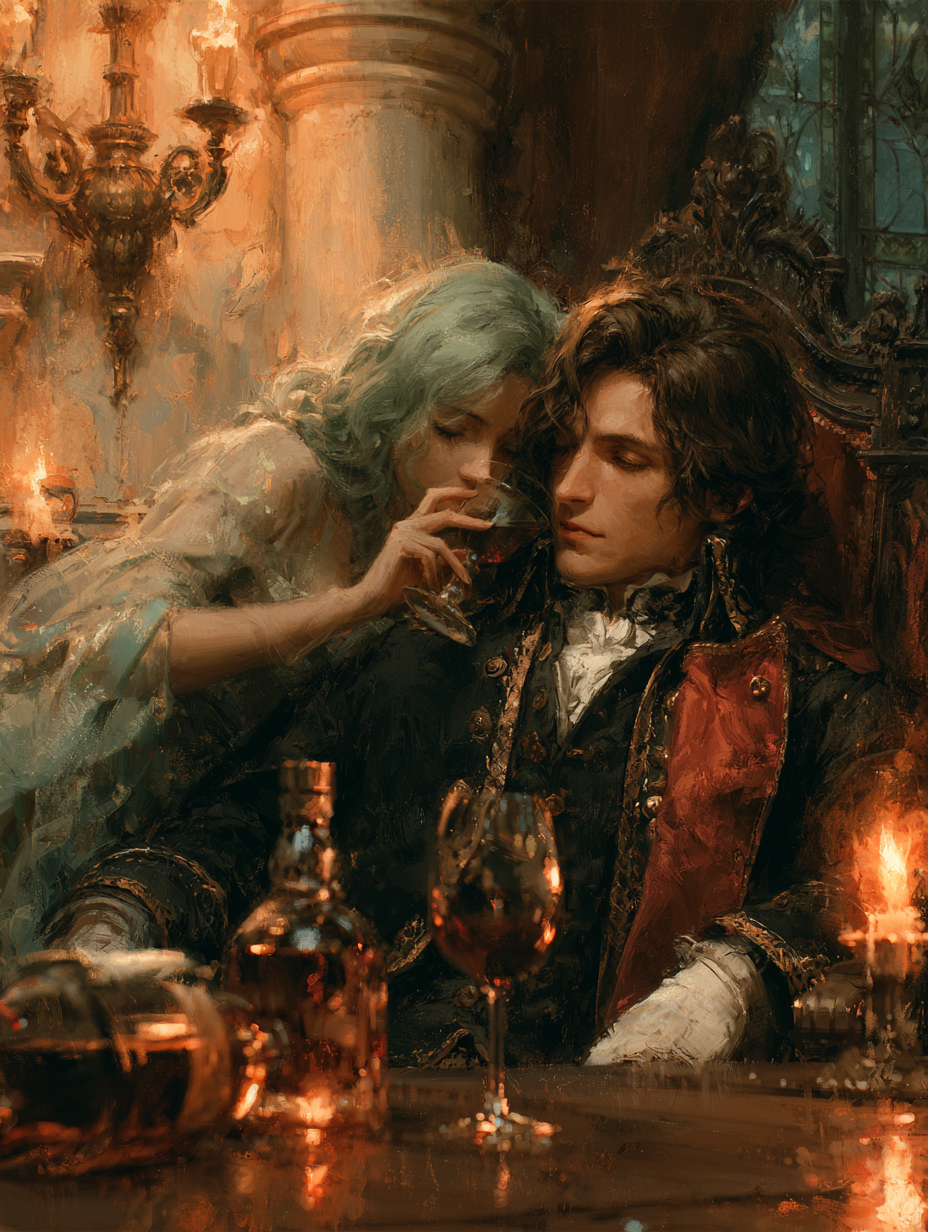
Model strengths
Model strengths
Suggested uses
Tasks to consider
Model details
Provider
Alibaba
Category
Image
Capabilities
Text to Image
Credit charges
Credit rate: 0.8 per image
Inputs
Prompt only
Prompt requirements
Up to 1,000 characters
Developer access
Use Z-Image through Public API v1. Check the model reference for supported inputs, parameters, and credit charges before sending a request.
Z-Image FAQ
Use it to sketch a visual idea: a subject for a blog illustration, a background for a social post, or the composition of an ad. Change the prompt to compare directions, then review the result before using it.
Z-Image on Rivya generates from text and does not use reference images. Choose an available image-to-image model when you need an existing image to guide the result.
Keep the prompt within 1,000 characters. Name the subject, setting, lighting, and composition. To compare ideas, change one part of the prompt at a time and review the results.
Check the image rate and credit estimate shown on the page before generating. Rivya reserves 1 credit for a request, then settles the final amount from reported usage. The reserve may stay in place if usage cannot be confirmed.
Choose an available model that supports the inputs or controls you need, such as reference images or image editing. Check its model page and credit estimate before submitting.
Check the subject, framing, and style against the image you intended. For a concept draft or social graphic, compare the result with the layout where you plan to use it. Adjust the prompt before submitting another request.
You can enter a text prompt and choose an aspect ratio. This form has no reference image upload or image count setting.
Choose the shape for where the image will appear: square for a square layout, portrait for a tall layout, or landscape for a wide layout. The menu offers 5 presets.
You can browse the page and prepare a prompt without signing in. Generating requires sign-in and enough credits in your Rivya account. Check the estimate shown in the form before submitting.
Use this page for a Z-Image request. Open Studio when you want to switch between available image models. Saved tasks from this page can also be opened in your account's generation history.
Compare alternatives
GPT Image 2.5 Flare supports image creation from a prompt and edits with image references, plus aspect ratio, resolution, and background settings.
Why consider it
Input option: Prompt + optional images
GPT Image 2.5 Sunburst generates images from a prompt, with optional reference images and separate aspect ratio, resolution, and background settings.
Why consider it
Input option: Prompt + optional images
GPT Image 2 on Rivya supports text-to-image generation and reference-image edits, with aspect ratio and resolution controls.
Why consider it
Input option: Prompt + optional images