Create Wan 3.0 video from text, guide frames, or verified multimodal references, then choose Standard or Prime, resolution, aspect ratio, duration, generated audio, and seed.
The final cost is rounded up to whole credits.
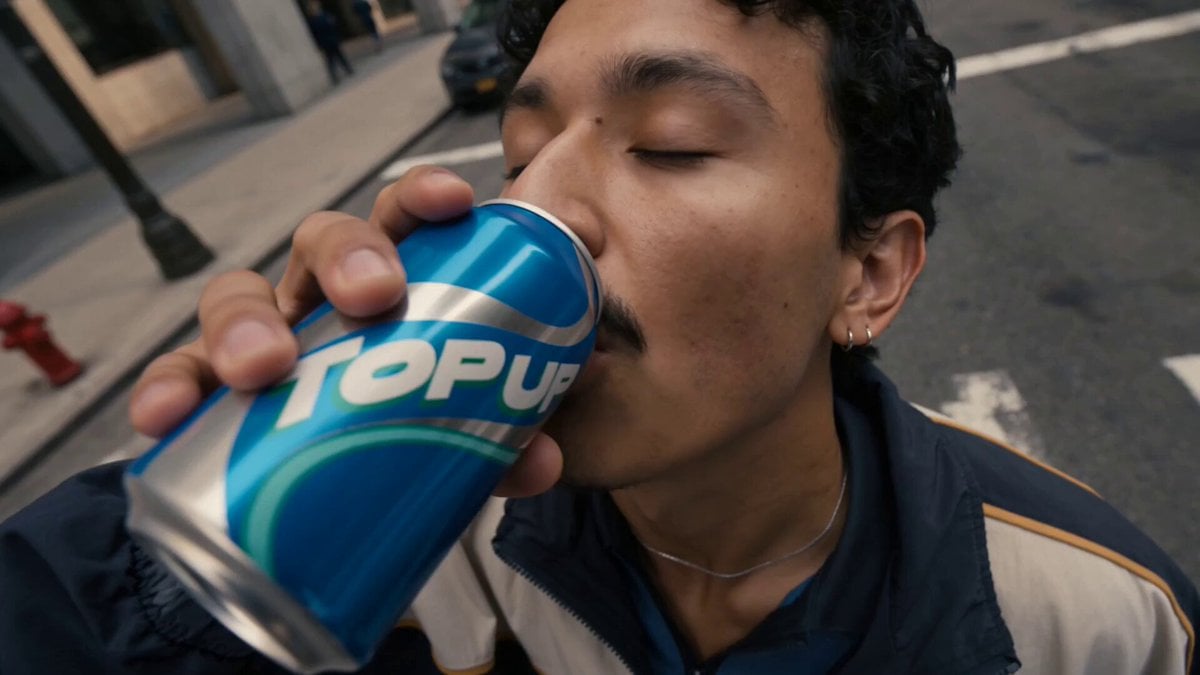
Example output
Wan 3.0 Video
Text to Video · Image to Video
Example output
Wan 3.0 Video
Best for
Supports
Try this model
No results to display yet.
Model examples
Review examples to help decide whether the model fits your task.
Model strengths
Model strengths
Suggested uses
Tasks to consider
Model details
Provider
Alibaba
Category
Video
Capabilities
Text to Video · Image to Video · Reference to Video · Video to Video
Credit charges
Credit rate: 8–50.4 per second of total video duration (input + output)
Inputs
Up to 20 reference files
Prompt requirements
Up to 20,000 characters
Developer access
Wan 3.0 Video can be called through Public API v1. Modes that use reference media require uploads through the Files API. Check the model reference for supported inputs.
Wan 3.0 Video FAQ
Text accepts no uploaded media. Frames requires a first image and optionally accepts one last image. Reference accepts a signed multimodal bundle of images, videos, and audio, but audio cannot be the only media. The scenes are mutually exclusive. A prompt is required in text mode and optional in frames and reference modes, with a trimmed maximum of 20,000 characters.
Standard: 8 / 16 / 32; Prime: 12.2 / 25.2 / 50.4 per billed second (480P / 720P / 1080P). The reservation is the variant-and-resolution rate multiplied by verified input-video seconds plus reserved output seconds, rounded up once. Intelligent duration reserves 30 output seconds and is unavailable with reference video.
Standard: 8 / 16 / 32; Prime: 12.2 / 25.2 / 50.4 per billed second (480P / 720P / 1080P). The reservation is the variant-and-resolution rate multiplied by verified input-video seconds plus reserved output seconds, rounded up once. Intelligent duration reserves 30 output seconds and is unavailable with reference video.
Reference accepts up to 10 images, 5 MP4 or MOV videos, and 5 MP3 or WAV audio clips. Each video or audio clip must run from 1 to 15 seconds, and video and audio each have a separate 15-second aggregate limit. Audio cannot be submitted by itself.
Images may be JPEG, PNG without transparency, WebP, or BMP, up to 20 MB each, with width and height from 240 to 8,000 pixels and an aspect ratio no greater than 8. Videos must be MP4 or MOV, up to 95 MB each, from 240 to 4,096 pixels per side, and also remain within an 8:1 ratio boundary.
The -1 choice lets the model select output length, so Rivya reserves the 30-second ceiling. Intelligent duration cannot be combined with reference video; with video input, choose an explicit duration so verified input plus output remains within 30 seconds. Valid actual usage at or below the reservation settles and refunds the difference; missing, invalid, or higher usage keeps the reservation and enters reconciliation without a hidden extra debit.
Choose text, frames, or multimodal references; select Standard or Prime; set 480P, 720P, or 1080P; choose adaptive or a fixed aspect ratio; use 2-30 seconds or intelligent duration; and control generated audio and seed.
Yes. The frames scene requires one first image and accepts one optional last image. It rejects video and audio so the framing contract remains unambiguous.
No. Audio can accompany image or video references, but it cannot be the only uploaded media.
Yes. Reference video requires an explicit output duration, and verified input-video seconds plus requested output seconds must not exceed 30.
Rivya binds the user, model, URL, true MIME type, byte size, geometry, and media duration in signed metadata before task creation and credit reservation. Arbitrary external links and file shortcuts remain unavailable.
Use this page to validate one scene, tier, and reference hierarchy. Continue in Studio when the project needs saved iterations, several reference bundles, or Standard-versus-Prime comparisons.
Compare alternatives
Create Seedance 2.5 videos from text, a start frame with an optional end frame, or image, video, and audio references. Choose 480p, 720p, or 1080p, a duration from 4 to 30 seconds or automatic duration, and an MP4 or MOV format request.
Why consider it
Input option: Up to 50 reference files
Generate video from text, a first frame, or media references.
Why consider it
Input option: Prompt, first frame with optional last frame, or image/video/audio references
ByteDance's Seedance 2.0 Fast video model for text prompts, a first frame with an optional last frame, or image, video and audio references. Choose 480p or 720p, set a 4–15-second duration, and request audio or a returned last frame.
Why consider it
Input option: Prompt, first frame with optional last frame, or image/video/audio references
