Use Volcengine Video Lip Sync when the source footage already has the right person, framing, and motion, but the mouth movement needs to follow a different voice recording.
The final cost is rounded up to whole credits.
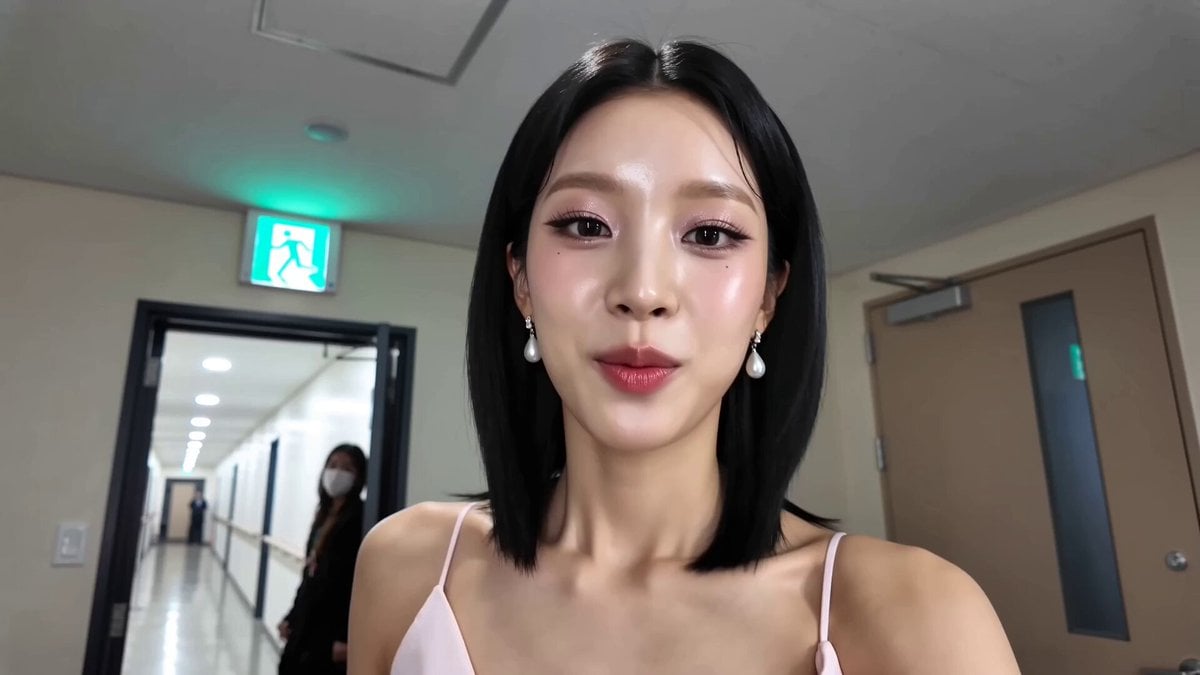
Example output
Volcengine Video Lip Sync
Video + Audio to Video
Example output
Volcengine Video Lip Sync
Best for
Supports
Try this model
No results to display yet.
Model examples
Review examples to help decide whether the model fits your task.
Model strengths
Model strengths
Suggested uses
Tasks to consider
Model details
Provider
Volcengine
Category
Video
Capabilities
Video + Audio to Video
Credit charges
Credit rate: 8 per second of input
Inputs
Up to 2 reference files
Prompt requirements
No prompt required
Developer access
Volcengine Video Lip Sync can be called through Public API v1. Modes that use reference media require uploads through the Files API. Check the model reference for supported inputs.
Volcengine Video Lip Sync FAQ
Use it when the source video is already the visual result you want to keep and only the spoken performance needs to follow a different vocal track. It is a video-and-audio lip-sync workflow, not a prompt-led video generator or portrait-animation model.
Upload exactly one MP4 or MOV video up to 95 MB and one MP3, M4A, WAV, AAC, or OGG audio file up to 10 MB. The video must be within the supported 360p to 1080p geometry, 24 to 60 fps, and 1 to 30 Mbps range, and both files must have a positive verified duration.
Choose Lite for a single person facing the camera when faster processing and audio-to-video alignment controls are useful. Choose Basic for a more complex single-person scene, especially when scene segmentation and speaker identification are needed.
In Lite mode, audio alignment can loop the video when the target audio is longer. Reverse looping is available only when alignment is on, and the template start value chooses where the source sequence begins. Basic mode does not use those controls.
Rivya uses a rate of 8 credits per verified audio second, and the output duration follows that audio. The decimal duration remains part of the full calculation, and only the reservation total is rounded up to a whole credit. When valid actual usage no higher than the reservation is reported, Rivya settles to it; missing, invalid, or higher-than-reserved usage remains in reconciliation instead of triggering a hidden extra charge.
Pair one existing single-person video with one target vocal track so the visible speech follows the new audio while the source footage remains the visual base.
Use a supported MP4 or MOV file with a clearly visible speaker, then prepare a clean vocal track. Check that the video is no larger than 95 MB and that its resolution, frame rate, and bitrate fall within the listed limits.
Start with Lite for straightforward front-facing footage. Use Basic when the scene is more complex or when scene segmentation and speaker identification are useful.
The details are public, but uploads and generation require sign-in. Pricing is 8 credits per verified audio second, the result follows the audio duration, and only the final calculated total is rounded up.
Stay here for one source-video and voice-track test. Open Studio for saved dubs, repeated languages or takes, comparison work, or a longer localization workflow.
Compare alternatives
Create Seedance 2.5 videos from text, a start frame with an optional end frame, or image, video, and audio references. Choose 480p, 720p, or 1080p, a duration from 4 to 30 seconds or automatic duration, and an MP4 or MOV format request.
Why consider it
Input option: Up to 50 reference files
Generate video from text, a first frame, or media references.
Why consider it
Input option: Prompt, first frame with optional last frame, or image/video/audio references
ByteDance's Seedance 2.0 Fast video model for text prompts, a first frame with an optional last frame, or image, video and audio references. Choose 480p or 720p, set a 4–15-second duration, and request audio or a returned last frame.
Why consider it
Input option: Prompt, first frame with optional last frame, or image/video/audio references
