Describe a scene or upload images to guide it. Choose direct output at 720p, 1080p, or 4K and a duration of 4, 6, or 8 seconds. Reference image mode requires 8 seconds and 16:9 or 9:16.
The final cost is rounded up to whole credits.
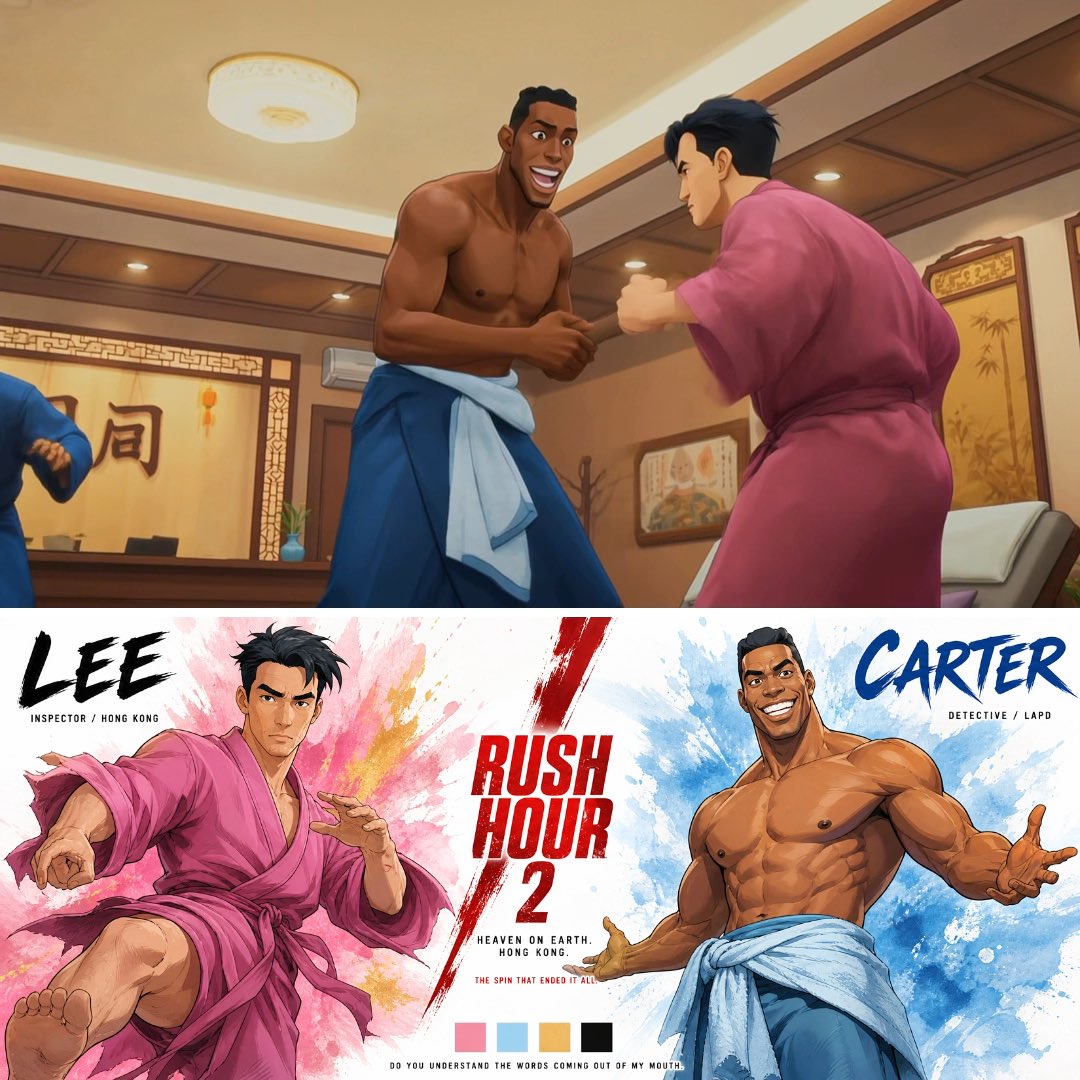
Example output
Veo3.1 Fast
Text to Video · Image to Video
Example output
Veo3.1 Fast
Best for
Supports
Try this model
No results to display yet.
Model examples
Review examples to help decide whether the model fits your task.
Model strengths
Model strengths
Suggested uses
Tasks to consider
Model details
Provider
Category
Video
Capabilities
Text to Video · Image to Video · Reference to Video
Credit charges
Credit rate: 30–90 per video
Inputs
Prompt + optional images
Prompt requirements
Up to 5,000 characters
Veo3.1 Fast FAQ
Text mode uses a prompt without images. Frame mode uses a starting image, or a starting image and an ending image. Reference image mode requires an image and accepts up to 3 images to guide the clip. Describe the action and camera movement in your prompt.
Upload JPEG or PNG images, each no larger than 10 MiB. Reference image mode requires 8 seconds and an aspect ratio of 16:9 or 9:16. Rivya checks the uploaded image metadata before generation; an image URL alone is not enough.
Extend requires a successful original Veo3.1 Fast task in your account. Resolution requests require a successful 720p original task or a successful Extend result from this model. Direct 1080p and 4K results, and previous resolution-action results, cannot be used for another resolution request. Each action creates a separate task and reserves additional credits.
Direct generation reserves 30 credits at 720p, 38 at 1080p, or 90 at 4K. The 1080p reservation is rounded up from 37.5 credits. Extend reserves 30 credits. Eligible 1080p and 4K result requests reserve 8 and 60 extra credits respectively. Final settlement depends on the reported usage. A ready result does not by itself confirm settlement, and a timeout does not confirm failure or a refund.
Compare each model's supported inputs, output settings, and credit estimate for the clip you want. Fast on Rivya offers text, frame, and reference image modes. The name does not promise a completion time. If you need sound, check the returned clip; audio is not guaranteed. Review the picture, motion, and sound before sharing or delivering it.
Start with a scene, the main action, and the camera movement. Use text mode if you do not need an image reference. Then choose the duration, aspect ratio, and resolution, and check the credit estimate before you submit.
Use frame mode when you want to supply a starting image or a start and end pair. Use reference image mode when your images show the subjects or setting you want in the clip. That mode accepts up to 3 images and requires 8 seconds at 16:9 or 9:16.
Check that you have permission to use the prompt and images, that the selected mode matches your inputs, and that your balance covers the estimate. Plan to review the result yourself, including its sound. This form has no separate audio controls and does not guarantee an audio track.
Yes. Sign in and make sure your balance covers the displayed estimate. Rivya reserves credits before submitting a generation request. When valid usage is reported within that reservation, Rivya records the final charge and returns any unused reserved credits. If usage is missing, invalid, or higher than the reservation, the final charge remains unconfirmed. A timeout alone does not confirm that a request was rejected or refunded.
Use this page when you want to work with Veo3.1 Fast. Open Studio when you want to switch models or work with other media. Submitted tasks are available in your account's generation history. Check the result before using it elsewhere; opening Studio does not itself run a generation.
Compare alternatives
Create Seedance 2.5 videos from text, a start frame with an optional end frame, or image, video, and audio references. Choose 480p, 720p, or 1080p, a duration from 4 to 30 seconds or automatic duration, and an MP4 or MOV format request.
Why consider it
Input option: Up to 50 reference files
Generate video from text, a first frame, or media references.
Why consider it
Input option: Prompt, first frame with optional last frame, or image/video/audio references
ByteDance's Seedance 2.0 Fast video model for text prompts, a first frame with an optional last frame, or image, video and audio references. Choose 480p or 720p, set a 4–15-second duration, and request audio or a returned last frame.
Why consider it
Input option: Prompt, first frame with optional last frame, or image/video/audio references
Developer access
Veo3.1 Fast can be called through Public API v1. Modes that use reference media require uploads through the Files API. Check the model reference for supported inputs.
