
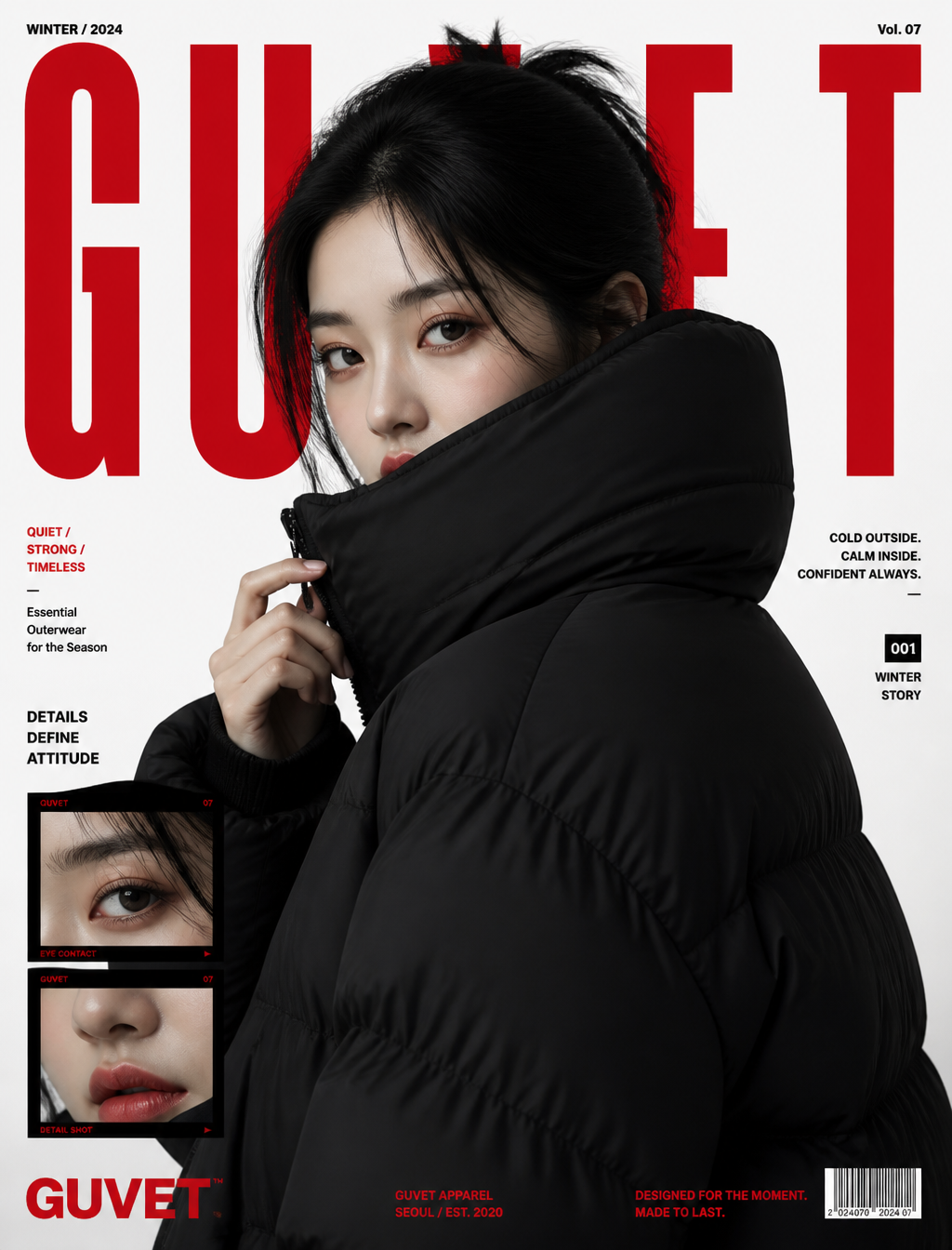
Topaz Image Upscaler is Rivya's delivery-grade AI image upscaler for final stills that need larger export tiers, sharper review files, or 4K and 8K enlargement.
The final cost is rounded up to whole credits.
Example output
Topaz Image Upscaler
Image Upscaling · Resolution Enhancement
Example output
Topaz Image Upscaler
Best for
Supports
Try this model
No results to display yet.
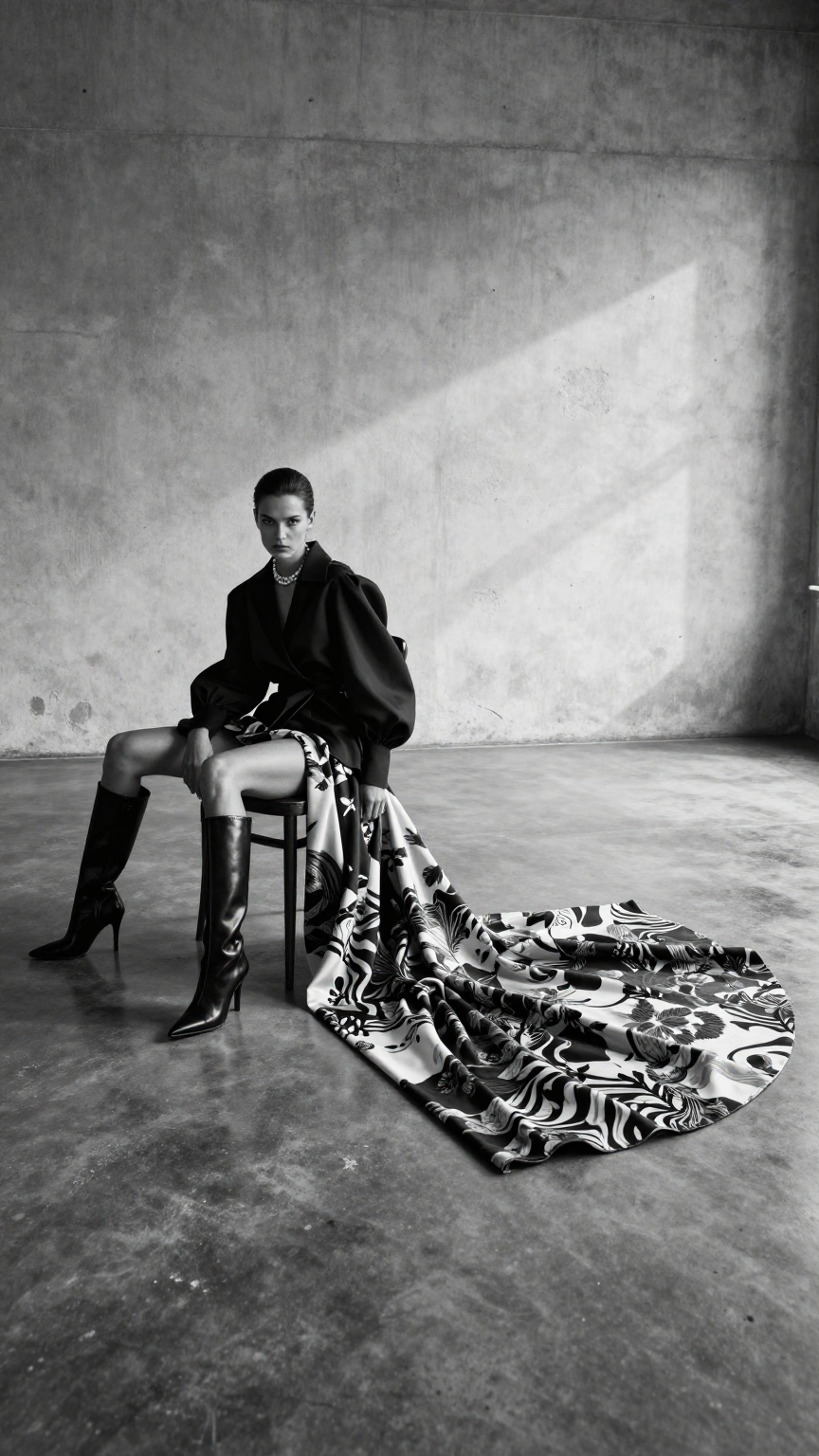
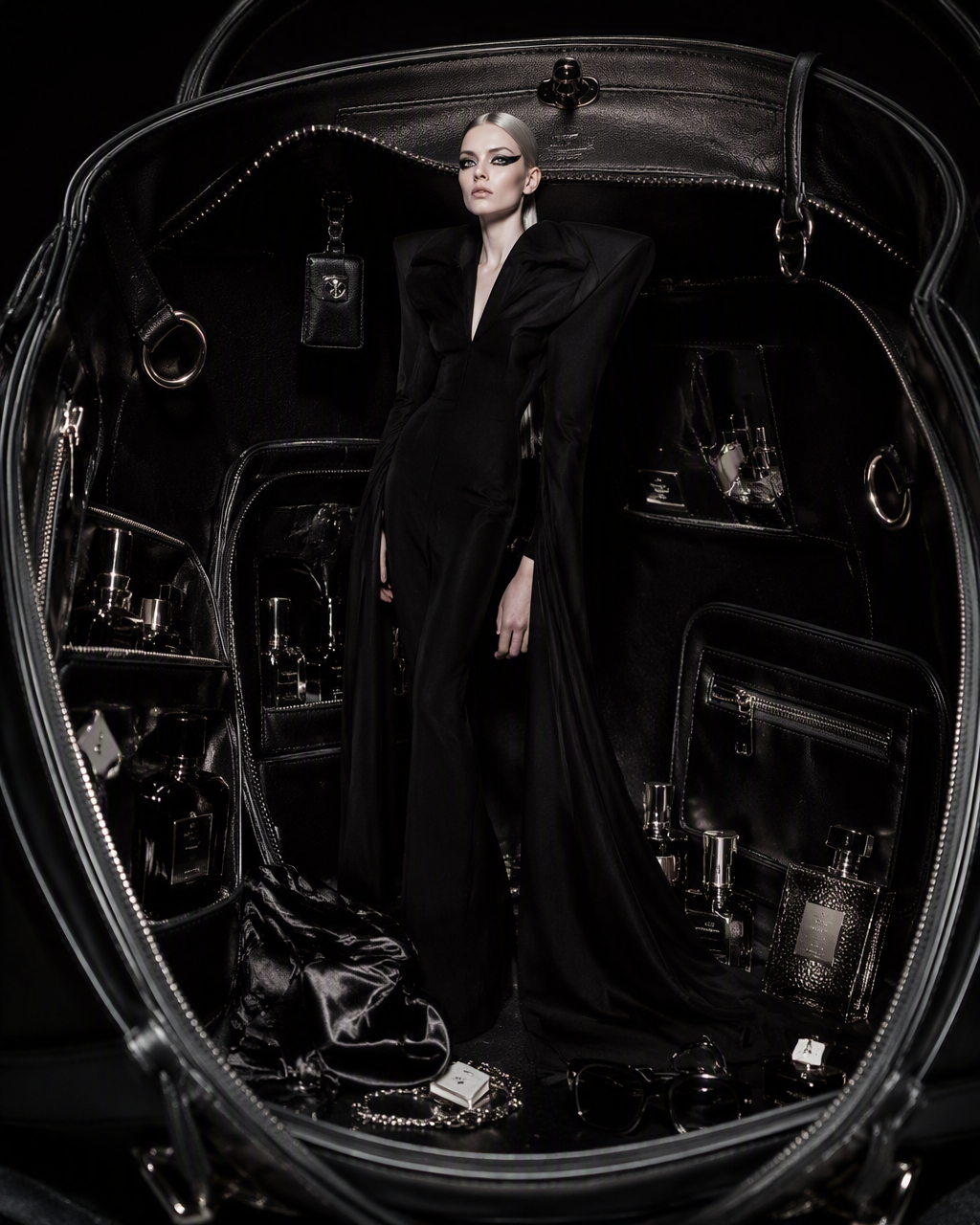
Model examples
Review examples to help decide whether the model fits your task.
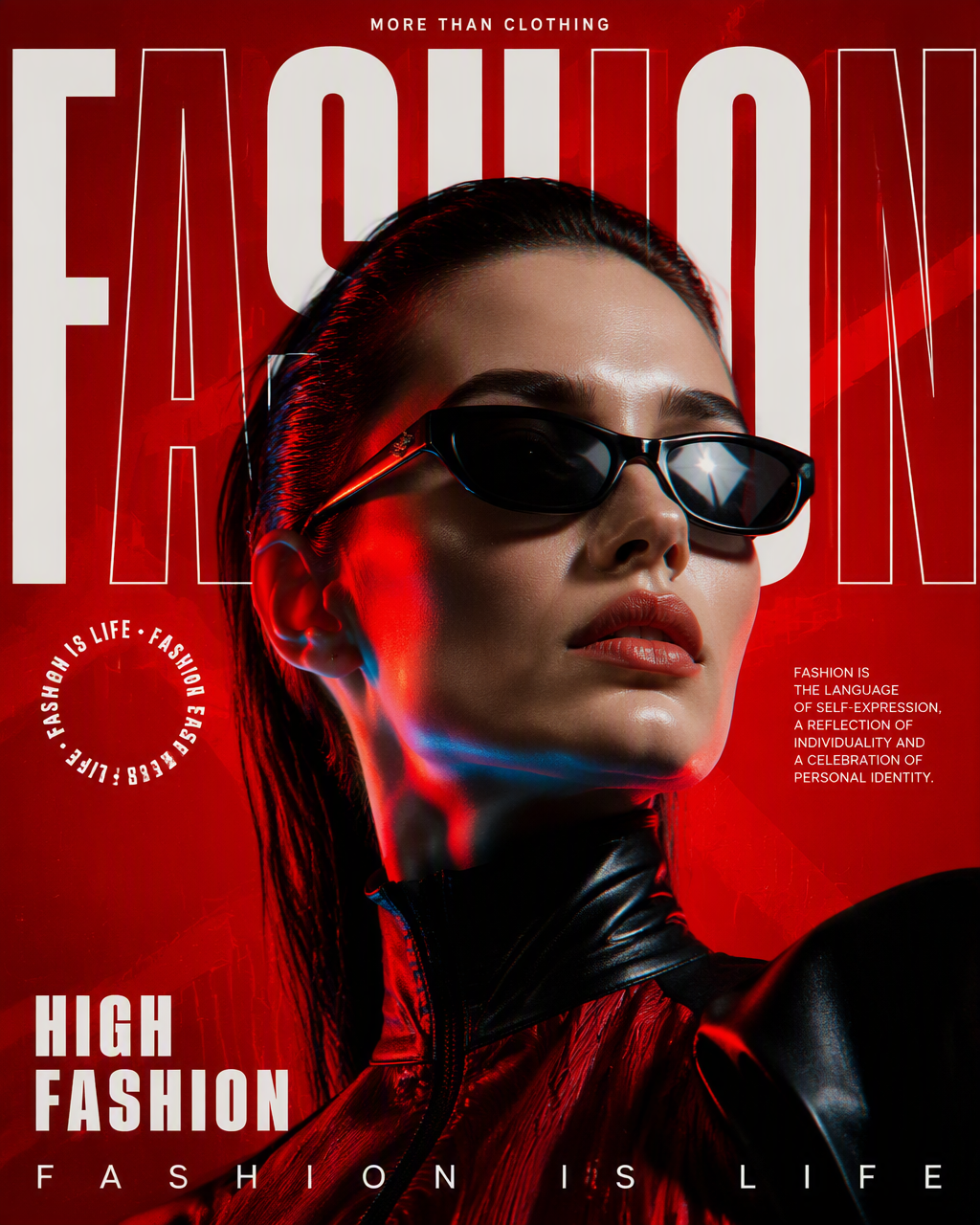
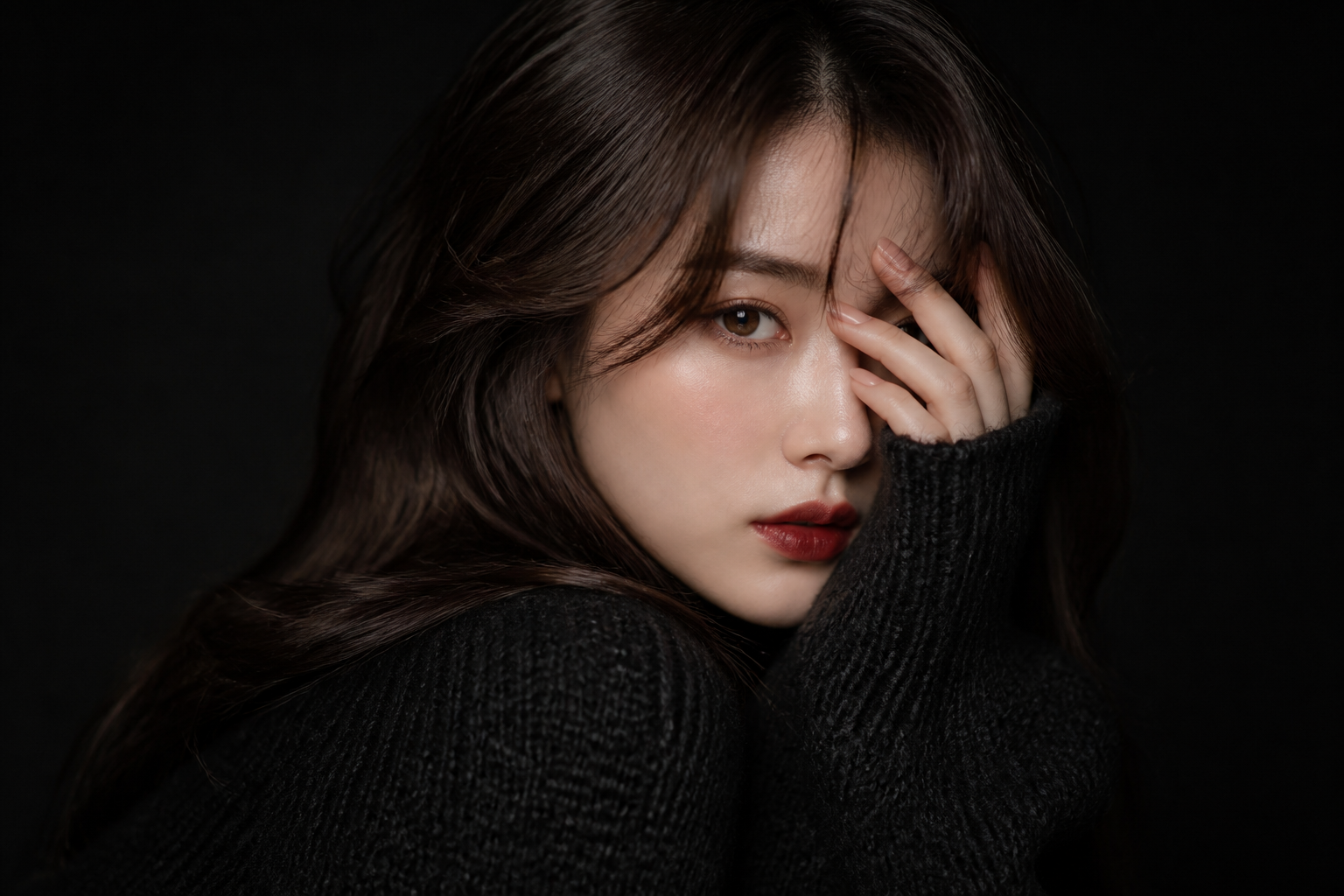
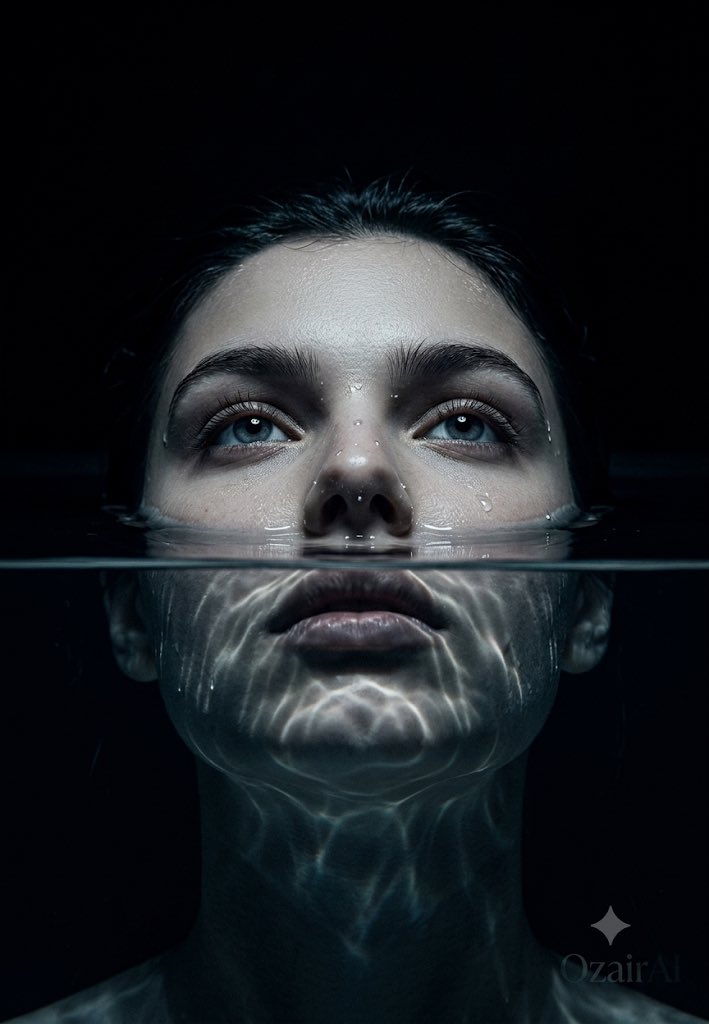
Model strengths
Model strengths
Suggested uses
Tasks to consider
Model details
Provider
Topaz
Category
Image
Capabilities
Image Upscaling · Resolution Enhancement
Credit charges
Credit rate: 10–40 per image
Inputs
1 image reference
Prompt requirements
No prompt required
Developer access
Topaz Image Upscaler can be called through Public API v1. Modes that use reference media require uploads through the Files API. Check the model reference for supported inputs.
Topaz Image Upscaler FAQ
Topaz Image Upscaler is strongest when the image is already the right image and the only real problem left is size. It fits approved ecommerce stills, campaign key art, product images for review decks, and any chosen frame that should survive a larger export without going back into generation. Exactly 1 JPEG, PNG, or WebP image up to 10 MB; output longest edge ≤ 8192 px. Reserve 40 credits; settle actual usage.
Choose Topaz Image Upscaler when the composition is locked and the problem is delivery size, not image direction. If the shot still needs a new background, object cleanup, style change, or composition change, go back to editing or generation first; if it only needs a mild polish, a lighter upscale path is often enough.
This page is best for the first delivery-minded upscale pass on a still you have already chosen to keep. It is the right place to test whether the image survives a larger export cleanly before you start moving that asset through a broader delivery project. Exactly 1 JPEG, PNG, or WebP image up to 10 MB; output longest edge ≤ 8192 px. Reserve 40 credits; settle actual usage.
Stay here while you are still judging whether the still is worth upscaling and what the first enlargement pass looks like. Open the full Studio once the work turns into a batch, a saved version history, or a longer post-processing pipeline around several assets.
Compare alternatives
GPT Image 2.5 Flare supports image creation from a prompt and edits with image references, plus aspect ratio, resolution, and background settings.
Why consider it
Input option: Prompt + optional images
GPT Image 2.5 Sunburst generates images from a prompt, with optional reference images and separate aspect ratio, resolution, and background settings.
Why consider it
Input option: Prompt + optional images
GPT Image 2 on Rivya supports text-to-image generation and reference-image edits, with aspect ratio and resolution controls.
Why consider it
Input option: Prompt + optional images