
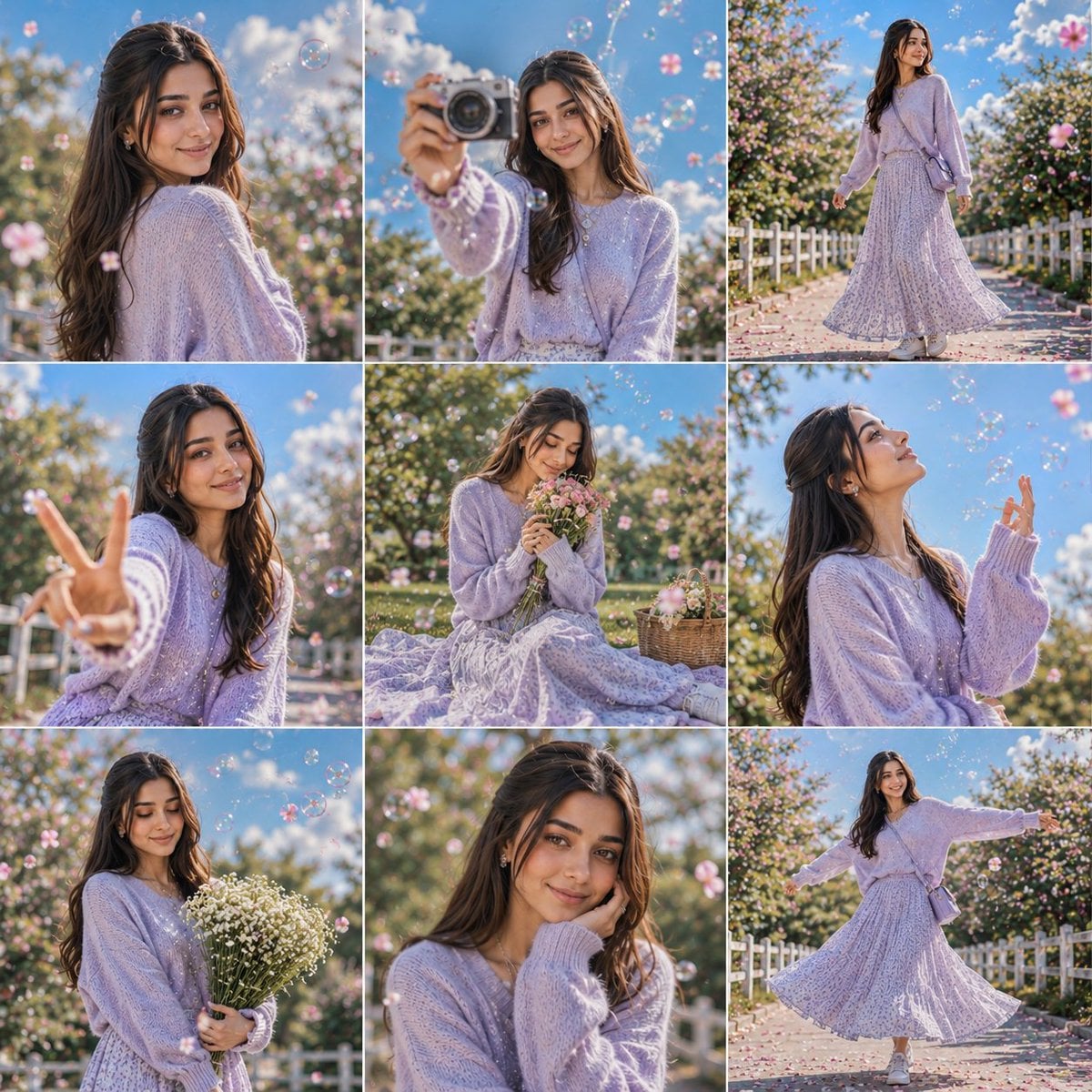
Seedream 4.5 is Rivya's higher-fidelity ByteDance image model for editorial portraits, fashion visuals, lifestyle scenes, and 2K or 4K polished outputs.
The final cost is rounded up to whole credits.
Example output
Seedream 4.5
Text to Image · Image to Image
Example output
Seedream 4.5
Best for
Supports
Try this model
No results to display yet.
Model examples
Review examples to help decide whether the model fits your task.
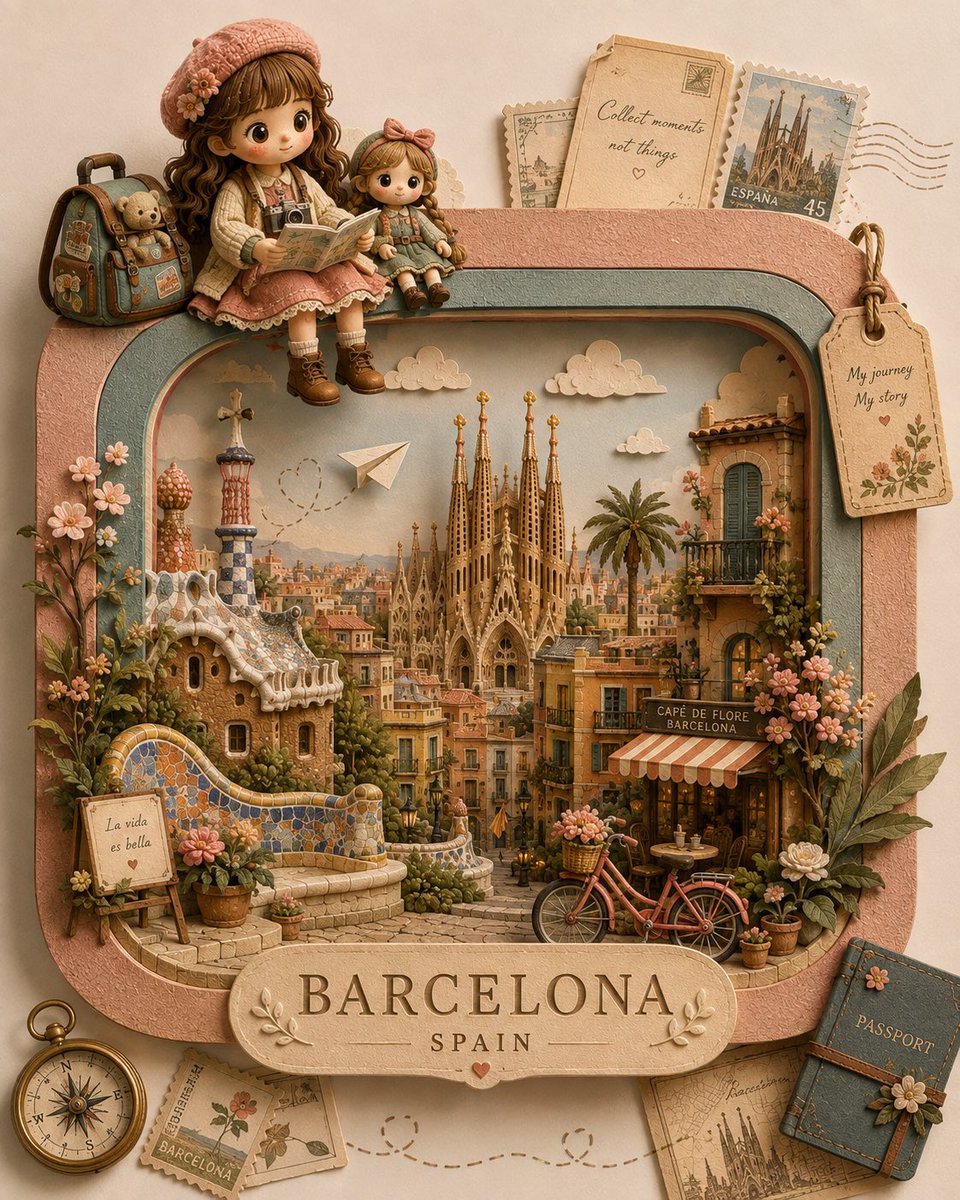
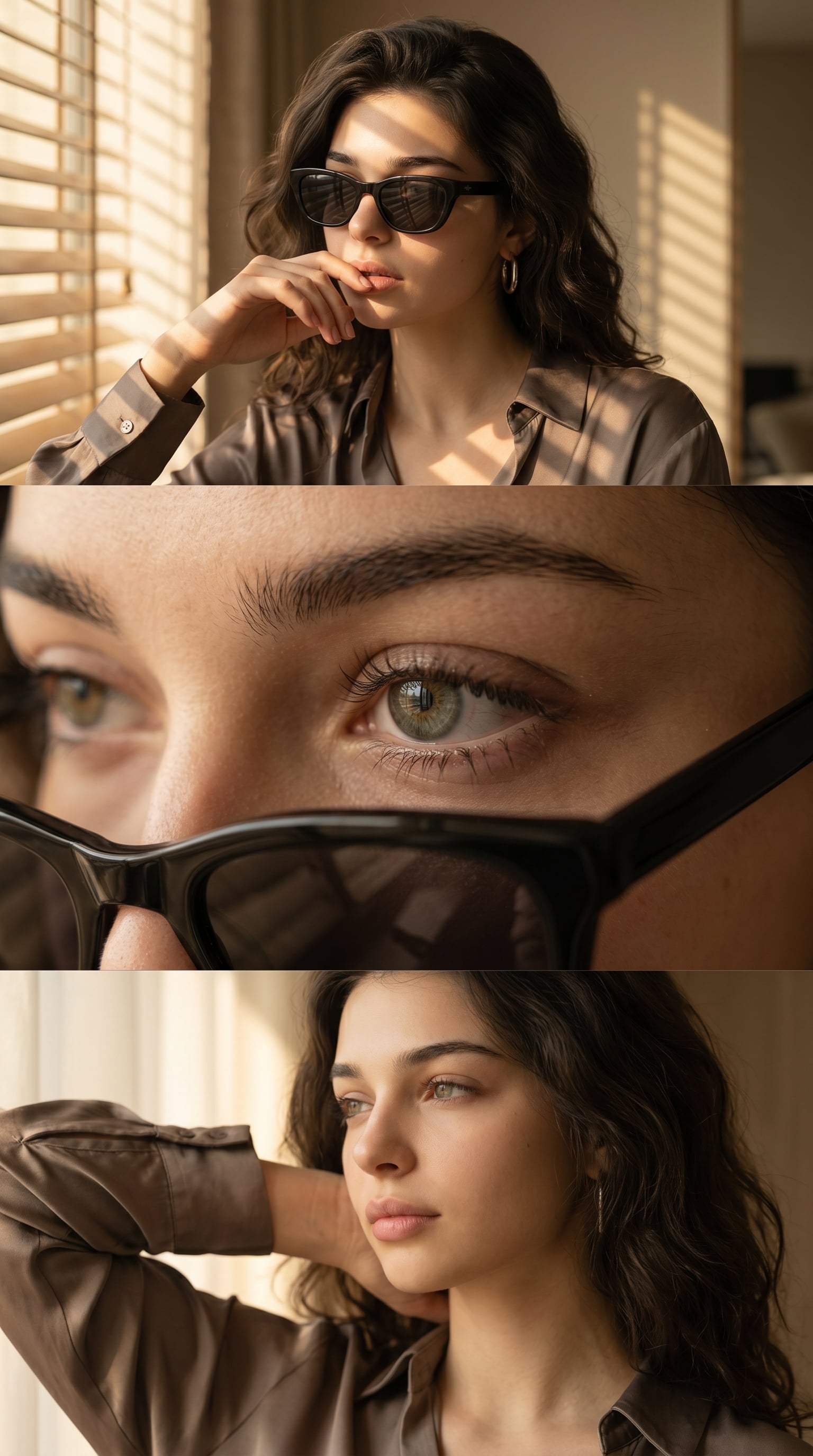
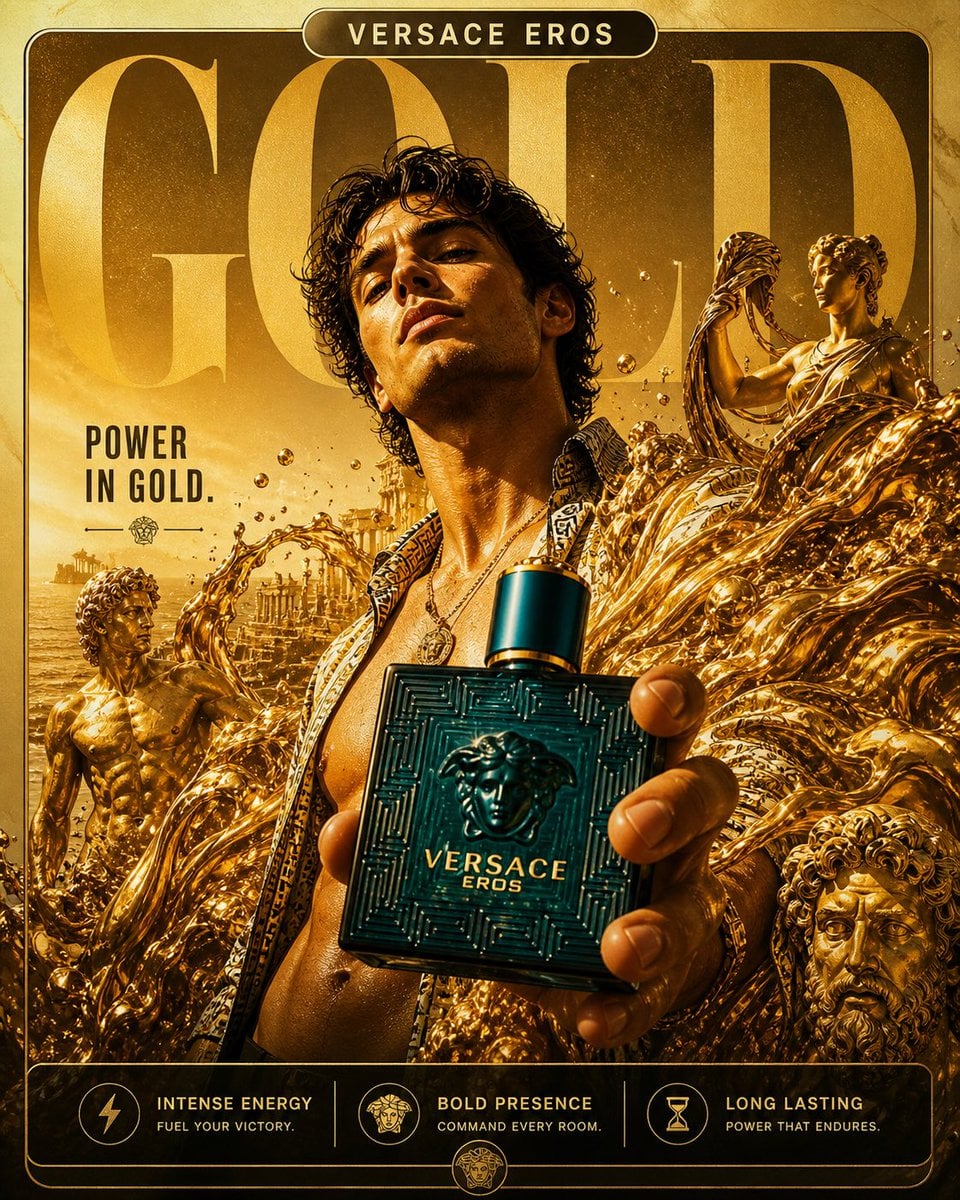
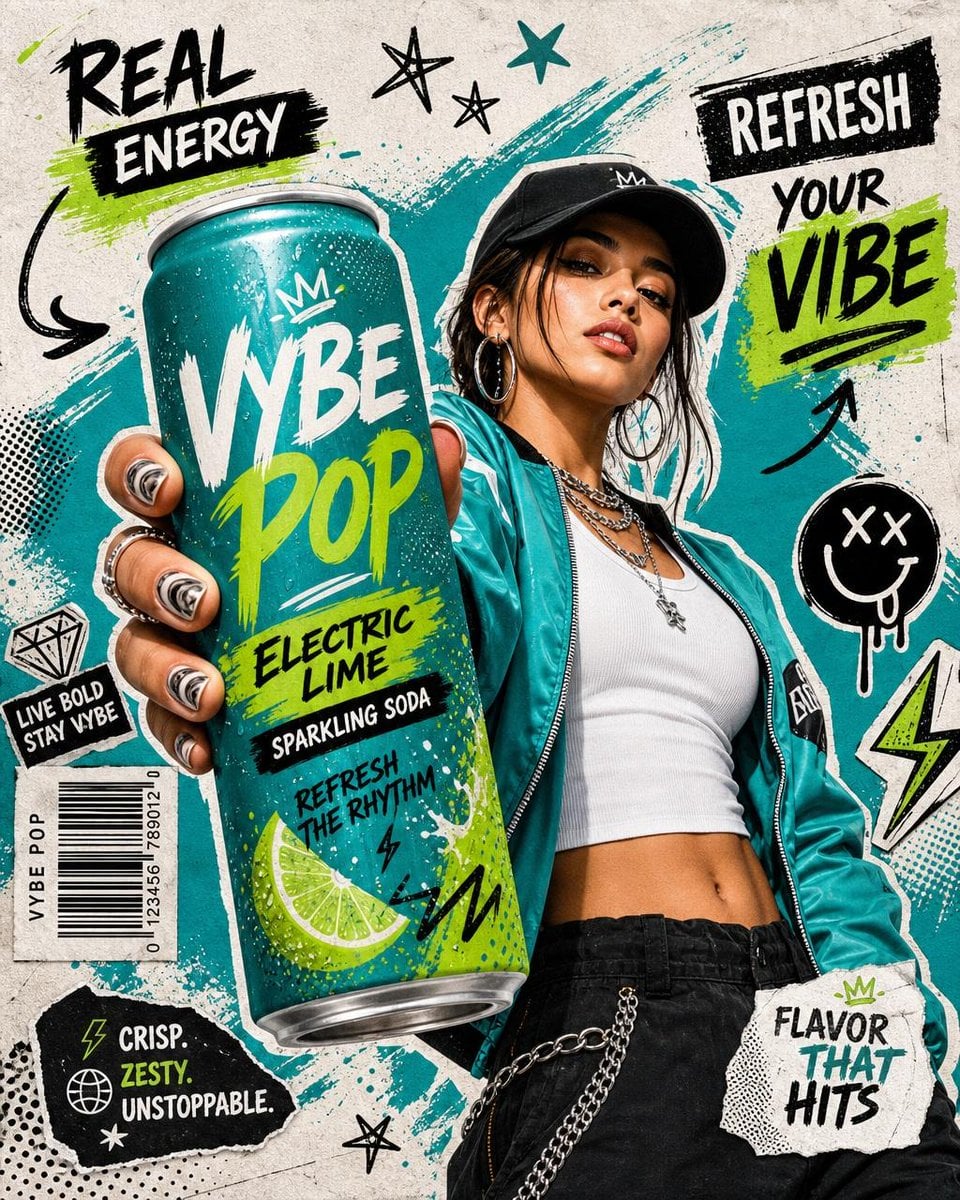
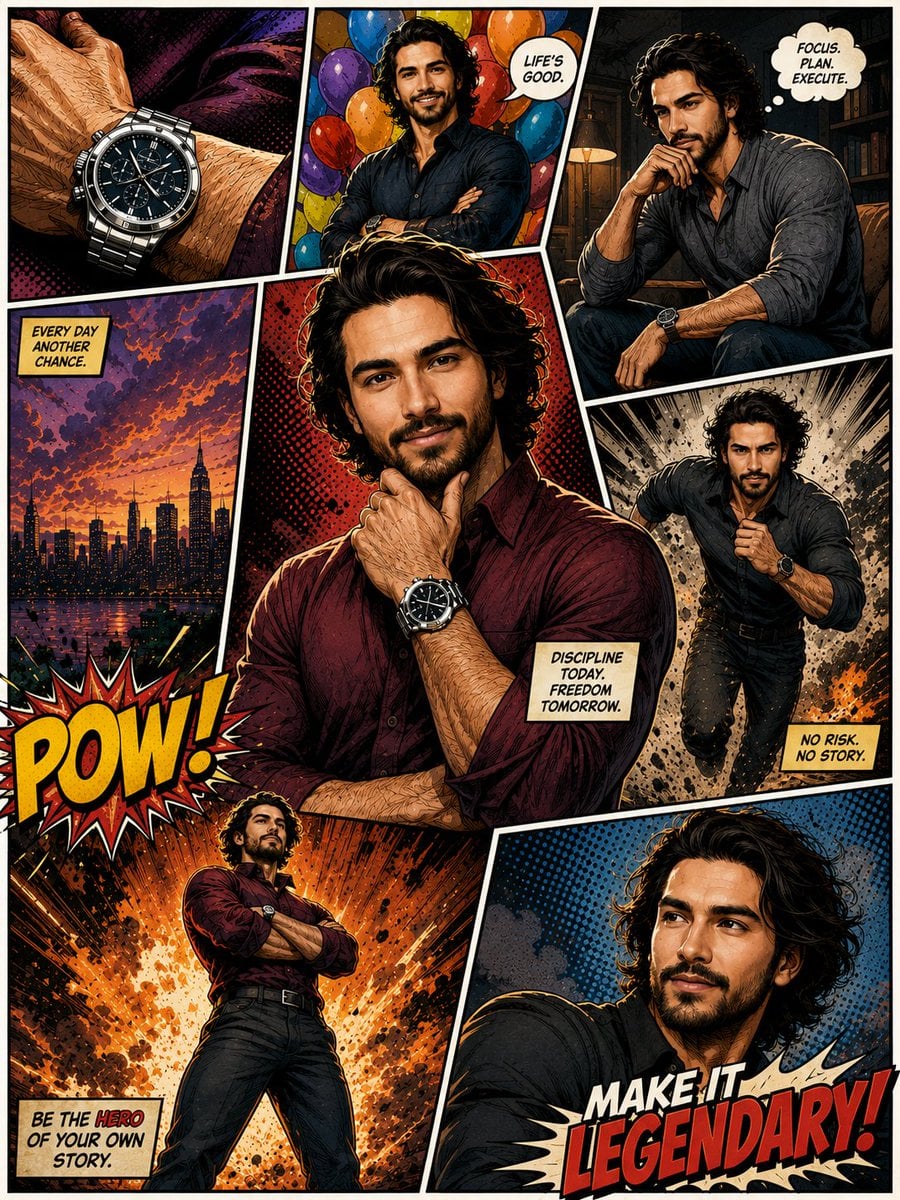
Model strengths
Model strengths
Suggested uses
Tasks to consider
Model details
Provider
ByteDance
Category
Image
Capabilities
Text to Image · Image to Image
Credit charges
Credit rate: 6.5 per image
Inputs
Prompt + optional images
Prompt requirements
Up to 3,000 characters
Developer access
Seedream 4.5 can be called through Public API v1. Modes that use reference media require uploads through the Files API. Check the model reference for supported inputs.
Seedream 4.5 FAQ
Use Seedream 4.5 for fashion and lifestyle campaigns, editorial portraits, branded stills, and detailed visuals that need richer texture. It offers 2K and 4K quality tiers and accepts up to 14 reference images for guided creation.
On Rivya, Seedream 4.5 currently supports text to image and image to image. It can also take up to 14 reference images.
Choose Basic 2K for direction tests or High 4K for a selected final direction, then set the frame shape and review every reference image. Use the smallest reference set that clearly communicates subject, style, and composition.
Fixed 7 credits per generation
Choose Seedream 4.5 when you need selectable 2K (Basic) and 4K (High) quality tiers and up to 14 reference images for guided creation. If you are still narrowing down the direction, start with a lighter draft option.
Start here when the first run is aimed at fashion and lifestyle campaign images, editorial portraits and branded stills, and high-detail visuals with richer texture. That keeps the first run practical: check the input, direction, and output quality here before turning it into a longer project.
This page currently supports text to image and image to image. That gives you a clean first result to judge whether the job is easier to start from a prompt, an existing image, or a mixed reference setup when you are aiming for fashion and lifestyle campaign images. You can also bring in up to 14 reference images.
Before you run it, the main checks are output tiers like Basic (2K) and High (4K), frame shape, and reference-input quality. Those are usually the pieces that decide whether the first result is close enough that you can keep iterating here toward fashion and lifestyle campaign images without making the setup heavier than it needs to be.
The page is public, but the actual first image run is still gated behind sign in. Fixed 7 credits per generation. You can line up the prompt, aspect ratio, and any reference images first, then sign in when you are ready to generate.
Stay on this page while you are still validating the initial prompt, reference setup, and whether the first result is getting you close to fashion and lifestyle campaign images on Seedream 4.5. Open the full Studio once the work needs saved history, repeated image revisions, asset management, or a longer visual project around the same material.
Compare alternatives
GPT Image 2.5 Flare supports image creation from a prompt and edits with image references, plus aspect ratio, resolution, and background settings.
Why consider it
Credit charges: Initial generation reserve: 1K 3 credits · 2K 10 credits · 4K 16 credits.
GPT Image 2.5 Sunburst generates images from a prompt, with optional reference images and separate aspect ratio, resolution, and background settings.
Why consider it
Credit charges: Rivya reserves 3 credits for 1K, 10 for 2K, or 16 for 4K before submitting the request.
GPT Image 2 on Rivya supports text-to-image generation and reference-image edits, with aspect ratio and resolution controls.
Why consider it
Credit charges: Initial reserve: 1K 3 credits · 2K 5 credits · 4K 8 credits.