Start with a shot description, guide motion between a first and optional last frame, or combine image, video and audio references. Set the resolution, aspect ratio and duration for the scene you want to try.
The final cost is rounded up to whole credits.
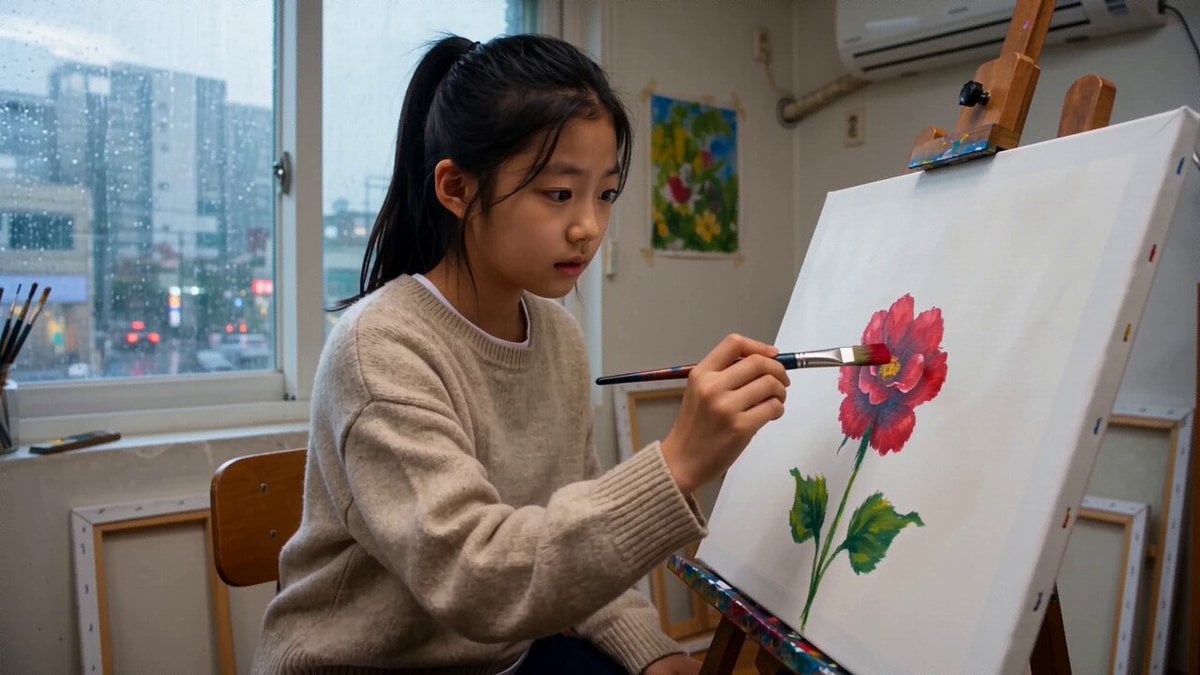
Example output
Seedance 2.0 Fast
Text to Video · Image to Video
Example output
Seedance 2.0 Fast
Best for
Supports
Try this model
No results to display yet.
Model examples
Review examples to help decide whether the model fits your task.
Model strengths
Model strengths
Seedance 2.0 Fast FAQ
Use it to explore a shot from text, animate a first frame, or try a scene with image, video and audio references. Requests support 480p or 720p and whole-second durations from 4 to 15 seconds. Choose the starting scene that matches the material you have.
Choose the scene first, then set duration, resolution, aspect ratio and audio. A frame scene needs a first image and can include a last image. For a reference scene, upload at least one image, video or audio clip through Rivya and describe how it should guide the shot.
Compare alternatives
Create Seedance 2.5 videos from text, a start frame with an optional end frame, or image, video, and audio references. Choose 480p, 720p, or 1080p, a duration from 4 to 30 seconds or automatic duration, and an MP4 or MOV format request.
Why consider it
Input option: Up to 50 reference files
Generate video from text, a first frame, or media references.
Why consider it
Suggested uses
Tasks to consider
Model details
Provider
ByteDance
Category
Video
Capabilities
Text to Video · Image to Video · Reference to Video
Credit charges
Credit rate: 6.8–24.8 per second of total video duration (input + output)
Inputs
Prompt, first frame with optional last frame, or image/video/audio references
Prompt requirements
Up to 20,000 characters
Developer access
Seedance 2.0 Fast can be called through Public API v1. Modes that use reference media require uploads through the Files API. Check the model reference for supported inputs.
The estimate uses the rate for your resolution and video inputs. It counts the requested output duration plus input video duration; images and audio do not add estimated seconds. Rivya rounds the reservation up to a whole credit. Final credits depend on reported usage and settlement.
Try one short shot with a clear subject, action and camera direction. Start from a text prompt, a first frame, or a small set of references, then inspect the returned result before changing the next setting.
Text to video uses a prompt without uploaded media. First / last frame requires a first image and accepts an optional last image. Multimodal reference accepts images, video, audio, or a combination. Choose one scene for each request.
Check the file type, size and duration before uploading. Reference mode accepts up to 9 images, 3 videos and 3 audio clips. Each video or audio clip must be 2–15 seconds, and video and audio each have a separate 15-second total limit. Uploads must pass Rivya's file and metadata checks.
Use this page to set up a shot and inspect a returned result. Open the Studio for the dedicated video workspace and the task history available to your account.
Credit charges: Credit rate: 41–208 per second of total video duration (input + output)
Seedance 2.0 Mini creates 480p or 720p videos lasting 4–15 seconds. Start with text, guide the clip with a first frame or a first-and-last-frame pair, or combine image, video and audio references. Choose one input mode for each generation, with optional generated audio.
Why consider it
Input option: Up to 15 reference files
