
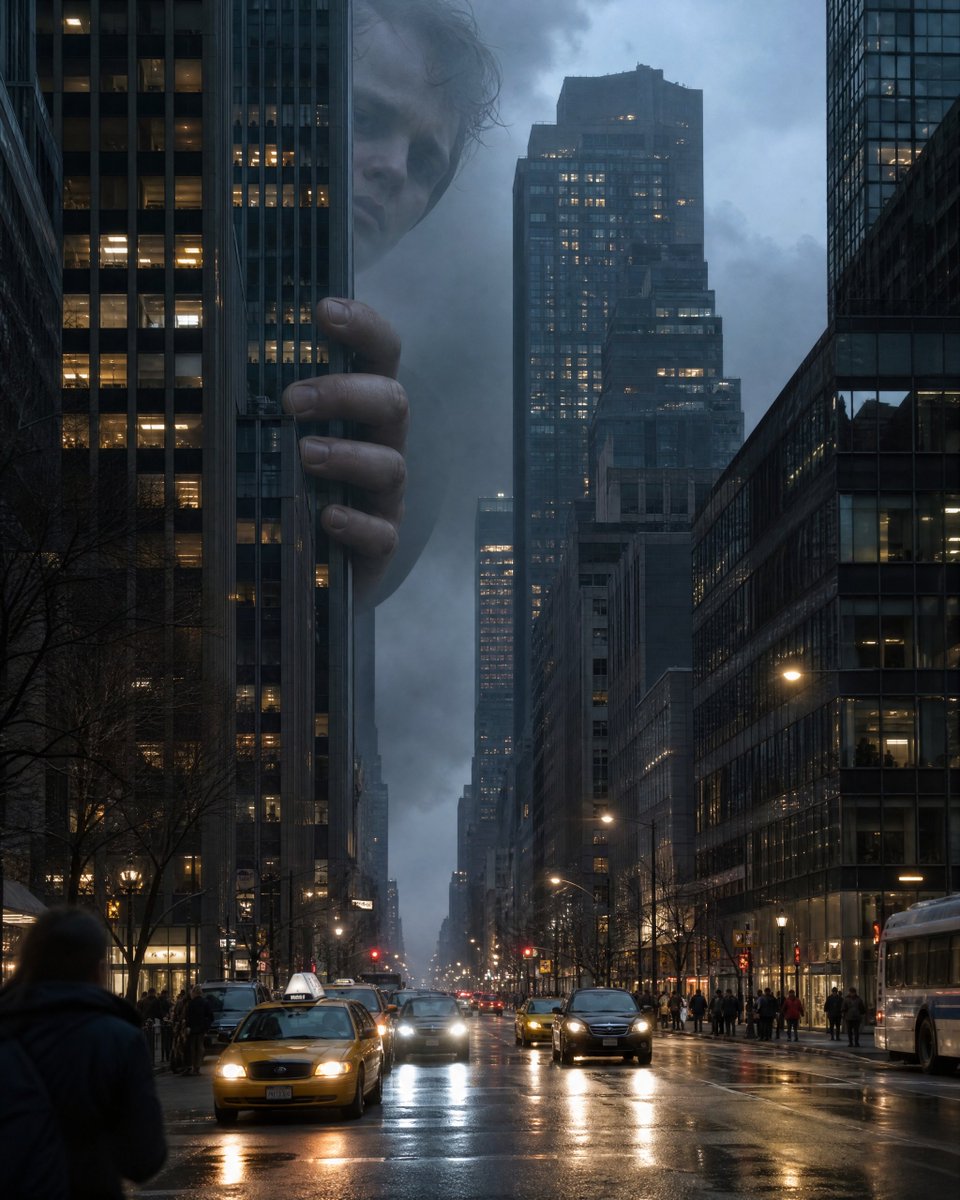
Choose Qwen Image 3.0 Pro when the brief calls for the Pro variant and you want its 1K or 2K pricing tier alongside prompt expansion, negative prompt, seed, format, and frame controls.
The final cost is rounded up to whole credits.
Example output
Qwen Image 3.0 Pro
Text to Image · Image to Image
Example output
Qwen Image 3.0 Pro
Best for
Supports
Try this model
No results to display yet.
Model examples
Review examples to help decide whether the model fits your task.

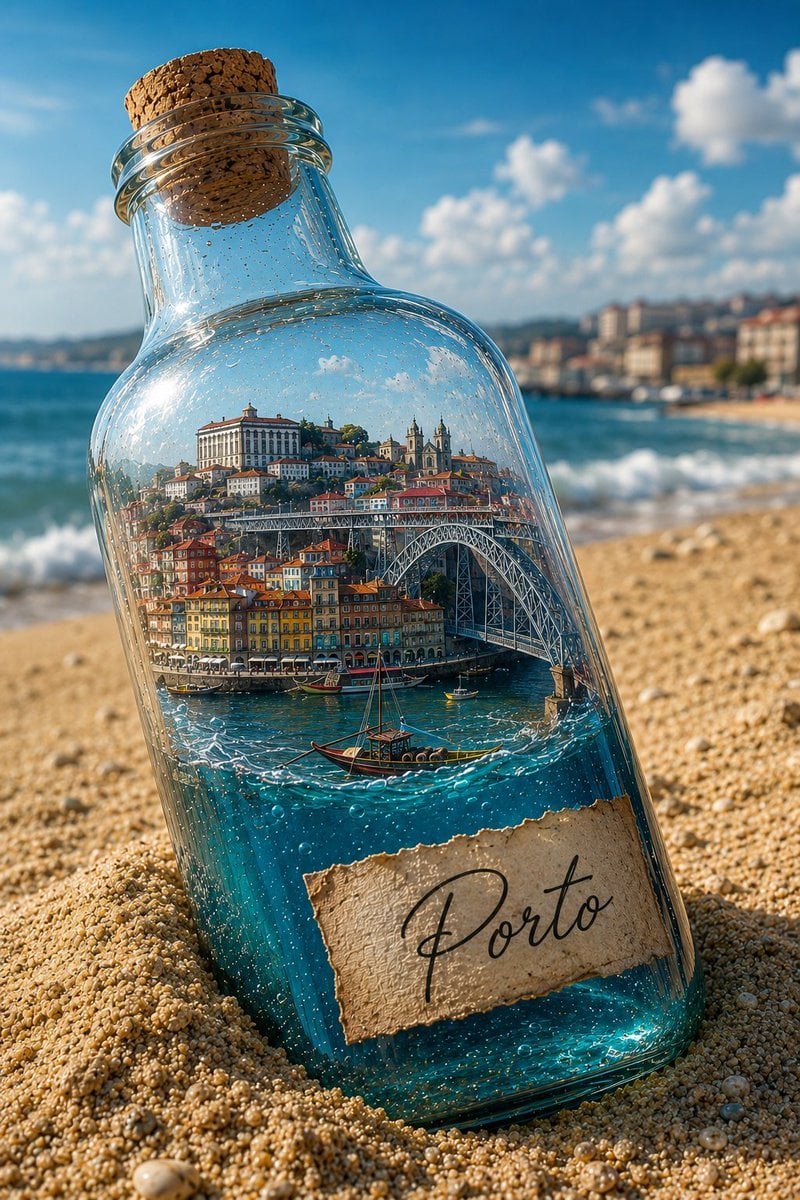
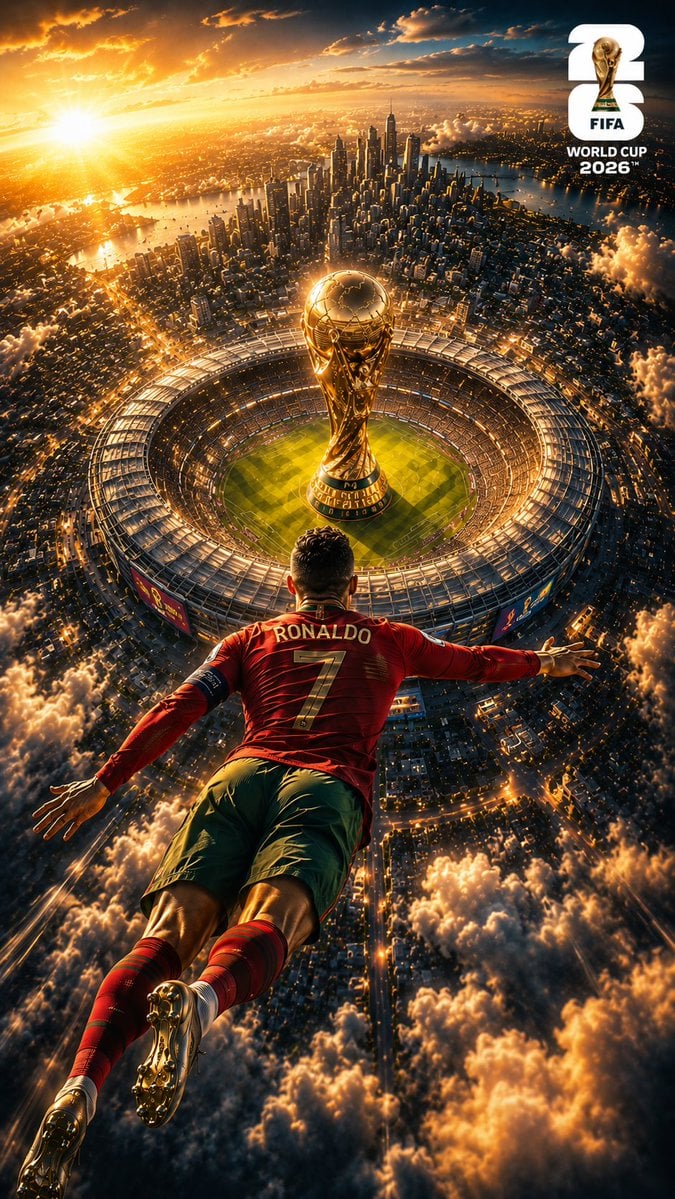

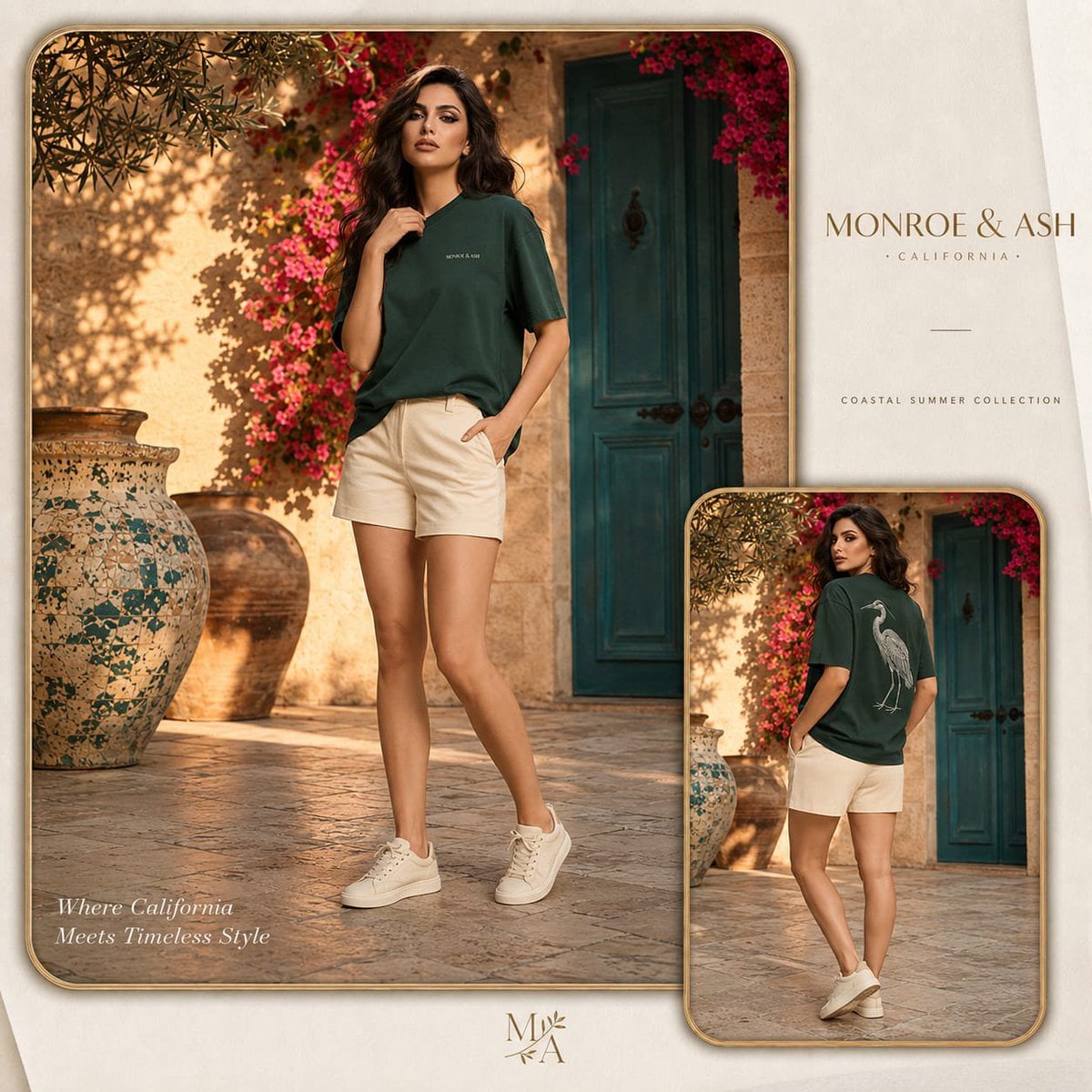
Model strengths
Model strengths
Suggested uses
Tasks to consider
Model details
Provider
Alibaba
Category
Image
Capabilities
Text to Image · Image to Image
Credit charges
The credit cost depends on your inputs and settings. Check the estimate before you start.
Inputs
Prompt + optional images
Prompt requirements
Up to 800 characters
Developer access
Qwen Image 3.0 Pro can be called through Public API v1. Modes that use reference media require uploads through the Files API. Check the model reference for supported inputs.
Qwen Image 3.0 Pro FAQ
Qwen Image 3.0 Pro fits campaign key visuals, premium product scenes, bilingual poster concepts, and reference-led editorial compositions when you specifically want the Pro variant and its separate 1K or 2K credit tier.
They are separate models with separate prices. Both expose the same core controls in Rivya, but the Pro model starts at 7 credits for 1K, while 2K starts at 12 credits before any reference-image additions.
You can add up to three JPEG, PNG, WebP, BMP, GIF, or TIFF references, up to 10 MB each. Use the smallest set that clearly defines the subject, material, or composition.
Qwen Image 3.0 Pro includes optional prompt expansion, a negative prompt up to 5,000 characters, and an integer seed from 0 to 2,147,483,647, along with resolution, frame, output format, and content-filter choices.
Use 1K while the brief is still being refined and move to 2K when the composition is already worth a higher-tier pass. Reference images can raise the final credit amount, so avoid redundant inputs.
Write a Chinese or English brief, choose the Pro model's 1K or 2K tier, set the aspect ratio and output format, and optionally add prompt expansion, a negative prompt, seed, or up to three references.
Yes. Submit a prompt-only text-to-image job, or add references when the subject, style, material, or composition needs visual guidance.
Start with 1K when you are still testing the direction. Choose 2K after the composition, wording, and reference hierarchy are stable enough to justify the higher tier.
The details are public, while file upload and generation require sign-in so Rivya can validate inputs, manage credits, and retain task history.
Move to Studio for saved variants, repeated seed comparisons, reference organization, and longer campaign workflows after the first Pro result.
Compare alternatives
GPT Image 2.5 Flare supports image creation from a prompt and edits with image references, plus aspect ratio, resolution, and background settings.
Why consider it
Credit charges: Initial generation reserve: 1K 3 credits · 2K 10 credits · 4K 16 credits.
GPT Image 2.5 Sunburst generates images from a prompt, with optional reference images and separate aspect ratio, resolution, and background settings.
Why consider it
Credit charges: Rivya reserves 3 credits for 1K, 10 for 2K, or 16 for 4K before submitting the request.
GPT Image 2 on Rivya supports text-to-image generation and reference-image edits, with aspect ratio and resolution controls.
Why consider it
Credit charges: Initial reserve: 1K 3 credits · 2K 5 credits · 4K 8 credits.