
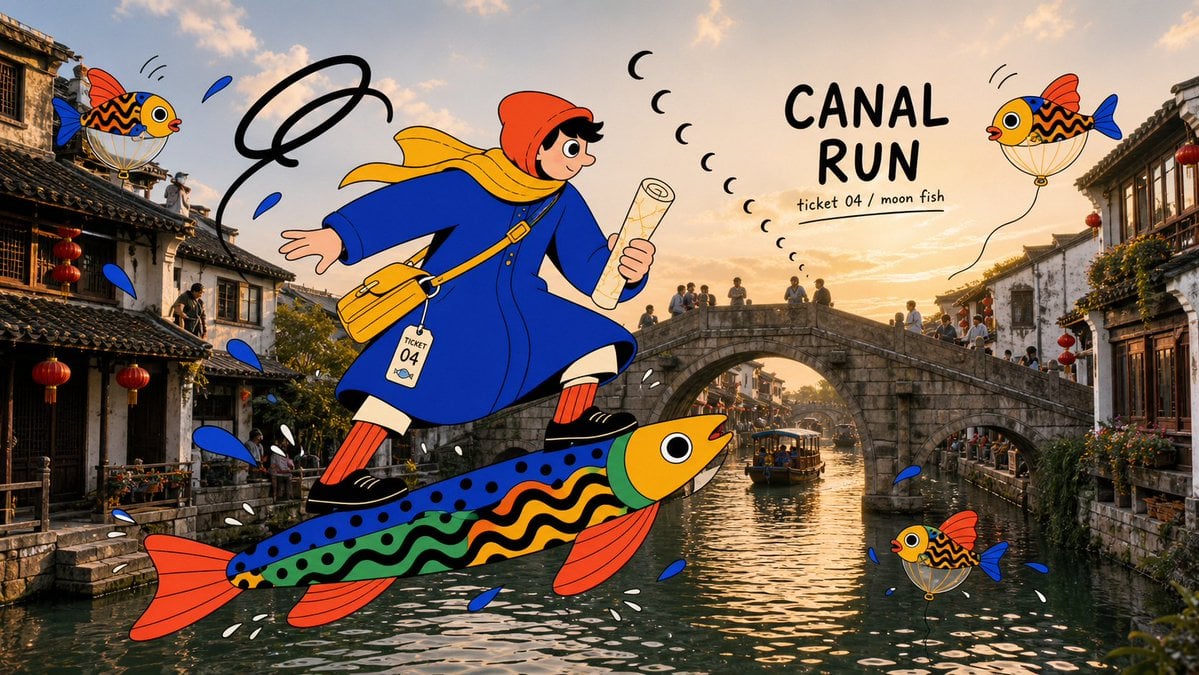
Create product compositions, portraits, and campaign layouts with Nano Banana. Use a text prompt, or add image references to guide the subject, style, and composition.
The final cost is rounded up to whole credits.
Example output
Nano Banana
Text to Image · Image to Image
Example output
Nano Banana
Best for
Supports
Try this model
No results to display yet.
Model examples
Review examples to help decide whether the model fits your task.
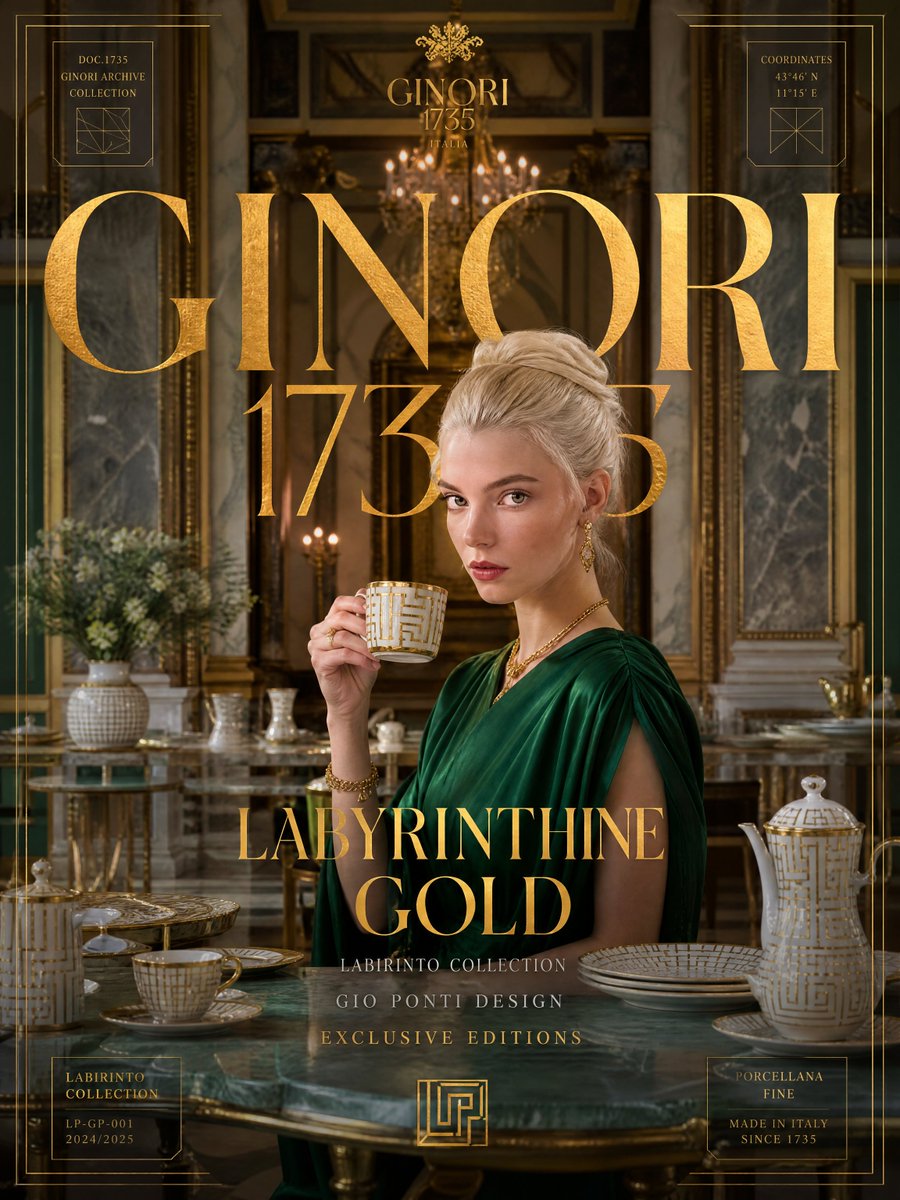
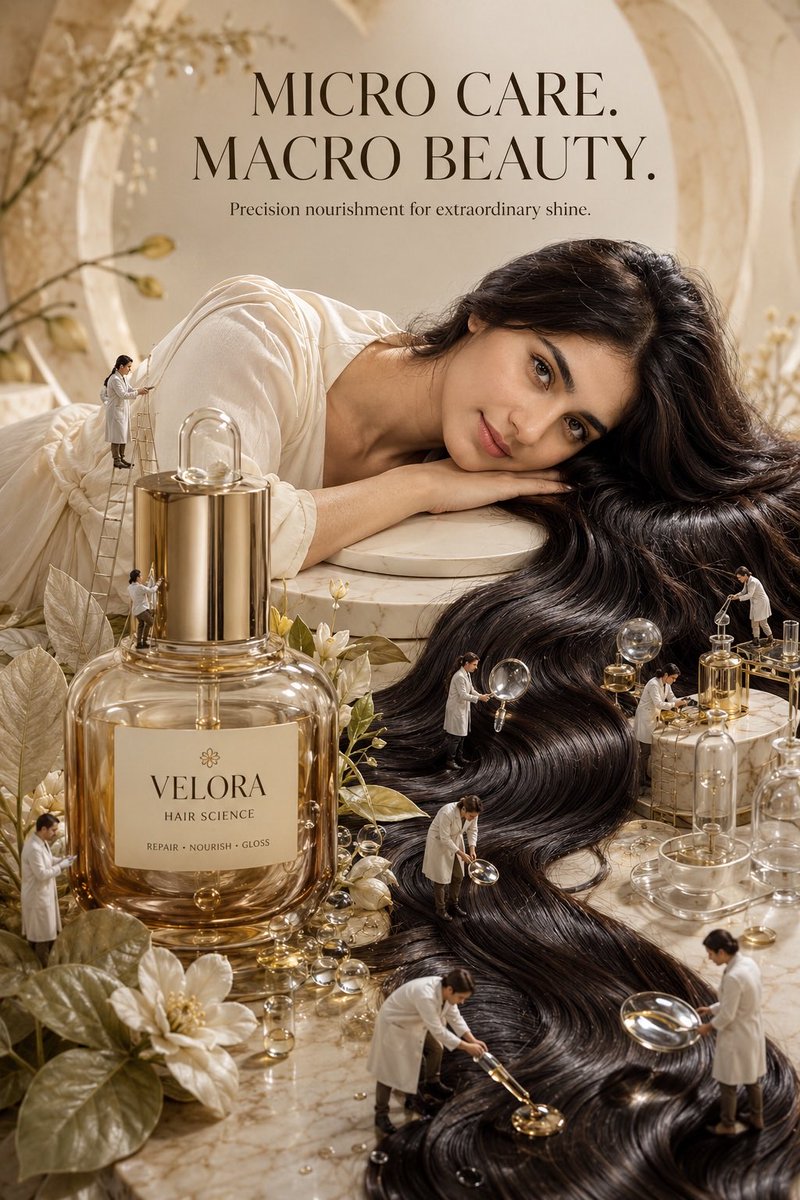
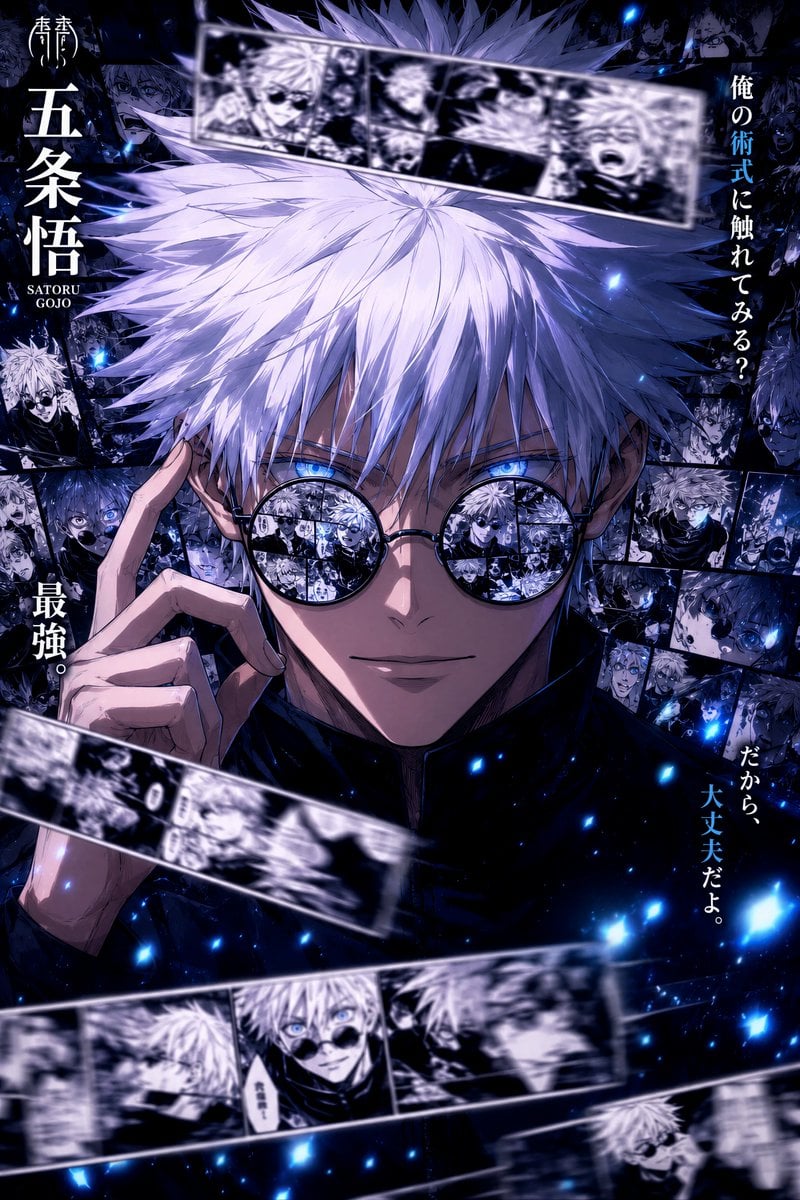
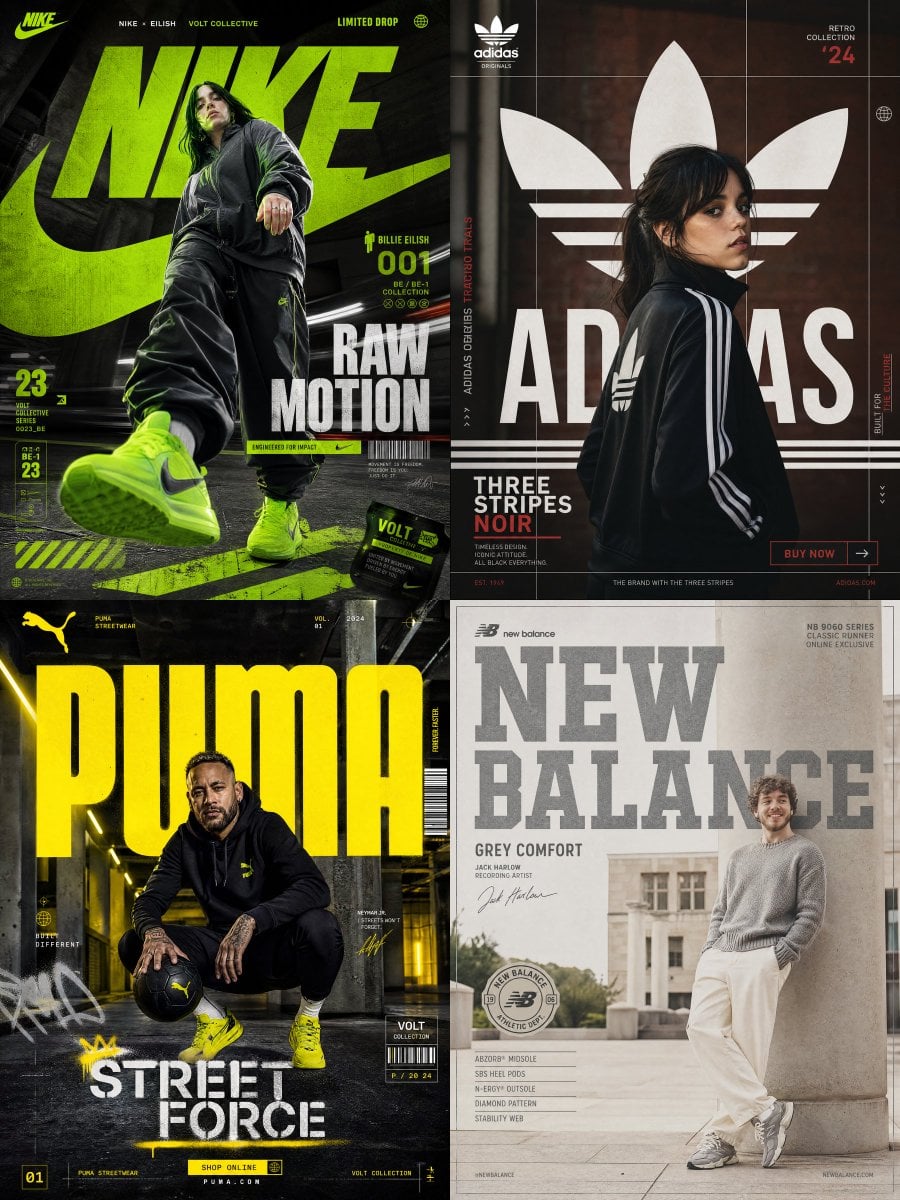
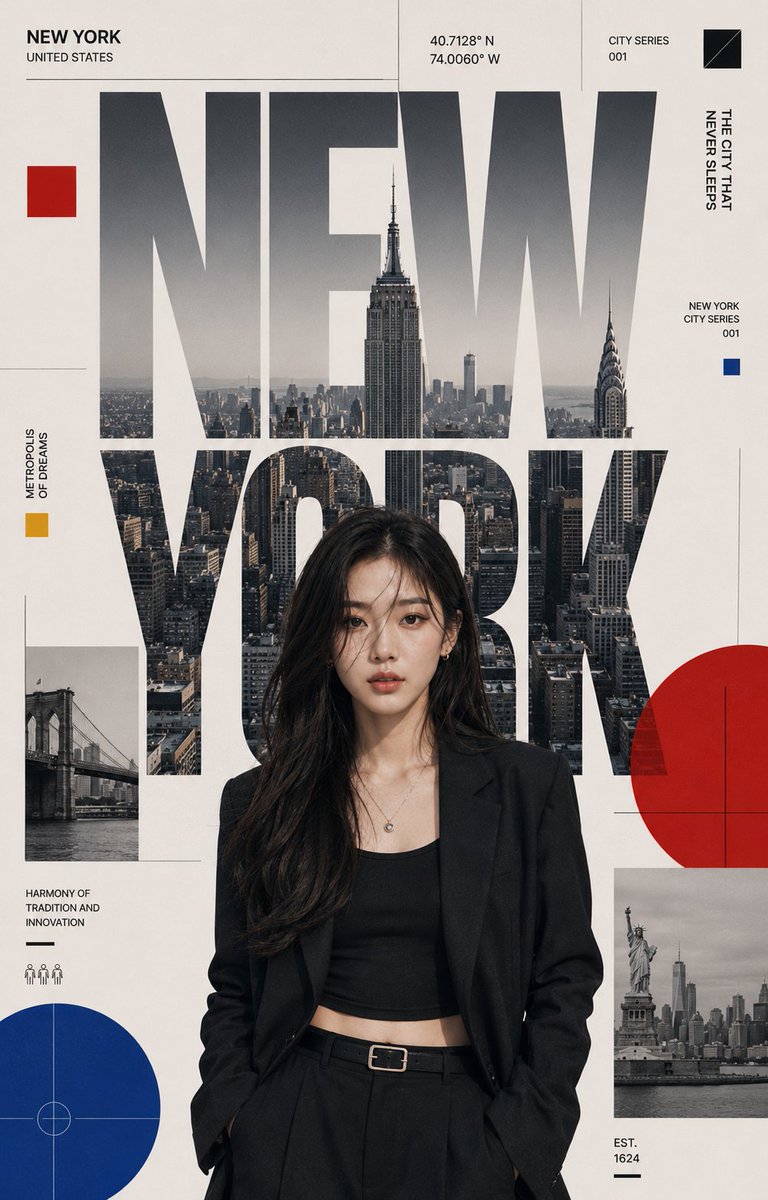
Model strengths
Model strengths
Suggested uses
Tasks to consider
Model details
Provider
Category
Image
Capabilities
Text to Image · Image to Image
Credit charges
Initial reserve: 3 credits per request; successful tasks settle against valid reported usage.
Inputs
Prompt + optional images
Prompt requirements
Up to 5,000 characters
Developer access
Nano Banana can be called through Public API v1. Modes that use reference media require uploads through the Files API. Check the model reference for supported inputs.
Nano Banana FAQ
Use Nano Banana for product compositions, portraits, editorial concepts, and wide campaign drafts. Choose from 11 aspect-ratio options, including Auto and 21:9, and add up to 10 image references when you want visual guidance.
Rivya supports text-to-image and image-to-image with Nano Banana. Both require a prompt of at most 5,000 UTF-16 units after trimming whitespace. For image-to-image, add up to 10 image references to guide a new output.
Choose the aspect ratio for your destination and the PNG or JPEG format you need. Give each reference a clear role, such as subject, style, layout, or material, and describe the changes you want in the prompt. Review the output before using it.
Rivya initially reserves 3 credits for a Nano Banana request in either image mode. After success, valid reported usage is rounded up to whole credits and settled when it does not exceed the reserve; any unused credits are returned. If usage is missing, invalid, or above the reserve, billing remains pending review.
Start with Nano Banana when the task calls for image references, a particular aspect ratio, and PNG or JPEG output. Compare a draft with your brief before starting another generation; each new request has its own credit reserve.
Try a product composition, portrait, editorial concept, or wide campaign draft. Describe the subject and layout clearly, then check the result against your brief before expanding the project.
Enter a prompt, choose an aspect ratio and PNG or JPEG output, and optionally add up to 10 image references. The images can guide a product, portrait, or layout draft; the prompt is still required.
Check the aspect ratio, output format, prompt, and reference images. These are the controls available for Nano Banana here; aspect ratios describe the layout, not a resolution tier. Review reference rights and the generated result before publishing.
You can read this public page and draft a prompt before signing in. Sign in to upload reference images or generate. Uploading has no credit-balance gate; starting a generation requires enough credits for the initial 3-credit reserve. Successful tasks settle under the reported-usage rules described above.
Use this page for focused Nano Banana drafts and Studio when you want to move between models or creative workflows. Tasks started here are account tasks too: open History to revisit them and download results while their media links remain available.
Compare alternatives
GPT Image 2.5 Flare supports image creation from a prompt and edits with image references, plus aspect ratio, resolution, and background settings.
Why consider it
Credit charges: Initial generation reserve: 1K 3 credits · 2K 10 credits · 4K 16 credits.
GPT Image 2.5 Sunburst generates images from a prompt, with optional reference images and separate aspect ratio, resolution, and background settings.
Why consider it
Credit charges: Rivya reserves 3 credits for 1K, 10 for 2K, or 16 for 4K before submitting the request.
GPT Image 2 on Rivya supports text-to-image generation and reference-image edits, with aspect ratio and resolution controls.
Why consider it
Credit charges: Initial reserve: 1K 3 credits · 2K 5 credits · 4K 8 credits.