
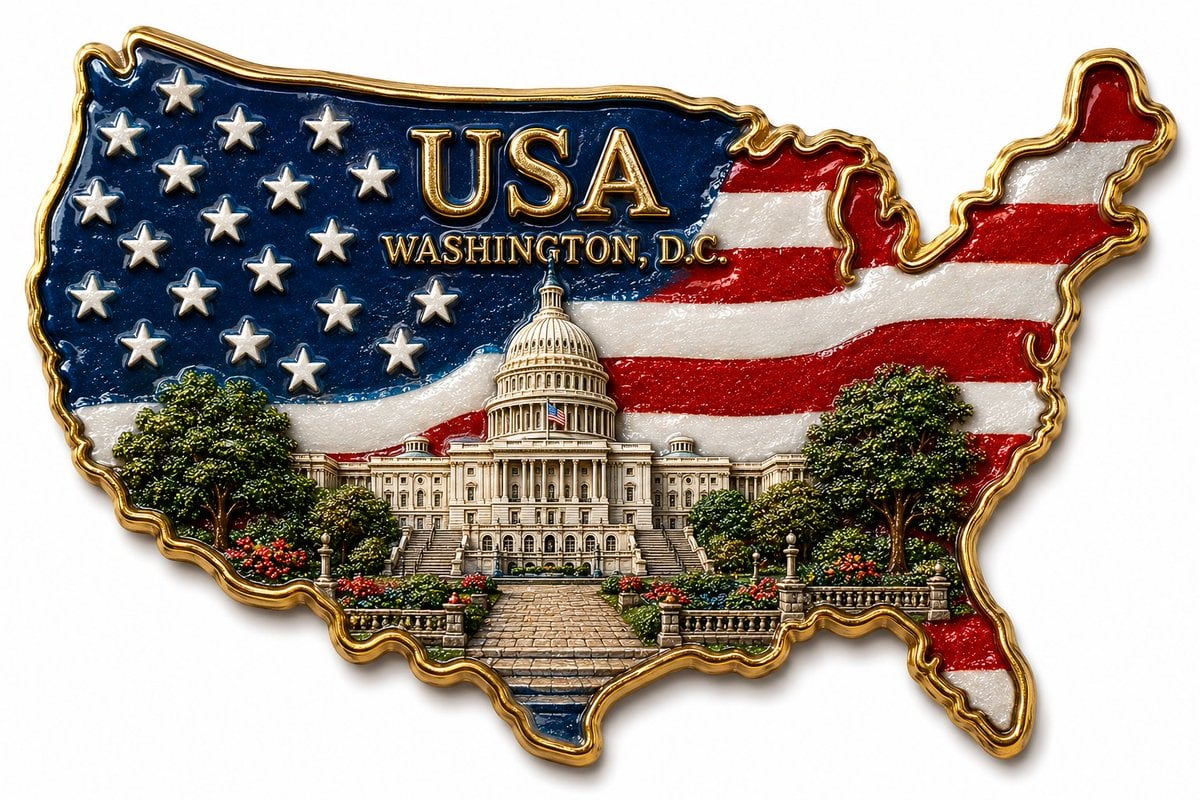
Use Nano Banana Pro for product hero images, brand concepts, and campaign compositions. Describe the subject and lighting in your prompt, and add optional images to guide the visual direction.
The final cost is rounded up to whole credits.
Example output
Nano Banana Pro
Text to Image · Image to Image
Example output
Nano Banana Pro
Best for
Supports
Try this model
No results to display yet.
Model examples
Review examples to help decide whether the model fits your task.




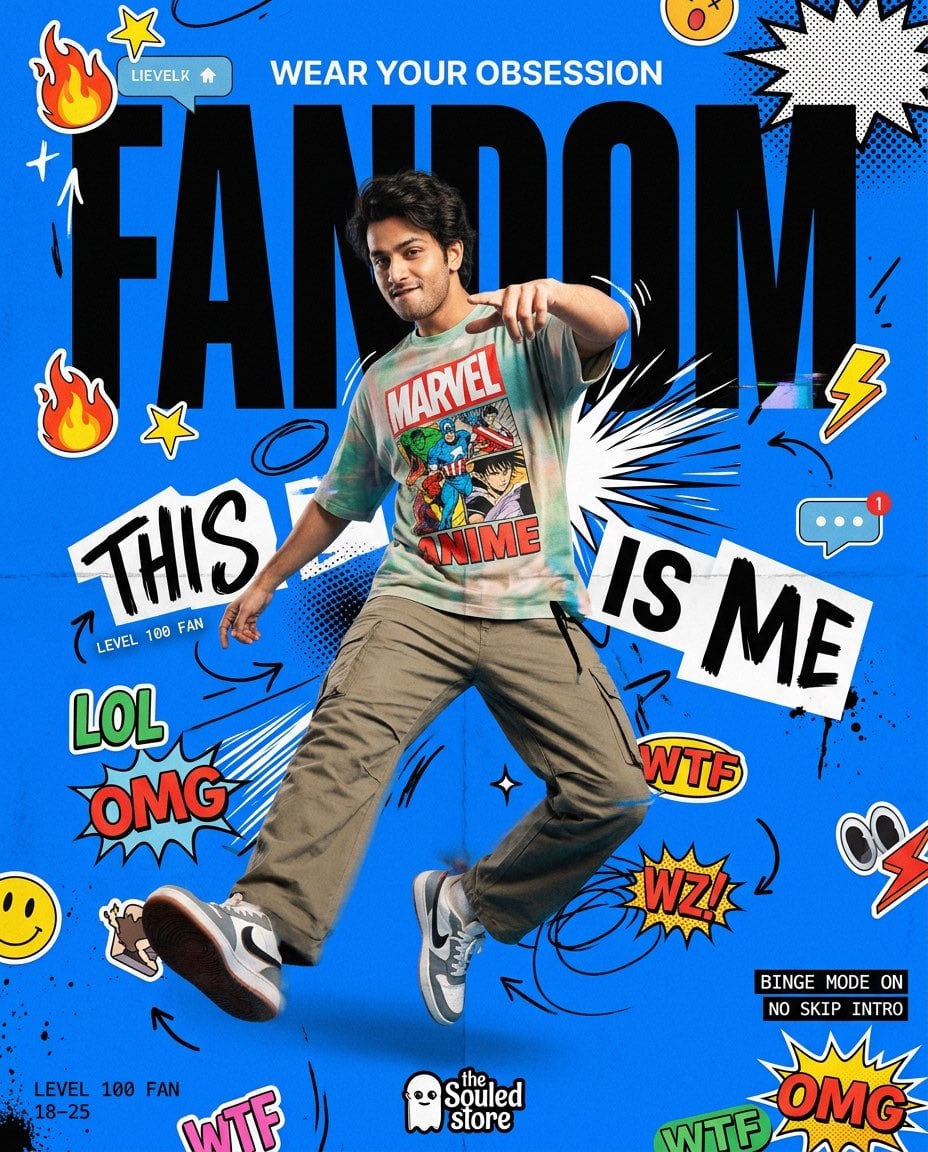
Model strengths
Model strengths
Suggested uses
Tasks to consider
Model details
Provider
Category
Image
Capabilities
Text to Image · Image to Image
Credit charges
Initial reserve: 8 credits for 1K, 8 credits for 2K, or 14 credits for 4K. The final charge depends on settlement.
Inputs
Prompt + optional images
Prompt requirements
Nano Banana Pro FAQ
Use Nano Banana Pro to explore a product hero image, a brand concept, or a campaign composition. Describe the layout, lighting, and visual style you want, and review each result for your intended use.
A prompt is required for text to image and image to image. You can add up to 8 reference images. Keep your prompt within the 10000-character limit shown in the form. Leading and trailing spaces are excluded; an emoji may count as more than one character.
Choose 1K, 2K, or 4K, an aspect ratio or Auto, and PNG or JPG output. Match these settings to the size and layout you need, then check the generated image before using it.
Rivya initially reserves 8 credits for 1K, 8 credits for 2K, or 14 credits for 4K. The upstream rate is per output image. A valid reported charge, rounded up to whole credits, can settle the task when it does not exceed the reserve; any unused reserved credits are returned. Missing, invalid, or higher reported usage leaves settlement pending.
Use JPEG, PNG, or WebP files, each no larger than 30 MiB. Choose references that help explain the product, composition, or visual style, and make sure you have the rights to use them.
Try a product still, a brand concept, or a campaign layout. Describe the subject, composition, style, and lighting, then review the result for detail, accuracy, and suitability before using it.
A prompt is required for both text to image and image to image. Add up to 8 reference images if you want to guide the image, then choose the aspect ratio, resolution, and PNG or JPG output.
Check the prompt, reference images, resolution, aspect ratio, output format, and credit estimate. Auto is also available in the aspect ratio selector; inspect the result to confirm that its framing suits your layout.
You can view this page and draft a prompt before signing in. Sign in to upload references or generate an image. Generation requires enough credits for the initial reserve: 8 for 1K, 8 for 2K, or 14 for 4K. Uploading a reference does not reserve generation credits. The final charge follows the task's settlement.
Use this page to adjust the prompt, references, and output settings for Nano Banana Pro. Open Studio for a broader workflow across models. Your signed-in generation history also includes tasks started here; a saved task does not guarantee that its result file remains available.
Compare alternatives
GPT Image 2.5 Flare supports image creation from a prompt and edits with image references, plus aspect ratio, resolution, and background settings.
Why consider it
Credit charges: Initial generation reserve: 1K 3 credits · 2K 10 credits · 4K 16 credits.
GPT Image 2.5 Sunburst generates images from a prompt, with optional reference images and separate aspect ratio, resolution, and background settings.
Why consider it
Credit charges: Rivya reserves 3 credits for 1K, 10 for 2K, or 16 for 4K before submitting the request.
GPT Image 2 on Rivya supports text-to-image generation and reference-image edits, with aspect ratio and resolution controls.
Why consider it
Credit charges: Initial reserve: 1K 3 credits · 2K 5 credits · 4K 8 credits.
Up to 10,000 characters
Developer access
Nano Banana Pro can be called through Public API v1. Modes that use reference media require uploads through the Files API. Check the model reference for supported inputs.