
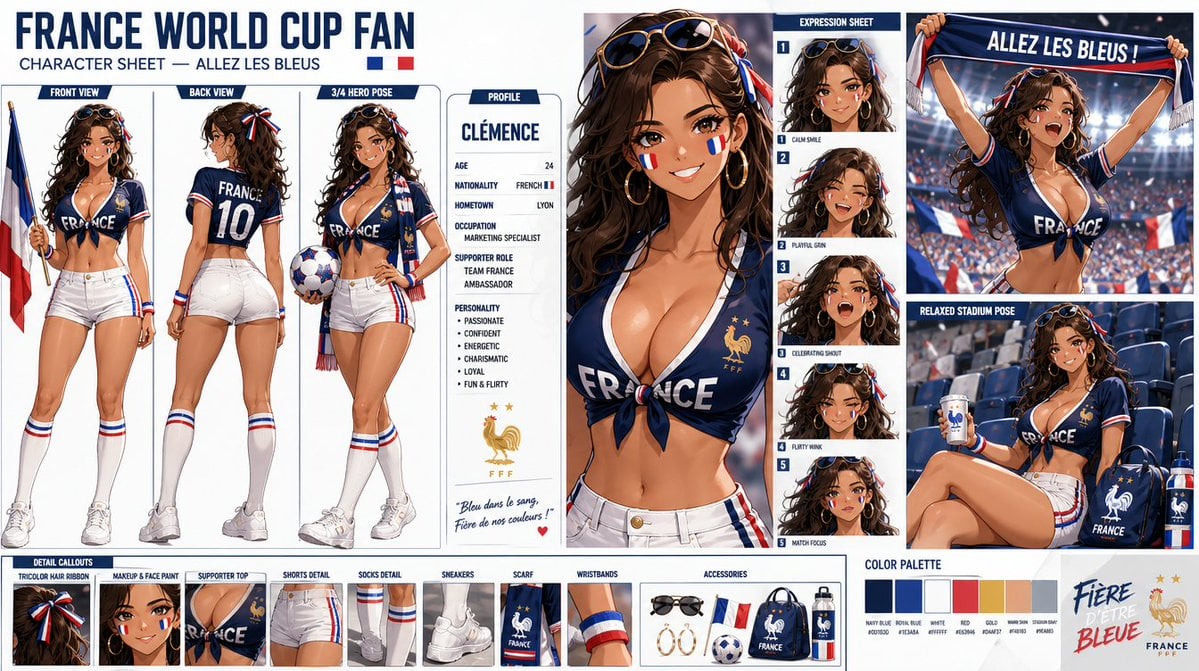
Generate product images and brand visuals from a prompt, or add images to guide the subject, style, and composition. Nano Banana 2 offers 1K, 2K, and 4K output tiers, wide and tall framing, and JPG or PNG output on Rivya. Check labels, logos, product details, and placement in the finished image before using it.
The final cost is rounded up to whole credits.
Example output
Nano Banana 2
Text to Image · Image to Image
Example output
Nano Banana 2
Best for
Supports
Try this model
No results to display yet.
Model examples
Review examples to help decide whether the model fits your task.
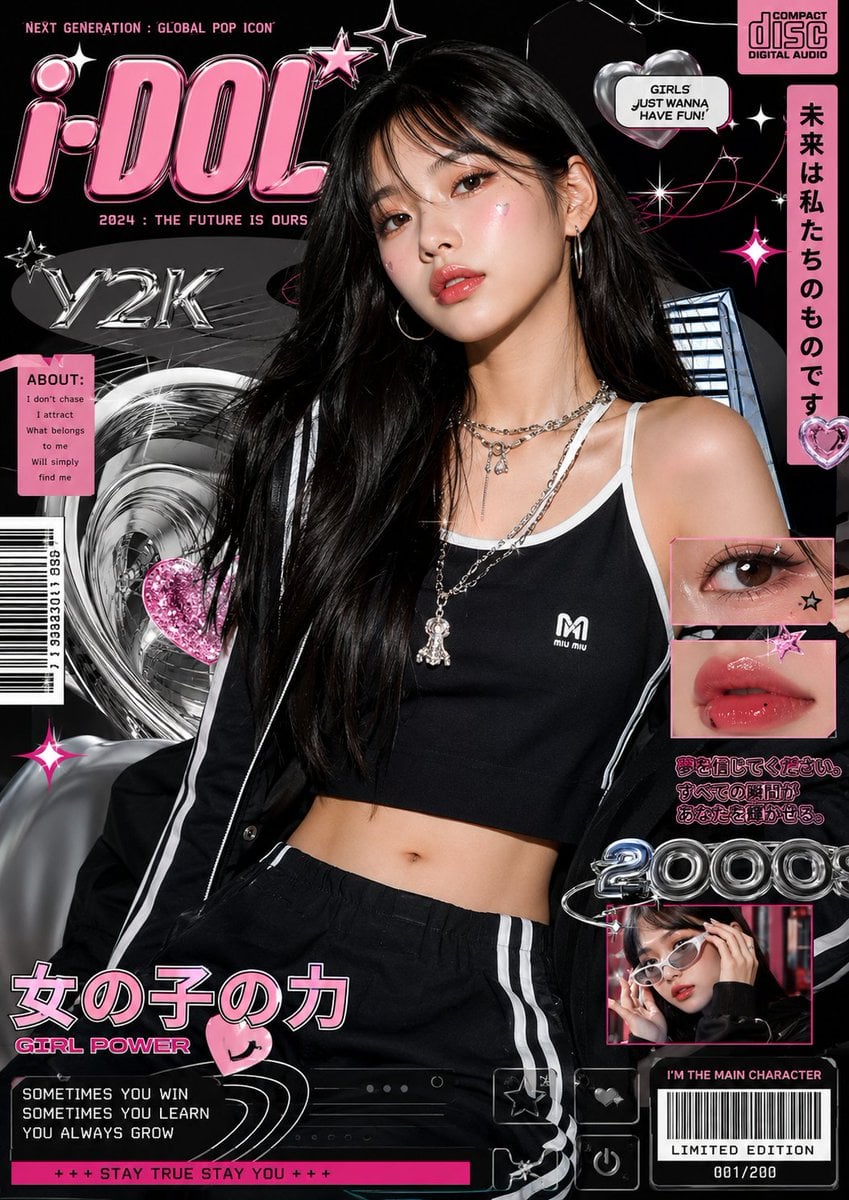
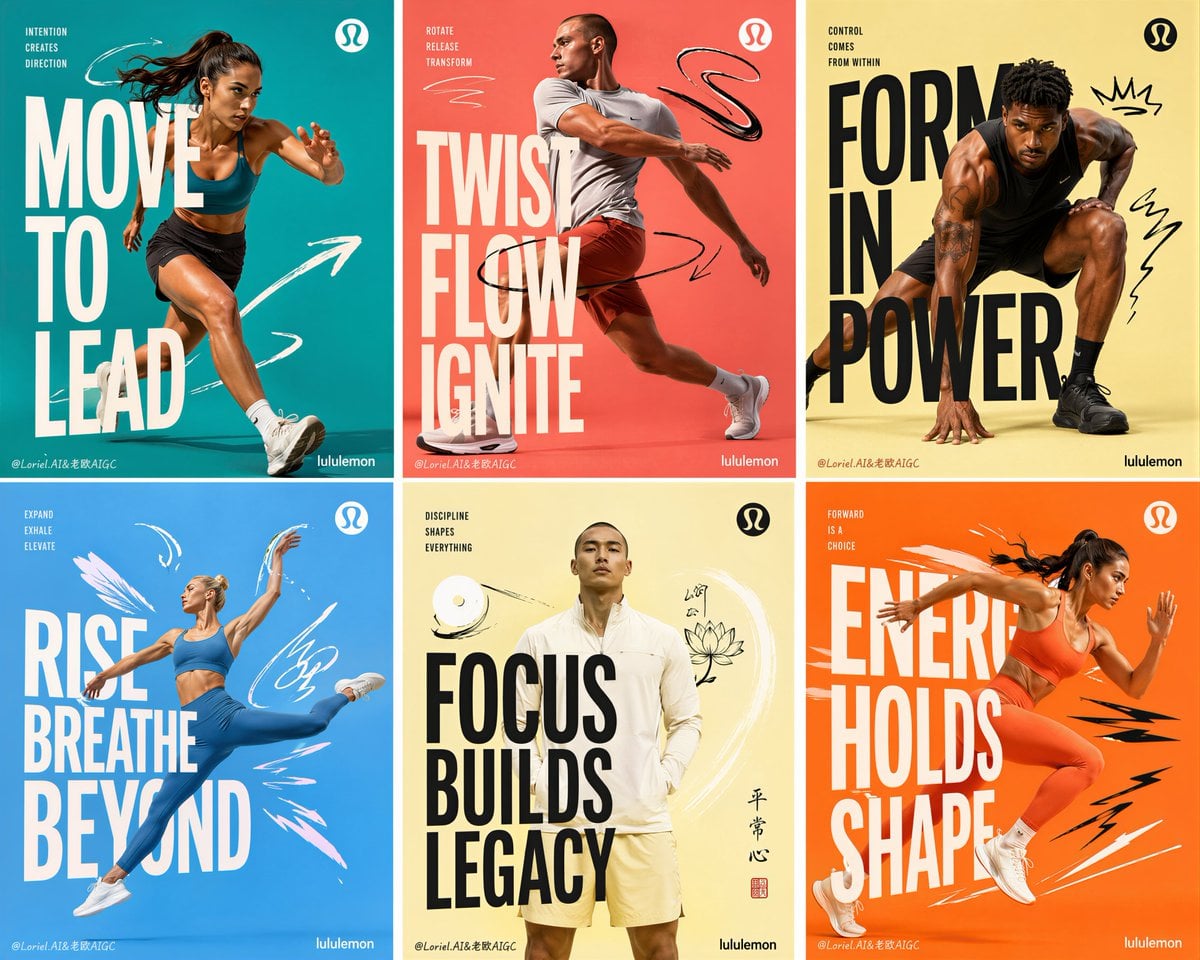
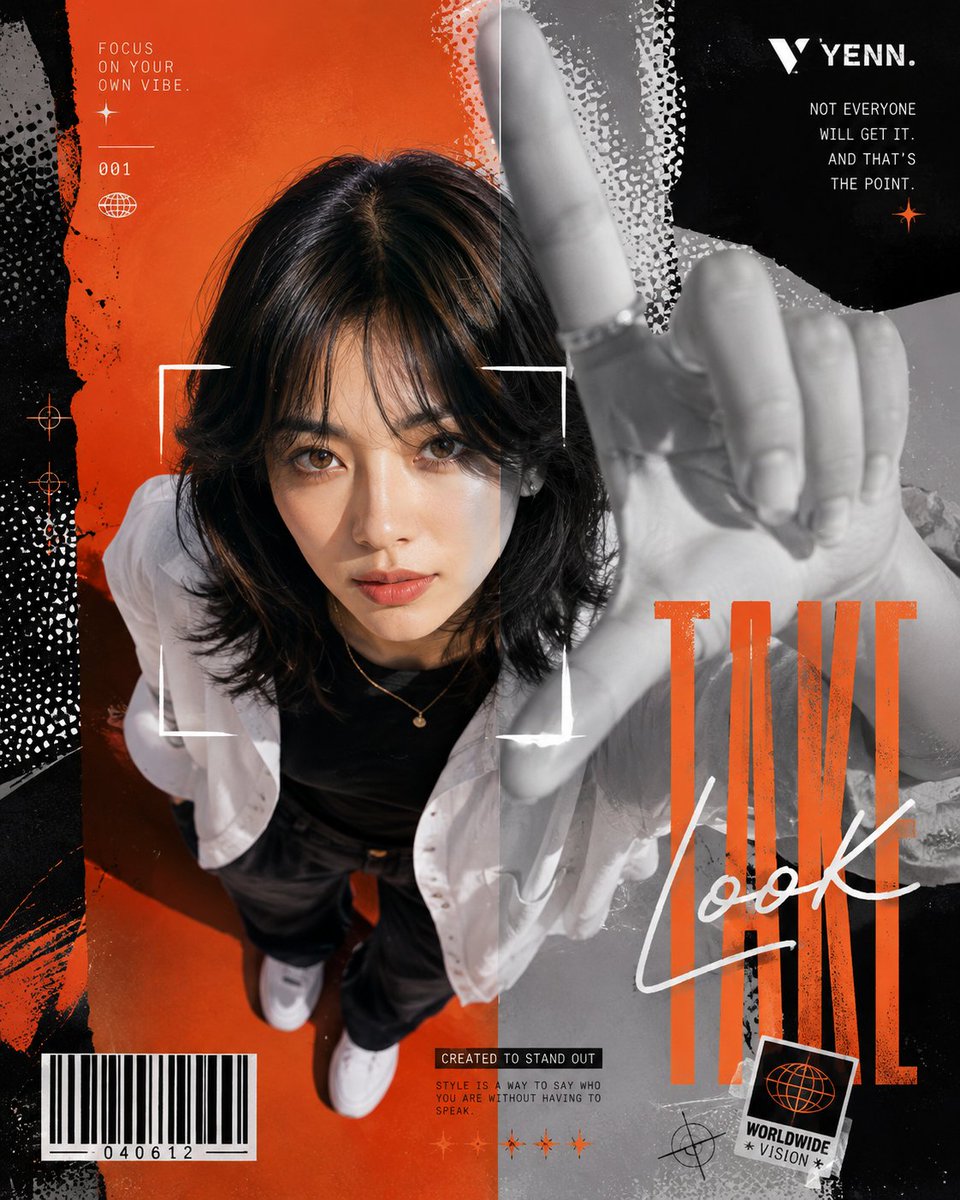
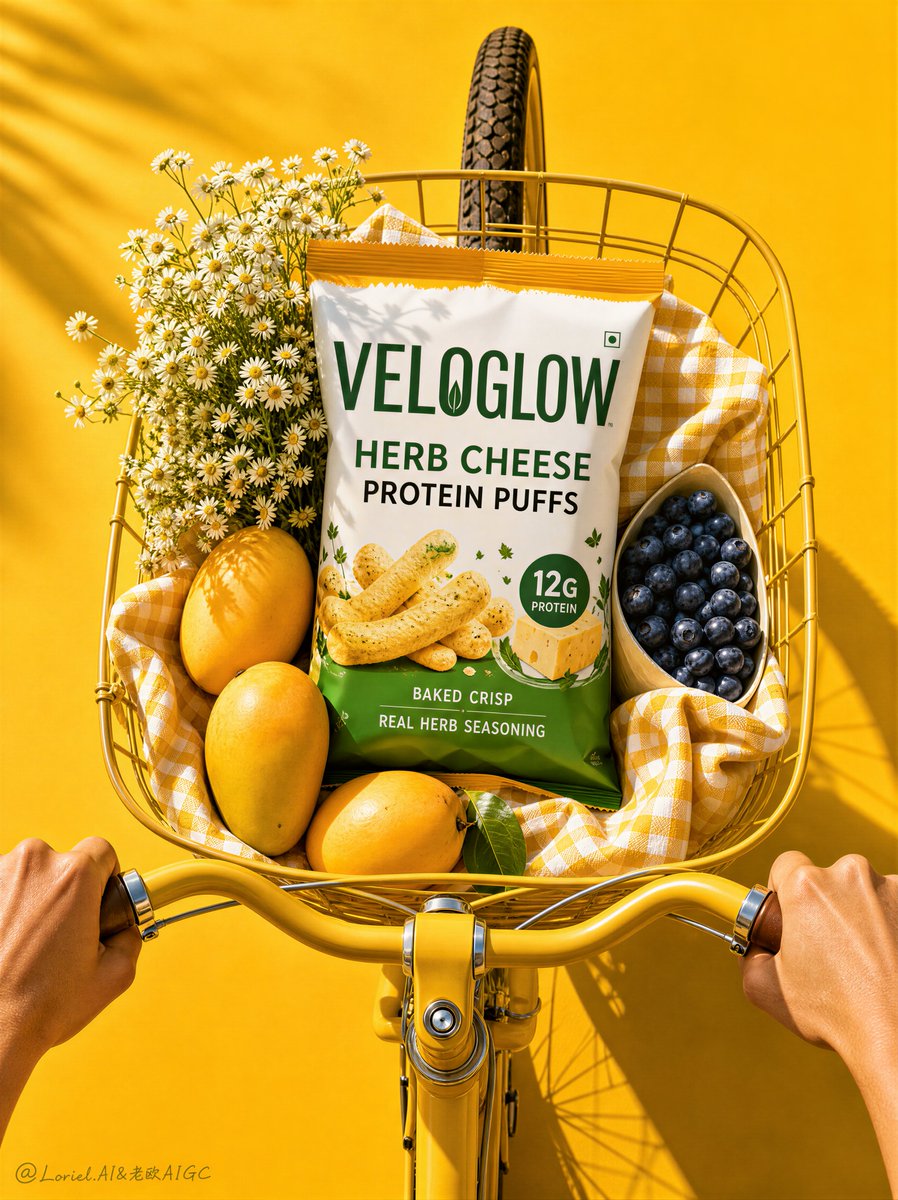
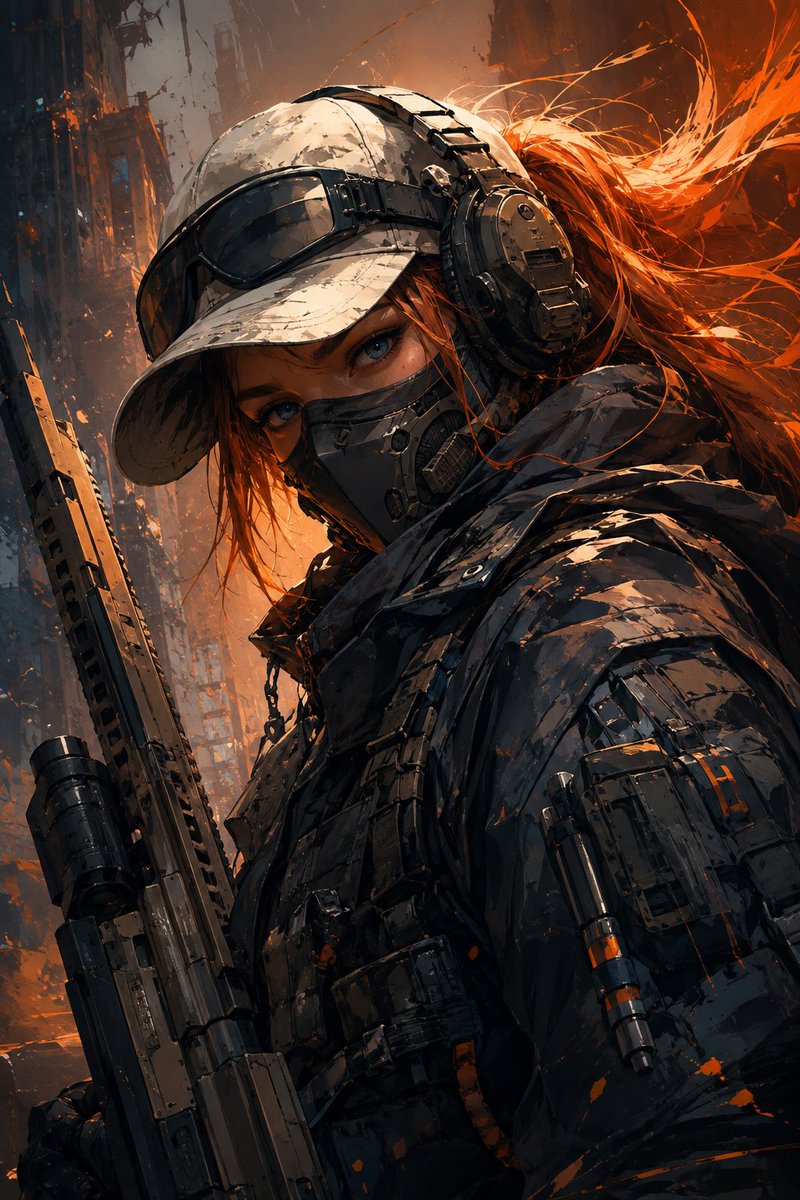
Model strengths
Model strengths
Suggested uses
Tasks to consider
Model details
Provider
Category
Image
Capabilities
Text to Image · Image to Image
Credit charges
Estimated generation: 1K 5 credits · 2K 8 credits · 4K 12 credits
Inputs
Prompt + optional images
Prompt requirements
Up to 20,000 characters
Nano Banana 2 FAQ
Use it for large-format product concepts, panoramic layouts, multiple-reference drafts, and campaign composition tests. Rivya offers 1K, 2K, and 4K output tiers with Auto or 14 fixed aspect ratios, including 8:1 and 1:8. Review product details and text in the full result; reference images guide the request but do not guarantee an exact reproduction.
Choose the resolution, aspect ratio, and output format before generating. For 8:1 or 1:8 layouts, describe subject placement and the empty space you need. Rivya accepts prompts up to 20,000 characters and JPEG, PNG, or WebP references up to 30 MiB per file; MiB means binary megabytes. Explain what each reference should guide and check the uploaded selection before submitting.
Rivya's generation estimate is 5 credits for 1K, 8 credits for 2K, or 12 credits for 4K. Review the selected tier and the estimate before submitting; a new generation request has its own cost. Start with a lower tier or compare another available image model when that meets your framing and reference needs. Final settlement follows the task's recorded usage.
Choose Nano Banana 2 when you need 1K, 2K, or 4K tiers, Auto or 14 fixed ratios including 8:1 and 1:8, or several image references. For ordinary framing or an early direction test, compare another available model's settings and estimate before choosing. A lower resolution or a different model may meet the brief. Compare Nano Banana Pro against the same brief before choosing your next model.
Try a product scene or brand concept with the intended framing and a small set of necessary references. Inspect the full image for product shape, labels, logos, unwanted objects, and composition before a longer campaign. A successful task is not proof that the asset is ready to publish.
Use text-to-image generation from a prompt, or image-to-image generation with references to guide a product, style, or composition. You can attach up to 10 image references. Explain their roles in the prompt and review the finished image against the originals; this form does not create a layered editing project or guarantee exact reference matching.
Check resolution (1K, 2K, or 4K), aspect ratio, and JPG or PNG output before running. For 8:1 or 1:8 framing, specify the subject position and space for copy. Recheck the prompt and references after changing models, and compare the finished image with the brief before another request.
You can browse this page and prepare a prompt and settings before signing in. Reference uploads and generation require your account. Rivya estimates 5 credits for 1K, 8 credits for 2K, or 12 credits for 4K. Check the selected tier and estimate before submitting, and keep a local copy of your prompt and original images if sign-in or a page change is needed.
Use the public form for a first prompt or reference test. Studio is useful for ongoing model selection and repeat requests, and History holds submitted task records. Each generation is a new request, so keep your original reference files and download results you need. Moving to Studio does not create an editing project, asset archive, or extra credits.
Compare alternatives
GPT Image 2.5 Flare supports image creation from a prompt and edits with image references, plus aspect ratio, resolution, and background settings.
Why consider it
Credit charges: Initial generation reserve: 1K 3 credits · 2K 10 credits · 4K 16 credits.
GPT Image 2.5 Sunburst generates images from a prompt, with optional reference images and separate aspect ratio, resolution, and background settings.
Why consider it
Credit charges: Rivya reserves 3 credits for 1K, 10 for 2K, or 16 for 4K before submitting the request.
GPT Image 2 on Rivya supports text-to-image generation and reference-image edits, with aspect ratio and resolution controls.
Why consider it
Credit charges: Initial reserve: 1K 3 credits · 2K 5 credits · 4K 8 credits.
Developer access
Nano Banana 2 can be called through Public API v1. Modes that use reference media require uploads through the Files API. Check the model reference for supported inputs.