
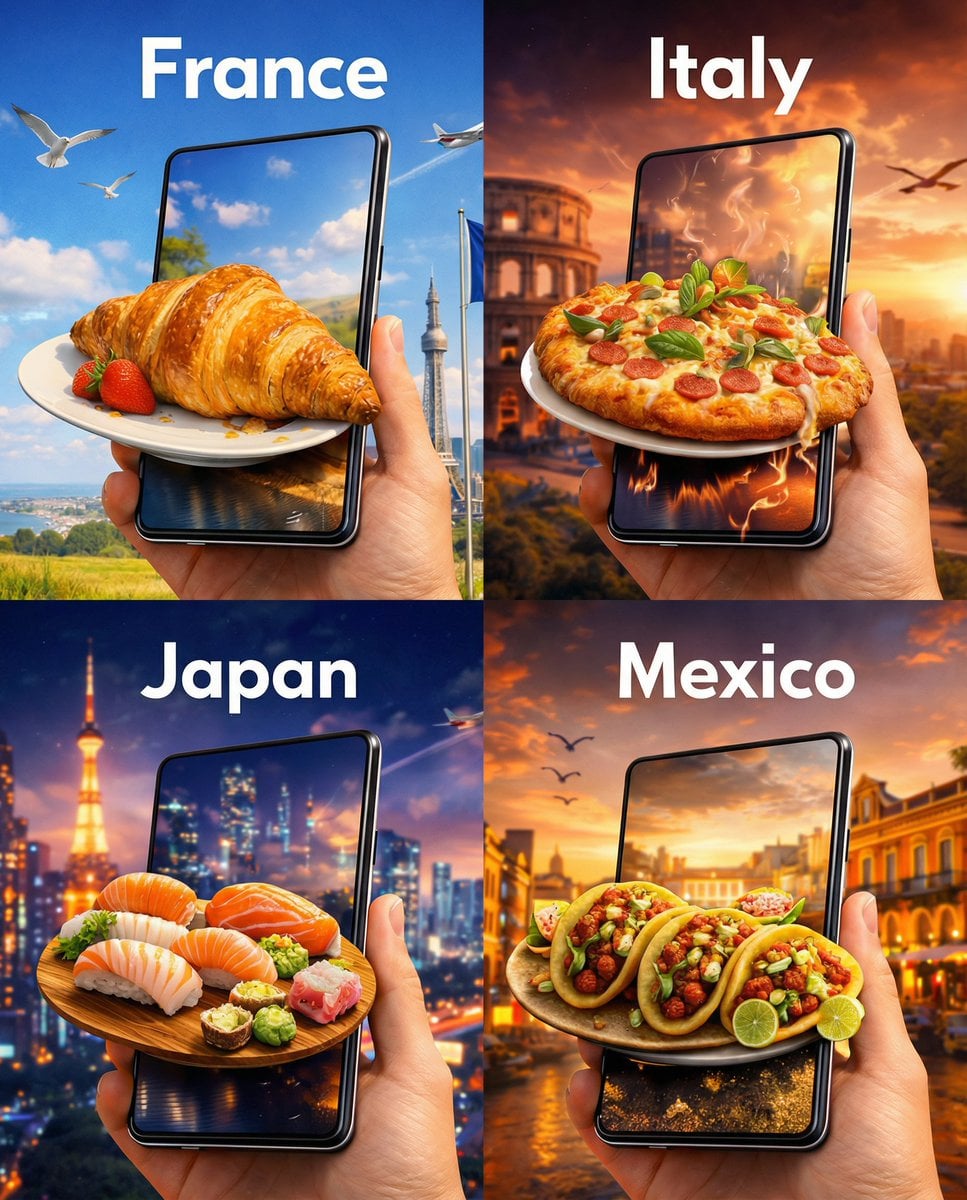
Use Nano Banana 2 Lite for budget-aware image exploration when you need prompt-only generation or up to 10 reference images without a separate resolution control.
The final cost is rounded up to whole credits.
Example output
Nano Banana 2 Lite
Text to Image · Image to Image
Example output
Nano Banana 2 Lite
Best for
Supports
Try this model
No results to display yet.
Model examples
Review examples to help decide whether the model fits your task.
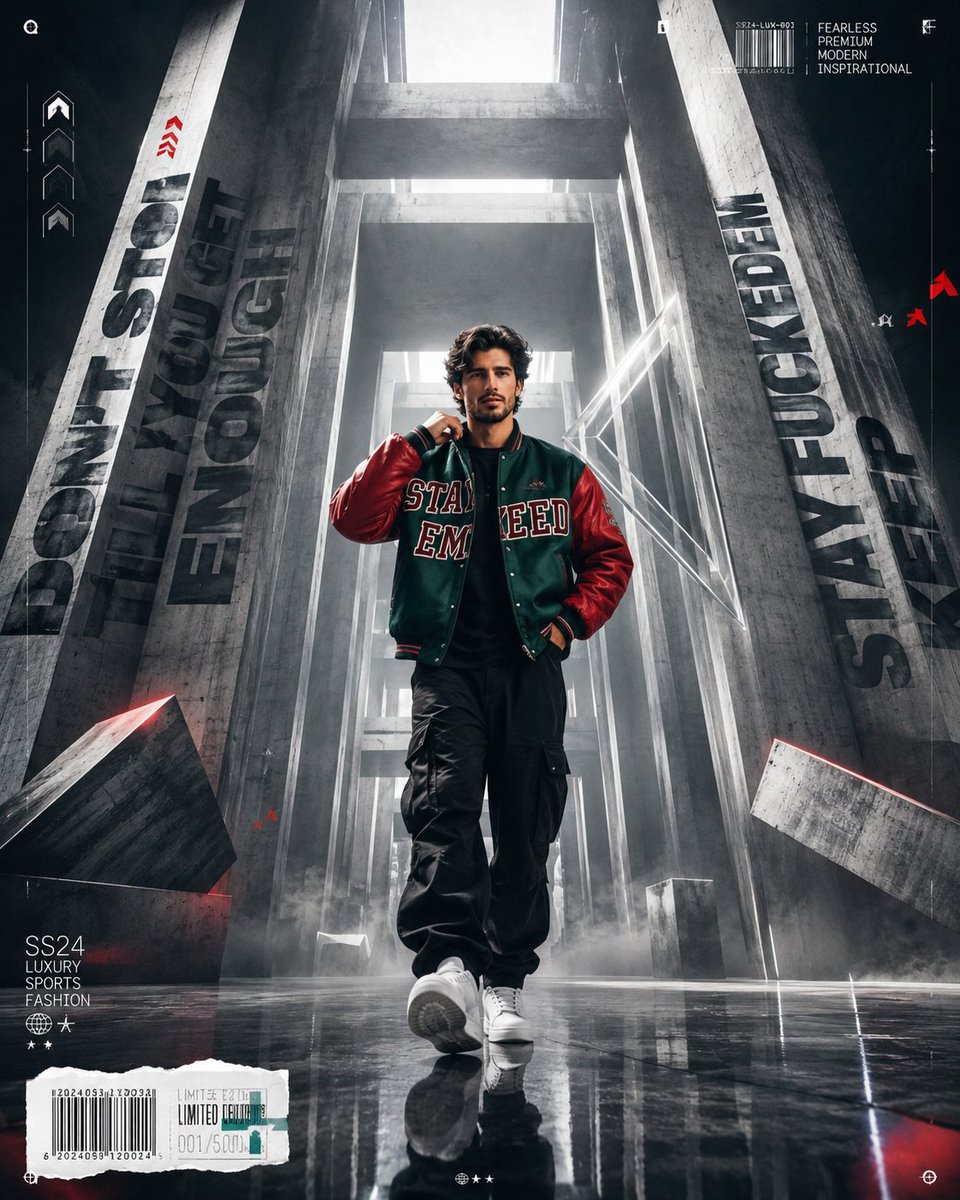
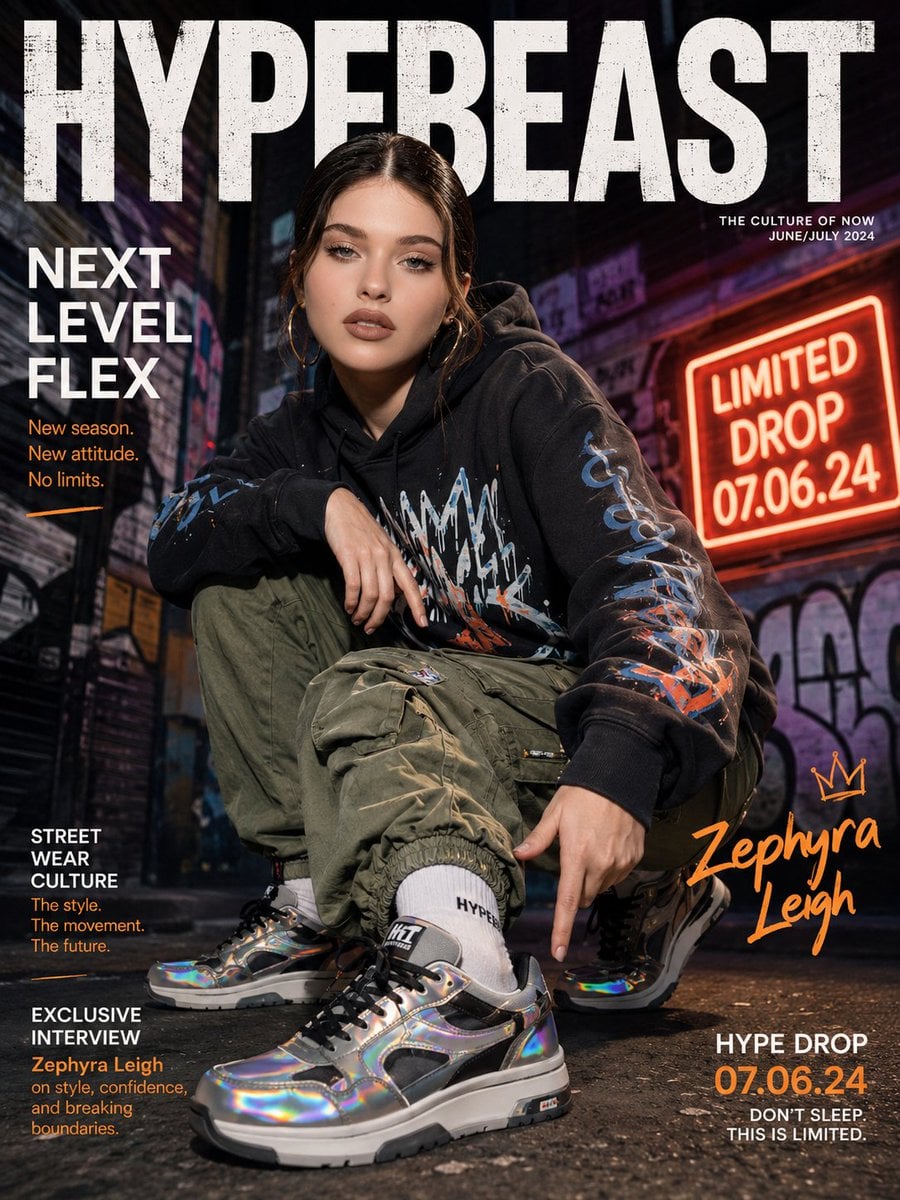
Model strengths
Model strengths
Suggested uses
Tasks to consider
Model details
Provider
Category
Image
Capabilities
Text to Image · Image to Image
Credit charges
Credit rate: 3 per image
Inputs
Prompt + optional images
Prompt requirements
Up to 20,000 characters
Developer access
Nano Banana 2 Lite can be called through Public API v1. Modes that use reference media require uploads through the Files API. Check the model reference for supported inputs.
Nano Banana 2 Lite FAQ
Nano Banana 2 Lite is a practical choice for quick product concepts, social image variants, reference-led drafts, and layout exploration when a predictable 3-credit price matters more than choosing a resolution tier.
Yes. You can use text-to-image with no reference, or add up to 10 JPEG, PNG, or WebP images. Each reference image can be up to 30 MB.
No separate resolution control is exposed for Nano Banana 2 Lite because the current model contract only provides an aspect-ratio setting. Choose another model when explicit output resolution is a required delivery control.
You can choose Auto, 1:1, 1:4, 1:8, 2:3, 3:2, 3:4, 4:1, 4:3, 4:5, 5:4, 8:1, 9:16, 16:9, or 21:9. The extreme ratios are useful for testing banner and panoramic layouts, but the prompt should state where the main subject belongs.
Choose a model with explicit resolution or output-format controls when those settings are part of the delivery requirement, or when the selected direction needs a higher-priced final pass.
Write a detailed prompt, choose one of 15 aspect ratios, and optionally add up to 10 reference images before submitting the generation.
Nano Banana 2 Lite currently costs 3 Rivya credits per generation. There is no separate resolution price selector on this model.
Start with Auto when the composition is flexible. Choose a fixed ratio when the result already has a known destination, such as 1:1 for a square card, 9:16 for a vertical story, or 21:9 for a wide banner.
Yes. You can review the model publicly, but uploading references and submitting a task require sign-in so Rivya can validate files and manage credits and task history.
Move to Studio when a concept needs saved iterations, repeated aspect-ratio variants, reference organization, or a longer workflow beyond the first result.
Compare alternatives
GPT Image 2.5 Flare supports image creation from a prompt and edits with image references, plus aspect ratio, resolution, and background settings.
Why consider it
Credit charges: Initial generation reserve: 1K 3 credits · 2K 10 credits · 4K 16 credits.
GPT Image 2.5 Sunburst generates images from a prompt, with optional reference images and separate aspect ratio, resolution, and background settings.
Why consider it
Credit charges: Rivya reserves 3 credits for 1K, 10 for 2K, or 16 for 4K before submitting the request.
GPT Image 2 on Rivya supports text-to-image generation and reference-image edits, with aspect ratio and resolution controls.
Why consider it
Credit charges: Initial reserve: 1K 3 credits · 2K 5 credits · 4K 8 credits.