Kling V2.1 Standard is Rivya's legacy one-frame Kling option for simple image-to-video work. Upload one starting image, choose 5 or 10 seconds, and use it when you want an older lower-cost Kling path for straightforward motion tests rather than the heavier control setup in newer tiers.
The final cost is rounded up to whole credits.
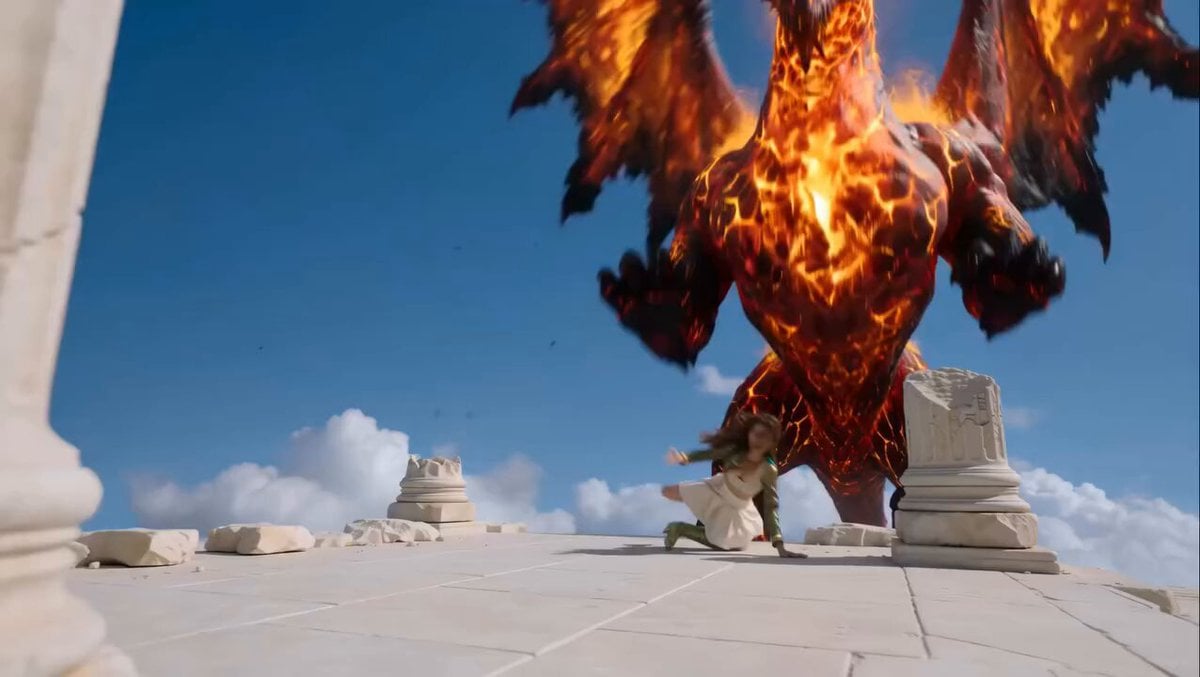
Example output
Kling V2.1 Standard
Image to Video
Example output
Kling V2.1 Standard
Best for
Supports
Try this model
No results to display yet.
Model examples
Review examples to help decide whether the model fits your task.
Model strengths
Model strengths
Suggested uses
Tasks to consider
Model details
Provider
Kuaishou
Category
Video
Capabilities
Image to Video
Credit charges
Credit rate: 25–50 per video
Inputs
1 image reference
Prompt requirements
Up to 5,000 characters
Developer access
Kling V2.1 Standard can be called through Public API v1. Modes that use reference media require uploads through the Files API. Check the model reference for supported inputs.
Kling V2.1 Standard FAQ
Kling V2.1 Standard works best when one opening frame is enough to prove the motion idea. It is a sensible legacy option for simple product movement tests, first-frame social teasers, and low-complexity image-to-video drafts where you do not need a defined ending frame or newer Kling controls.
On Rivya, this option is image-to-video only and accepts one image as the opening frame. The public controls are deliberately basic: choose 5 or 10 seconds, use `negative_prompt` if needed, and adjust `cfg_scale` when you need the result to follow the prompt more tightly.
The most important decisions are usually shot length and how much prompt steering the frame can tolerate. Start with 5 seconds when you only need to validate a motion idea; move to 10 seconds only if the shot actually needs more time. If the first frame is already visually clear, `negative_prompt` and `cfg_scale` are usually enough to tell you whether this older single-frame option can carry the job.
Rivya currently lists 25 credits for 5 seconds and 50 credits for 10. It is easiest to justify when a single opening frame can answer the creative question by itself, because that lets you stay on the cheaper legacy Kling path instead of moving up to a two-frame or newer-generation project.
Choose Kling V2.1 Standard when one image is enough, the shot does not need a planned ending frame, and you want the cheapest entry into the older Kling 2.1 family. Move up to Kling V2.1 Pro when the ending state matters. Move to newer Kling options when you need broader controls, text-led generation, or a more modern motion project.
Start here when the first result is simply about finding out whether one opening frame can turn into a workable short clip. Use it for low-complexity product motion tests, first-frame social drafts, and other quick checks where you want the cheaper one-image Kling path before doing anything more elaborate.
This page is a one-image image-to-video option. Before the first result, you can choose 5 or 10 seconds, upload one starting image, and use `negative_prompt` or `cfg_scale` if the shot needs a bit more steering.
Start by asking whether the shot truly needs 10 seconds, because 5 seconds is usually enough to validate the motion idea at a lower cost. Then check that the opening frame is clear enough to animate, and only tighten `cfg_scale` or add a `negative_prompt` if the first concept really needs more control.
The page is public, but the actual image-to-video run is still gated behind sign in. Rivya currently lists 25 credits for 5 seconds and 50 for 10, so you can settle the opening frame and duration first, then sign in when you are ready to generate.
Stay on this page while you are checking one opening frame and deciding whether the cheaper legacy Standard pass is enough. Open the full Studio once the work needs saved versions, multiple clip branches, or a longer sequence built around the same shot.
Compare alternatives
Create Seedance 2.5 videos from text, a start frame with an optional end frame, or image, video, and audio references. Choose 480p, 720p, or 1080p, a duration from 4 to 30 seconds or automatic duration, and an MP4 or MOV format request.
Why consider it
Input option: Up to 50 reference files
Generate video from text, a first frame, or media references.
Why consider it
Input option: Prompt, first frame with optional last frame, or image/video/audio references
ByteDance's Seedance 2.0 Fast video model for text prompts, a first frame with an optional last frame, or image, video and audio references. Choose 480p or 720p, set a 4–15-second duration, and request audio or a returned last frame.
Why consider it
Input option: Prompt, first frame with optional last frame, or image/video/audio references
