Kling V2.1 Master is Rivya's premium legacy Kling 2.1 option for teams that still want the older Master look or need both text-to-video and image-to-video in one model. It is expensive compared with newer Kling options, so it is best treated as a deliberate comparison or premium legacy render path.
The final cost is rounded up to whole credits.
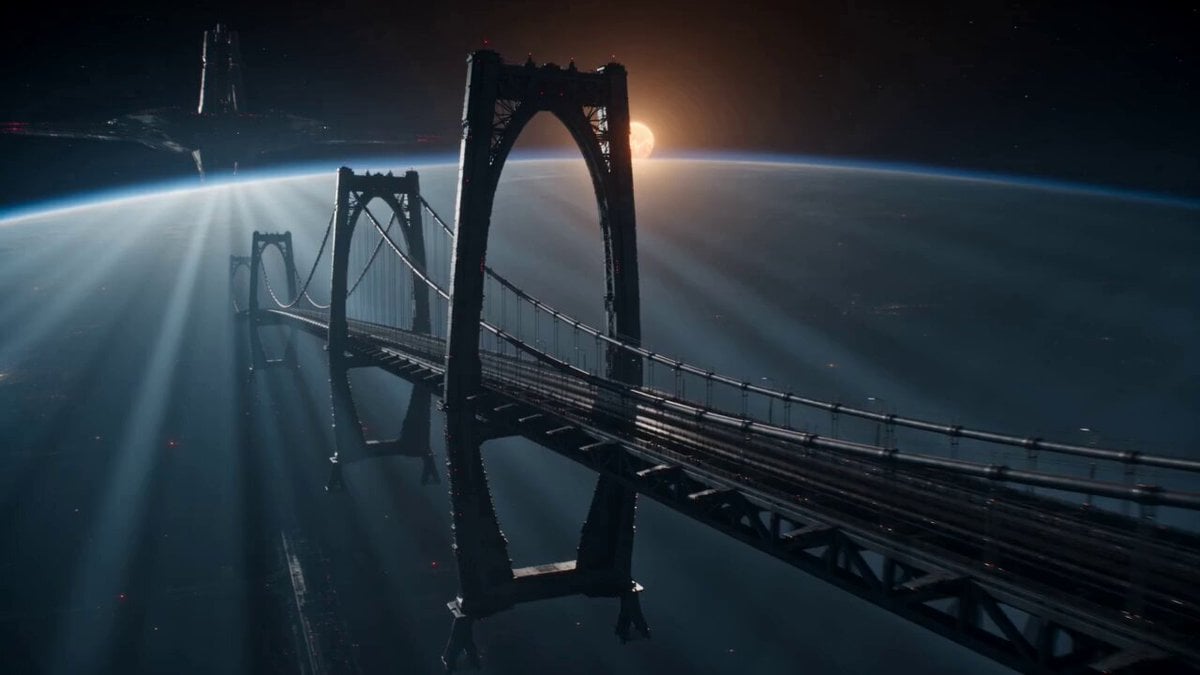
Example output
Kling V2.1 Master
Text to Video · Image to Video
Example output
Kling V2.1 Master
Best for
Supports
Try this model
No results to display yet.
Model examples
Review examples to help decide whether the model fits your task.
Model strengths
Model strengths
Suggested uses
Tasks to consider
Model details
Provider
Kuaishou
Category
Video
Capabilities
Text to Video · Image to Video
Credit charges
Credit rate: 160–320 per video
Inputs
Prompt + optional images
Prompt requirements
Up to 5,000 characters
Developer access
Kling V2.1 Master can be called through Public API v1. Modes that use reference media require uploads through the Files API. Check the model reference for supported inputs.
Kling V2.1 Master FAQ
Kling V2.1 Master is the right fit when the job is deliberately about the older Master look, not just about generating any short video. It works best for premium legacy comparisons, high-intent concept clips, and previs where continuity with an older Kling project matters more than everyday speed or cost.
On Rivya, this option supports both text-to-video and image-to-video in one model. You can stay in text mode or switch to image-led mode with one reference image. Controls stay focused: 5 or 10 seconds, `negative_prompt`, `cfg_scale`, and `aspect_ratio` for text-led generation.
The biggest question is usually whether the legacy Master look is important enough to justify the spend. Once that answer is yes, the next decision is whether the shot should start from text or from one still image. In most cases, a 5-second run is enough to tell you whether the older Master rendering style is really the thing you want to preserve.
Rivya currently lists 160 credits for 5 seconds and 320 for 10. That pricing only really makes sense when you are comparing against newer Kling tiers, matching a pre-existing Master project, or producing a high-intent legacy render where the older look itself is part of the decision.
Choose Kling V2.5 Turbo Pro when you want a more structured Kling test at a much lower cost. Choose newer Kling families when the work is mainly about current-day control and iteration speed. Choose Kling V2.1 Master only when the premium legacy Master look, or continuity with an older project, is the actual reason the model is on the table.
Start here when the first result is specifically about checking whether the old Master look is worth paying for on a real shot. Use it for deliberate comparison runs, premium concept clips, and legacy project checks where you want to validate the result before building a longer sequence.
This page supports both text-to-video and one-image image-to-video. Before the first result, you can decide whether the shot should start from pure text or from a single still, choose 5 or 10 seconds, and use `negative_prompt` or `cfg_scale` if the render needs more steering.
First decide whether text or one still gives you the cleaner starting point, because that changes how you should judge the result. Then start with 5 seconds unless the shot genuinely needs a longer beat. If you are in text mode, set the aspect ratio up front; if you are in image mode, make sure the single still already represents the shot you want to animate.
The page is public, but the actual video generation run is still gated behind sign in. Rivya currently lists 160 credits for 5 seconds and 320 for 10, so you can settle the source mode, shot shape, and duration first, then sign in when you are ready to generate.
Stay on this page while you are checking whether the legacy Master look, the chosen source mode, and the first shot shape are actually right. Open the full Studio once the work needs saved versions, comparison branches, or a longer production thread around the same scene set.
Compare alternatives
Create Seedance 2.5 videos from text, a start frame with an optional end frame, or image, video, and audio references. Choose 480p, 720p, or 1080p, a duration from 4 to 30 seconds or automatic duration, and an MP4 or MOV format request.
Why consider it
Input option: Up to 50 reference files
Generate video from text, a first frame, or media references.
Why consider it
Input option: Prompt, first frame with optional last frame, or image/video/audio references
ByteDance's Seedance 2.0 Fast video model for text prompts, a first frame with an optional last frame, or image, video and audio references. Choose 480p or 720p, set a 4–15-second duration, and request audio or a returned last frame.
Why consider it
Input option: Prompt, first frame with optional last frame, or image/video/audio references
