Create a short Kling 3.0 Turbo clip from a written shot brief, or upload one JPEG or PNG frame to animate it without mixing in unsupported reference types.
The final cost is rounded up to whole credits.
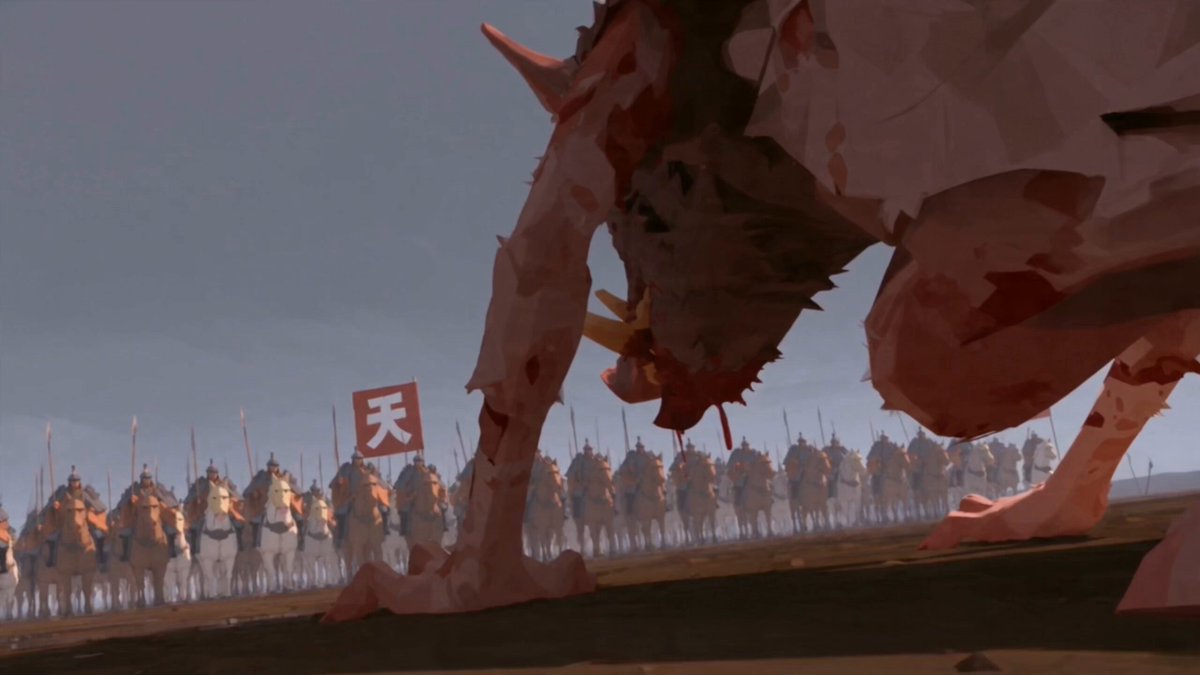
Example output
Kling 3.0 Turbo
Text to Video · Image to Video
Example output
Kling 3.0 Turbo
Best for
Supports
Try this model
No results to display yet.
Model examples
Review examples to help decide whether the model fits your task.
Model strengths
Model strengths
Suggested uses
Tasks to consider
Model details
Provider
Kuaishou
Category
Video
Capabilities
Text to Video · Image to Video
Credit charges
Credit rate: 18–22.5 per second of output
Inputs
Prompt + optional images
Prompt requirements
Up to 2,500 characters
Developer access
Kling 3.0 Turbo can be called through Public API v1. Modes that use reference media require uploads through the Files API. Check the model reference for supported inputs.
Kling 3.0 Turbo FAQ
Use Kling 3.0 Turbo when a short clip can be defined by either a direct shot description or one still image. It keeps the workflow deliberately narrow: one prompt, an optional single frame, a resolution, and an integer duration from 3 to 15 seconds.
Text-to-video uses a non-empty prompt of up to 2,500 characters and no upload. Image-to-video uses the same prompt limit plus exactly one JPEG or PNG image up to 10 MB. Video, audio, and multiple-image reference bundles are not accepted by this model.
No. Aspect ratio is a text-to-video control with 1:1, 9:16, and 16:9 choices. When one image is uploaded, its image-to-video path does not expose that separate aspect-ratio field.
The estimate is 18 credits for each requested output second at 720p and 22.5 credits for each requested output second at 1080p. Rivya keeps the 22.5 rate intact during multiplication and rounds the combined total up only once.
Rivya reserves the calculated amount before generation. When valid actual usage at or below the reservation is reported, Rivya settles to it. Missing, invalid, or higher-than-reserved usage remains in reconciliation instead of triggering a hidden extra charge.
Write a shot brief for text-to-video, or add one still frame for image-to-video. Then choose 720p or 1080p and an integer duration from 3 to 15 seconds.
Use one JPEG or PNG image no larger than 10 MB. The upload must be a real image with readable dimensions; additional images and other media types are rejected.
Prompt-only generation supports 1:1, 9:16, and 16:9. The image-led path uses the uploaded frame and does not provide a second aspect-ratio choice.
Multiply the selected resolution rate—18 at 720p or 22.5 at 1080p—by the requested output seconds. Rivya rounds the full result up once before reserving credits.
Use this page to validate the first prompt or single-frame animation. Move into Studio when you want saved iterations, side-by-side duration tests, or a longer production thread around the same shot.
Compare alternatives
Create Seedance 2.5 videos from text, a start frame with an optional end frame, or image, video, and audio references. Choose 480p, 720p, or 1080p, a duration from 4 to 30 seconds or automatic duration, and an MP4 or MOV format request.
Why consider it
Input option: Up to 50 reference files
Generate video from text, a first frame, or media references.
Why consider it
Input option: Prompt, first frame with optional last frame, or image/video/audio references
ByteDance's Seedance 2.0 Fast video model for text prompts, a first frame with an optional last frame, or image, video and audio references. Choose 480p or 720p, set a 4–15-second duration, and request audio or a returned last frame.
Why consider it
Input option: Prompt, first frame with optional last frame, or image/video/audio references
