Infinitalk is Rivya's audio-driven talking-video generator for turning one portrait image and one audio clip into avatar narration, podcast-to-video, or explainer-style clips.
The final cost is rounded up to whole credits.
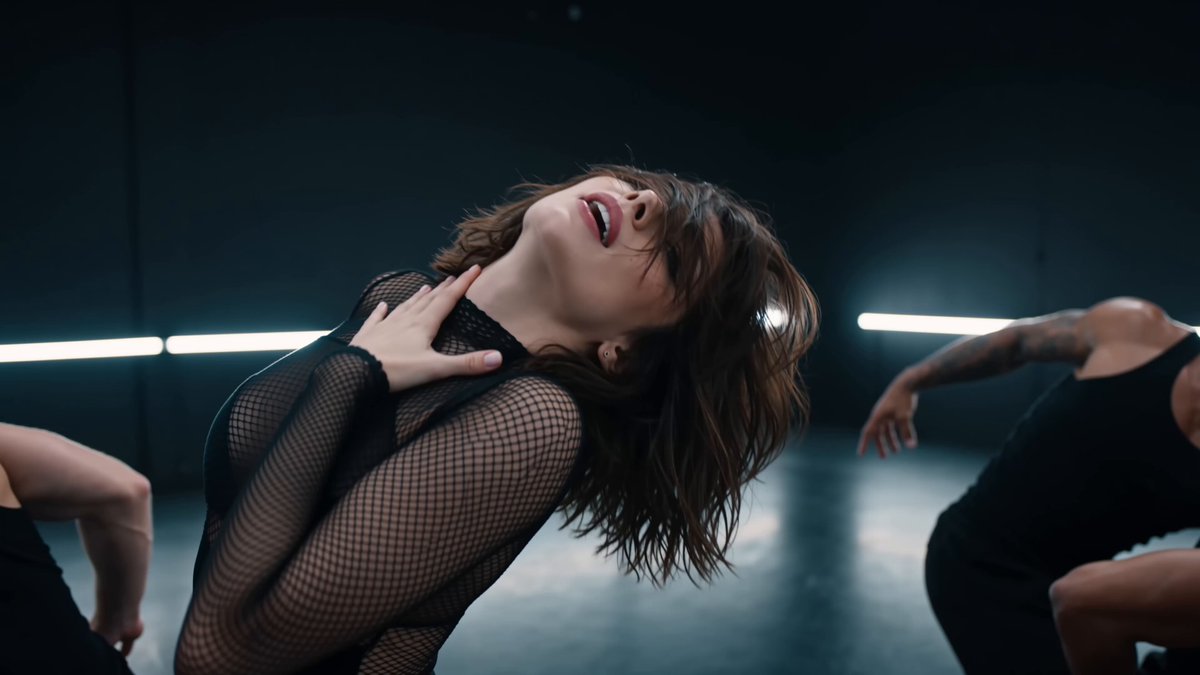
Example output
Infinitalk
Lip-Synced Avatar · Image + Audio Driven
Example output
Infinitalk
Best for
Supports
Try this model
No results to display yet.
Model examples
Review examples to help decide whether the model fits your task.
Model strengths
Model strengths
Suggested uses
Tasks to consider
Model details
Provider
MeiGen-AI
Category
Video
Capabilities
Lip-Synced Avatar · Image + Audio Driven
Credit charges
Credit rate: 3–12 per second of input
Inputs
1 image + 1 audio file
Prompt requirements
Up to 5,000 characters
Developer access
Infinitalk can be called through Public API v1. Modes that use reference media require uploads through the Files API. Check the model reference for supported inputs.
Infinitalk FAQ
Infinitalk is strongest when one portrait and one finished audio track are already driving the job. It fits talking-avatar explainers, podcast-to-video cuts, and narration-led character clips when the audio needs to remain the timing anchor and the output cost should scale with duration instead of a flat per-run fee.
On Rivya, this option is built around exactly one portrait image, one audio clip, a required prompt, and two public controls: resolution and seed. Pricing currently follows verified audio duration, with 480p at 3 credits per second and 720p at 12 credits per second, which makes it a duration-led talking-video project rather than a generic image-to-video model.
The most important questions are whether the portrait is front-facing and clean enough for the avatar read, whether the audio track is already the take you want to keep, and whether 480p or 720p is justified for the job. Seed only really matters if you need reproducibility; most of the real decision lives in the source portrait, source audio, and resolution-cost tradeoff.
Rivya currently lists 3 credits per second at 480p and 12 credits per second at 720p. That makes it easiest to justify when you already have a finished voice track and want the video cost to scale with the actual spoken duration instead of paying a flat avatar fee for every run.
Choose Kling AI Avatar Standard when you want the lower 8-credit-per-second portrait-plus-audio avatar tier and the output does not need to look especially premium. Move up to Kling AI Avatar Pro when the same avatar format needs a higher-finish result at 16 credits per second. Both Avatar tiers are billed from verified audio duration, up to 300 seconds. On Rivya, this option is built around exactly one portrait image, one audio clip, a required prompt, and two public controls: resolution and seed. Pricing currently follows verified audio duration, with 480p at 3 credits per second and 720p at 12 credits per second, which makes it a duration-led talking-video project rather than a generic image-to-video model.
Start here when the first result needs to answer whether one portrait and one audio file can already carry a believable talking-video pass. Use it for explainers, podcast-to-video tests, and narration-led avatar clips when the audio is already in hand.
This page uses one portrait image, one audio clip, a required prompt, resolution, and seed. It is not a general-purpose animation tool; the first run should test whether that portrait and audio pair produces a usable talking result.
Before you run, make sure the portrait is face-forward and clean, the audio is the take you want to keep, and the resolution choice matches the budget. Start with 480p when you are just validating the talking-video behavior, and move to 720p when the clearer presenter output is worth the much higher per-second spend.
The page is public, but the actual first image-led video run is still gated behind sign in. Rivya currently lists 3 credits per second at 480p and 12 credits per second at 720p, so you can line up the portrait, audio, and duration expectations first, then sign in when you are ready to generate.
Stay on this page while you are checking one portrait-audio pair and checking whether the first talk pass is enough. Open the full Studio once the work needs saved versions, multiple avatar assets, or a longer production thread around the same character.
Compare alternatives
Create Seedance 2.5 videos from text, a start frame with an optional end frame, or image, video, and audio references. Choose 480p, 720p, or 1080p, a duration from 4 to 30 seconds or automatic duration, and an MP4 or MOV format request.
Why consider it
Input option: Up to 50 reference files
Generate video from text, a first frame, or media references.
Why consider it
Input option: Prompt, first frame with optional last frame, or image/video/audio references
ByteDance's Seedance 2.0 Fast video model for text prompts, a first frame with an optional last frame, or image, video and audio references. Choose 480p or 720p, set a 4–15-second duration, and request audio or a returned last frame.
Why consider it
Input option: Prompt, first frame with optional last frame, or image/video/audio references
