
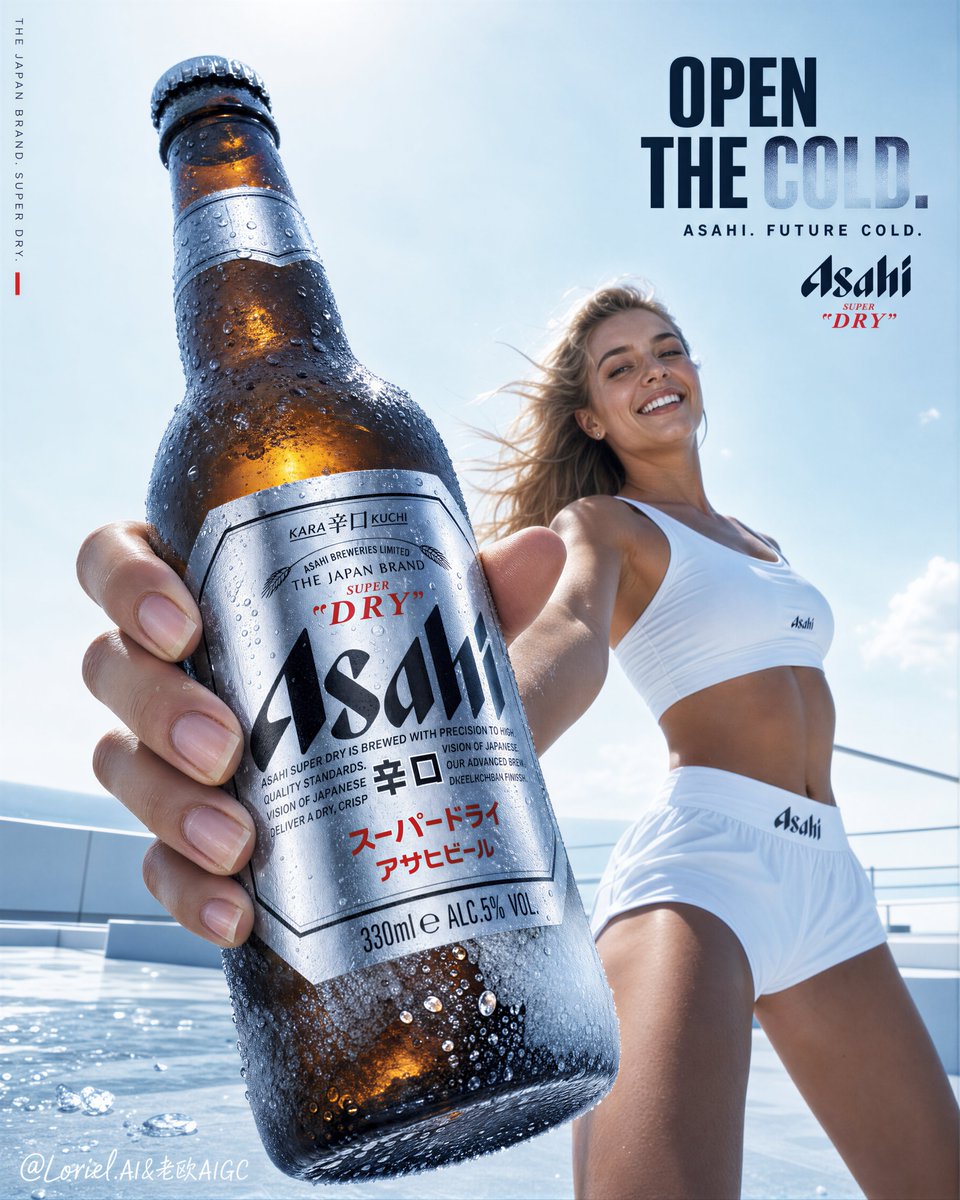
Turn a written brief into a poster concept, cover image, or social graphic. Choose a style and rendering tier, describe the text and layout, and review the generated image for spelling and detail.
The final cost is rounded up to whole credits.
Example output
Ideogram V3
Text to Image
Example output
Ideogram V3
Best for
Supports
Try this model
No results to display yet.
Model examples
Review examples to help decide whether the model fits your task.
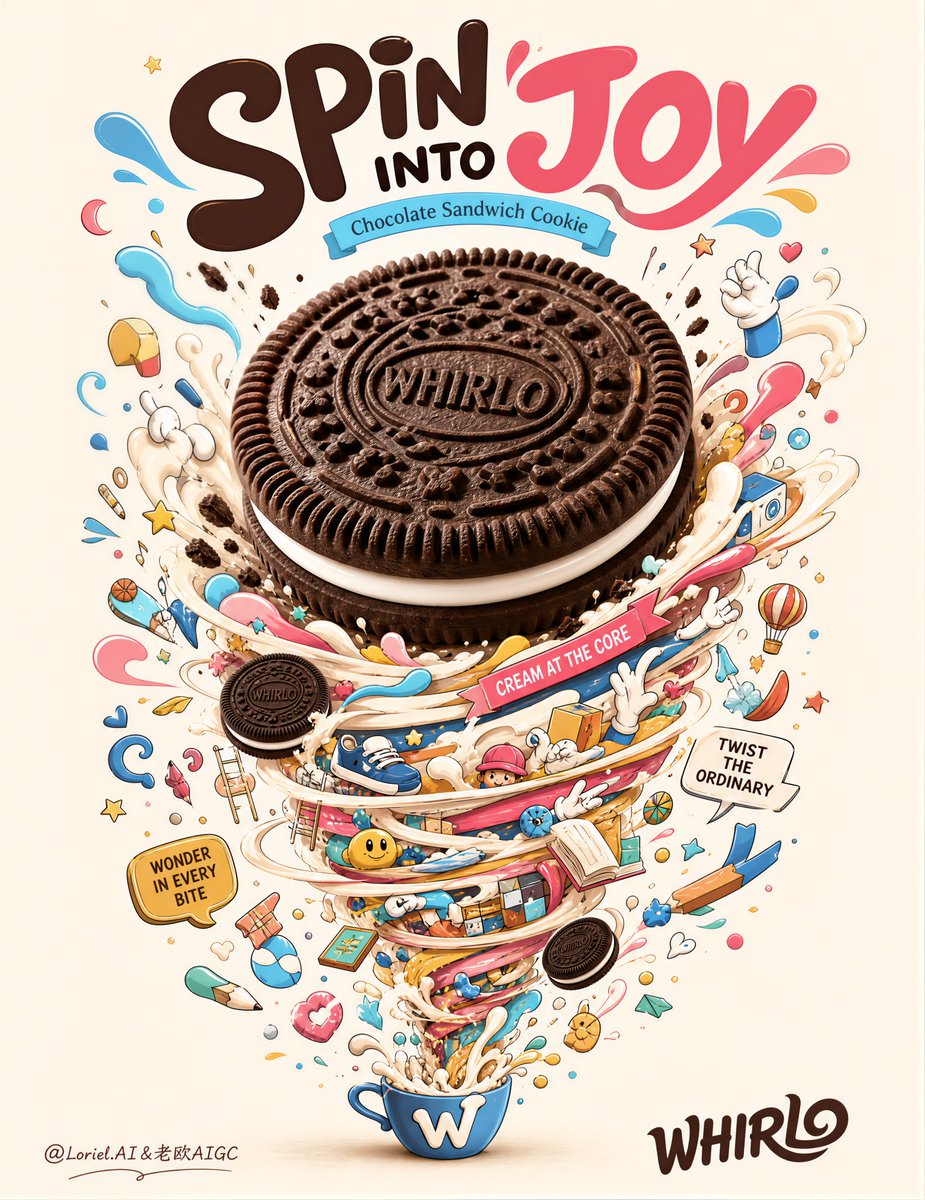
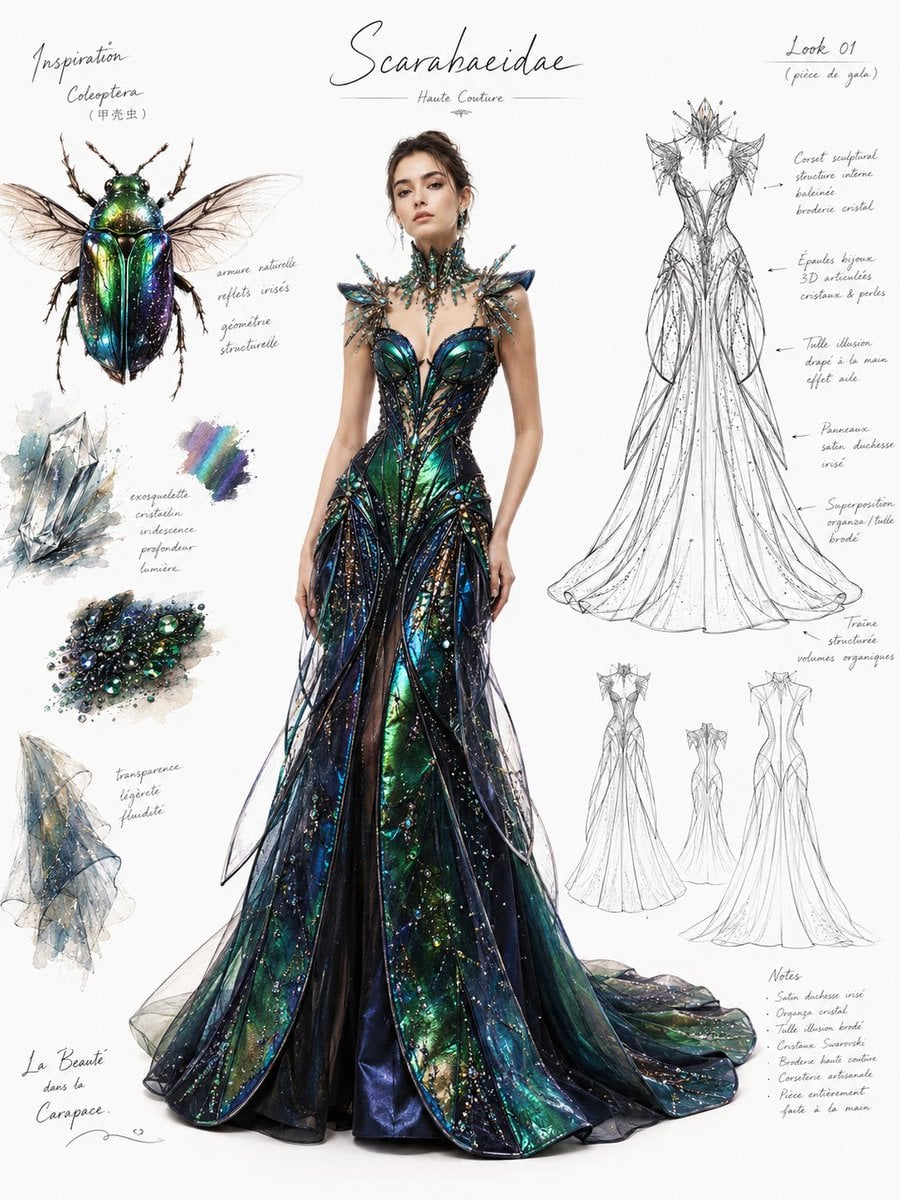
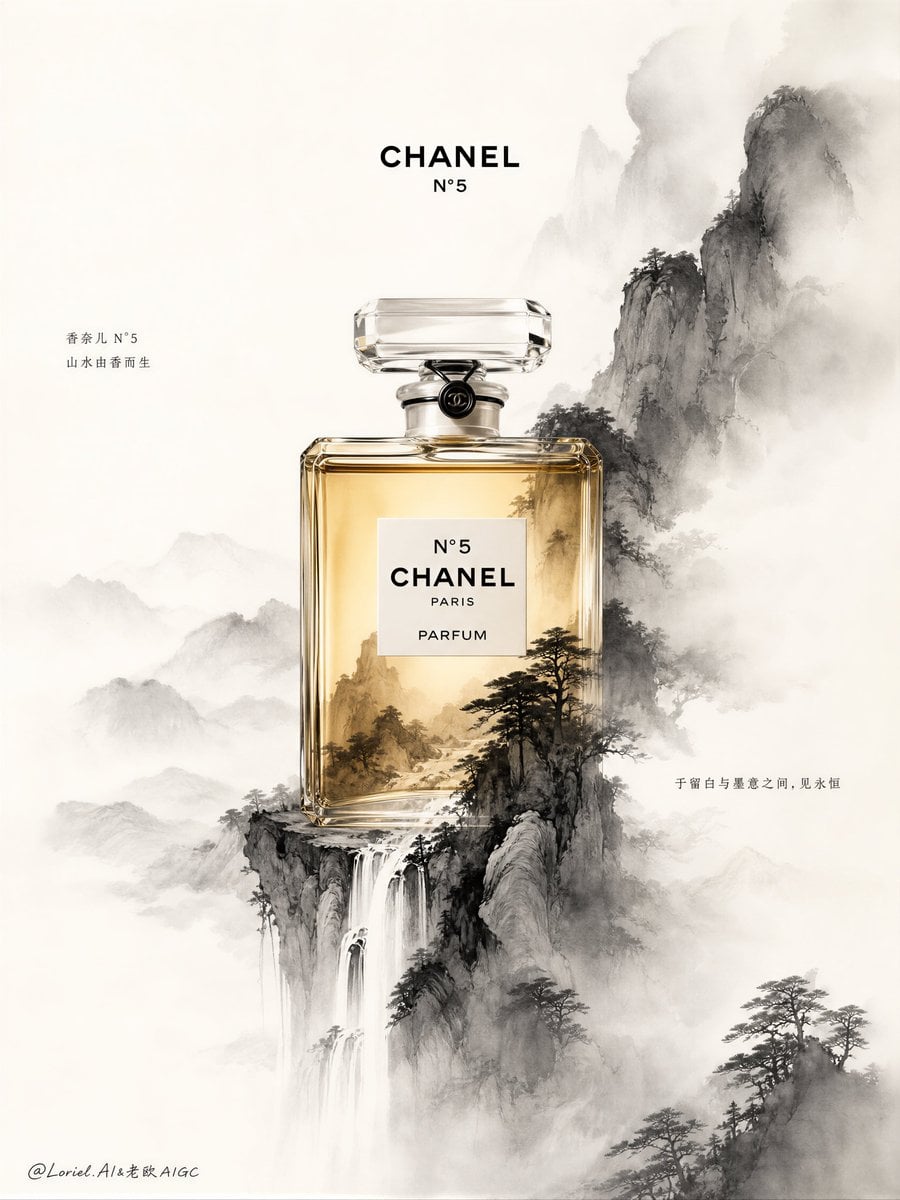
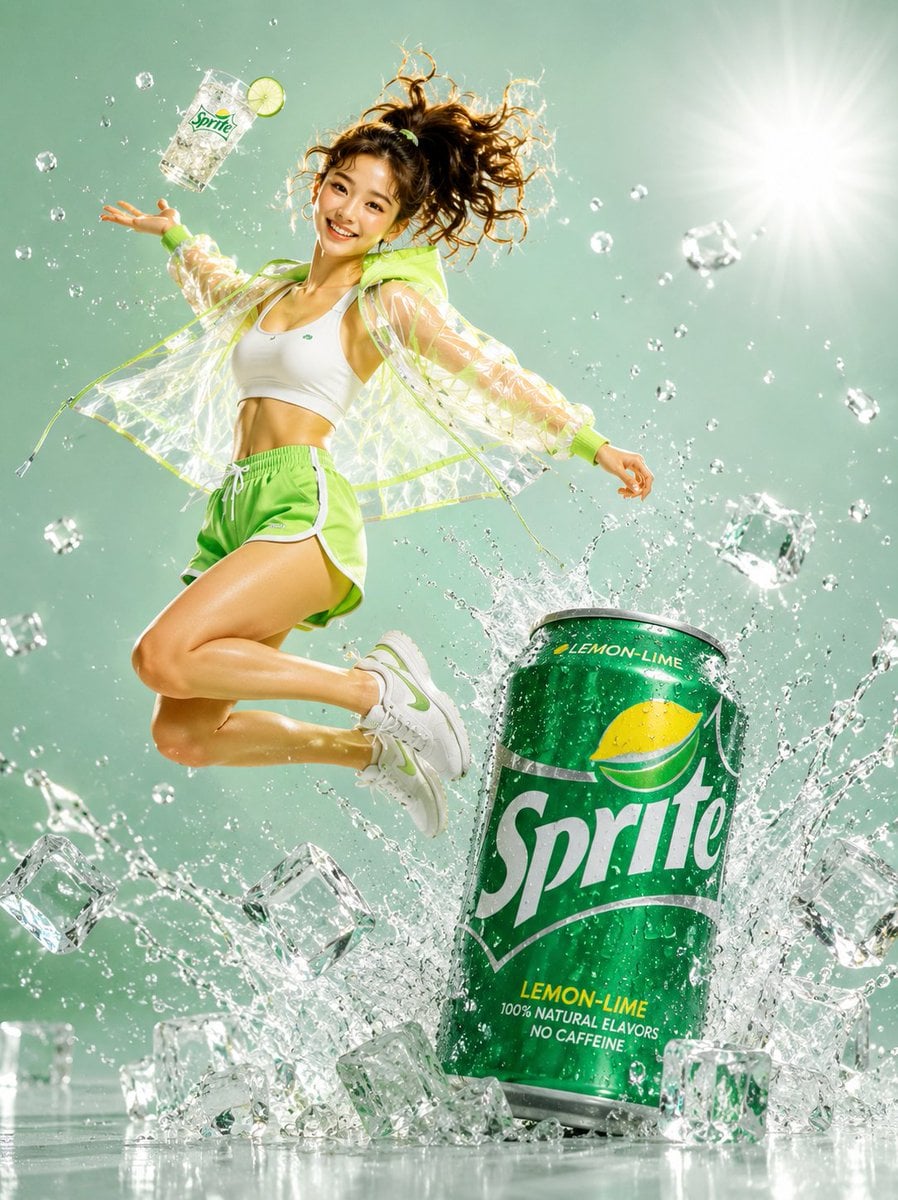
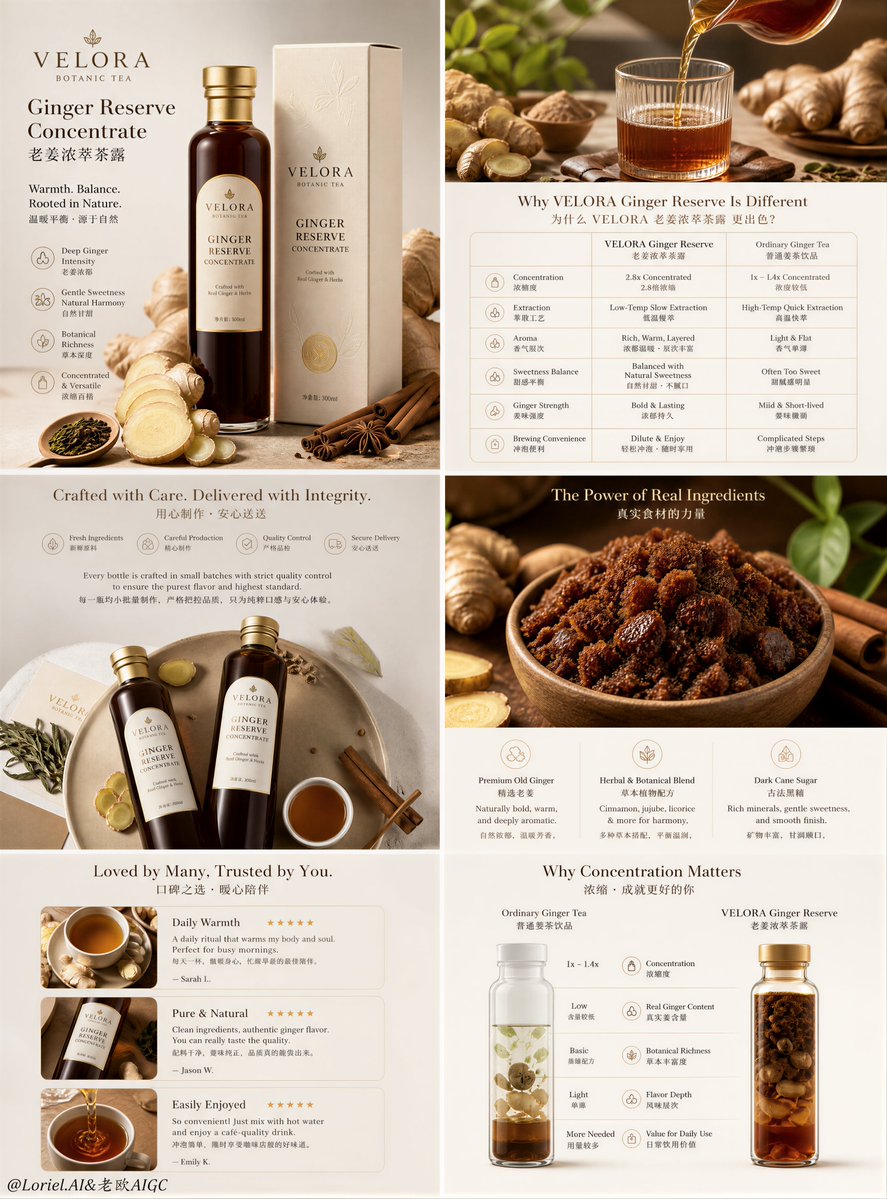
Model strengths
Model strengths
Suggested uses
Tasks to consider
Model details
Provider
Ideogram
Category
Image
Capabilities
Text to Image
Credit charges
Initial reserves: Turbo 4 credits, Balanced 7 credits, and Quality 10 credits. The final charge depends on settlement.
Inputs
Prompt only
Prompt requirements
Up to 5,000 characters
Developer access
Use Ideogram V3 through Public API v1. Check the model reference for supported inputs, parameters, and credit charges before sending a request.
Ideogram V3 FAQ
Try poster concepts, cover art, campaign layouts, or social graphics that include text. Describe the wording and where it belongs, then check spelling, text hierarchy, and composition in the result. A rendering tier does not guarantee accurate lettering or a finished design.
This is text-to-image generation. It does not accept an uploaded reference image, edit an existing image, or offer an image-count control. Use a model with the required input or editing operation for that task.
The main prompt is required and allows up to 5,000 characters after trimming. The optional negative prompt allows up to 5,000 characters. Choose from the listed rendering, style, and image-size options; the optional seed must be an integer. Reusing a seed does not guarantee identical images.
A request initially reserves 4 credits in Turbo, 7 in Balanced, or 10 in Quality. Valid recorded usage is rounded up to whole credits and settles only when it is within that reserve; otherwise settlement remains unresolved. These amounts are estimates for the request, not a guaranteed final charge per image.
Keep the brief, style, and image size consistent while trying a different tier. Compare lettering, layout, and details in each result before choosing one. Each new generation is a separate request, and the Quality label is not a promise that its result will be better for your brief.
Describe one poster or image concept, the exact words you want to include, and their placement. Choose a style and size, then inspect the generated text and composition. Treat the first image as a draft to review rather than assuming it is ready to publish.
No. Ideogram V3 on this page creates images from text and has no reference-file input. For work that needs an existing image, choose an available model whose form supports that input or operation.
Check Rendering speed, Style, MagicPrompt, and Image size. Add an optional integer seed or negative prompt if useful. The size menu has square, portrait, and landscape presets; it does not promise a specific pixel count. Review any generated text rather than relying on the settings to reproduce it exactly.
You can prepare the prompt and controls on this public page, then sign in to generate. The initial reserve is 4 credits for Turbo, 7 for Balanced, or 10 for Quality. Valid recorded usage is rounded up to whole credits and settles only within that reserve; otherwise settlement remains unresolved.
Use this page for a prompt-led request. Open Image Studio to review your generation history and try another prompt or setting. Each new generation is a separate request; changing settings does not edit the pixels of a saved result.
Compare alternatives
GPT Image 2.5 Flare supports image creation from a prompt and edits with image references, plus aspect ratio, resolution, and background settings.
Why consider it
Input option: Prompt + optional images
GPT Image 2.5 Sunburst generates images from a prompt, with optional reference images and separate aspect ratio, resolution, and background settings.
Why consider it
Input option: Prompt + optional images
GPT Image 2 on Rivya supports text-to-image generation and reference-image edits, with aspect ratio and resolution controls.
Why consider it
Input option: Prompt + optional images