
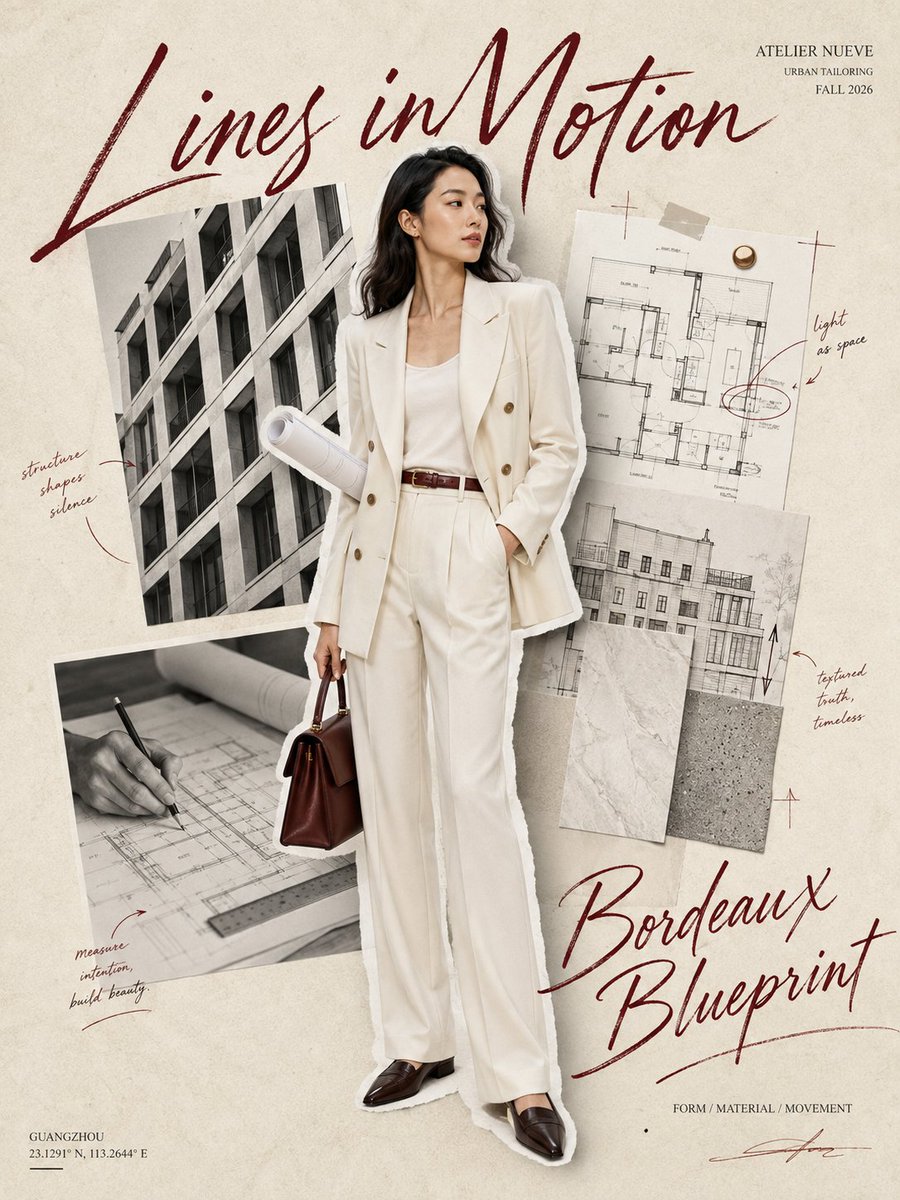
Ideogram V3 Remix is Rivya's prompt-led image remix model for turning one source image into a visibly different visual direction with style and strength controls.
The final cost is rounded up to whole credits.
Example output
Ideogram V3 Remix
Style Remix · Visual Reinterpretation
Example output
Ideogram V3 Remix
Best for
Supports
Try this model
No results to display yet.
Model examples
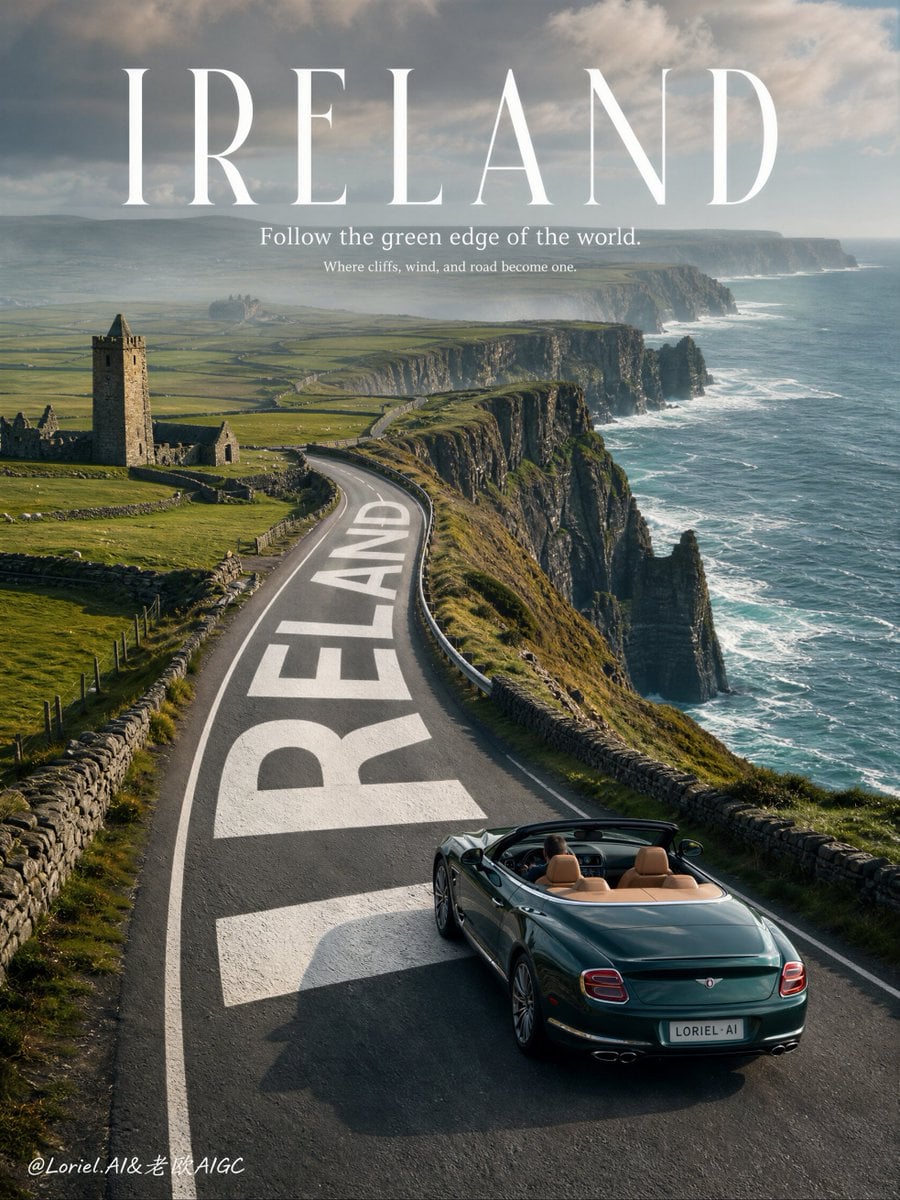
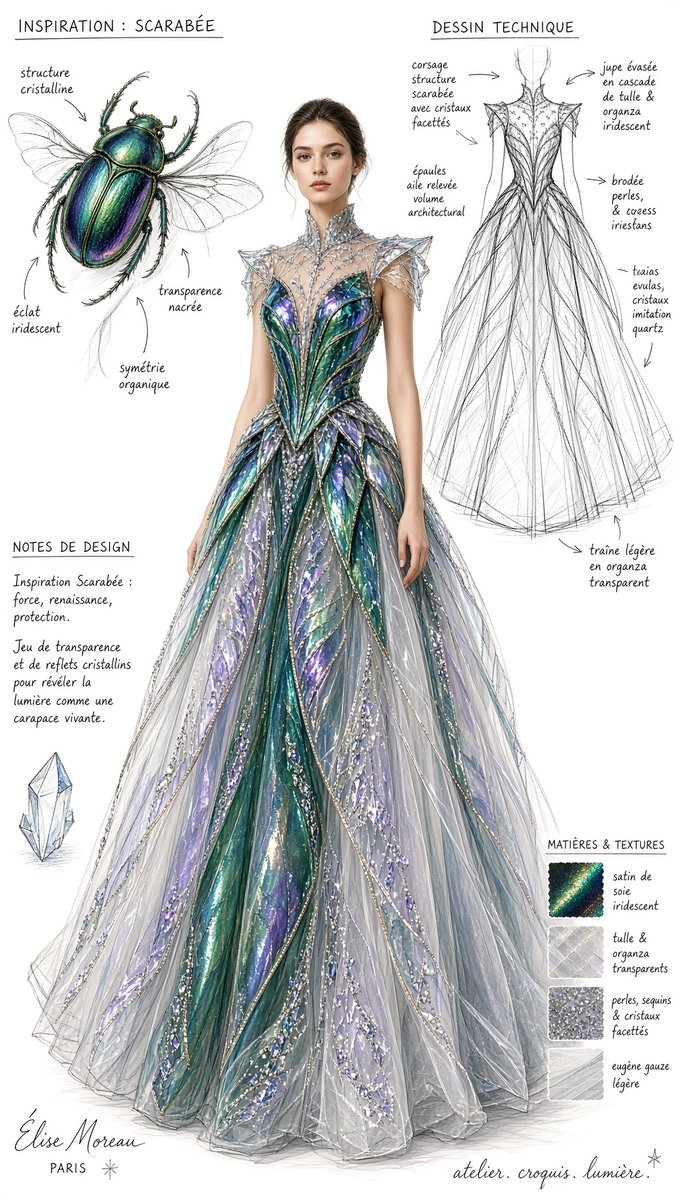
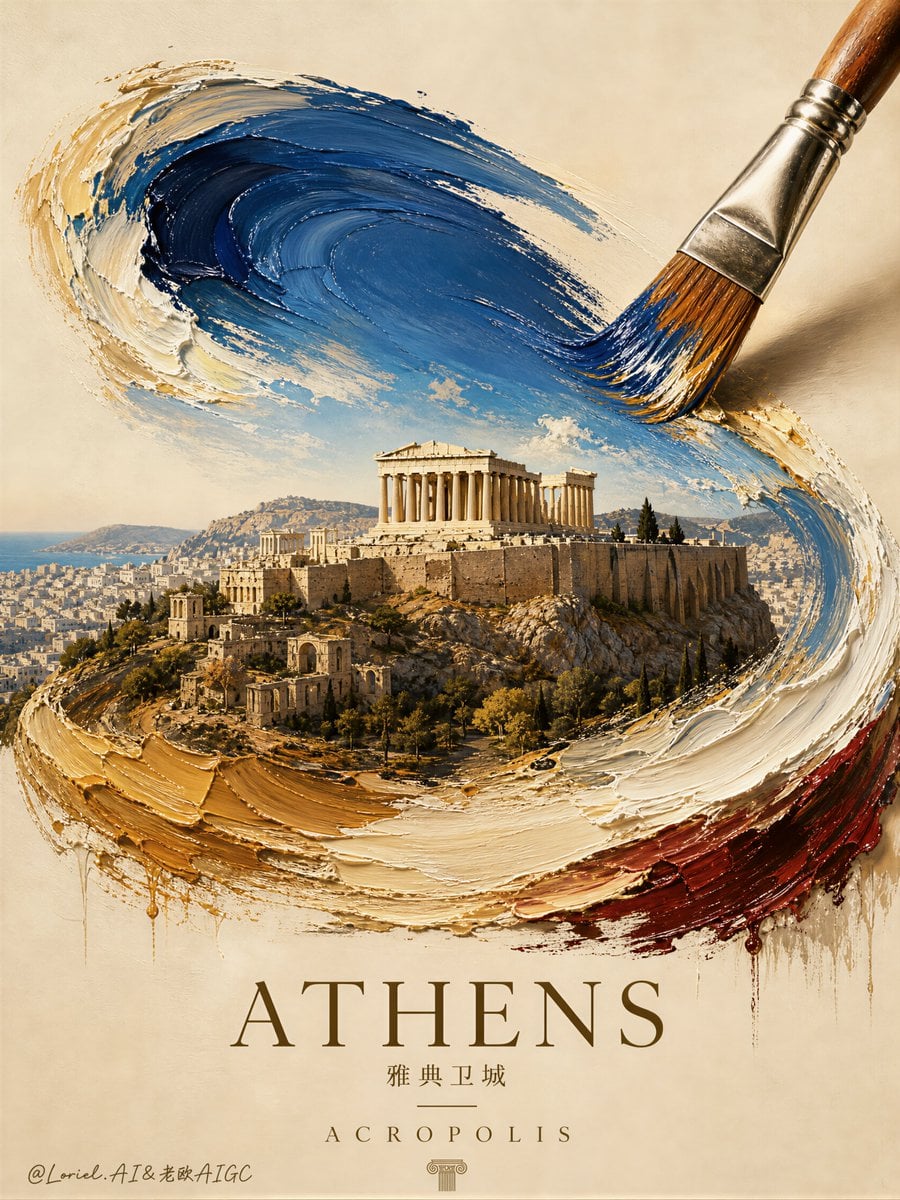
Review examples to help decide whether the model fits your task.
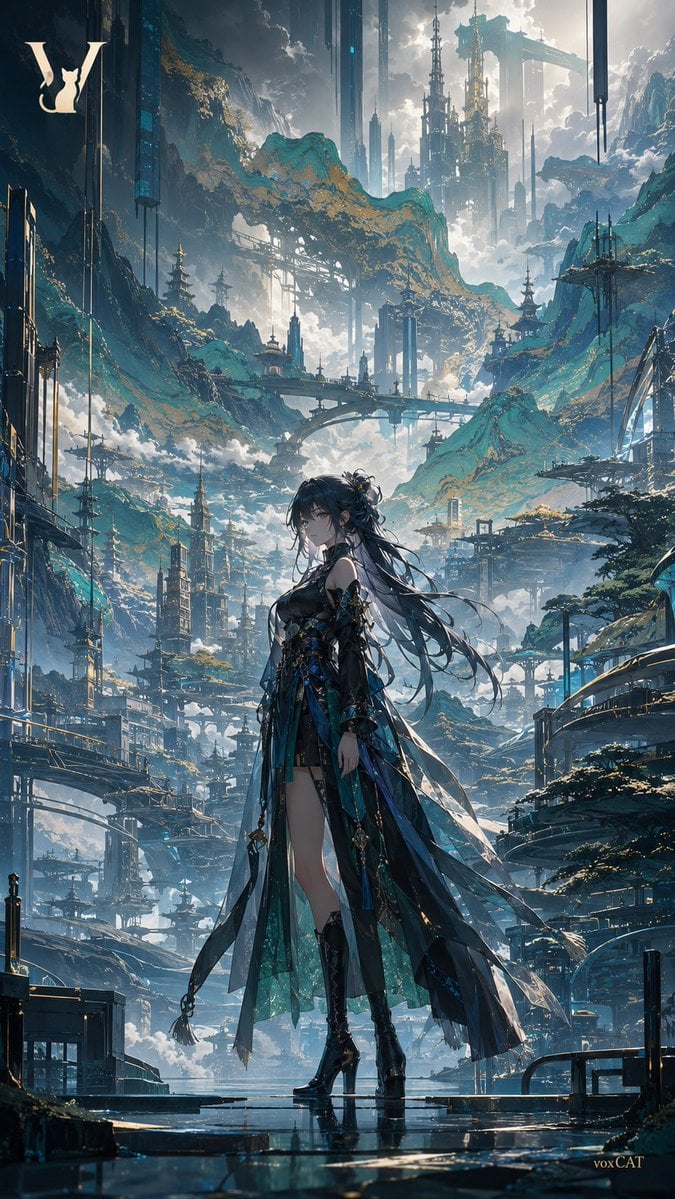
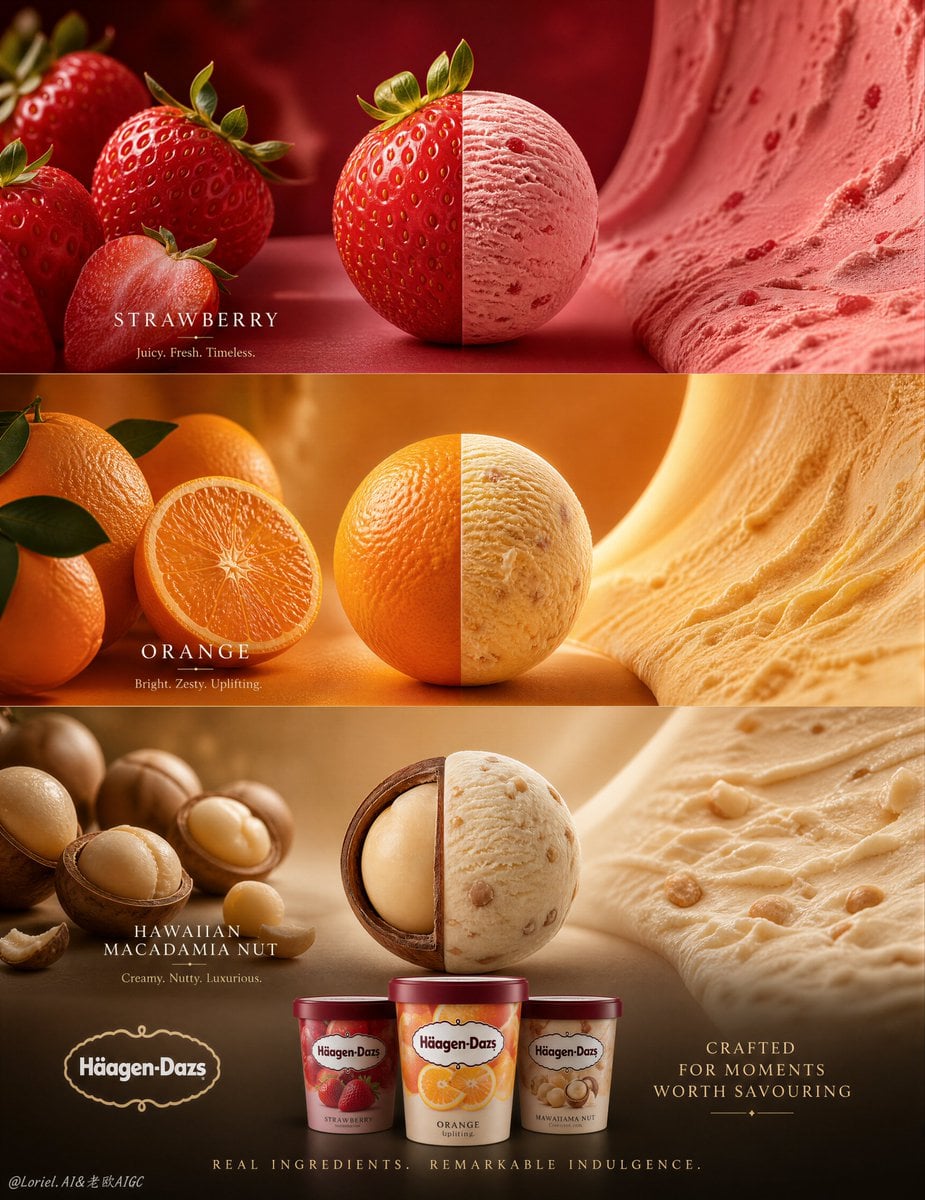
Model strengths
Model strengths
Suggested uses
Tasks to consider
Model details
Provider
Ideogram
Category
Image
Capabilities
Style Remix · Visual Reinterpretation
Credit charges
Credit rate: 3.5–10 per image
Inputs
1 image reference
Prompt requirements
Up to 5,000 characters
Developer access
Ideogram V3 Remix can be called through Public API v1. Modes that use reference media require uploads through the Files API. Check the model reference for supported inputs.
Ideogram V3 Remix FAQ
Use Ideogram V3 Remix to create alternative art directions, ad or cover variations, and prompt-led reinterpretations from one source image without mask editing. Choose Turbo, Balanced, or Quality based on whether speed, cost, or finish matters most.
On Rivya, Ideogram V3 Remix currently supports style remix and visual reinterpretation. It can also take one reference image.
Choose the output shape and rendering tier, then describe how far the remix may move from the source. Preserve essential subject or brand details explicitly and use a seed when you need a more repeatable comparison.
TURBO 4 / BALANCED 7 / QUALITY 10 credits per image. Choose 1–4 outputs. The total is the per-image rate multiplied by the selected count, rounded up to whole credits.
Choose Ideogram V3 Remix when you need TURBO, BALANCED, and QUALITY speed tiers plus single-image remix project. If you are still narrowing down the direction, start with a lighter draft option.
Start here when one source image needs alternative art directions, style variations for ads, covers, campaign stills, or prompt-led reinterpretation without mask editing. That keeps the first run focused enough to check the input, direction, and result before expanding the work.
This page currently supports style remix and visual reinterpretation. That makes the first result more about pushing an existing image toward alternative art directions from one source image than inventing a brand-new concept. You can also bring in one reference image.
Before you run it, the main checks are output tiers like Square, Square HD, Portrait 4:3, and Portrait 16:9, prompt steering, and repeatability. Those are usually the pieces that decide whether the first result is close enough that you can keep iterating here toward alternative art directions from one source image without making the setup heavier than it needs to be.
The page is public, but the actual first image-processing run is still gated behind sign in. TURBO 4 / BALANCED 7 / QUALITY 10 credits per image. Choose 1–4 outputs. The total is the per-image rate multiplied by the selected count, rounded up to whole credits.
Stay on this page while you are still checking the first processing result and deciding whether the source image is worth taking toward alternative art directions from one source image. Open the full Studio once the work needs saved history, repeated revisions, multiple source assets, or a longer image-processing project.
Compare alternatives
GPT Image 2.5 Flare supports image creation from a prompt and edits with image references, plus aspect ratio, resolution, and background settings.
Why consider it
Input option: Prompt + optional images
GPT Image 2.5 Sunburst generates images from a prompt, with optional reference images and separate aspect ratio, resolution, and background settings.
Why consider it
Input option: Prompt + optional images
GPT Image 2 on Rivya supports text-to-image generation and reference-image edits, with aspect ratio and resolution controls.
Why consider it
Input option: Prompt + optional images