
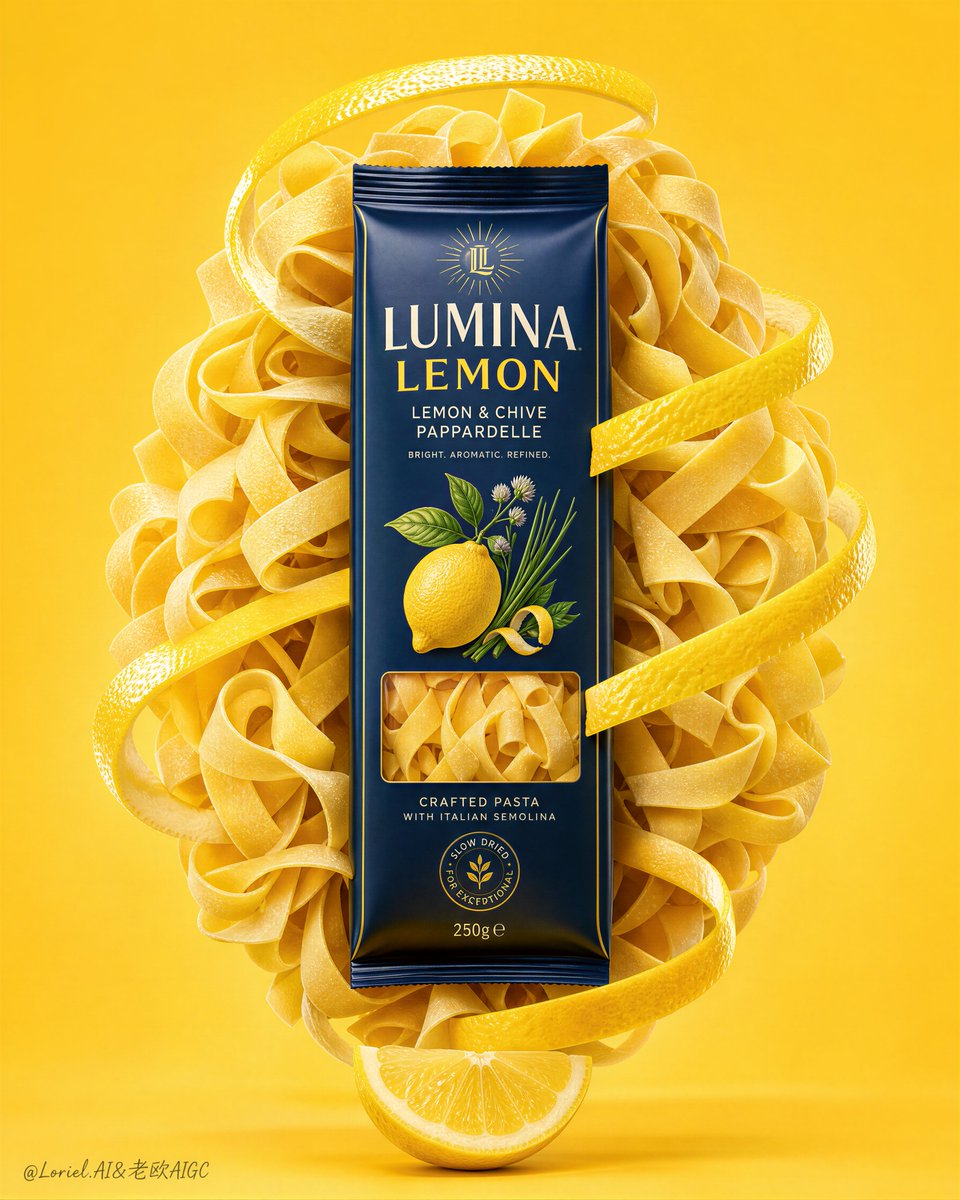
Ideogram Character is Rivya's character-consistency image model for keeping one mascot, avatar, or illustrated lead recognizable across new scenes, outfits, and campaign formats.
The final cost is rounded up to whole credits.
Example output
Ideogram Character
Character Consistency · Single-Character Reference
Example output
Ideogram Character
Best for
Supports
Try this model
No results to display yet.
Model examples
Review examples to help decide whether the model fits your task.
Model strengths
Model strengths
Suggested uses
Tasks to consider
Model details
Provider
Ideogram
Category
Image
Capabilities
Character Consistency · Single-Character Reference
Credit charges
Credit rate: 12–24 per image
Inputs
1 image reference
Prompt requirements
Up to 5,000 characters
Developer access
Ideogram Character can be called through Public API v1. Modes that use reference media require uploads through the Files API. Check the model reference for supported inputs.
Ideogram Character FAQ
Use Ideogram Character when one approved mascot, avatar, or illustrated lead must remain recognizable across new scenes, outfits, posters, portraits, or storyboard frames. Choose Ideogram V3, Reframe, or Remix instead when broader editing freedom matters more than character identity.
On Rivya, Ideogram Character currently supports character consistency and single-character extension. It can also take one reference image.
Check the output shape, prompt steering, and repeatability first. Those signals show whether the reference identity survives a new scene well enough to justify more variants.
TURBO 12 / BALANCED 18 / QUALITY 24 credits per image. Choose 1–4 outputs. The total is the per-image rate multiplied by the selected count, rounded up to whole credits.
Choose Ideogram Character when identity consistency from one reference is the priority. Use Ideogram V3, Reframe, or Remix when you need broader composition or editing changes instead.
Start here when one mascot, avatar, or illustrated character needs to stay recognizable across new scenes, poster variants, social images, portraits, storyboards, or character-sheet expansion. It keeps the first run focused on one model, so you can validate the reference, direction, and first result before opening a longer project.
This page supports character consistency from one reference image. Upload an approved character, then describe the new scene, outfit, pose, camera, and mood you want while keeping that identity recognizable.
Choose the output shape, make the new scene and pose explicit, and use a clear reference where the character is easy to recognize. After the run, check identity, outfit details, face or silhouette, and overall repeatability.
The page is public, but the actual first image-processing run is still gated behind sign in. TURBO 12 / BALANCED 18 / QUALITY 24 credits per image. Choose 1–4 outputs. The total is the per-image rate multiplied by the selected count, rounded up to whole credits.
Stay here while you test whether one reference holds up in a new scene. Open the full Studio when the project needs saved history, repeated revisions, or a larger set of coordinated character images.
Compare alternatives
GPT Image 2.5 Flare supports image creation from a prompt and edits with image references, plus aspect ratio, resolution, and background settings.
Why consider it
Input option: Prompt + optional images
GPT Image 2.5 Sunburst generates images from a prompt, with optional reference images and separate aspect ratio, resolution, and background settings.
Why consider it
Input option: Prompt + optional images
GPT Image 2 on Rivya supports text-to-image generation and reference-image edits, with aspect ratio and resolution controls.
Why consider it
Input option: Prompt + optional images