Try a short scene from a written description, animate a still, or test a transition between a starting and ending image.
The final cost is rounded up to whole credits.
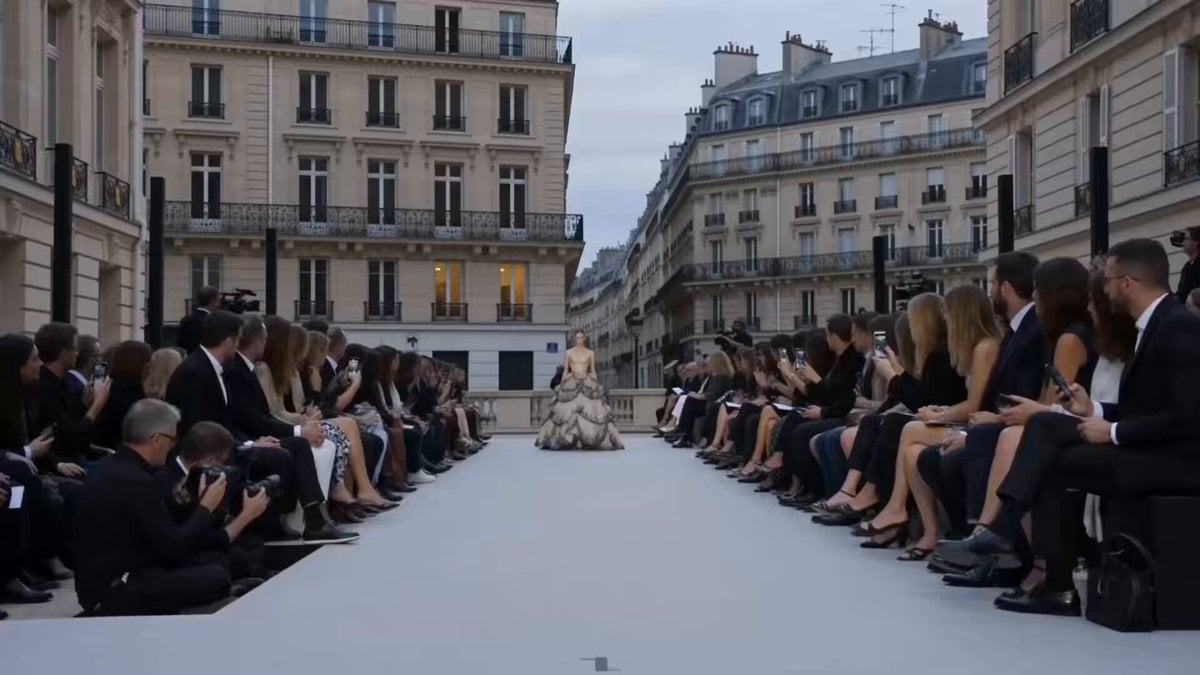
Example output
Hailuo Standard
Text to Video · Image to Video
Example output
Hailuo Standard
Best for
Supports
Try this model
No results to display yet.
Model examples
Review examples to help decide whether the model fits your task.
Model strengths
Model strengths
Suggested uses
Tasks to consider
Model details
Provider
MiniMax
Category
Video
Capabilities
Text to Video · Image to Video
Credit charges
Credit rate: 12–50 per video
Inputs
Prompt + optional images
Prompt requirements
Up to 1,500 characters
Developer access
Hailuo Standard can be called through Public API v1. Modes that use reference media require uploads through the Files API. Check the model reference for supported inputs.
Hailuo Standard FAQ
Use it for short product-shot drafts, scene studies, and motion tests. Start from a text description or an image; add a second image to specify an end frame. For a first test, describe one action or camera move and review the result before refining the shot.
A text prompt is required in both modes, up to 1,500 characters. Use no images for text-to-video, or upload one or two different images for image-to-video. The first image sets the starting frame and the optional second image sets the end frame. Video and audio references are not supported.
Text-to-video supports 6 or 10 seconds, with no resolution selector. Image-to-video supports 512P at 6 or 10 seconds, or 768P at 10 seconds only. Prompt optimization is on by default, and you can turn it off.
Initial estimates are 30 credits for 6-second text-to-video and 50 for 10 seconds. Image-to-video is estimated at 12 credits for 512P/6s, 20 for 512P/10s, or 50 for 768P/10s. The estimate is reserved when you submit. Valid reported usage is rounded up to a whole credit for final billing; if the final amount is lower, the difference is returned. Billing stays under review if usage is missing, invalid, or above the reserved amount, even after a video is complete.
Choose two different JPG, PNG, or WebP images and sign in before uploading them. Each image can be up to 10 MiB (10,485,760 bytes). Describe the movement between the two frames in the required prompt, then choose an available duration and image resolution.
Try a product photo with one simple camera move, a brief scene described in text, or a shot planned between two images. Keep the first prompt focused on one action so you can decide what to adjust next.
Use a text prompt of up to 1,500 characters on every run. You can generate from text alone or add one or two different images as the first and optional last frame. Video and audio references are not supported.
Choose 6 or 10 seconds for text-to-video. With images, 512P supports either length; 768P is available only for 10 seconds. Prompt optimization starts enabled and can be switched off.
Sign in before uploading images or generating. Initial estimates range from 12 to 50 credits, depending on the mode, duration, and image resolution, and are reserved on submission. Final billing rounds valid reported usage up to a whole credit; if the final amount is lower, unused reserved credits are returned. Missing or invalid usage, or usage above the reservation, leaves billing under review, so a finished video can still be awaiting final billing.
Use Hailuo Standard's generation form in Studio to set a prompt, add images, and choose the available controls. After submission, history links let you open your generations.
Compare alternatives
Create Seedance 2.5 videos from text, a start frame with an optional end frame, or image, video, and audio references. Choose 480p, 720p, or 1080p, a duration from 4 to 30 seconds or automatic duration, and an MP4 or MOV format request.
Why consider it
Input option: Up to 50 reference files
Generate video from text, a first frame, or media references.
Why consider it
Input option: Prompt, first frame with optional last frame, or image/video/audio references
ByteDance's Seedance 2.0 Fast video model for text prompts, a first frame with an optional last frame, or image, video and audio references. Choose 480p or 720p, set a 4–15-second duration, and request audio or a returned last frame.
Why consider it
Input option: Prompt, first frame with optional last frame, or image/video/audio references
