
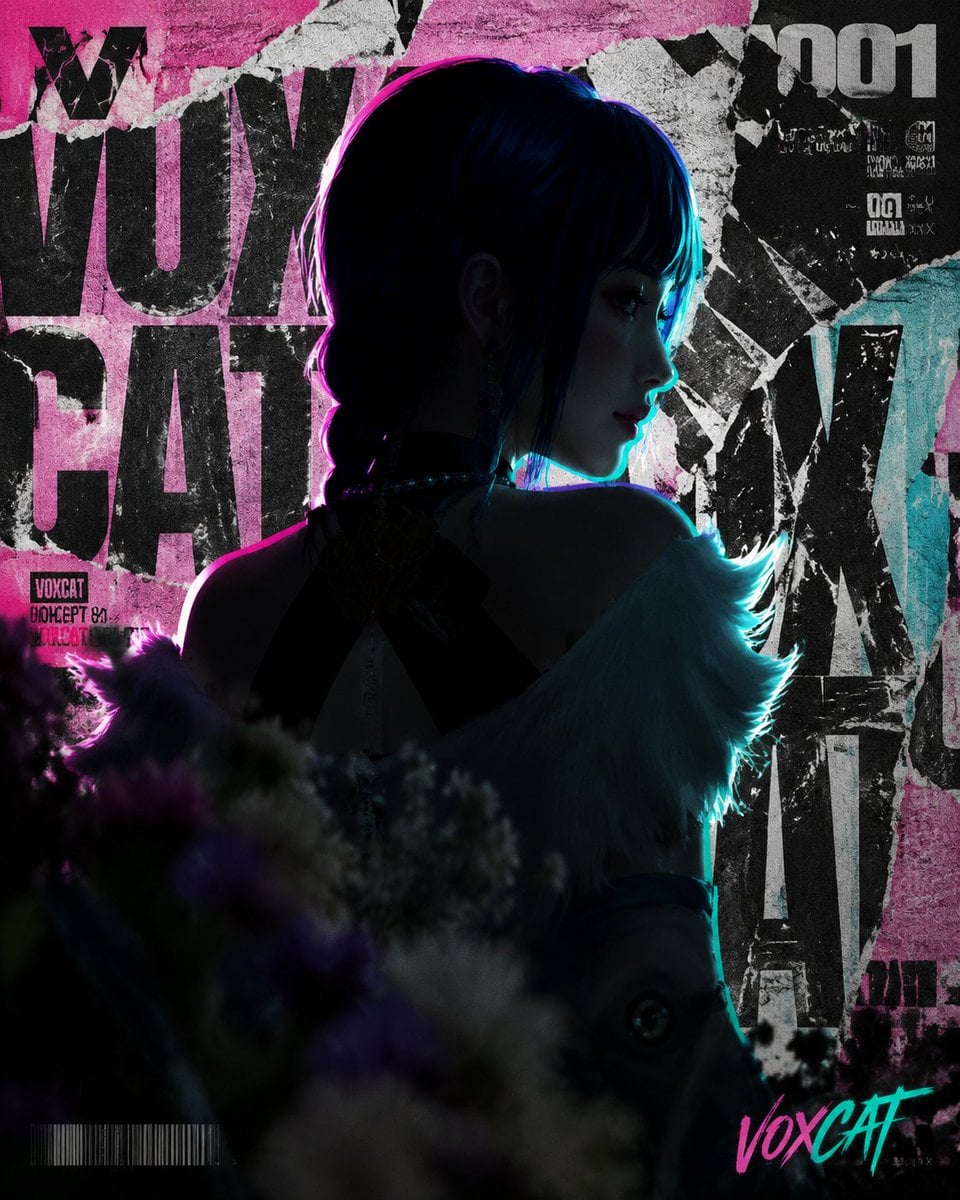
Use Grok Imagine Image 2.0 for a clean prompt-only composition or a reference-led edit where product shape, subject identity, material, color, or layout should guide the result.
The final cost is rounded up to whole credits.
Example output
Grok Imagine Image 2.0
Text to Image · Image to Image
Example output
Grok Imagine Image 2.0
Best for
Supports
Try this model
No results to display yet.
Model examples
Review examples to help decide whether the model fits your task.
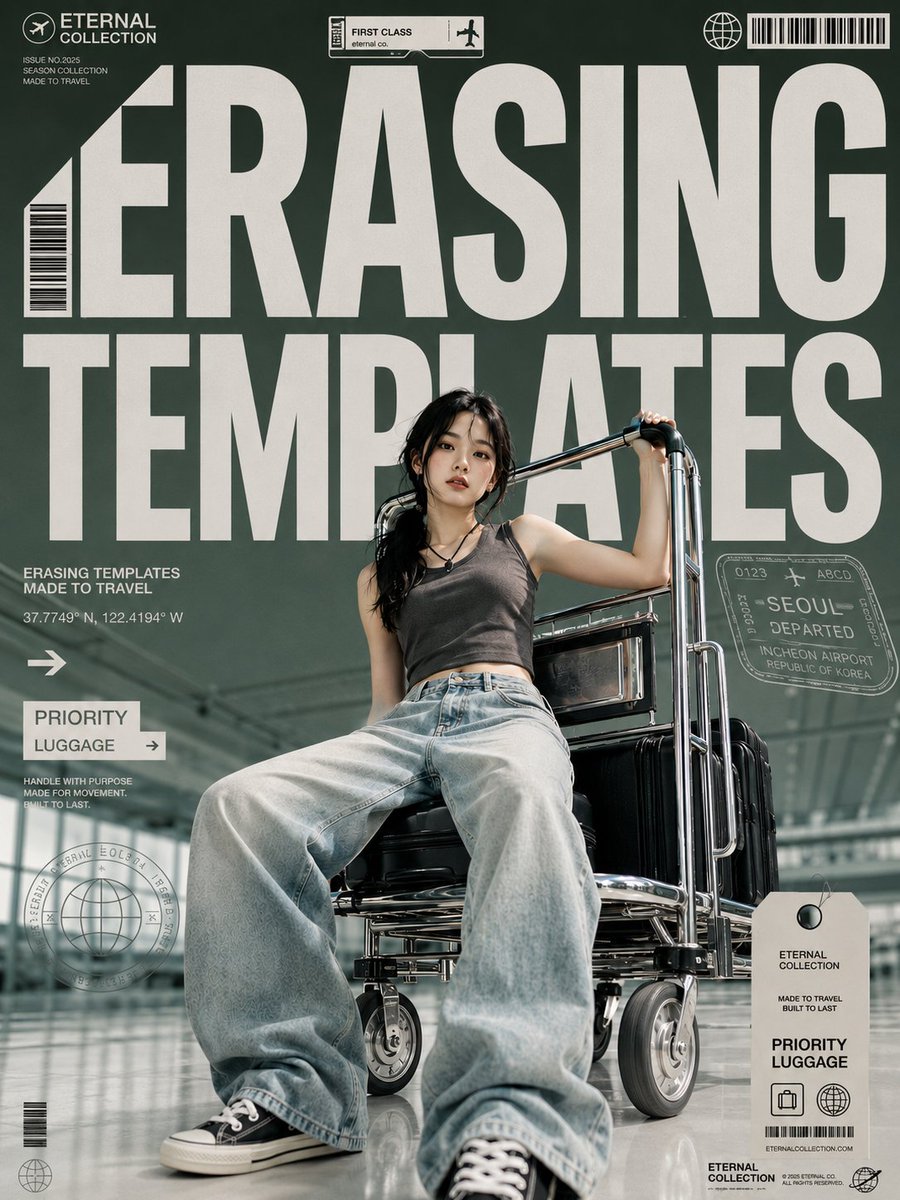
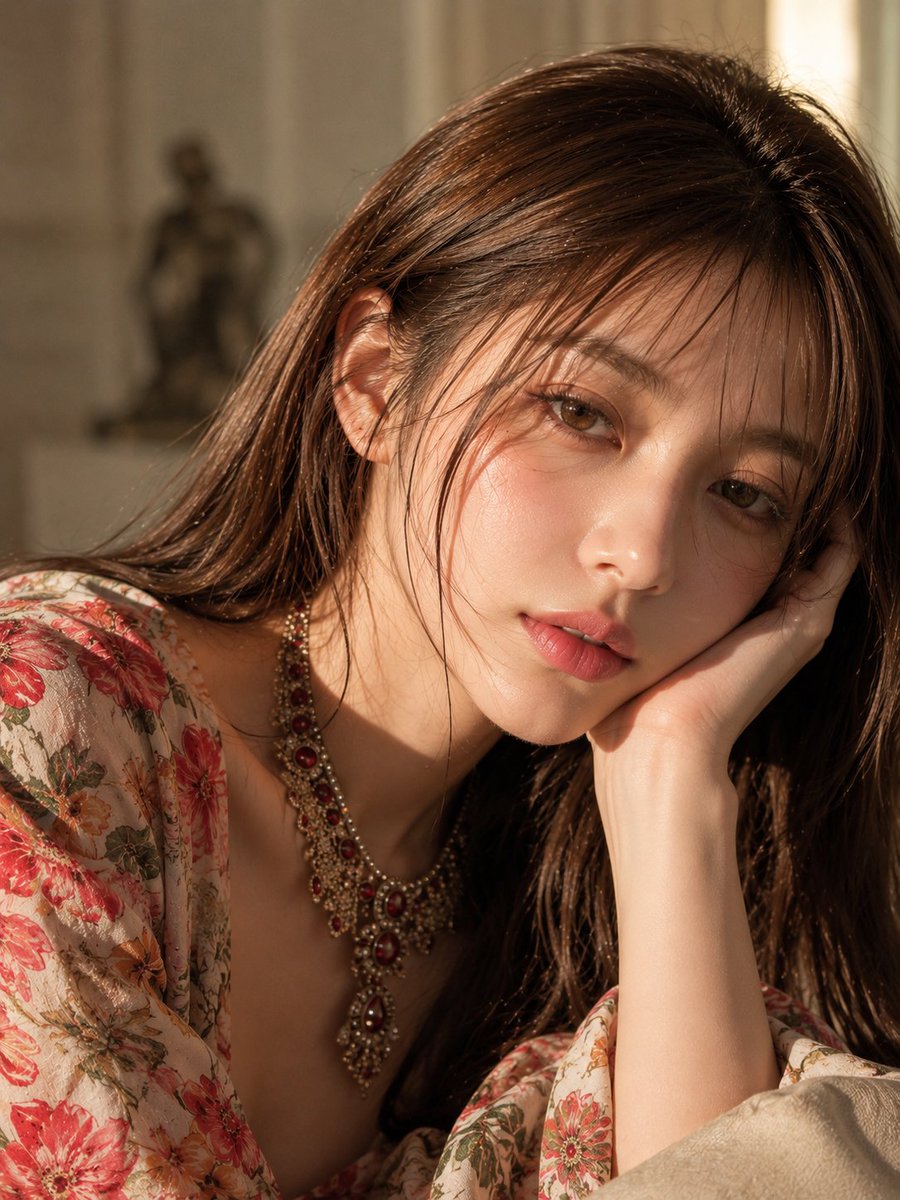
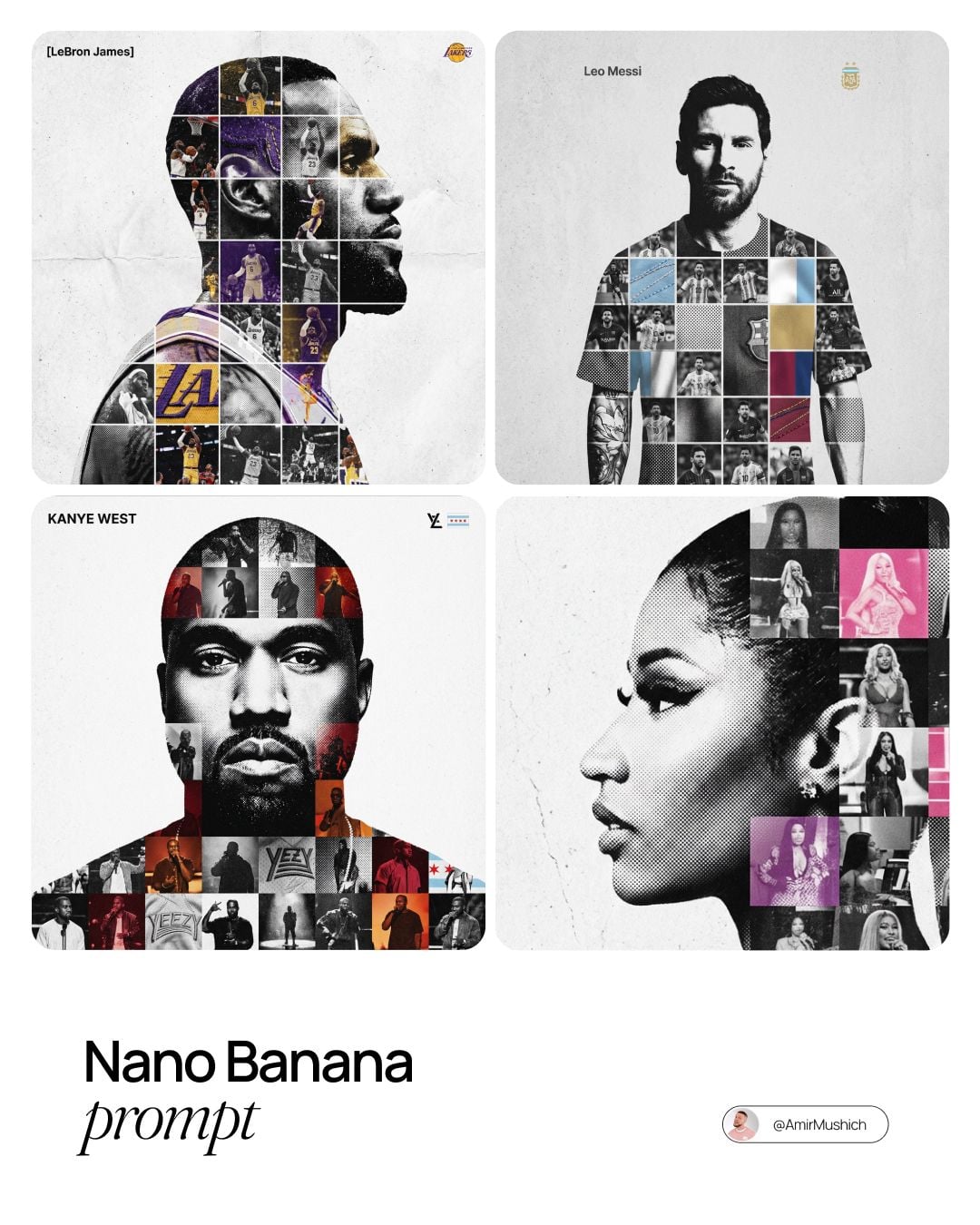
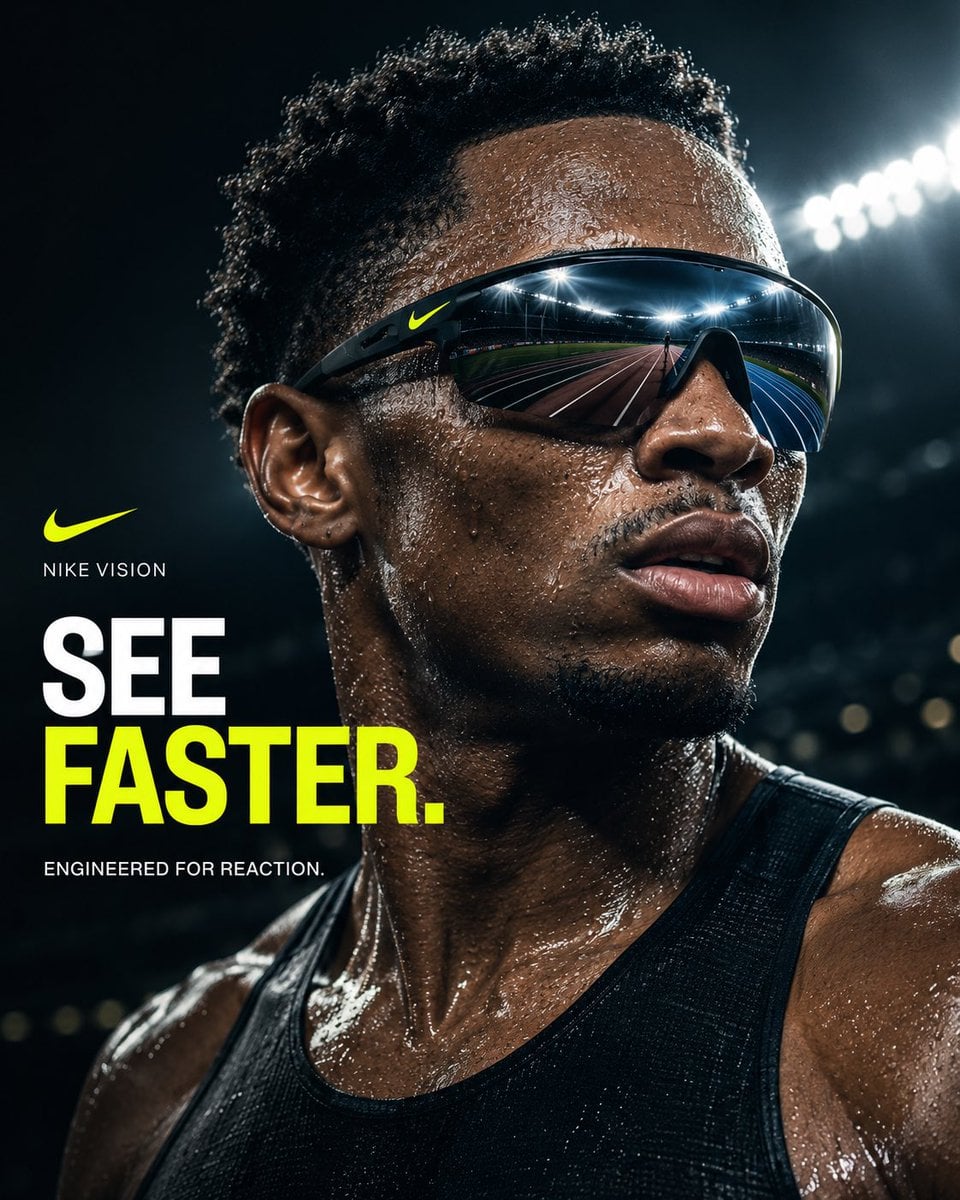
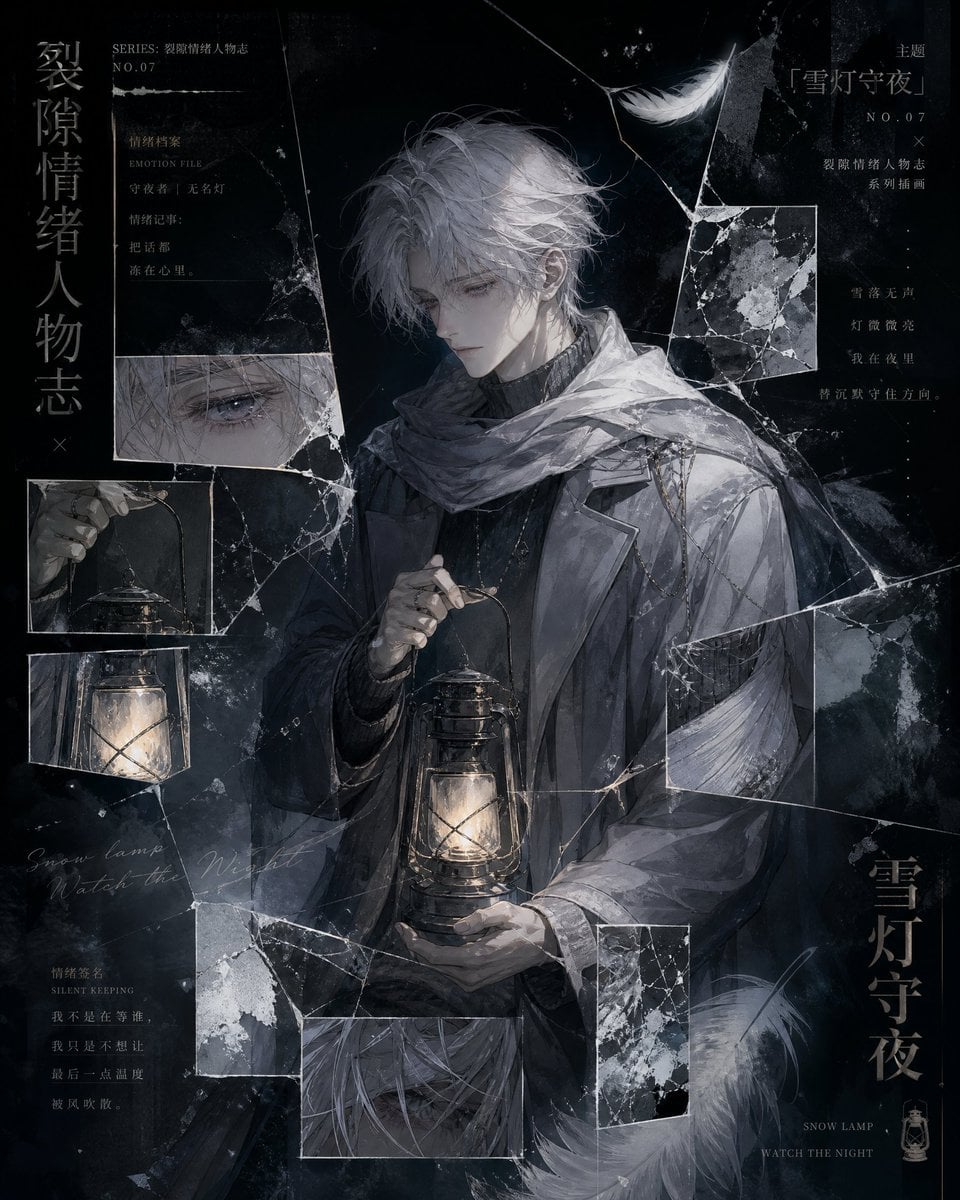
Model strengths
Model strengths
Suggested uses
Tasks to consider
Model details
Provider
xAI
Category
Image
Capabilities
Text to Image · Image to Image
Credit charges
Credit rate: 4 per image
Inputs
Prompt + optional images
Prompt requirements
Up to 8,000 characters
Developer access
Grok Imagine Image 2.0 can be called through Public API v1. Modes that use reference media require uploads through the Files API. Check the model reference for supported inputs.
Grok Imagine Image 2.0 FAQ
With no uploaded image it runs text-to-image. With one to five verified reference images it runs standard image editing. Segment Map and Segment Edit are not callable because their pricing contract is not currently mapped.
Text-to-image accepts 1:1, 2:3, 3:2, 16:9, or 9:16. Standard image editing accepts the same five ratios plus auto. Auto is rejected when no reference image is present.
Standard image editing requires one to five unique JPEG, PNG, or WebP files. Each file may be up to 10 MB and must retain the signed MIME type, dimensions, and byte size returned by the original model-bound upload.
Rivya reserves 4 credits before task creation. A valid reported actual amount no greater than the reservation can settle the task and refund the difference. Missing, invalid, or higher actual usage keeps the reservation and moves the task to reconciliation without a hidden extra charge.
Rivya accepts a trimmed prompt from 1 to 8,000 characters for both available workflows. Longer prompts are rejected rather than silently shortened.
Yes. Leave the reference area empty, write a prompt, and choose one of the five fixed aspect ratios for text-to-image.
Upload one to five JPEG, PNG, or WebP images through the model-bound uploader, explain what must stay and what should change, and choose a fixed ratio or auto.
Auto belongs only to the image-edit workflow. When the final reference is removed, Rivya returns the request to text-to-image and resets the ratio to 1:1.
No. Edit requests require the original signed metadata from a model-bound Rivya upload so the server can verify the URL, MIME type, dimensions, and byte size before reserving credits.
Use this page for a focused test. Open Studio when you want to compare prompt variants, manage several references, or continue a longer image workflow.
Compare alternatives
GPT Image 2.5 Flare supports image creation from a prompt and edits with image references, plus aspect ratio, resolution, and background settings.
Why consider it
Credit charges: Initial generation reserve: 1K 3 credits · 2K 10 credits · 4K 16 credits.
GPT Image 2.5 Sunburst generates images from a prompt, with optional reference images and separate aspect ratio, resolution, and background settings.
Why consider it
Credit charges: Rivya reserves 3 credits for 1K, 10 for 2K, or 16 for 4K before submitting the request.
GPT Image 2 on Rivya supports text-to-image generation and reference-image edits, with aspect ratio and resolution controls.
Why consider it
Credit charges: Initial reserve: 1K 3 credits · 2K 5 credits · 4K 8 credits.