
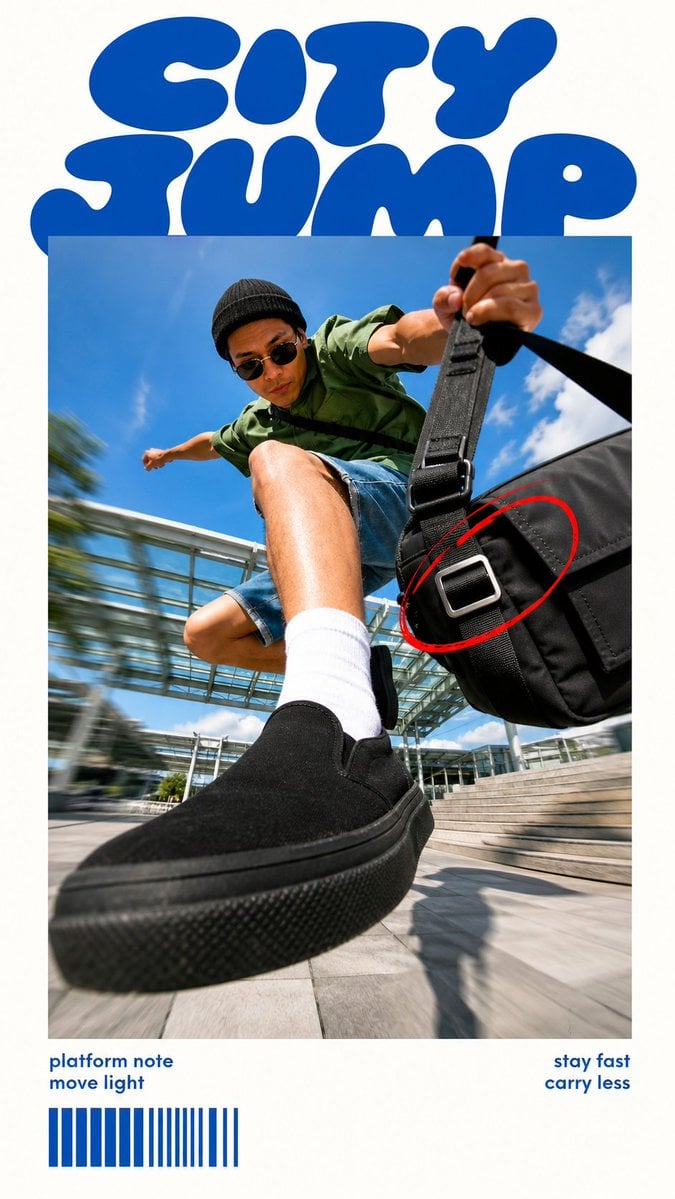
Plan a product visual or campaign layout with GPT Image 2.5 Flare. Write the scene or editing instructions, select compatible aspect ratio and resolution settings, and request an automatic, transparent, or opaque background.
The final cost is rounded up to whole credits.
Example output
GPT Image 2.5 Flare
Text to Image · Image to Image
Example output
GPT Image 2.5 Flare
Best for
Supports
Try this model
No results to display yet.
Model examples
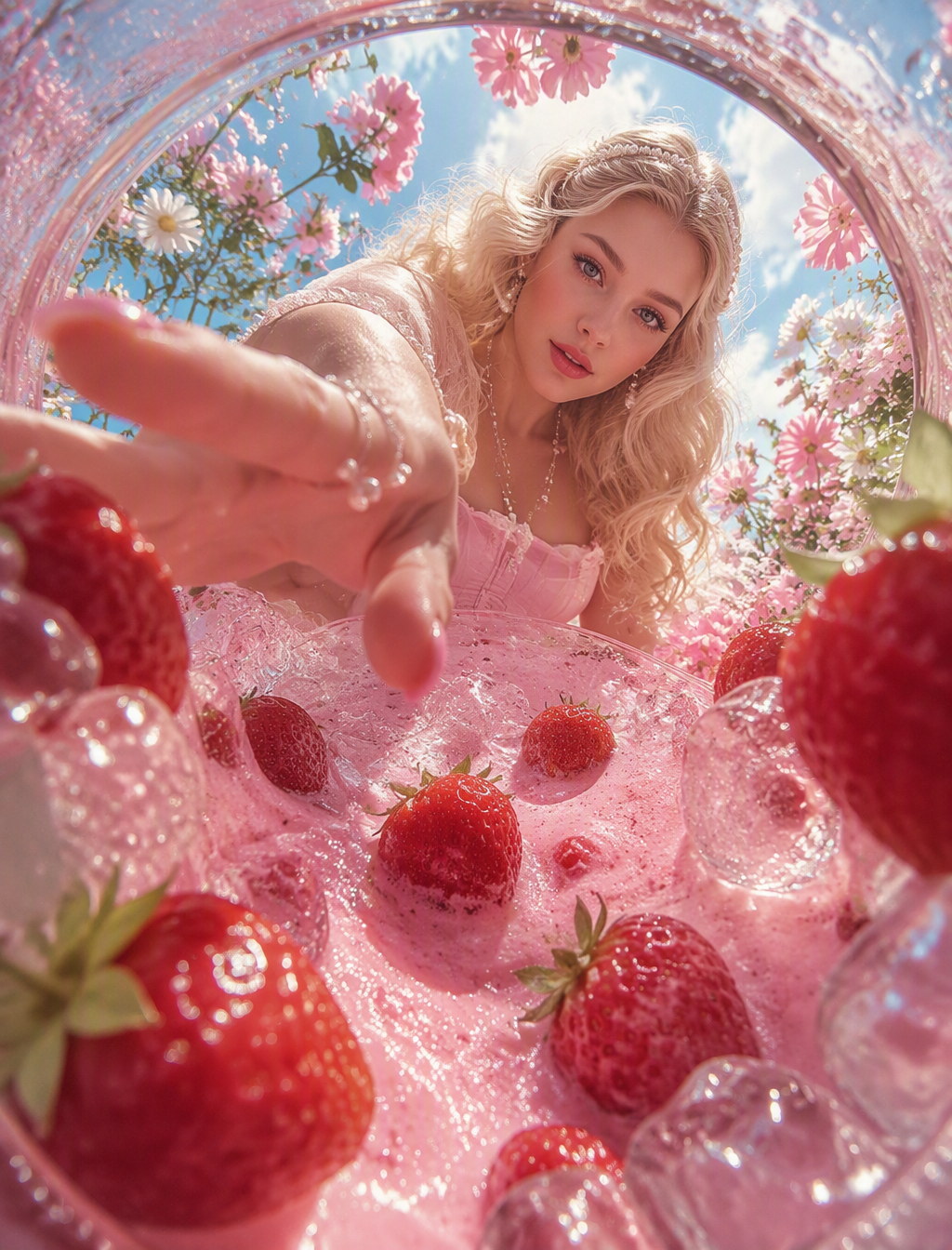
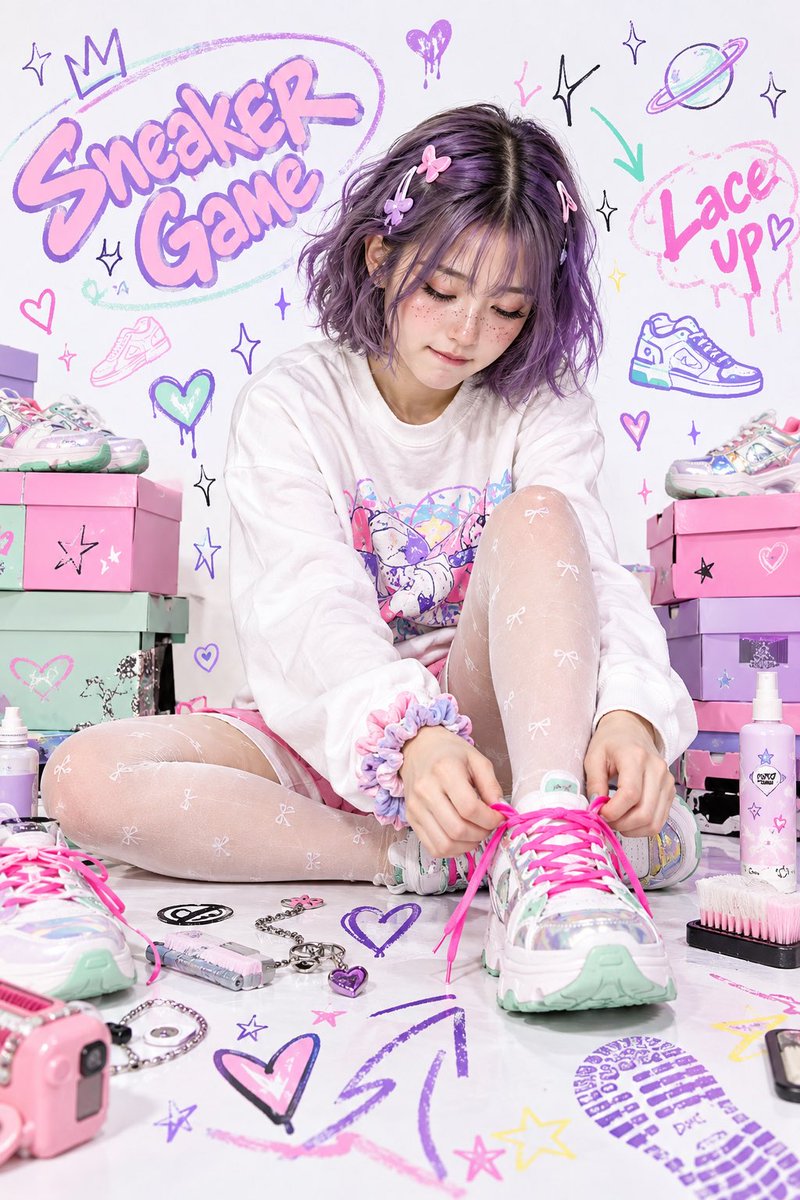
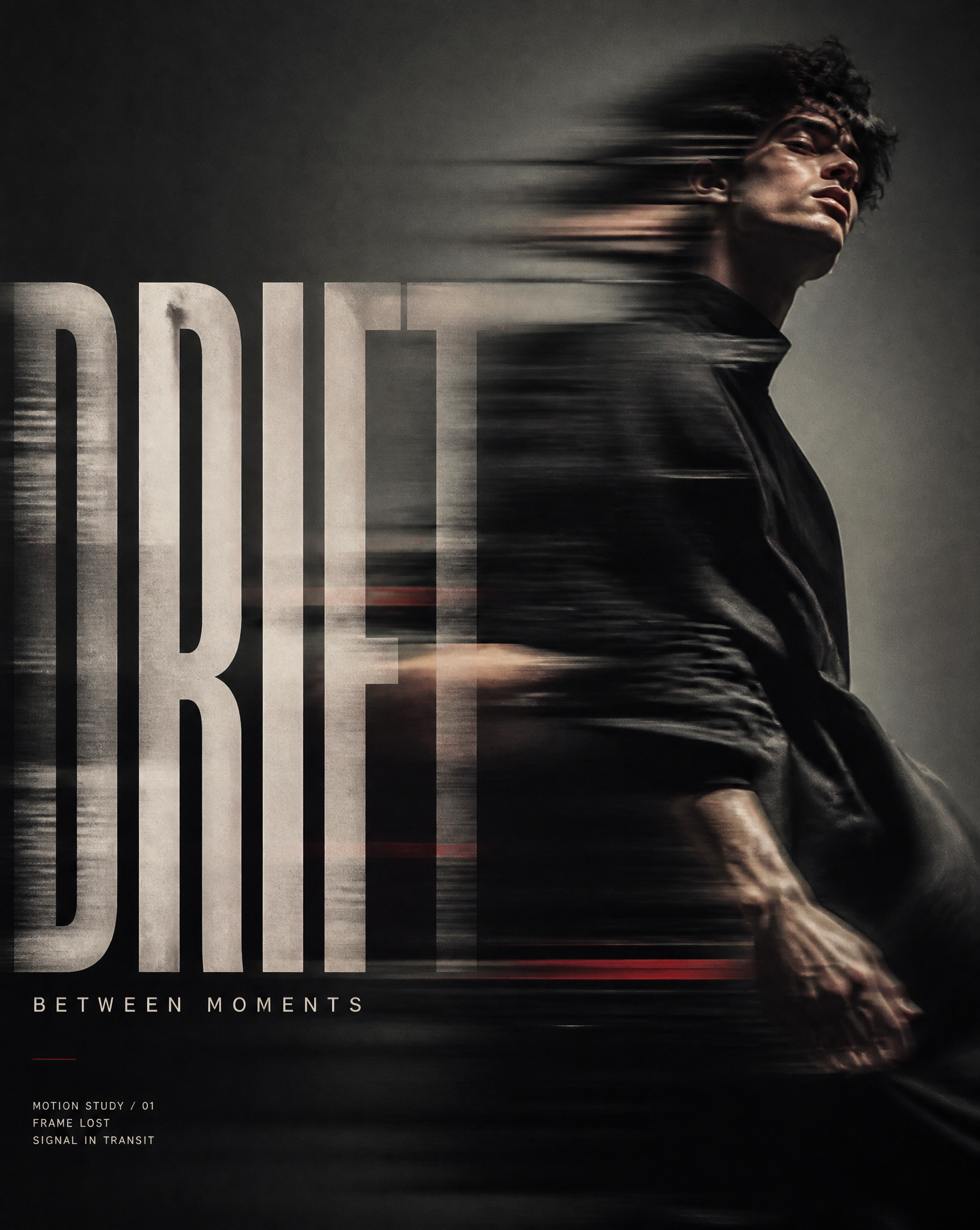
Review examples to help decide whether the model fits your task.
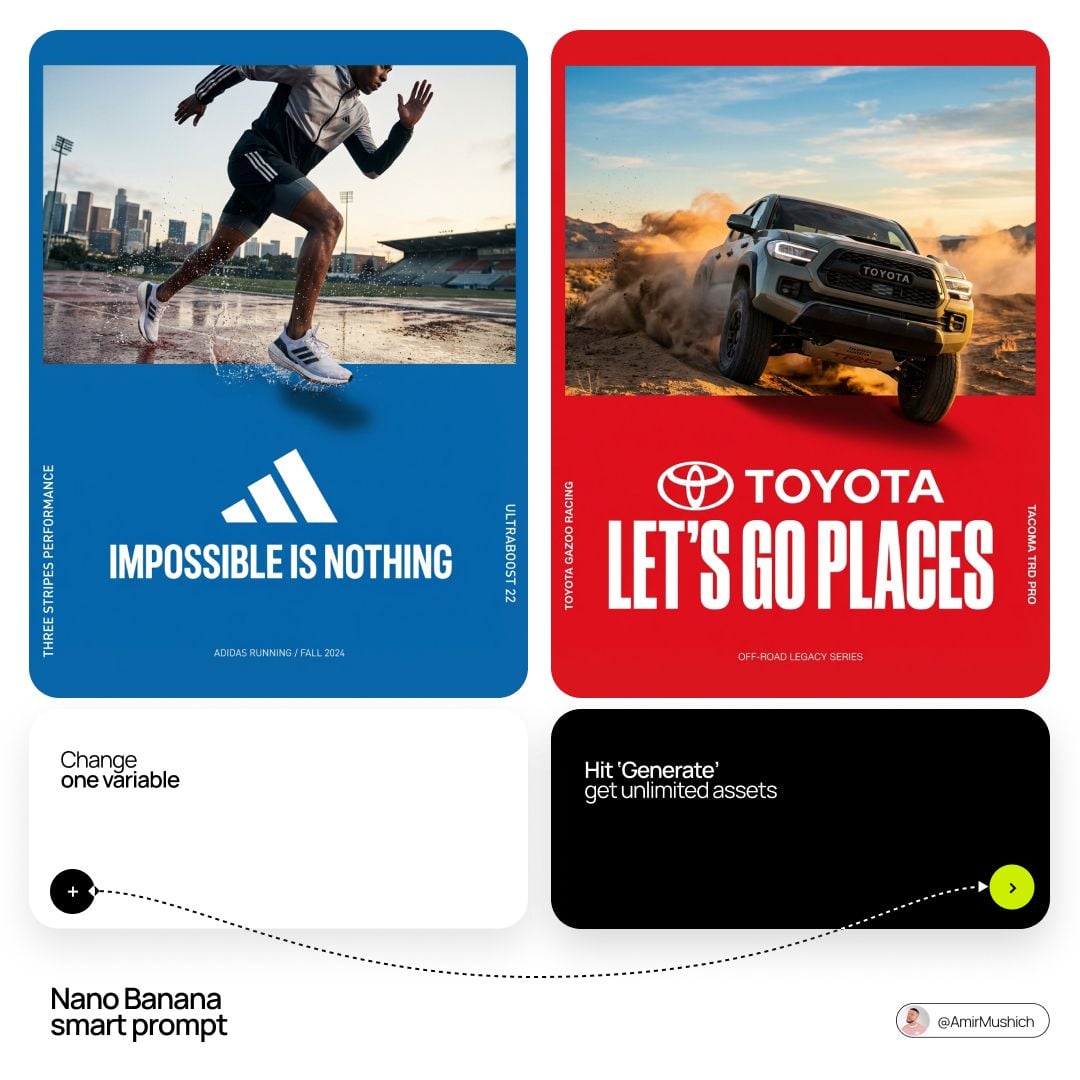
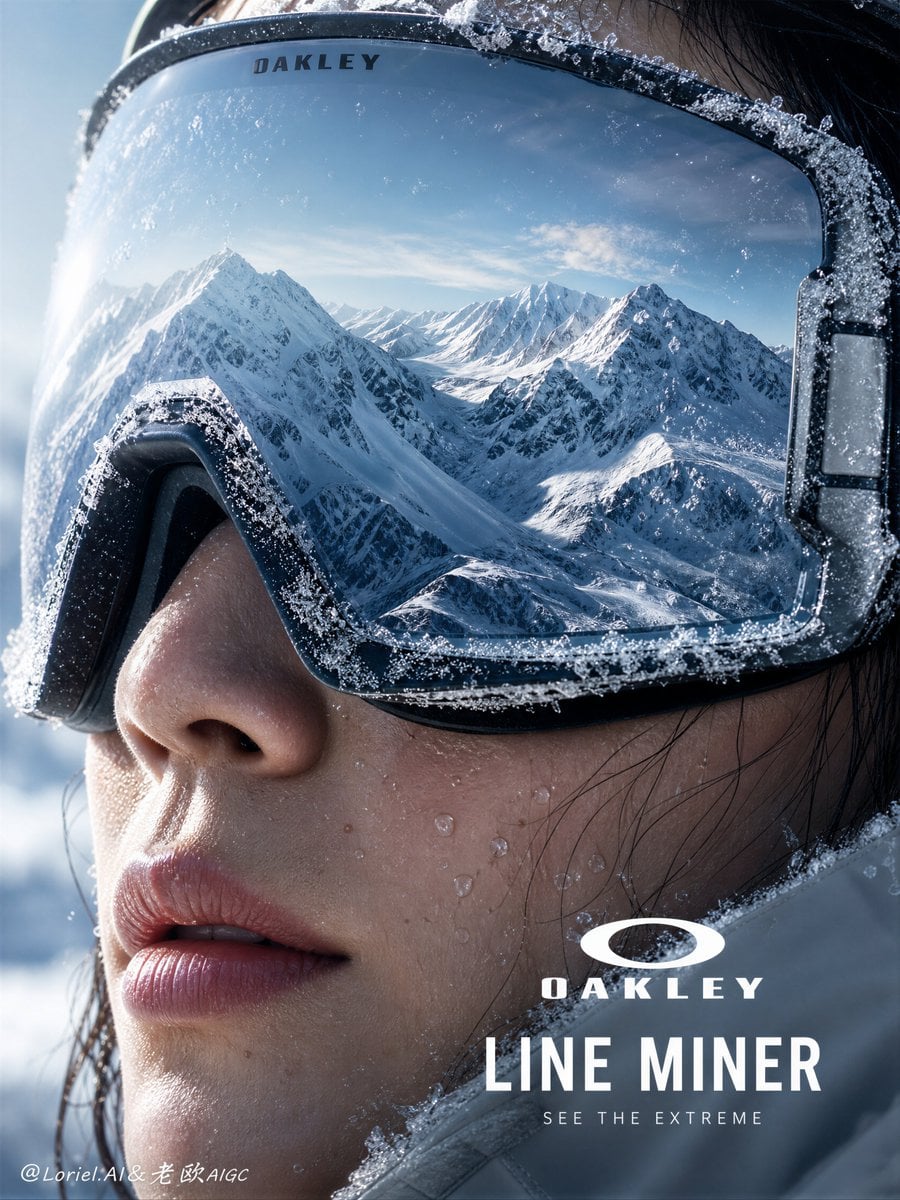
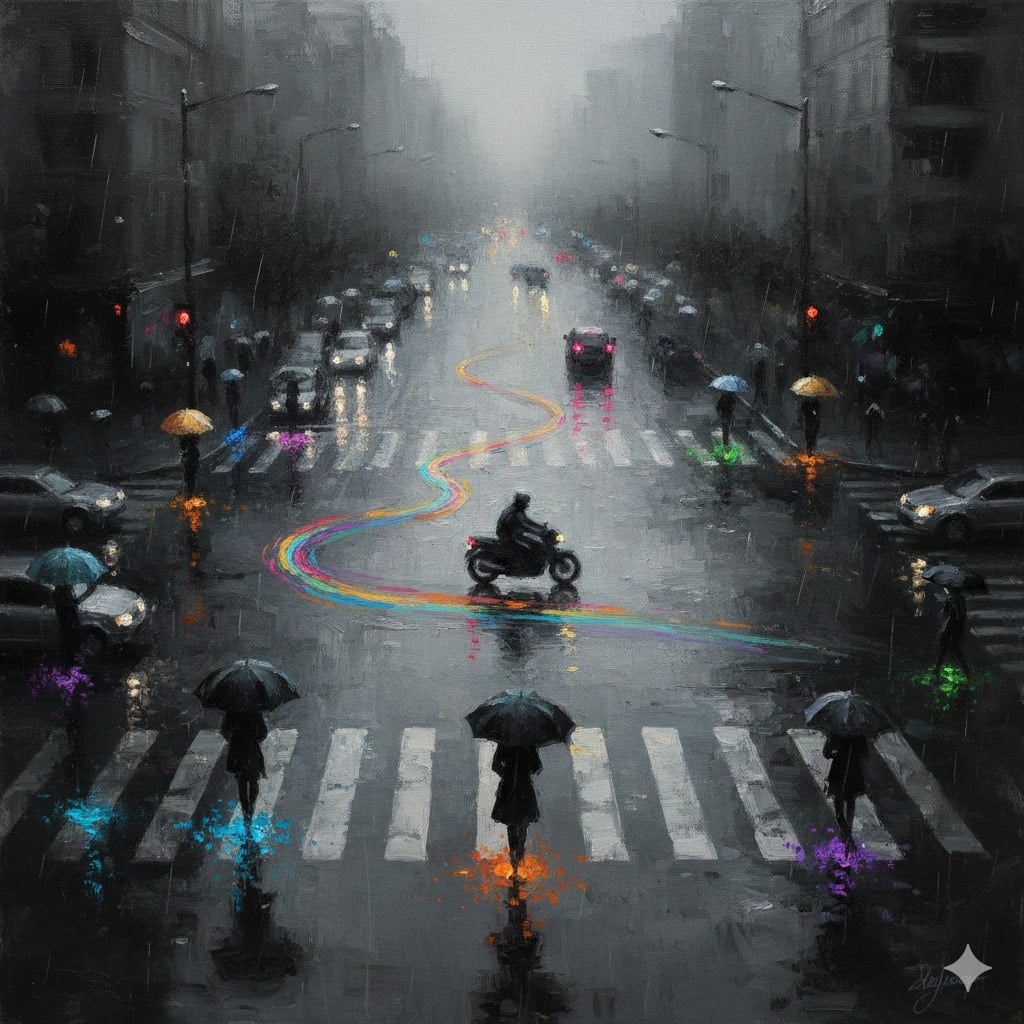
A rainy urban intersection with charcoal and silver tones, colorful light trails, and loose Impressionist brushwork.
Model strengths
Model strengths
Suggested uses
Tasks to consider
Model details
Provider
OpenAI
Category
Image
Capabilities
Text to Image · Image to Image
Credit charges
Initial generation reserve: 1K 3 credits · 2K 10 credits · 4K 16 credits.
Inputs
Prompt + optional images
Prompt requirements
Up to 20,000 characters
Developer access
GPT Image 2.5 Flare can be called through Public API v1. Modes that use reference media require uploads through the Files API. Check the model reference for supported inputs.
GPT Image 2.5 Flare FAQ
Consider Flare for a product scene, a campaign composition, or an edit based on supplied images. Explain the subject, layout, and desired background in the prompt. Treat these as instructions to check against the result, rather than a guarantee of an exact finished design.
You can supply up to 16 JPEG, PNG, or WebP image references. The upload service checks each file against a 10 MiB limit. Add a text prompt explaining the edit; a prompt is also required when generating without references.
Keep 27:16, 16:27, 9:8, and 8:9 at 1K. The remaining listed ratios allow 1K, 2K, or 4K, with any listed background setting. Check the estimate for the compatible settings you choose. Rivya initially reserves the request estimate; the upstream pricing unit is per output image. A successful task can settle against valid reported usage rounded up within the reserve, returning any unused credits. Other usage reports leave billing awaiting reconciliation.
Flare offers resolution and background choices: 1K, 2K, or 4K, plus automatic, transparent, or opaque. GPT Image 1.5 instead exposes Medium and High quality settings. These are different controls, so check each page for its allowed combinations and estimate; the model name alone does not establish better results.
If you need 2K or 4K with 27:16, 16:27, 9:8, or 8:9, choose another supported ratio or review a different model. For work that still needs several revisions, confirm the prompt and references before making another paid generation request.
This page lets you draft the prompt and choose the image settings. Once signed in, you can attach image references and start a generation from this form. Studio is another place to continue the workflow, rather than a required step before submitting here.
Browsing and editing the prompt do not require an account. Sign in before uploading a reference or sending a generation request. The generation request needs enough credits to cover its reserve; the reference upload does not make that reservation.
Match the aspect ratio to the resolution: 27:16, 16:27, 9:8, and 8:9 are limited to 1K. Then check background, prompt, reference images, and the displayed reserve estimate. After the request starts, use its task status and inspect the output to see what was delivered.
Open Studio when the image workspace suits your next round of edits or generation. Your tasks from this public form also appear in generation history. Keep your own copy of outputs you intend to use, since a saved task record does not keep its media URL available forever.
Compare alternatives
GPT Image 2.5 Sunburst generates images from a prompt, with optional reference images and separate aspect ratio, resolution, and background settings.
Why consider it
Credit charges: Rivya reserves 3 credits for 1K, 10 for 2K, or 16 for 4K before submitting the request.
GPT Image 2 on Rivya supports text-to-image generation and reference-image edits, with aspect ratio and resolution controls.
Why consider it
Credit charges: Initial reserve: 1K 3 credits · 2K 5 credits · 4K 8 credits.
Create images from a prompt with optional reference images using GPT Image 1.5. Choose Medium or High quality and an aspect ratio for product, campaign or scene drafts.
Why consider it
Credit charges: Initial reserve: Medium 4 credits; High 22 credits. Final charge depends on task settlement.