
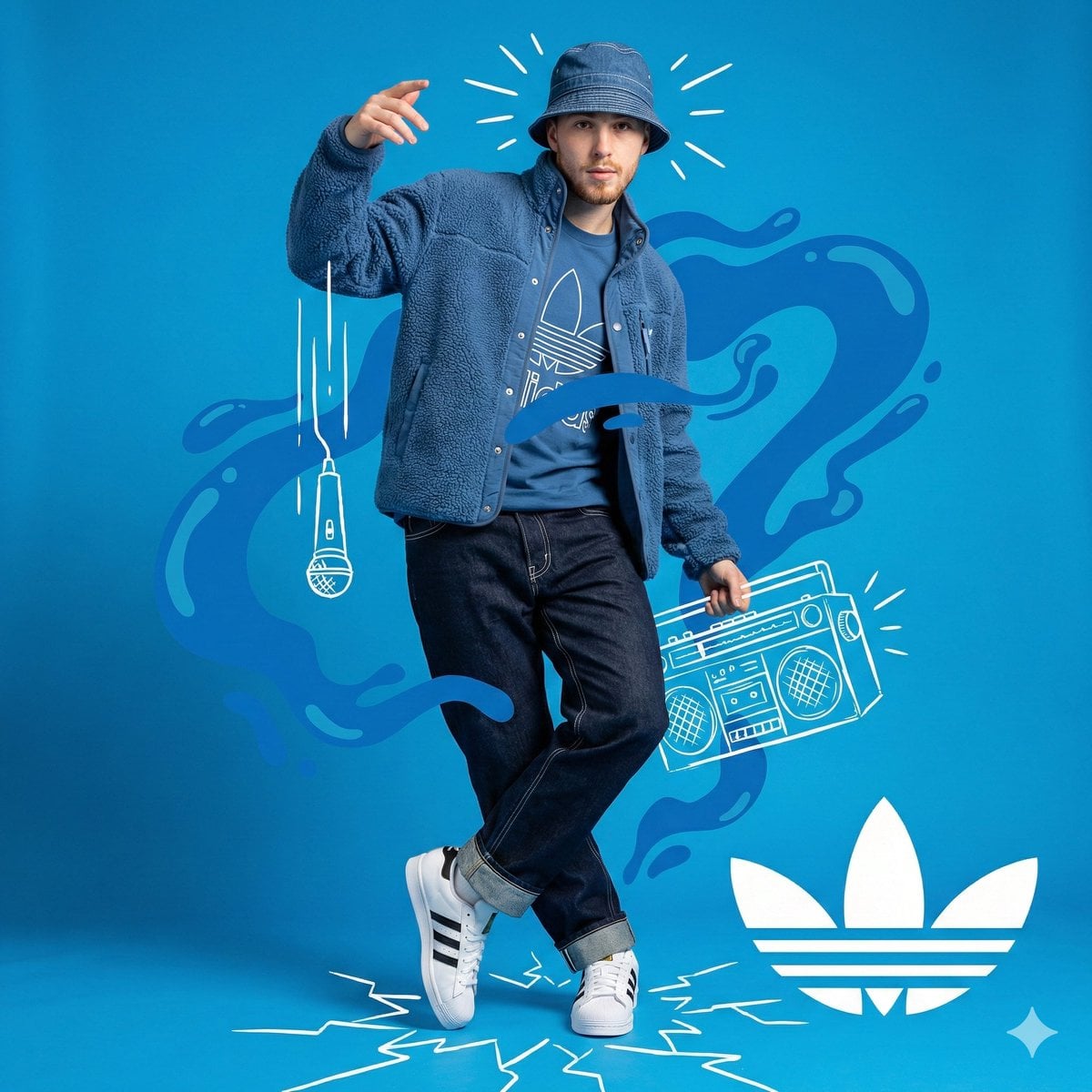
Use GPT Image 1.5 on Rivya to test a structured image brief or request changes using reference images. Describe the subject, layout and details that matter, then review the result against your product or campaign requirements.
The final cost is rounded up to whole credits.
Example output
GPT Image 1.5
Text to Image · Image to Image
Example output
GPT Image 1.5
Best for
Supports
Try this model
No results to display yet.
Model examples
Review examples to help decide whether the model fits your task.
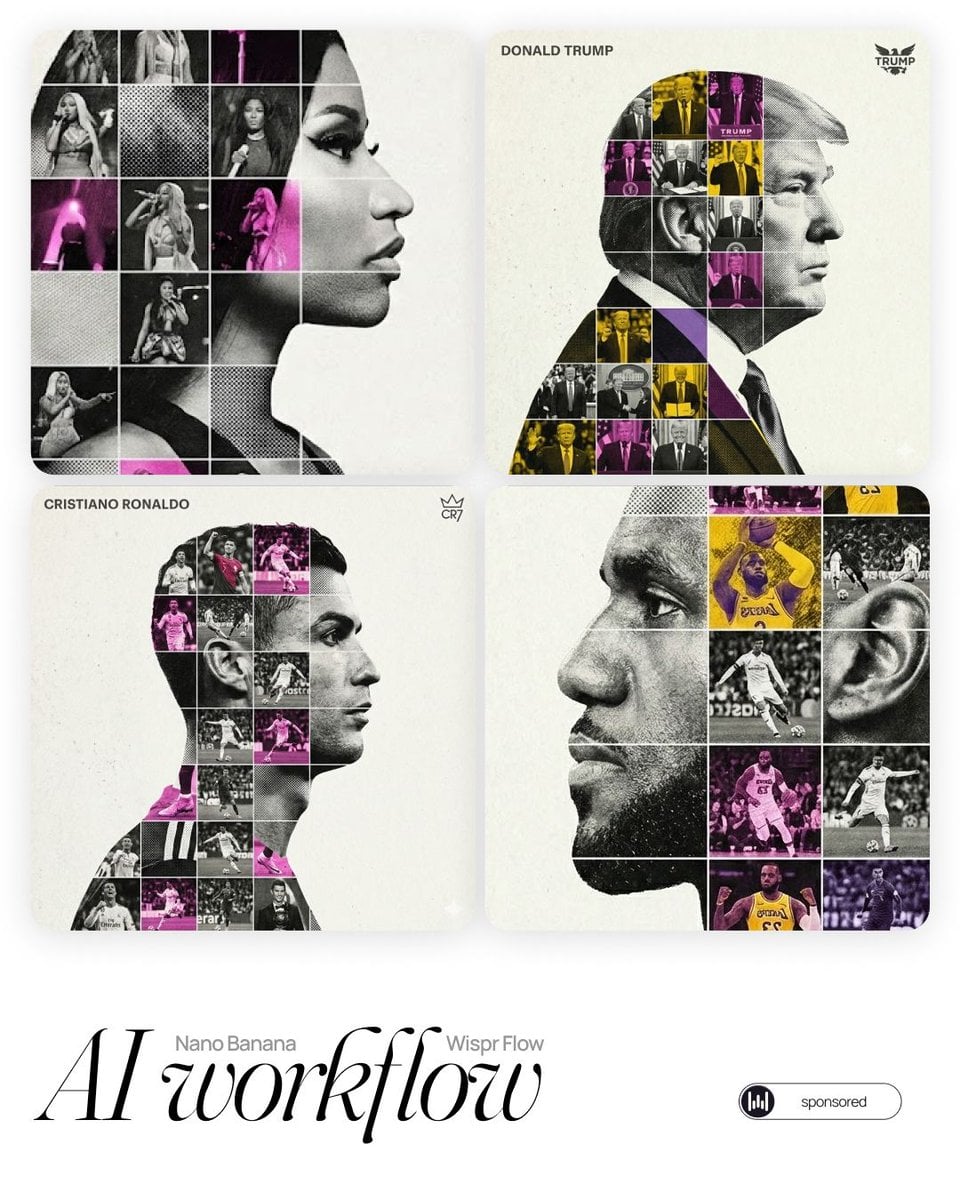
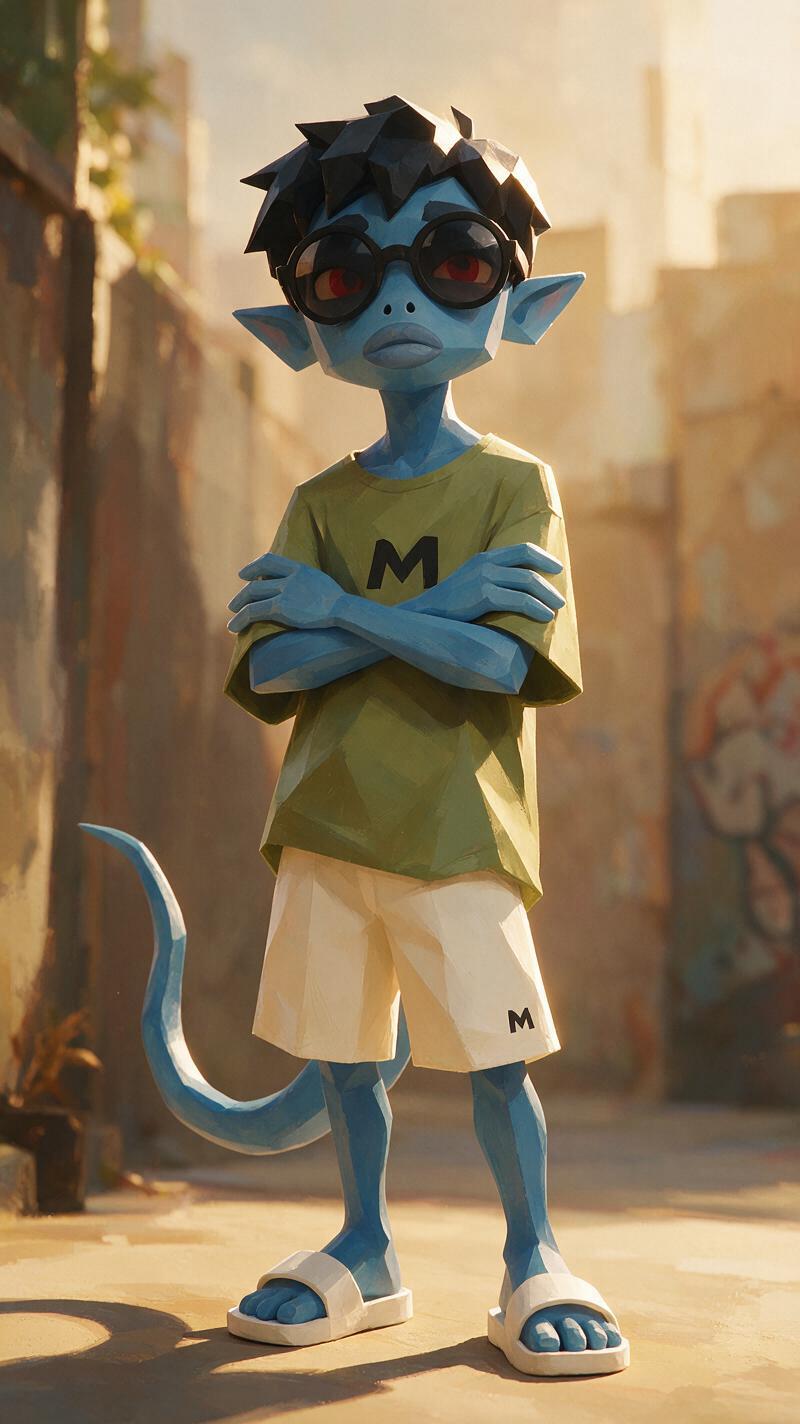
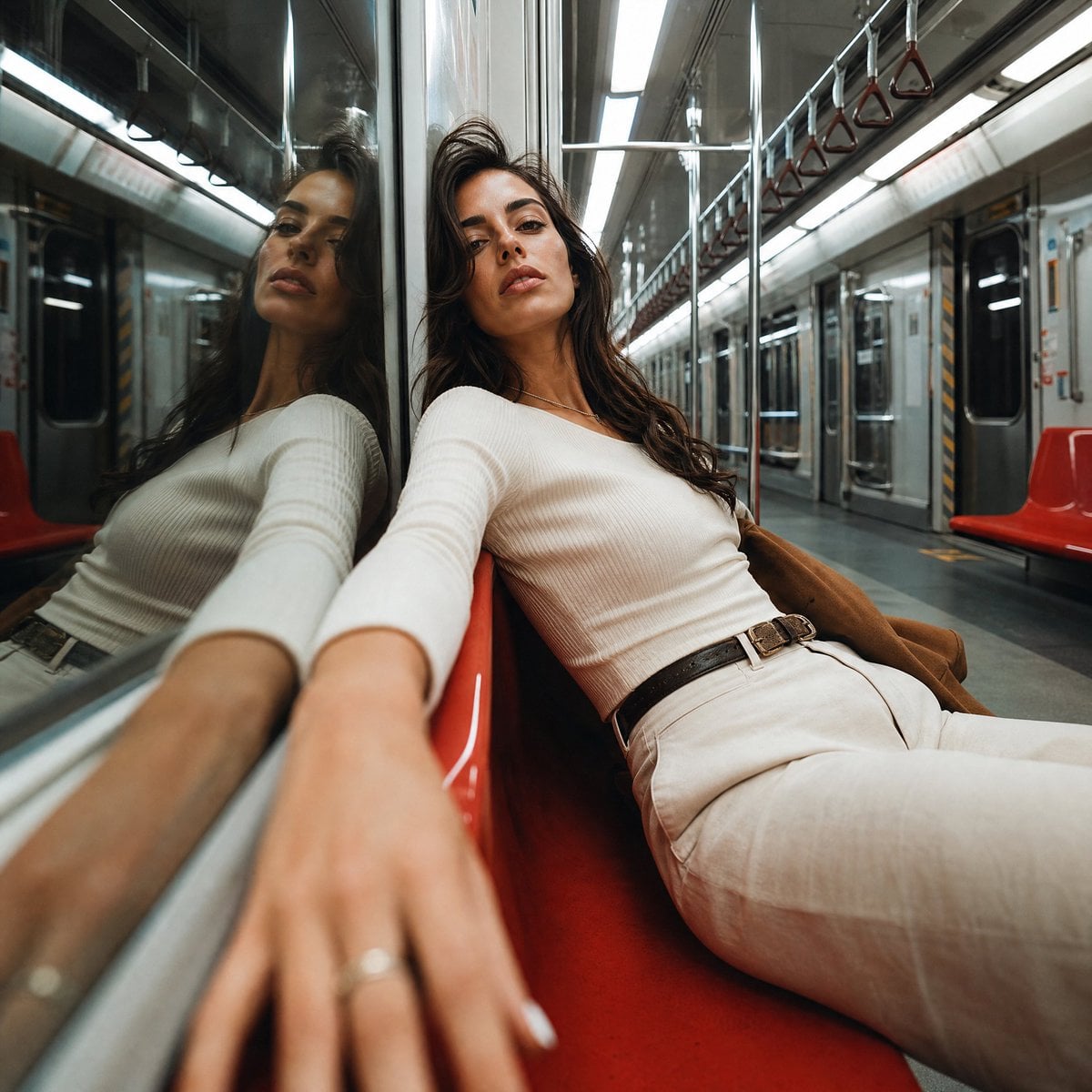
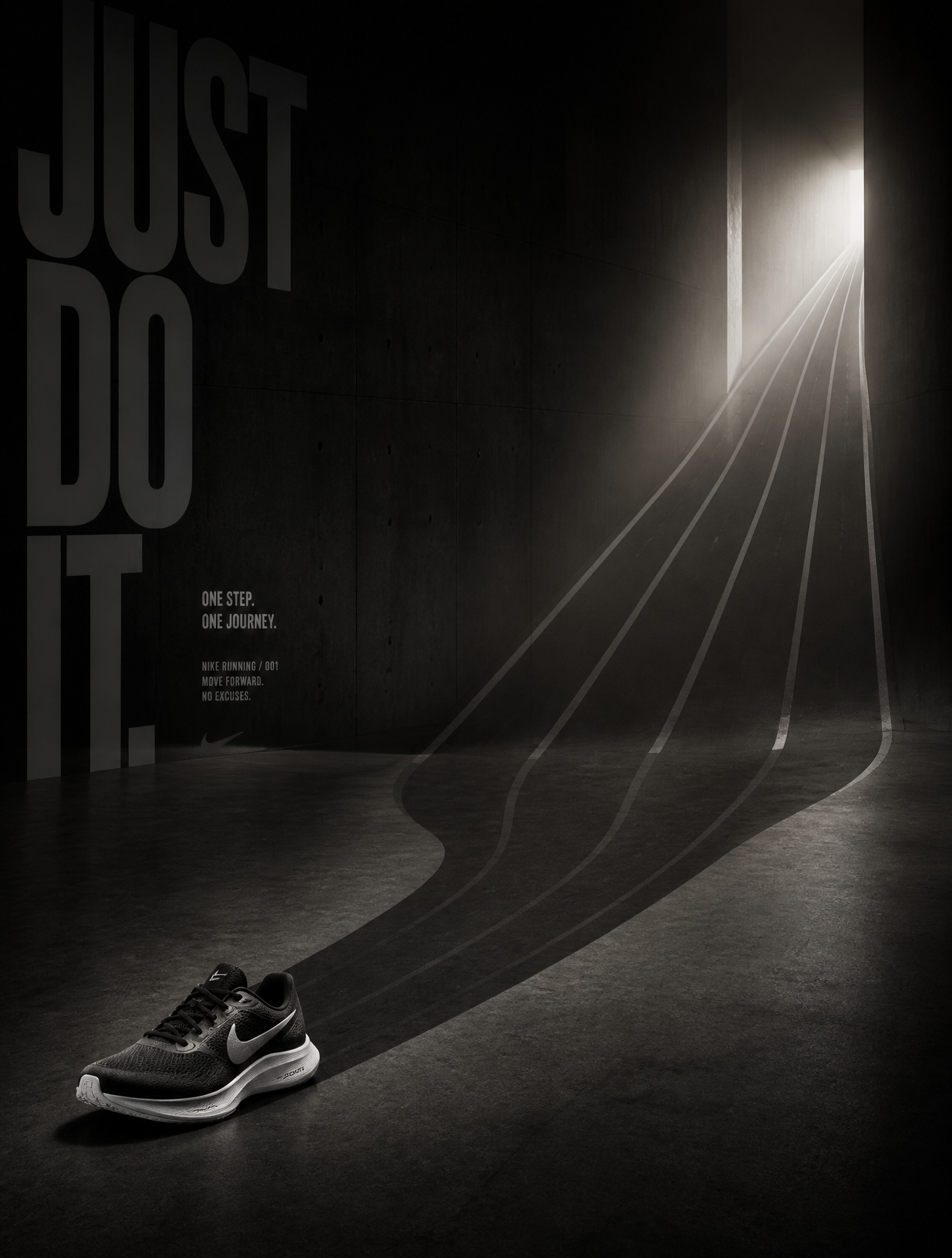
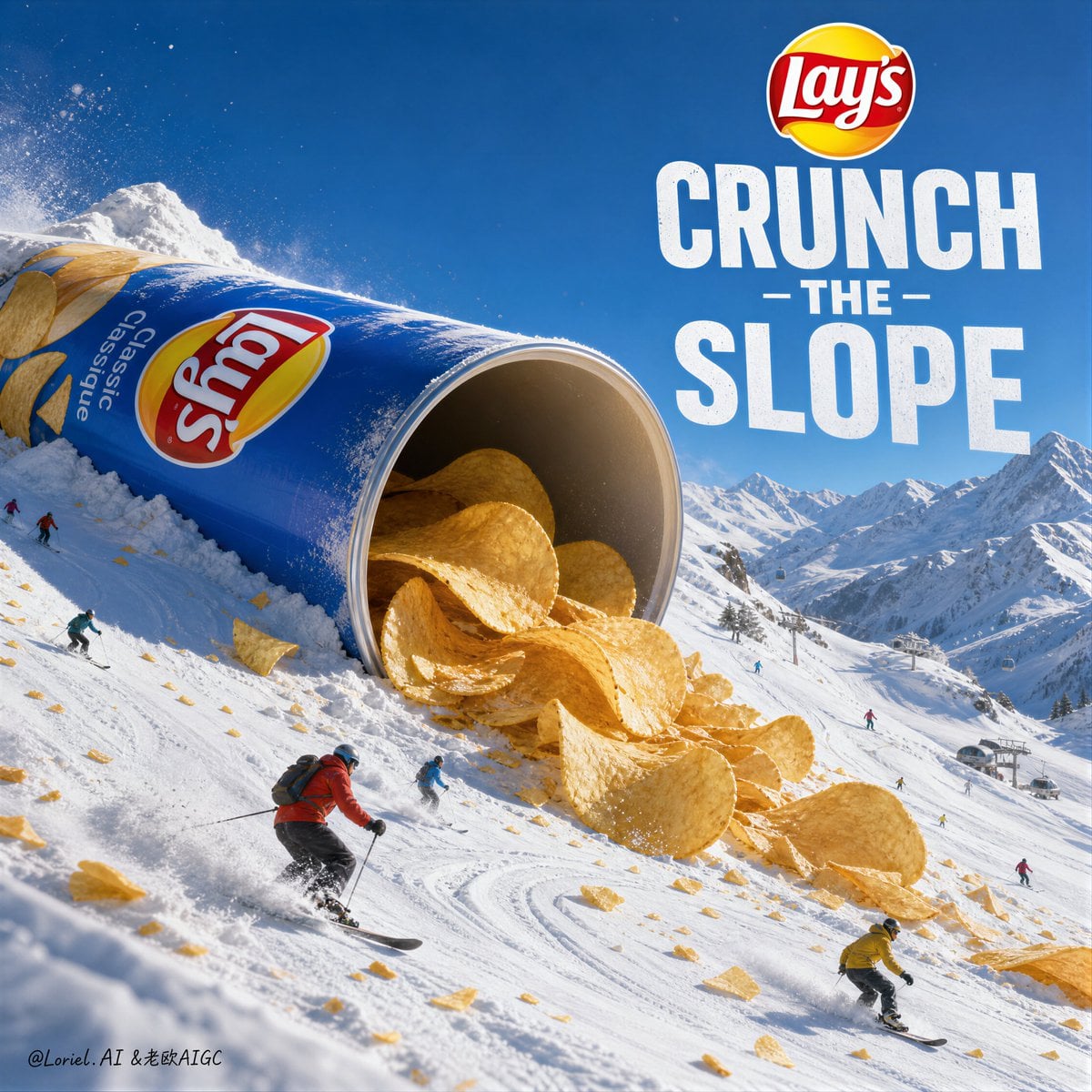
Model strengths
Model strengths
Suggested uses
Tasks to consider
Model details
Provider
OpenAI
Category
Image
Capabilities
Text to Image · Image to Image
Credit charges
Initial reserve: Medium 4 credits; High 22 credits. Final charge depends on task settlement.
Inputs
Prompt + optional images
Prompt requirements
Prompt-guided
Developer access
GPT Image 1.5 can be called through Public API v1. Modes that use reference media require uploads through the Files API. Check the model reference for supported inputs.
GPT Image 1.5 FAQ
Use it to test product or campaign visuals with several objects, layout rules or specific details. State what each reference should contribute and which parts you want to change. Treat the result as a draft: review product shapes, text and composition before using it.
You can submit a text prompt alone or attach up to 16 reference images for an image-based request. A prompt is required in both cases. Explain the role of each reference; uploading several images does not guarantee that every detail will appear in the result.
Choose Medium or High quality and an aspect ratio: 1:1, 2:3 or 3:2. Check the estimate and the files successfully attached before submitting. Keep the brief and references consistent when comparing quality settings, then review the actual differences in the outputs.
The initial estimate and reservation are 4 credits for Medium or 22 credits for High. On a successful task, valid reported usage within that reservation can settle the charge and return any difference; otherwise the credit status may remain unresolved. Check the task's final credit status instead of treating the estimate as a guaranteed final cost.
Compare a representative brief, the available inputs and controls, and the current credit estimate. Check the generated objects, layout, text and reference details against your requirements. Choose from the results you have reviewed rather than assuming a more expensive model will follow the brief more accurately. Use only source material you have permission to submit.
Start with a product or campaign draft, a scene with several objects, or a request based on reference images. Write the important layout and detail requirements, then check the result before deciding what to change in the next request.
This public model page lets you prepare a prompt-only request or an image-based request with up to 16 references. Choose quality and aspect ratio in the form. Sign in before uploading or submitting; you do not have to open Studio for an initial request.
Check Medium or High quality, the aspect ratio and the reference files successfully attached. Make the subject, layout and role of each reference clear in the prompt. Review the output for the details you need rather than assuming a larger reference set produces a better result.
Browsing the page is public. Sign in to upload reference images or submit a generation request. Generating also requires enough credits for the initial reservation: 4 for Medium or 22 for High. Final credits depend on task status and reported usage; the estimate is not a guaranteed final charge.
Use the public form for an initial request, or open Studio to continue your image work. Revisit submitted tasks in History and download files you want to keep while they are available.
Compare alternatives
GPT Image 2.5 Flare supports image creation from a prompt and edits with image references, plus aspect ratio, resolution, and background settings.
Why consider it
Credit charges: Initial generation reserve: 1K 3 credits · 2K 10 credits · 4K 16 credits.
GPT Image 2.5 Sunburst generates images from a prompt, with optional reference images and separate aspect ratio, resolution, and background settings.
Why consider it
Credit charges: Rivya reserves 3 credits for 1K, 10 for 2K, or 16 for 4K before submitting the request.
GPT Image 2 on Rivya supports text-to-image generation and reference-image edits, with aspect ratio and resolution controls.
Why consider it
Credit charges: Initial reserve: 1K 3 credits · 2K 5 credits · 4K 8 credits.