
Describe a new image, or upload a photo and explain what to change. Try a different product background, adjust a poster, or draft an ad variation.
The final cost is rounded up to whole credits.
Example output
Flux Kontext Pro
Text to Image · Image to Image
Example output
Flux Kontext Pro
Best for
Supports
Try this model
No results to display yet.
Model examples
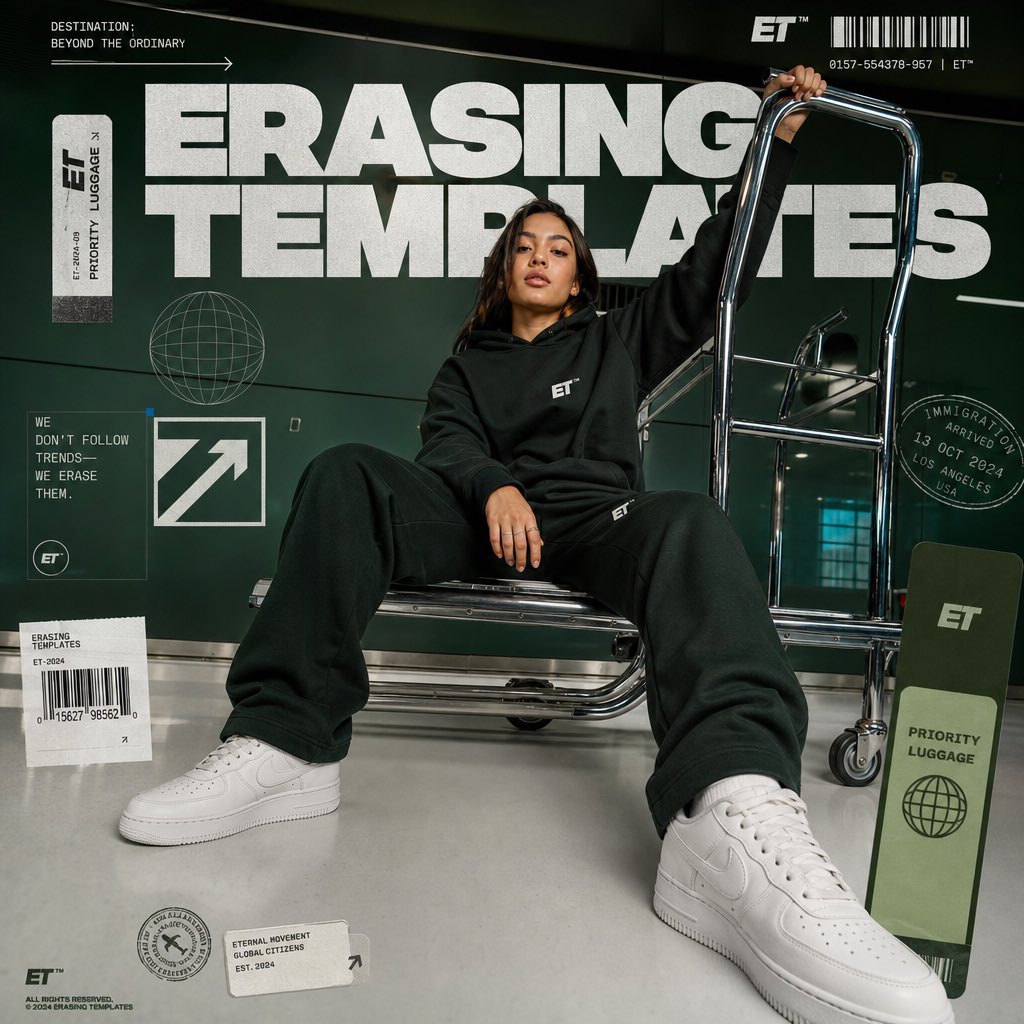
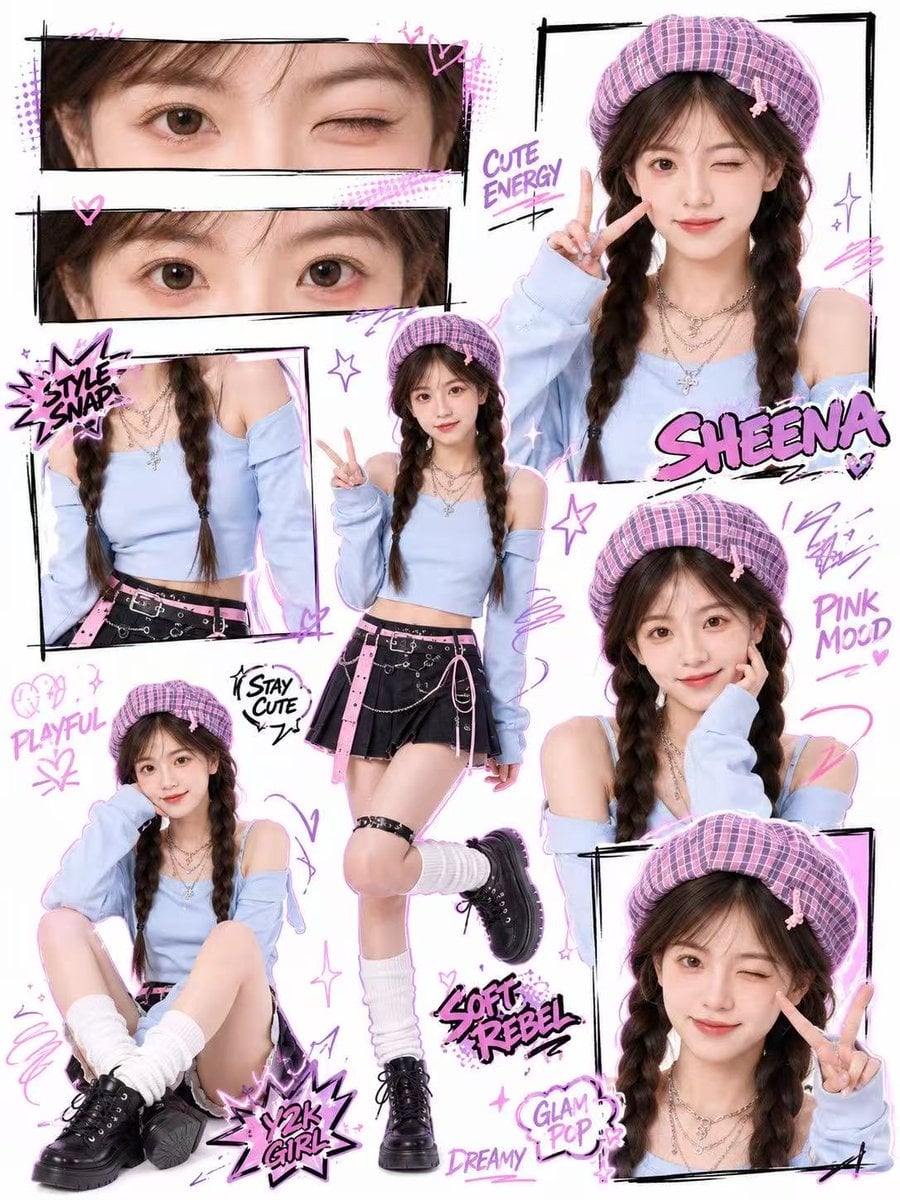
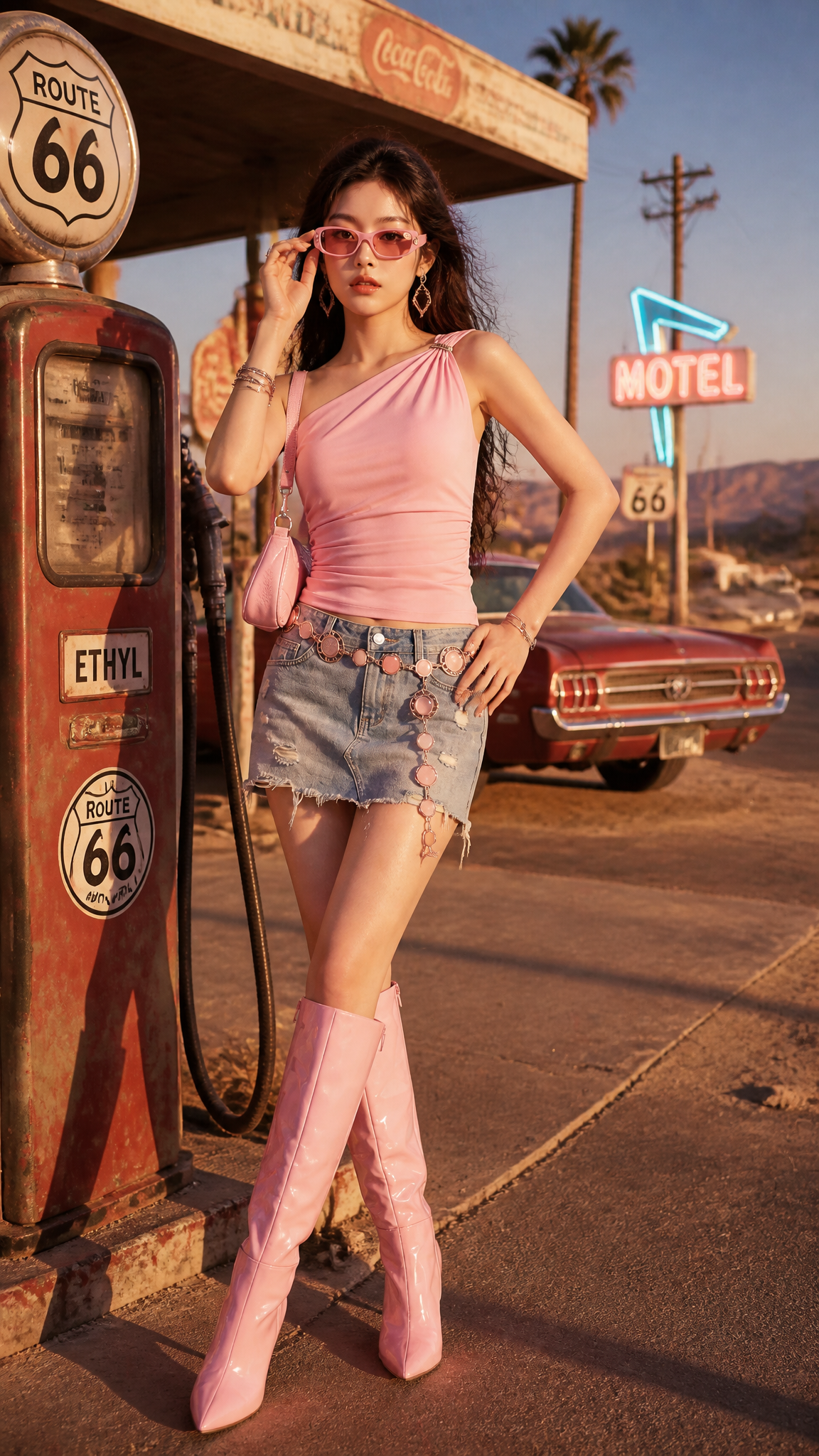
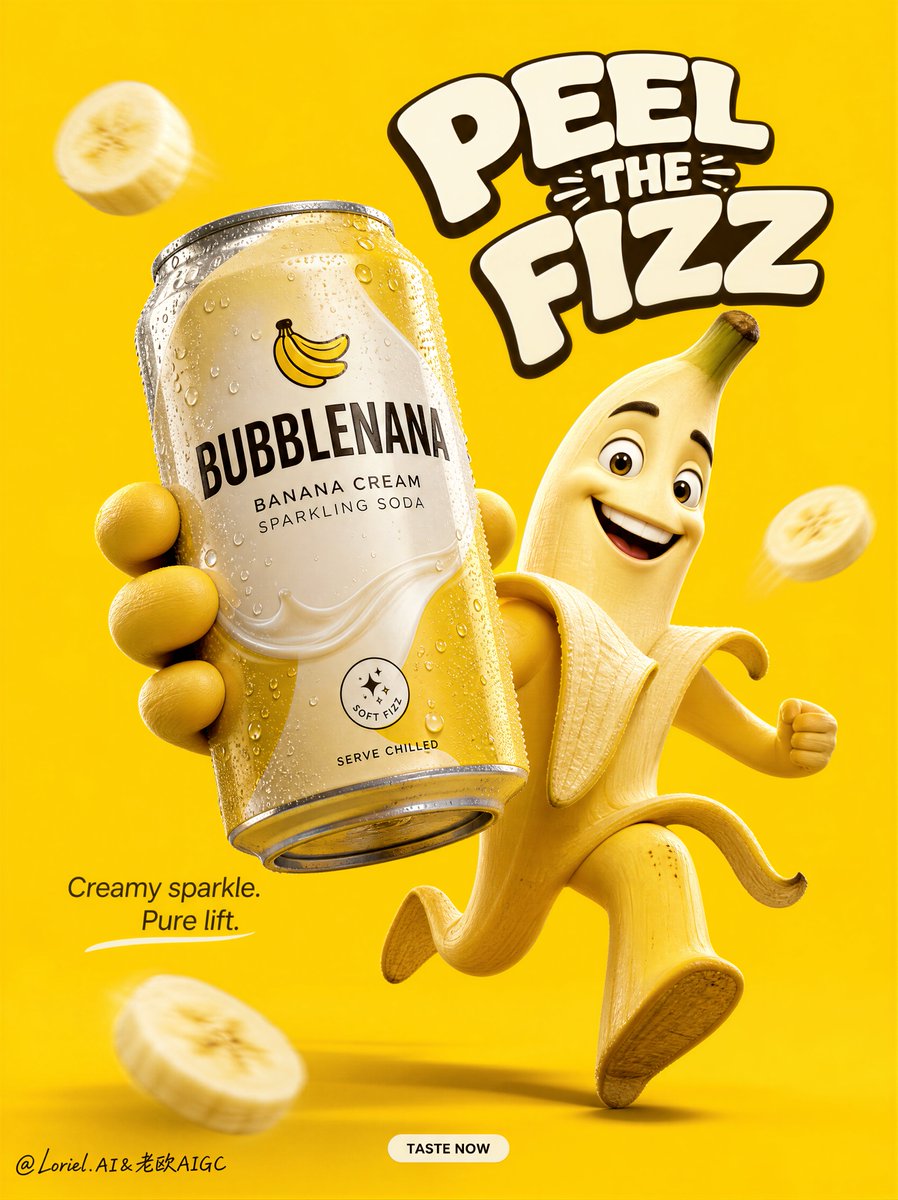
Review examples to help decide whether the model fits your task.
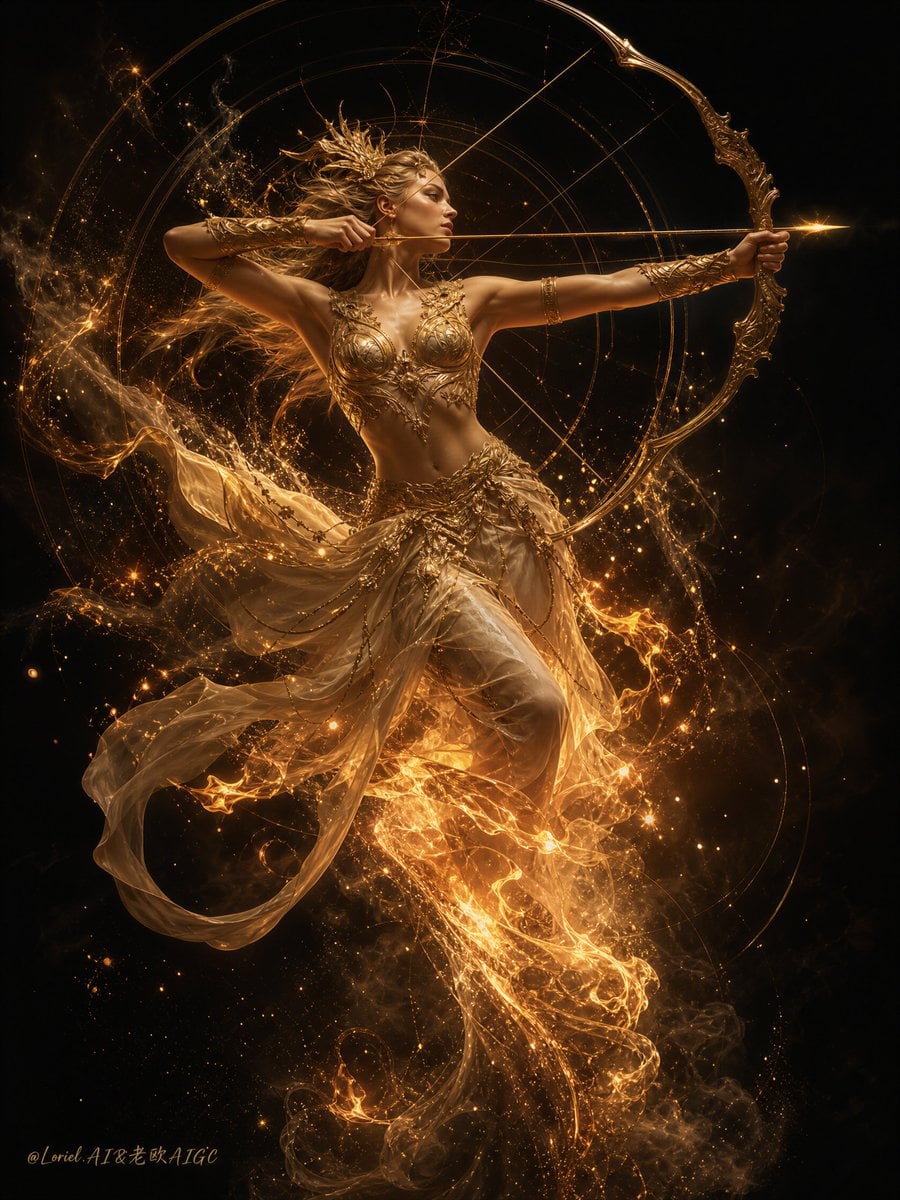
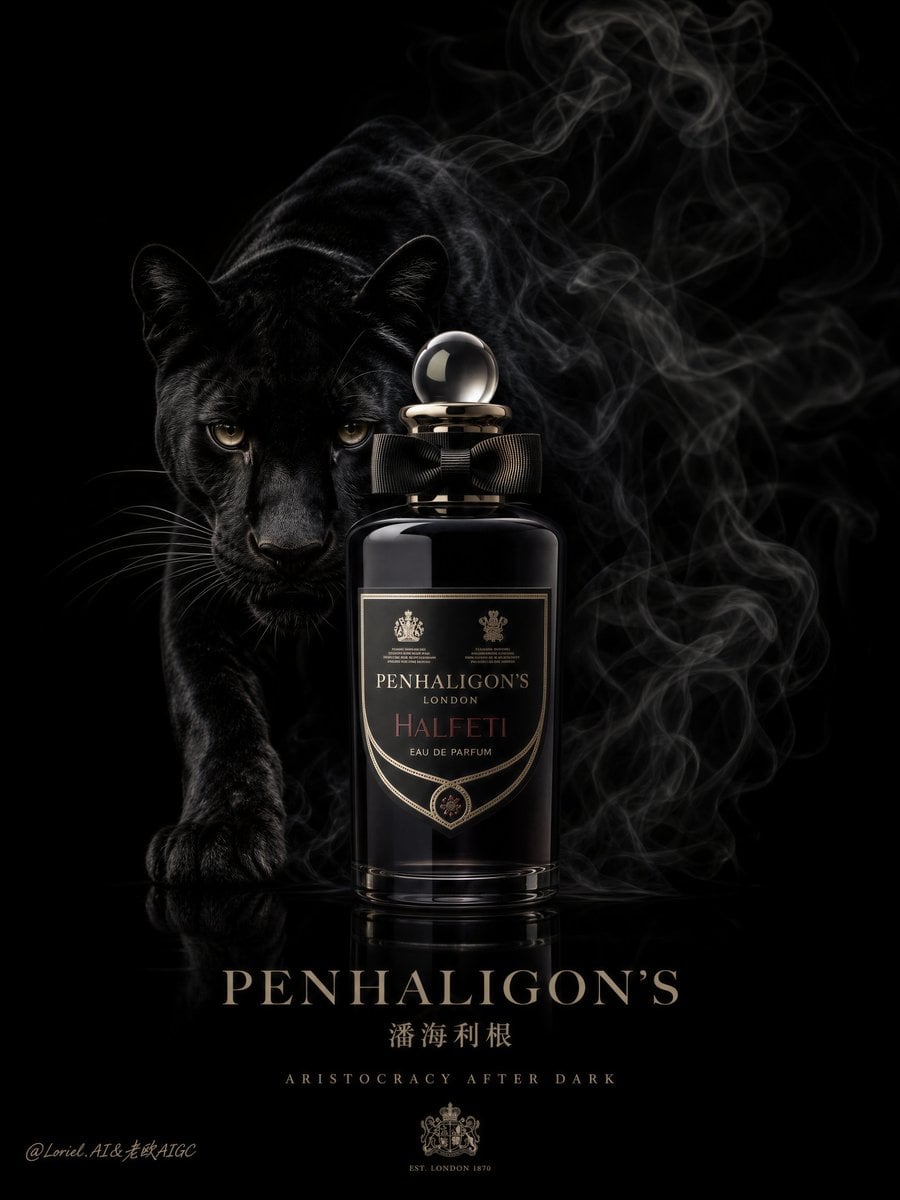
Model strengths
Model strengths
Suggested uses
Tasks to consider
Model details
Provider
Black Forest Labs
Category
Image
Capabilities
Text to Image · Image to Image
Credit charges
Credit rate: 4 per image
Inputs
Prompt + optional images
Prompt requirements
English prompt or optional automatic translation
Developer access
Flux Kontext Pro can be called through Public API v1. Modes that use reference media require uploads through the Files API. Check the model reference for supported inputs.
Flux Kontext Pro FAQ
Try it when you have a product photo, poster, or campaign image to revise, or a new scene to describe. For an edit, state both the change you want and the details to keep, then check the result before using it.
It supports both. For editing, upload a reference image and describe the changes. Rivya accepts at most 1 reference image. For text-to-image generation, leave the reference empty and choose an aspect ratio. Rivya does not send an aspect-ratio override with an edit.
Choose JPEG or PNG for the output, and use the translation switch if your prompt is not in English. Prompt upsampling asks the provider to expand the prompt; leave it off if you do not want to request that extra rewriting. You can also set safety tolerance and an optional watermark identifier. Choose an aspect ratio when generating without a reference image.
Rivya reserves 4 credits for a text-to-image or image-editing request. When valid reported usage is within that reservation, the final charge is rounded up and any unused reserved credits are returned. If usage cannot be verified or its rounded charge exceeds the reservation, the reserved amount remains in place and the final charge is not confirmed.
Use the same brief and compare the results with your requirements for the subject, layout, and text. Check each model's supported inputs and credit estimate; a higher price does not guarantee that it will suit the task better.
Upload 1 JPEG, PNG, or WebP image, up to 10 MB per file. Use an image you have permission to edit. Rivya uploads it as a reference for the request; it does not offer a mask or brush editor on this page.
The provider expects English prompts. Enable prompt translation to request an English translation, or write the prompt in English with translation disabled. For an edit, describe what to change and what should remain.
This Rivya form offers aspect ratios for text-to-image generation, but no pixel-size or random-seed control. JPEG and PNG are output formats; choosing PNG does not by itself create a transparent background. For editing, the aspect-ratio control is hidden.
You can read the page and prepare a prompt without signing in. Sign in to upload a reference image or submit a generation request, and make sure your account has enough credits for the reservation. The same account credit balance is used on this page and in Studio.
Your submitted generations appear in the same account history whether you use this page or Studio. Studio offers the workspace layout; it does not add new Kontext Pro inputs or controls. Open generation history to find earlier tasks.
Compare alternatives
GPT Image 2.5 Flare supports image creation from a prompt and edits with image references, plus aspect ratio, resolution, and background settings.
Why consider it
Credit charges: Initial generation reserve: 1K 3 credits · 2K 10 credits · 4K 16 credits.
GPT Image 2.5 Sunburst generates images from a prompt, with optional reference images and separate aspect ratio, resolution, and background settings.
Why consider it
Credit charges: Rivya reserves 3 credits for 1K, 10 for 2K, or 16 for 4K before submitting the request.
GPT Image 2 on Rivya supports text-to-image generation and reference-image edits, with aspect ratio and resolution controls.
Why consider it
Credit charges: Initial reserve: 1K 3 credits · 2K 5 credits · 4K 8 credits.