
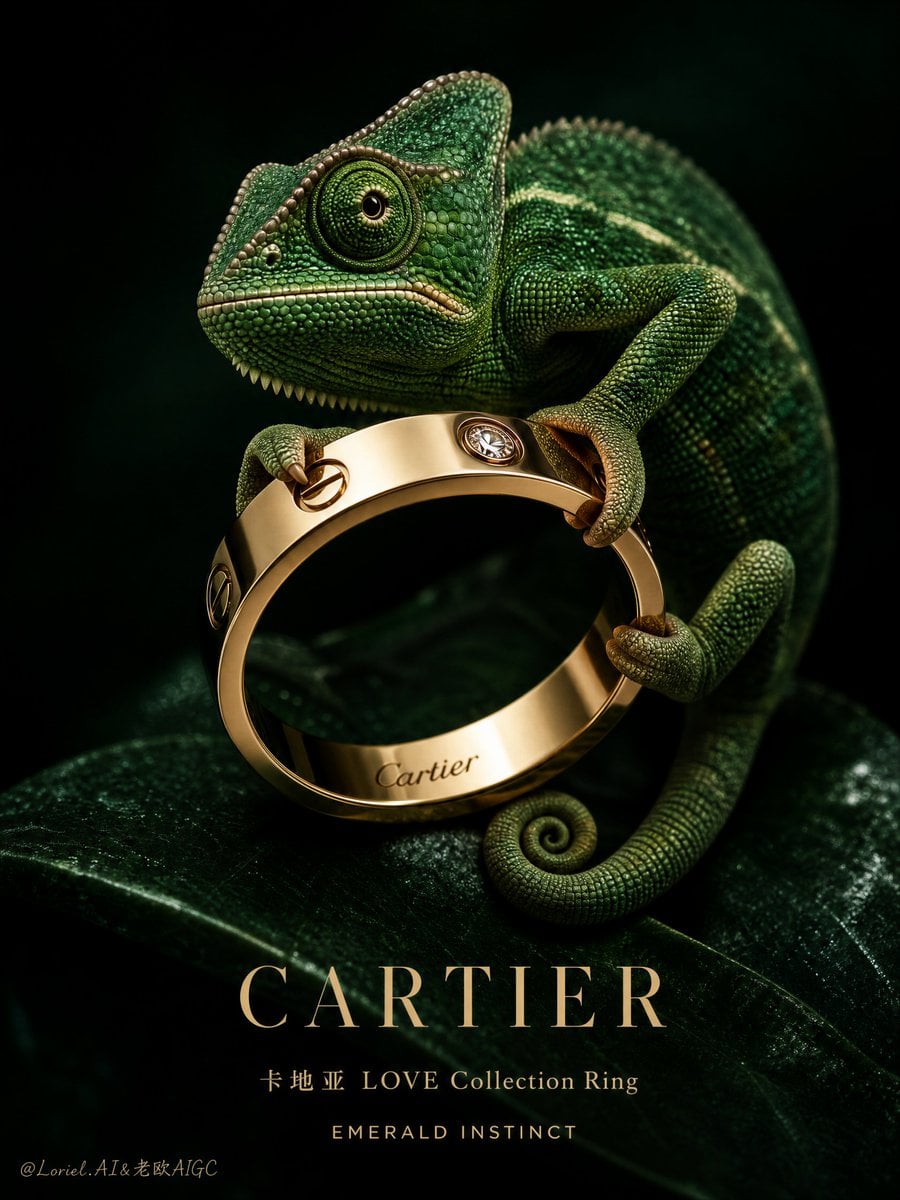
Try a product scene, an illustration, or a campaign visual with Black Forest Labs' Flux 2 Pro. Use a prompt on its own, or add reference images and describe what to keep or change.
The final cost is rounded up to whole credits.
Example output
Flux 2 Pro
Text to Image · Image to Image
Example output
Flux 2 Pro
Best for
Supports
Try this model
No results to display yet.
Model examples
Review examples to help decide whether the model fits your task.
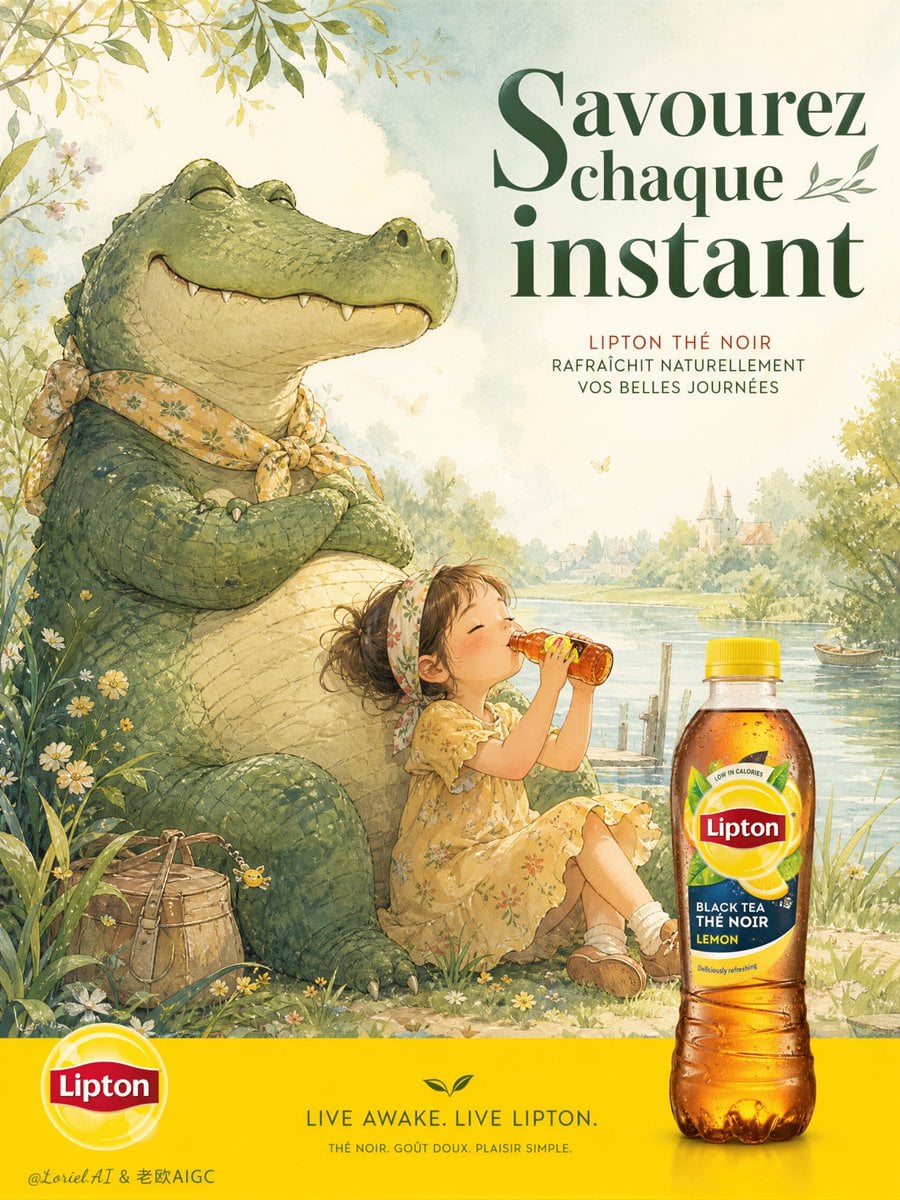
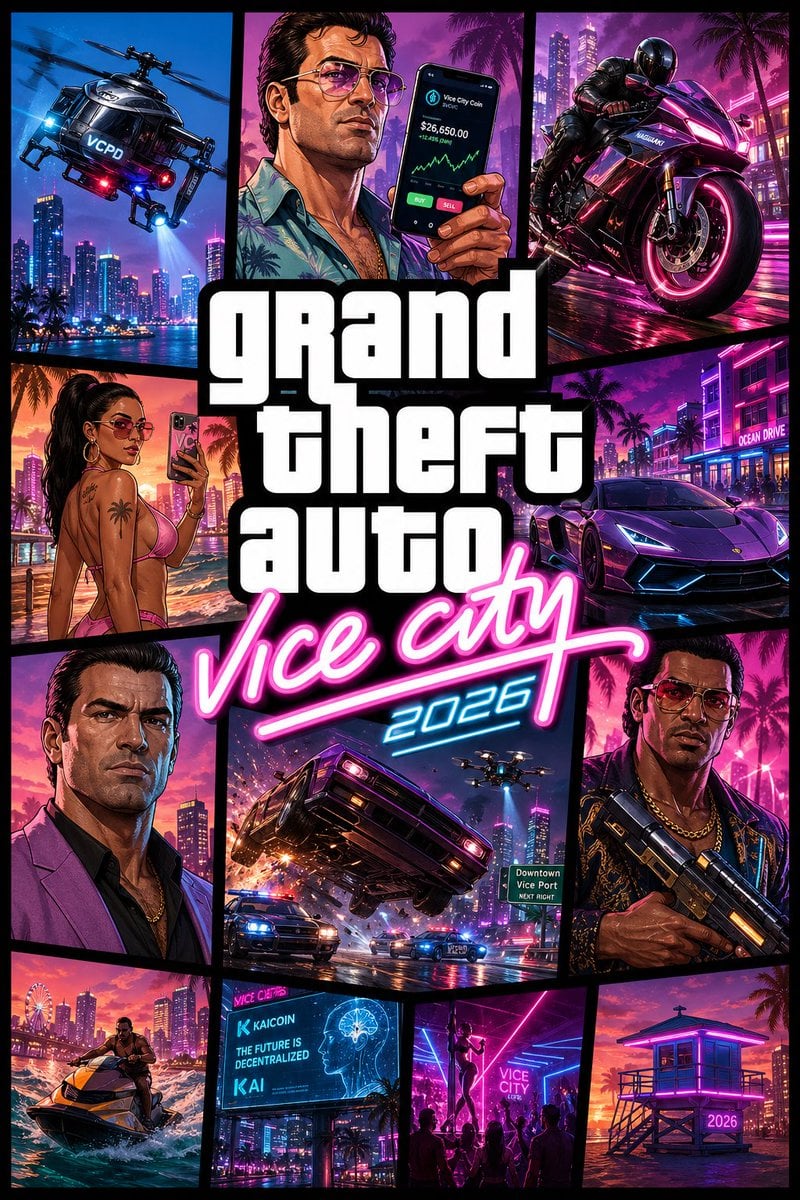
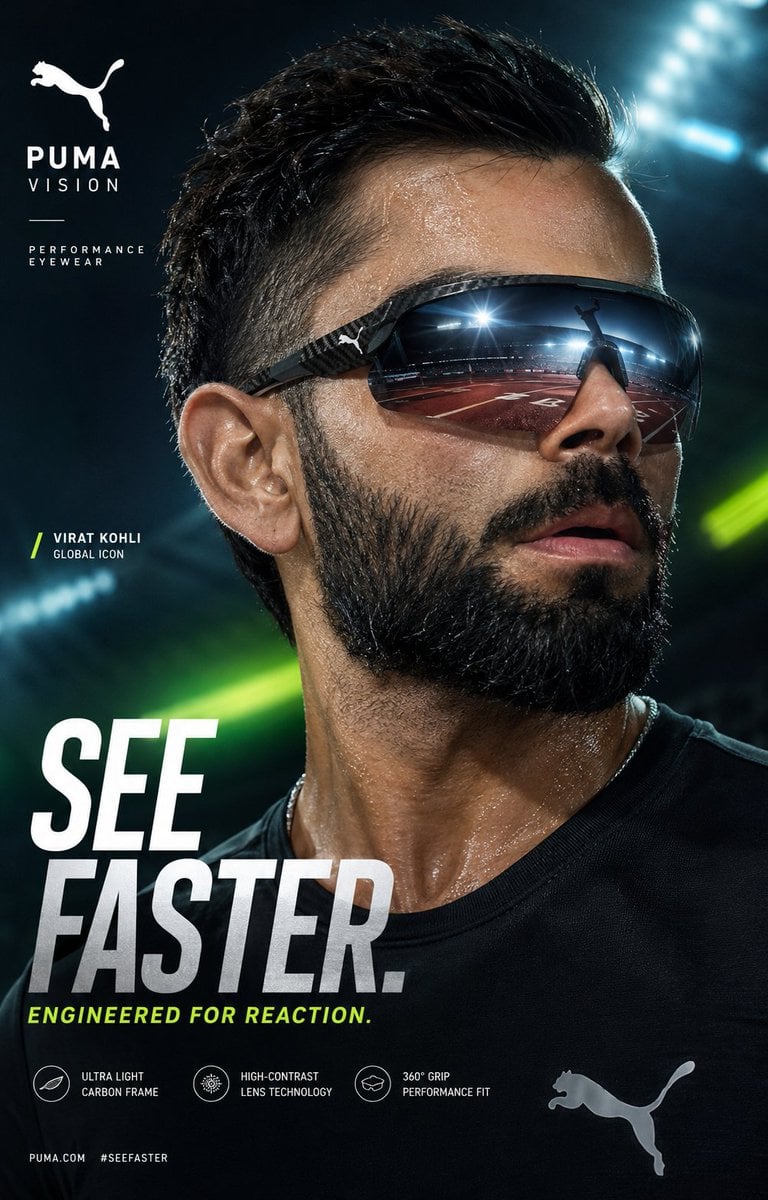
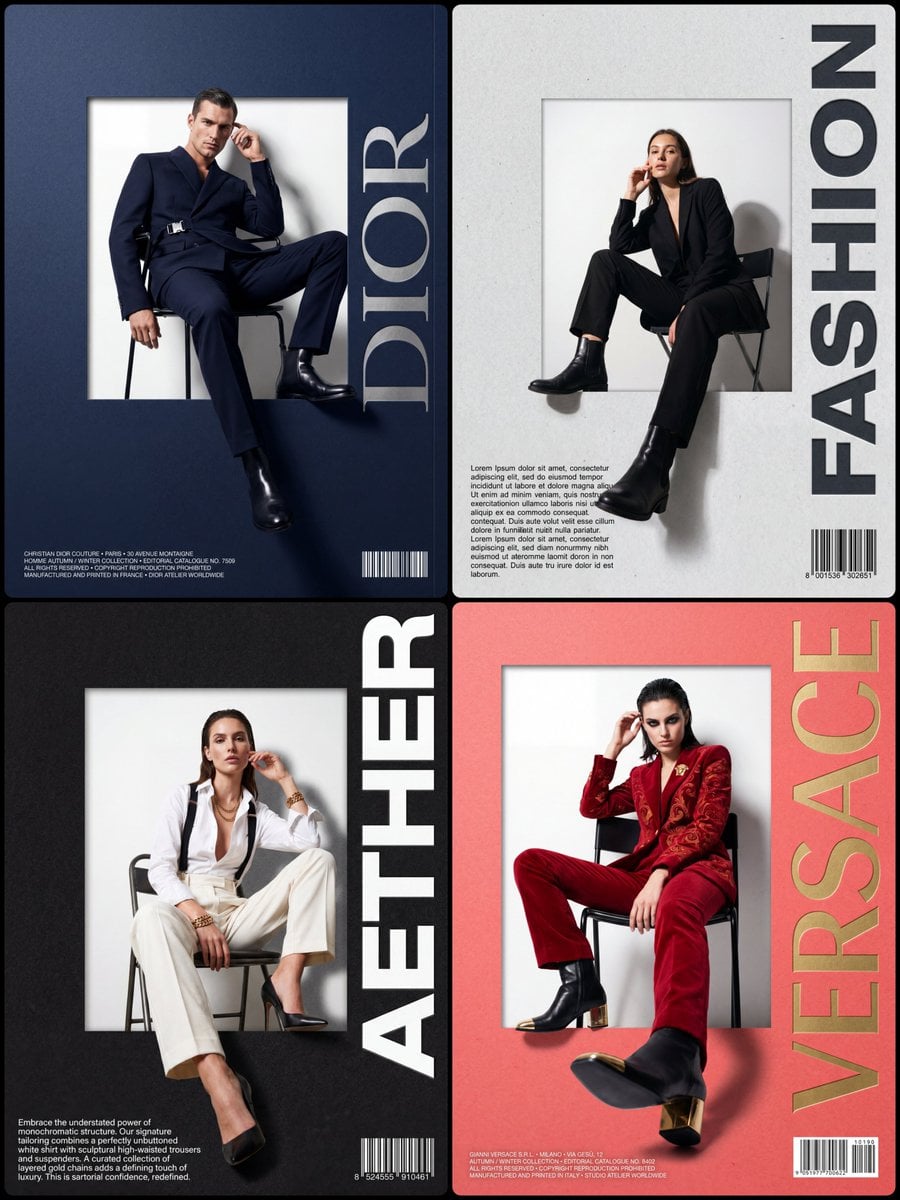
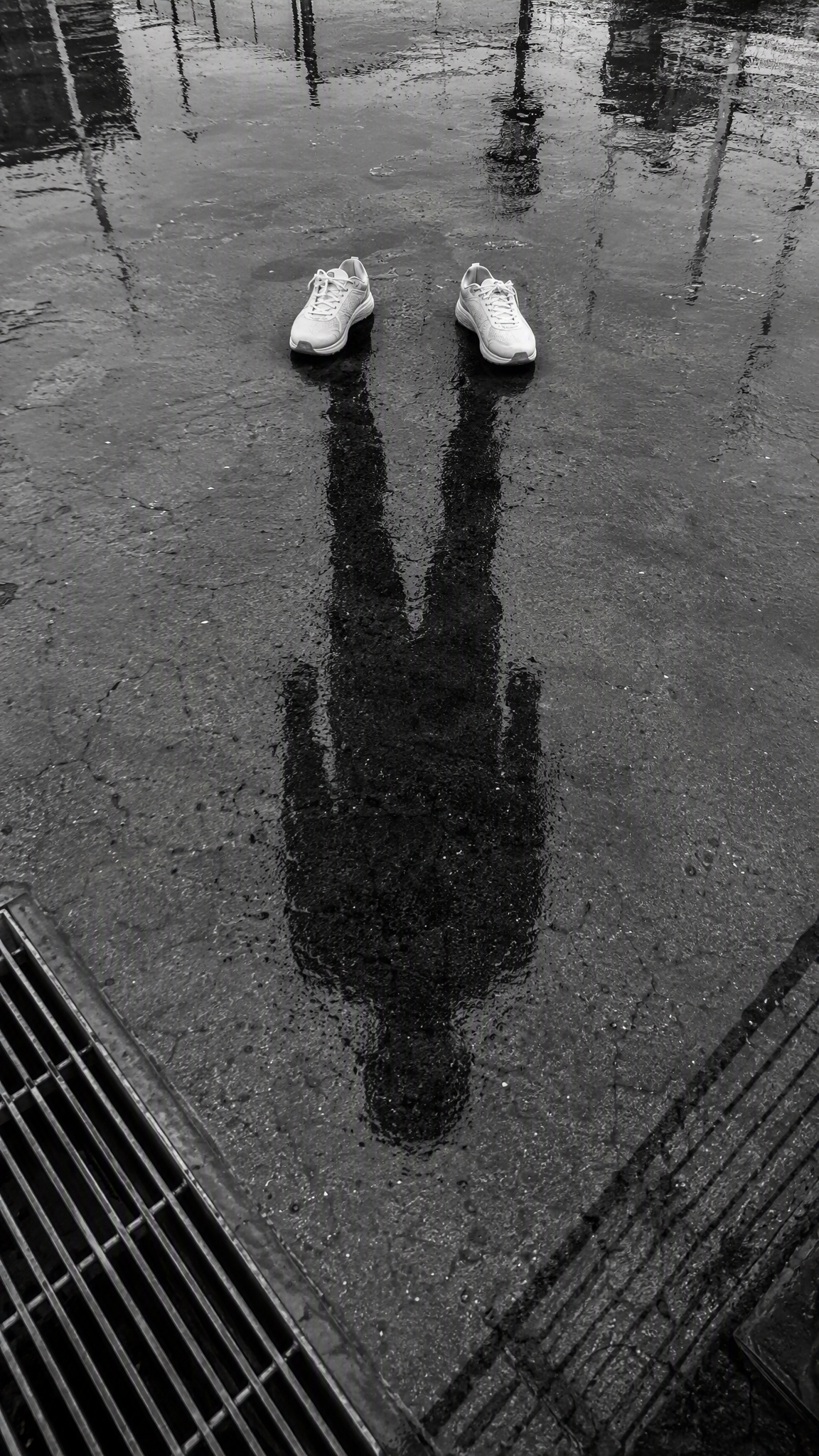
Model strengths
Model strengths
Suggested uses
Tasks to consider
Model details
Provider
Black Forest Labs
Category
Image
Capabilities
Text to Image · Image to Image
Credit charges
Credit rate: 5–7 per image
Inputs
Prompt + optional images
Prompt requirements
Up to 5,000 characters
Flux 2 Pro FAQ
Try it when your task involves a product scene, a campaign visual, or an illustration guided by reference images. Describe which details belong in the image and which should change. Review the result for product details, wording, and layout before using it.
You can generate from a text prompt or add up to 8 reference images for image-to-image work. A prompt is required in both modes. Choose 1K or 2K output and one of the aspect ratios offered in the form.
Give each reference a clear role, such as the product, the background, or the visual style. Describe those roles in your prompt and say what you want to change. Review the result for details that matter to your project.
Rivya reserves 5 credits for a 1K task or 7 for a 2K task before generation. The same reservation applies with or without reference images. A successful task may still be awaiting credit settlement; final charges use reported usage when settlement completes.
Compare the supported inputs, output settings, and credit estimate for your task. If text, logos, or product details matter, inspect them in the generated image. Review results against your brief before choosing a model.
You can describe the wording, its placement, and a logo in the prompt, and add an image reference if you have one. Check spelling, letter shapes, and brand details in the result. Text and logo accuracy are not guaranteed.
Upload JPEG, PNG, or WebP images, up to 8 files in total and 10 MB per file. Choose references that show the product, composition, or style you want, and describe what each one should contribute.
Add a clear prompt of up to 5,000 characters, choose the aspect ratio and resolution, and review the credit estimate. If you use references, make their roles clear. The Content filter setting controls the optional model check.
You can read this page and prepare a prompt without signing in. Sign in to upload images or generate, and make sure your account has enough credits for the displayed estimate.
This page keeps the generator on Flux 2 Pro. Open Studio to work with other available image models, and use generation history to find submitted tasks and results.
Compare alternatives
GPT Image 2.5 Flare supports image creation from a prompt and edits with image references, plus aspect ratio, resolution, and background settings.
Why consider it
Credit charges: Initial generation reserve: 1K 3 credits · 2K 10 credits · 4K 16 credits.
GPT Image 2.5 Sunburst generates images from a prompt, with optional reference images and separate aspect ratio, resolution, and background settings.
Why consider it
Credit charges: Rivya reserves 3 credits for 1K, 10 for 2K, or 16 for 4K before submitting the request.
GPT Image 2 on Rivya supports text-to-image generation and reference-image edits, with aspect ratio and resolution controls.
Why consider it
Credit charges: Initial reserve: 1K 3 credits · 2K 5 credits · 4K 8 credits.
Developer access
Flux 2 Pro can be called through Public API v1. Modes that use reference media require uploads through the Files API. Check the model reference for supported inputs.