
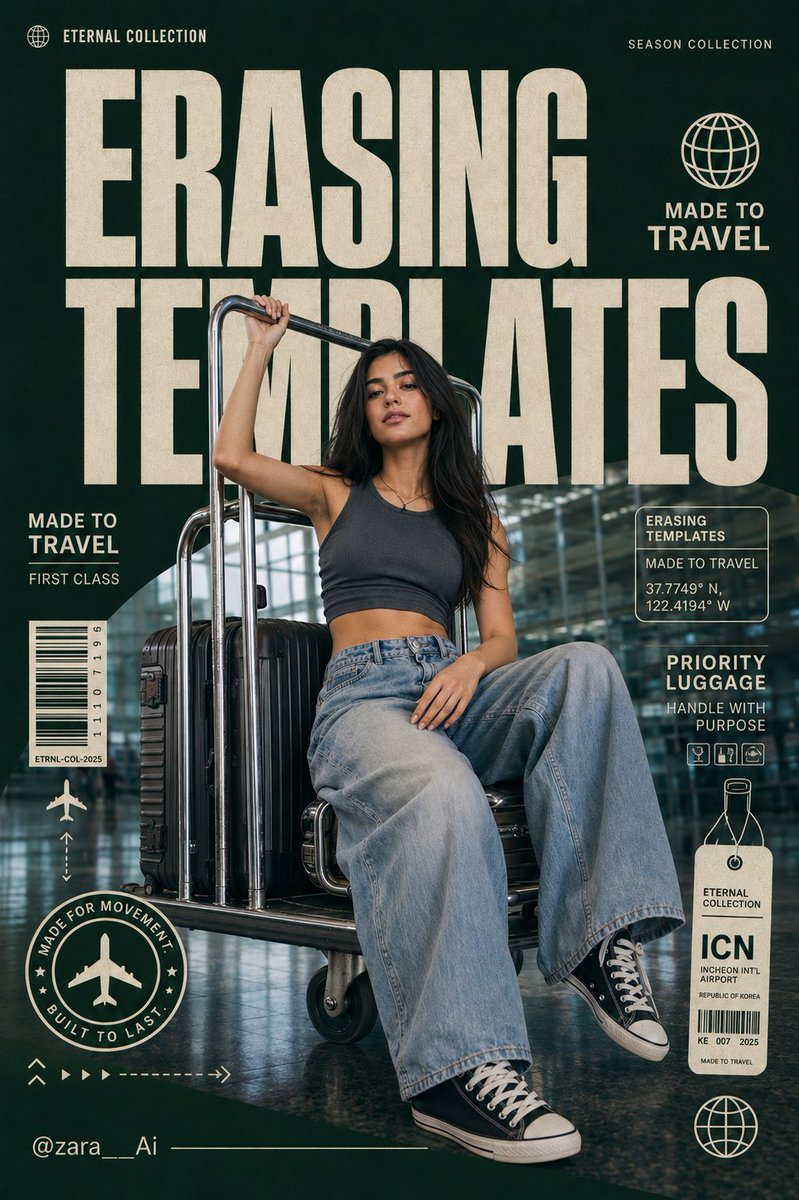
Use Flux 2 Flex to revisit a product image, explore a different background, or turn a written brief into an image. Add references to guide the composition or style, and describe the changes you want.
The final cost is rounded up to whole credits.
Example output
Flux 2 Flex
Text to Image · Image to Image
Example output
Flux 2 Flex
Best for
Supports
Try this model
No results to display yet.
Model examples
Review examples to help decide whether the model fits your task.
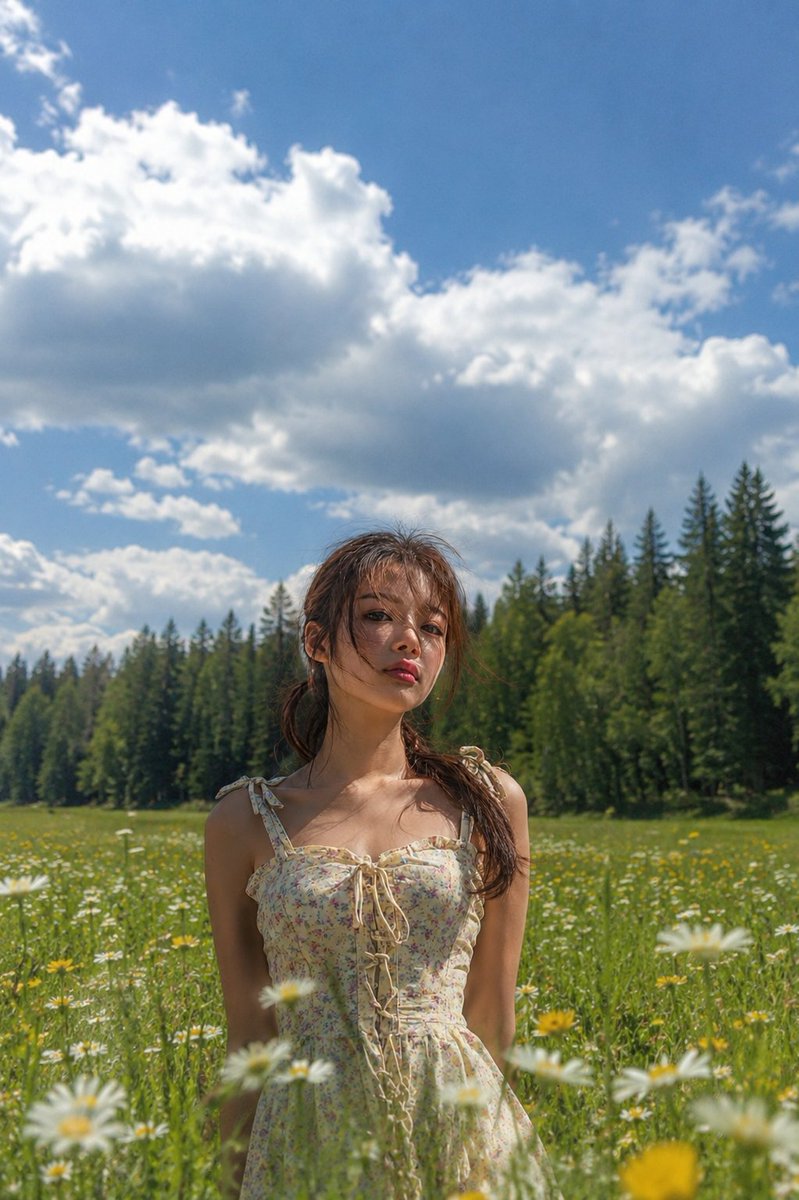
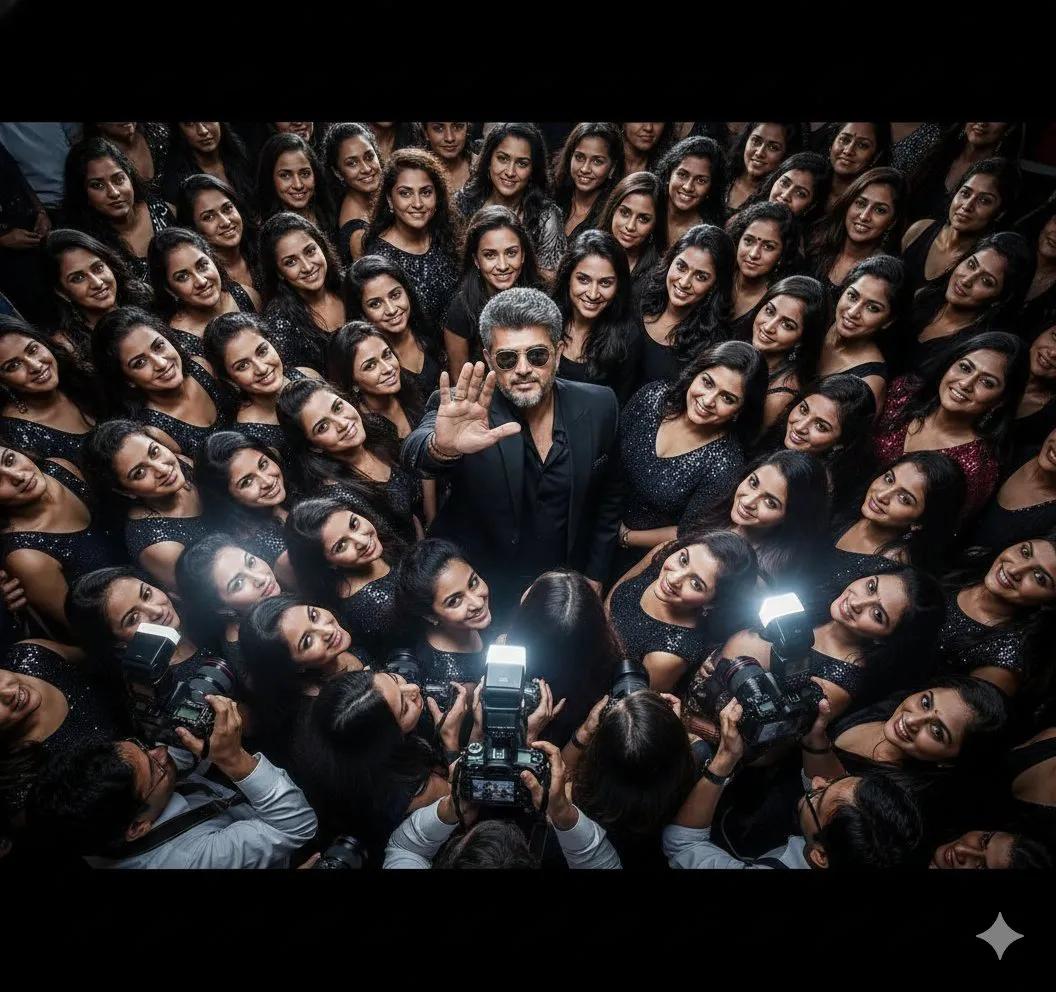
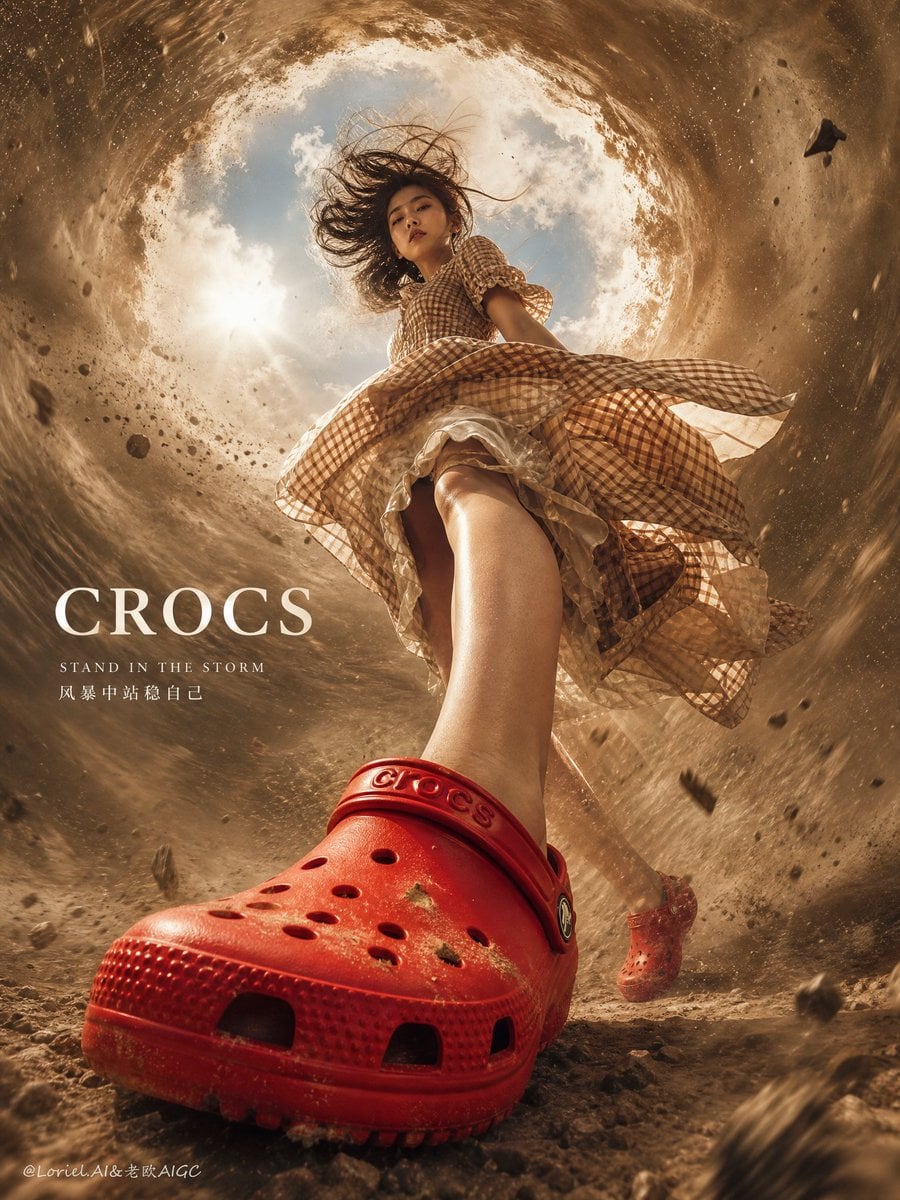
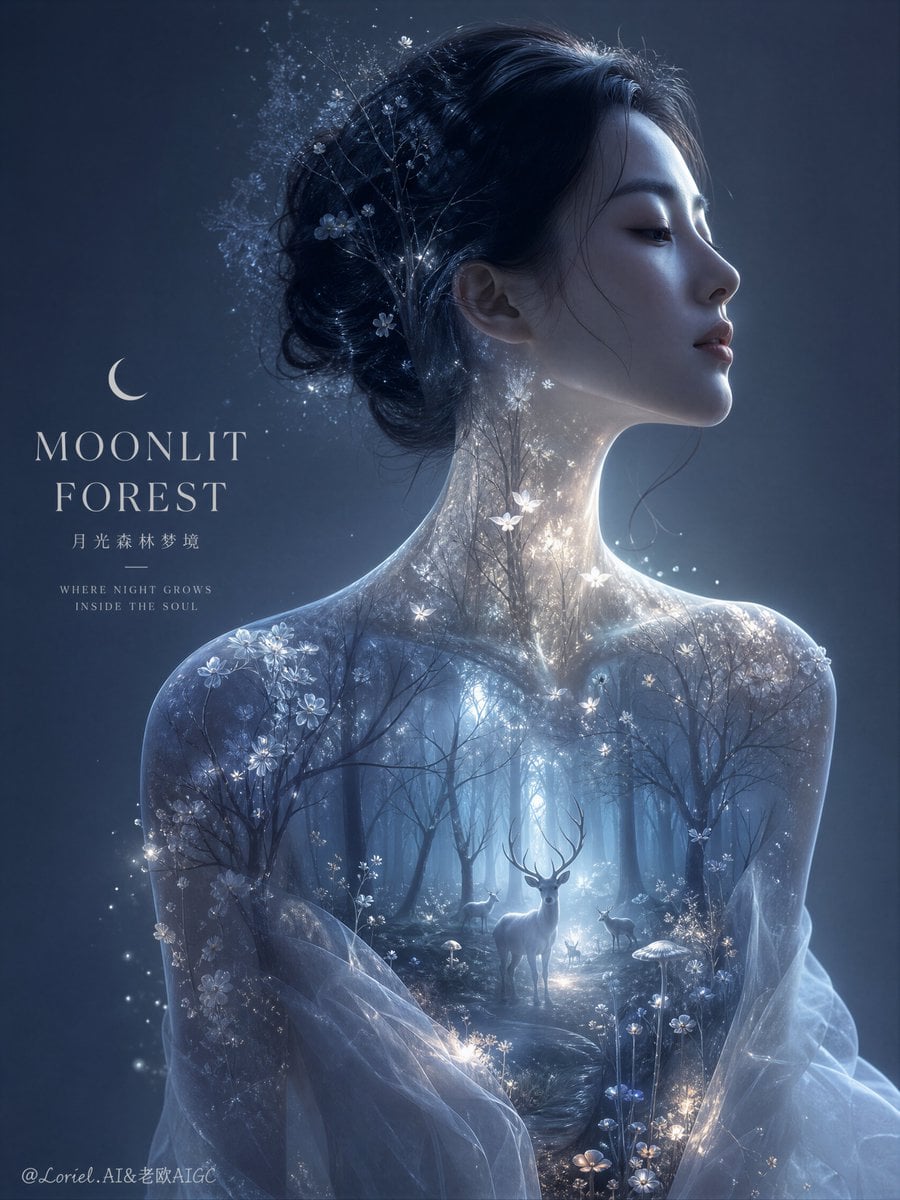
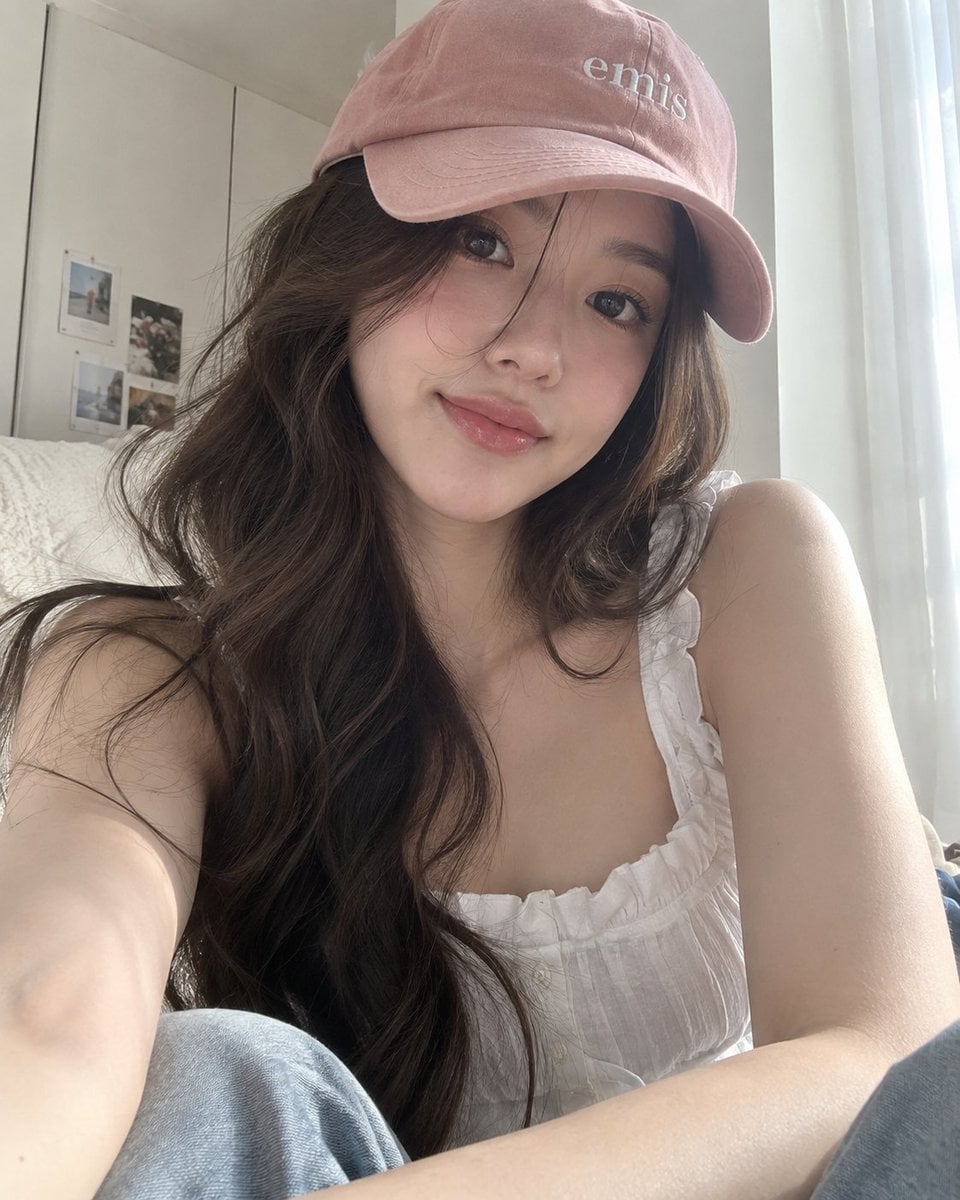
Model strengths
Model strengths
Suggested uses
Tasks to consider
Model details
Provider
Black Forest Labs
Category
Image
Capabilities
Text to Image · Image to Image
Credit charges
Credit rate: 14–24 per image
Inputs
Prompt + optional images
Prompt requirements
Up to 5,000 characters
Developer access
Flux 2 Flex can be called through Public API v1. Modes that use reference media require uploads through the Files API. Check the model reference for supported inputs.
Flux 2 Flex FAQ
Try a different setting for a product image, change the visual style, or describe a new scene from scratch. For edits, include the source image and explain what should stay the same. Check the result against your brief; reference details may change.
Yes. A prompt on its own starts text-to-image generation. Adding image references starts image-to-image generation. Both modes need a prompt, and Rivya accepts up to 8 reference images.
Name the part you want to change and the parts you want to keep. For example, describe a new background while asking to keep the product's shape and label. If you add more references, say which one supplies the subject or style. Inspect the result, since details can change.
Before starting a task, Rivya reserves 14 credits for 1K output or 24 for 2K output. Adding reference images does not change that reservation. Your image can be ready while credit settlement is still pending. The final charge uses reported usage when settlement completes.
Choose 1K or 2K output and one of 7 aspect ratios. You can also turn the optional Content filter on or off. Rivya does not expose inference-step or guidance controls for this model.
Not necessarily. The model generates a new image from your prompt and references. Details outside the requested change can still differ, so check product details, faces, wording, and composition before using the result.
Use JPEG, PNG, or WebP images, with up to 8 files in a request and a limit of 10 MB per file. Pick references that make the subject, composition, or style clear.
Describe a specific change or scene, using up to 5,000 prompt characters. Check the resolution, aspect ratio, references, and credit reservation shown in the form before submitting.
You can browse this page and write a prompt while signed out. Sign in to upload reference images or submit a task. Your account needs enough credits for the displayed reservation.
The generator here stays on Flux 2 Flex. Studio lets you choose from other available image models. After submitting a task, open generation history to find its status and any saved result.
Compare alternatives
GPT Image 2.5 Flare supports image creation from a prompt and edits with image references, plus aspect ratio, resolution, and background settings.
Why consider it
Credit charges: Initial generation reserve: 1K 3 credits · 2K 10 credits · 4K 16 credits.
GPT Image 2.5 Sunburst generates images from a prompt, with optional reference images and separate aspect ratio, resolution, and background settings.
Why consider it
Credit charges: Rivya reserves 3 credits for 1K, 10 for 2K, or 16 for 4K before submitting the request.
GPT Image 2 on Rivya supports text-to-image generation and reference-image edits, with aspect ratio and resolution controls.
Why consider it
Credit charges: Initial reserve: 1K 3 credits · 2K 5 credits · 4K 8 credits.