
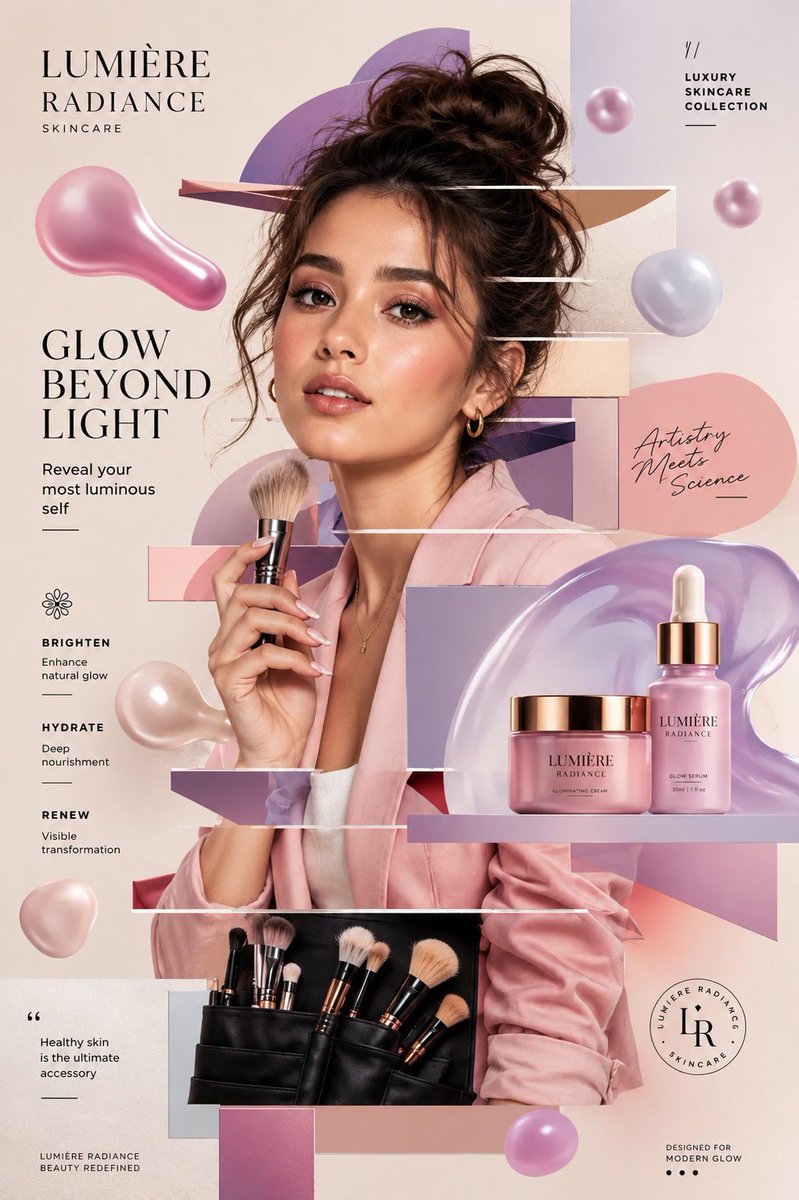
Generate an image from a written prompt and choose square, landscape, or portrait framing. Describe the product, subject, composition, style, and lighting you want. Inspect labels, logos, text, and other details in the finished image before using it.
The final cost is rounded up to whole credits.
Example output
4o Image
Text to Image
Example output
4o Image
Best for
Supports
Try this model
No results to display yet.
Model examples
Review examples to help decide whether the model fits your task.
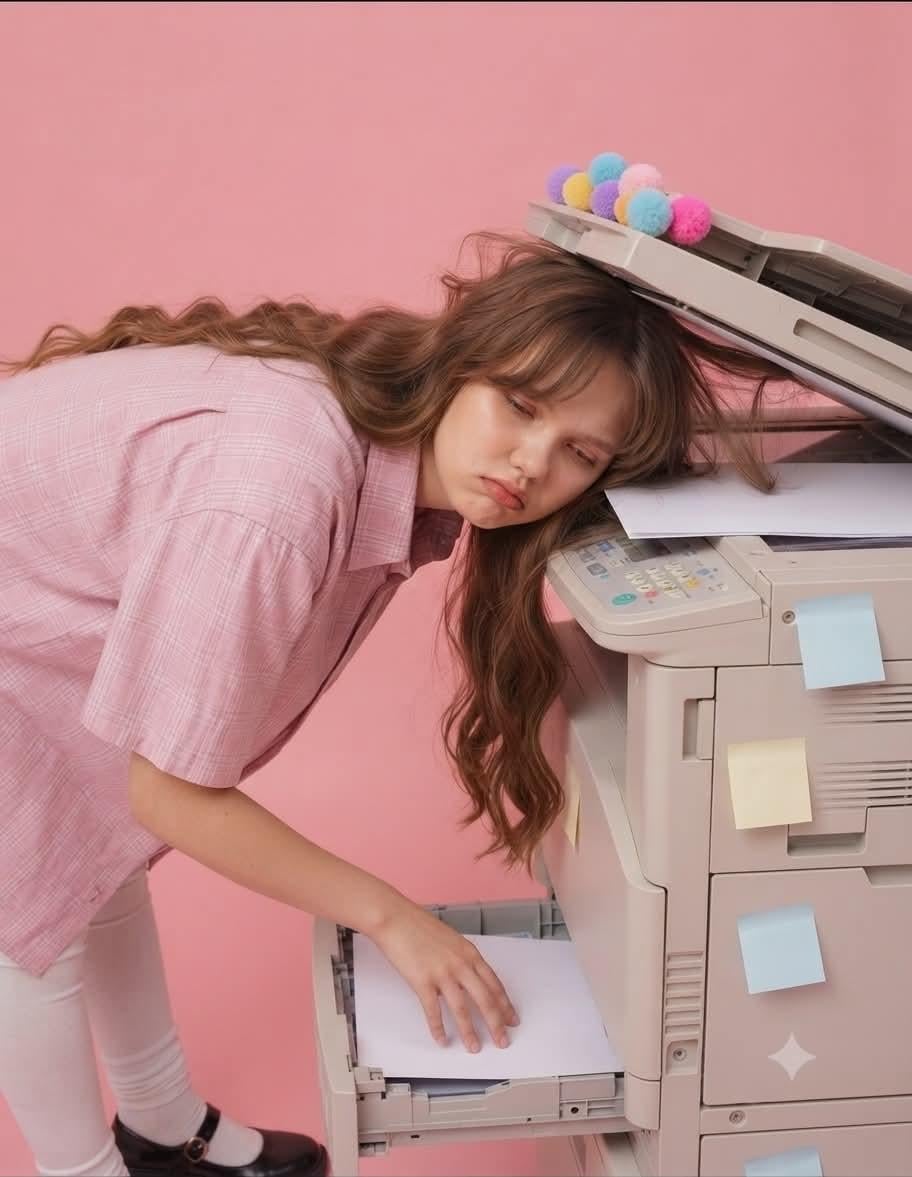
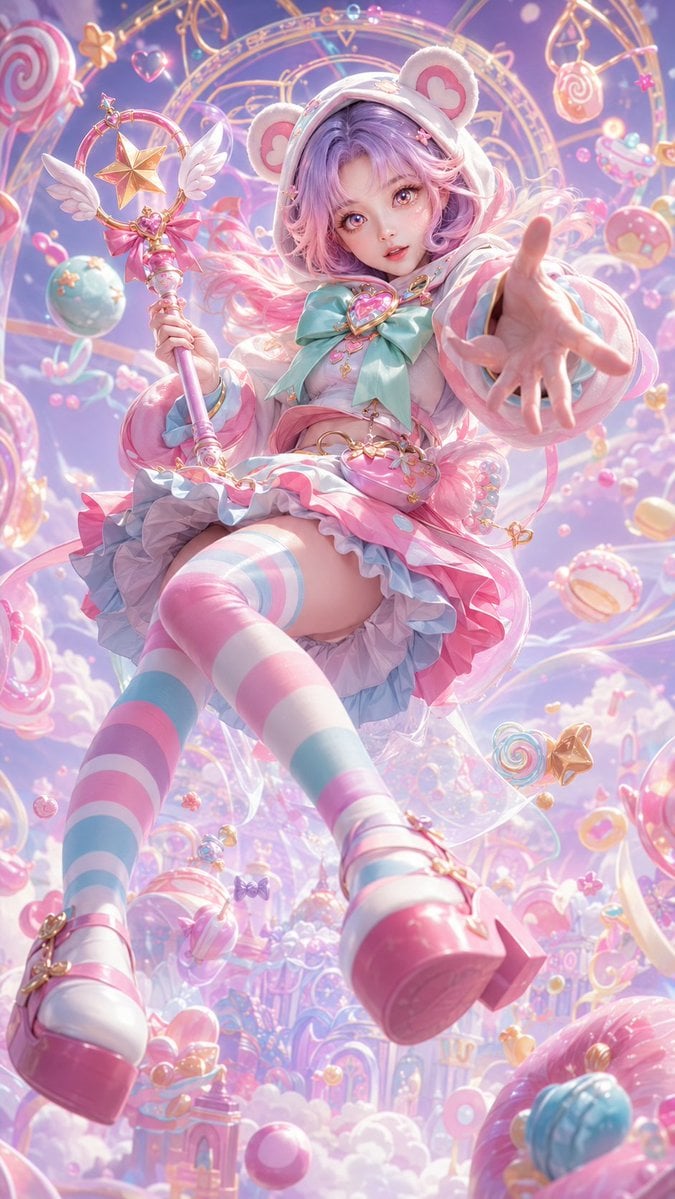
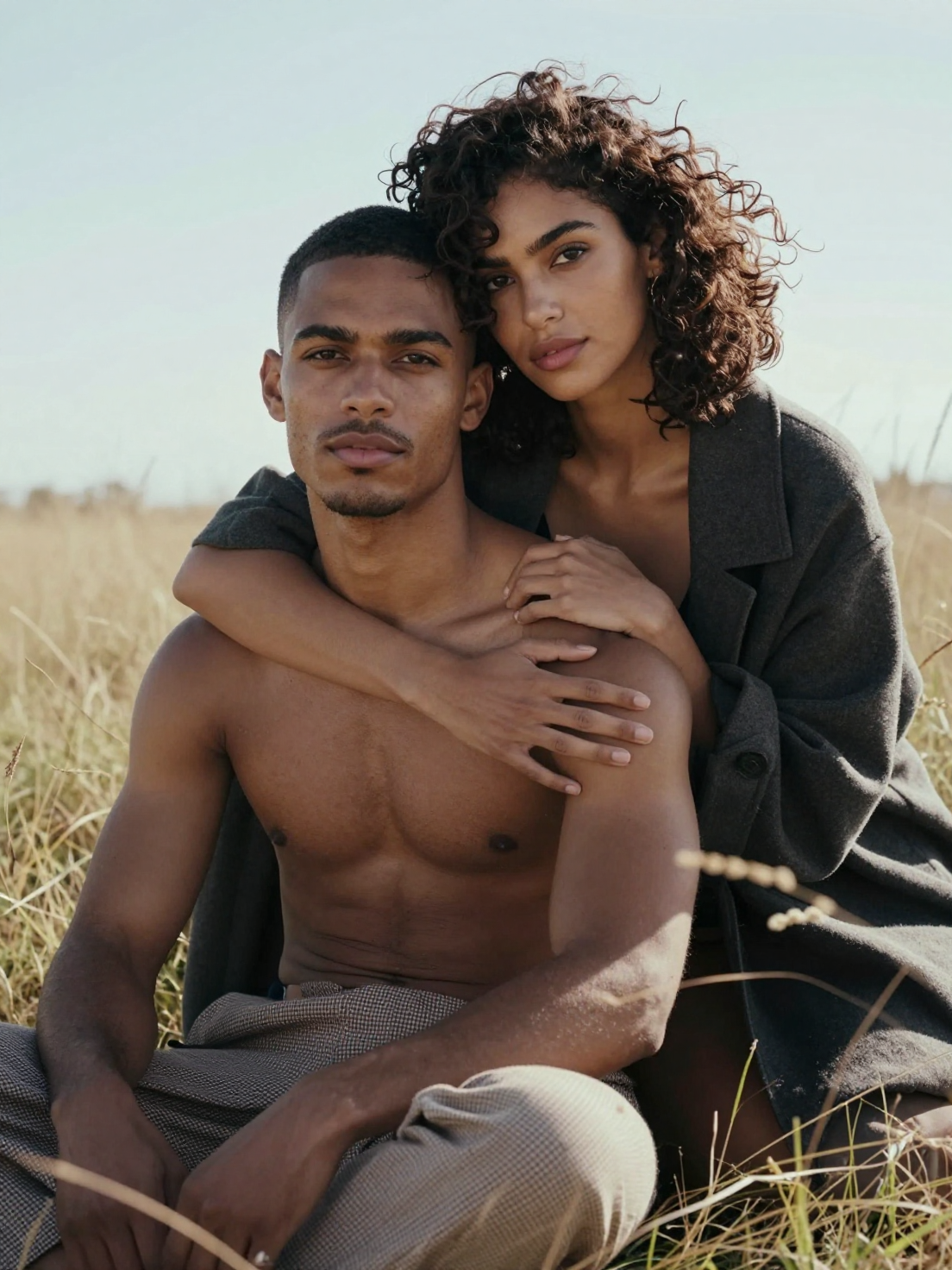
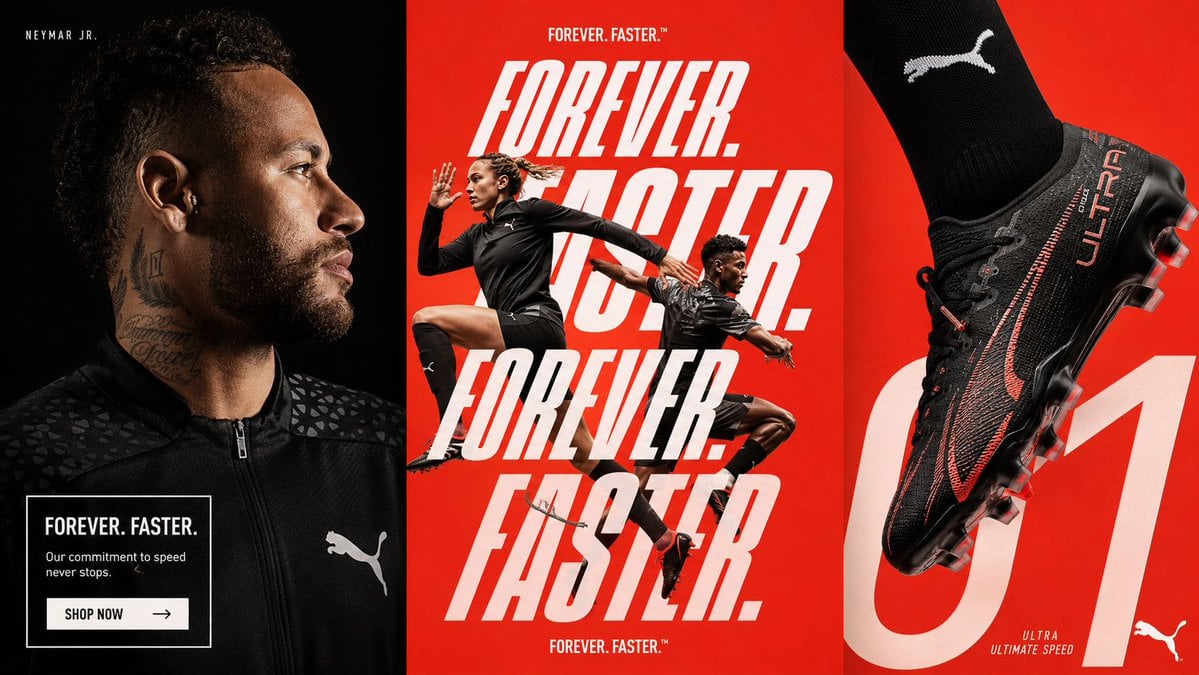
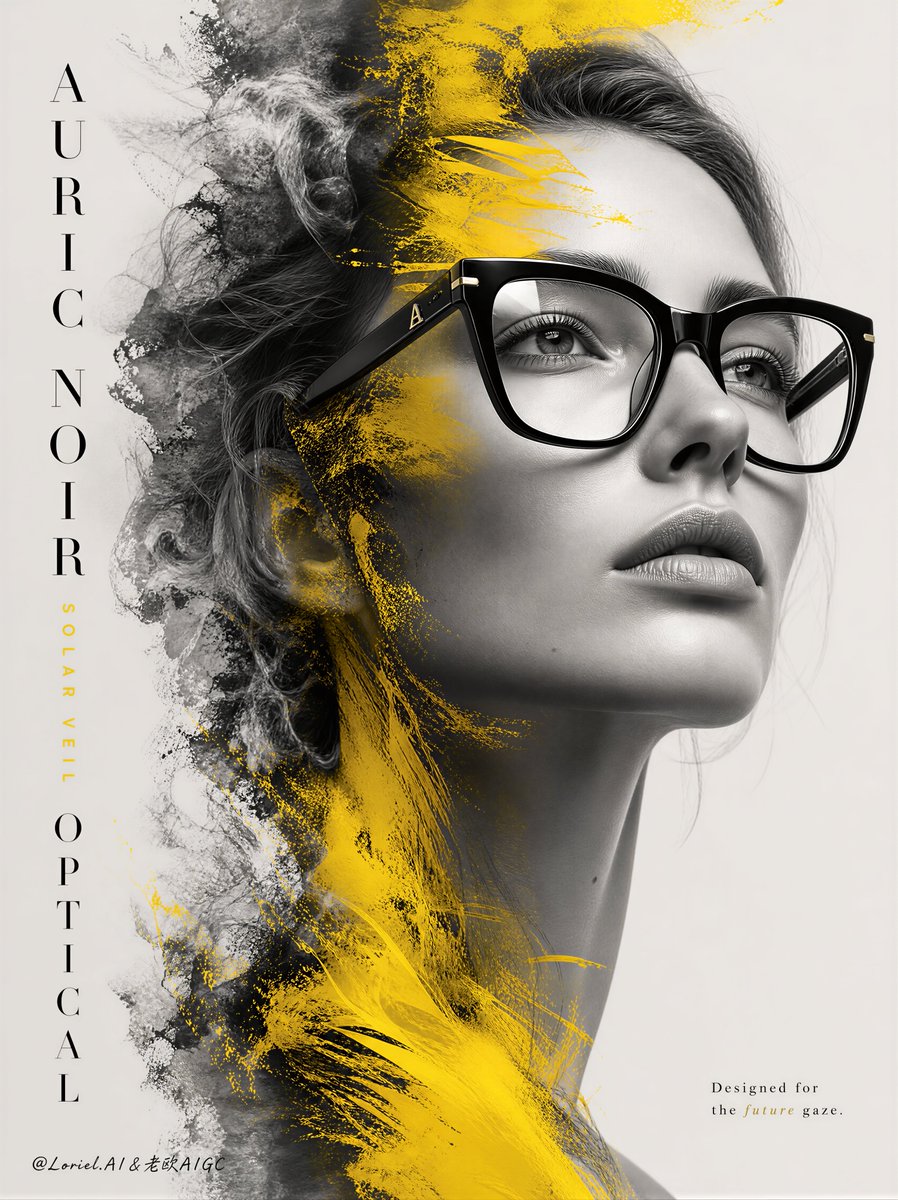
Model strengths
Model strengths
Suggested uses
Tasks to consider
Model details
Provider
OpenAI
Category
Image
Capabilities
Text to Image
Credit charges
Estimated generation: 3 credits per request
Inputs
Prompt only
Prompt requirements
Prompt-guided
Developer access
Use 4o Image through Public API v1. Check the model reference for supported inputs, parameters, and credit charges before sending a request.
4o Image FAQ
Use 4o Image for concept images, product and brand drafts, and campaign or social layouts from a written brief. Describe the subject and composition, then inspect the finished image against your requirements. Choose an available model with an image-reference input when an existing image needs to guide the request.
This Rivya form supports text-to-image generation from a prompt and an aspect ratio. It does not accept reference images or provide a layered editing project. Describe the visual details in text, or choose an available model with an image-reference input when you need an existing image to guide the request.
Choose 1:1 for square framing, 3:2 for landscape, or 2:3 for portrait. Describe the subject, product details, style, lighting, and space for text. Check labels, logos, spelling, and placement in the finished image; a successful task does not guarantee that those details match the brief.
Rivya estimates 3 credits for each 4o Image generation request across the listed aspect ratios. Rivya reserves that estimate for the task. Valid recorded task usage is rounded up to whole credits. If that rounded amount is within the reserve, it sets the final cost; otherwise the reserved amount stays recorded while settlement is checked. Each new generation request has its own cost, so review the prompt and estimate before submitting.
Choose 4o Image when a text brief and square, landscape, or portrait framing suit the request. Compare another available model when you need image references or controls beyond this form. Check that model's settings and estimate before switching, and judge both results against the same brief.
Try a product scene, brand concept, or social layout with a clear subject and intended framing. Inspect product shape, labels, logos, spelling, and unwanted objects in the full result before requesting another draft or using the image.
Prepare a written prompt and choose 1:1, 3:2, or 2:3 framing. This is a text-to-image form with no reference-image attachment. Describe the appearance and composition you want in the prompt, then compare the generated image with that description.
The aspect ratio sets square, landscape, or portrait framing. Describe subject placement and any space needed for text. Check the prompt before submitting and review the finished image before another request.
You can browse this page and prepare a prompt and aspect ratio before signing in. Generation requires your account. Rivya estimates 3 credits per request. Review the estimate before submitting and keep a local copy of your prompt if sign-in or a page change is needed.
Use the public form for a first prompt and framing test. Studio supports ongoing model selection and repeat requests, and History lists submitted tasks. Keep your prompt locally and download results you need; each generation is a new request. Opening Studio does not create a layered editing project or an asset archive.
Compare alternatives
GPT Image 2.5 Flare supports image creation from a prompt and edits with image references, plus aspect ratio, resolution, and background settings.
Why consider it
Input option: Prompt + optional images
GPT Image 2.5 Sunburst generates images from a prompt, with optional reference images and separate aspect ratio, resolution, and background settings.
Why consider it
Input option: Prompt + optional images
GPT Image 2 on Rivya supports text-to-image generation and reference-image edits, with aspect ratio and resolution controls.
Why consider it
Input option: Prompt + optional images