Wan 2.6 supports text-to-video with no media, image-to-video with exactly one image, and video editing with one to three videos; images and videos cannot be mixed. The default is 1080p, 5 seconds, shot mode Off, and content filter On. Both controls are sent explicitly, and no audio track is generated.
Triple mode: text-to-video + image-to-video + video-to-videoOne heavy Wan option that can start from a source video instead of only text or still imagesUse exactly 1 JPG/PNG/WebP image (at least 256×256, up to 10 MB) or 1–3 MP4/MOV videos (up to 10 MB per file).
Input
Up to 3 reference files
Output
AI Video Generator
Credits
Credit rate: 70–315 / video
Best for
Video-to-video edits from an existing source clip
The final task cost is rounded up to whole credits.
Example output
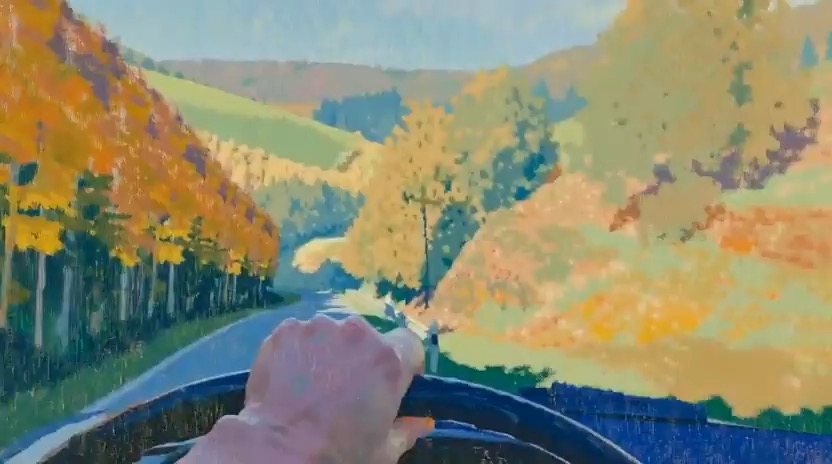
Example; generating model unverified · Preview for Wooded Hills Oil Painting Drive, focused on scene setup, camera path, motion continuity, editable details, and the final hero frame.
Check current availability, input, output, credits, and proof first. If an online trial is available, test the model on the page; use Studio for saved history, assets, and longer iteration.
Example output
Example; generating model unverified · Preview for Wooded Hills Oil Painting Drive, focused on scene setup, camera path, motion continuity, editable details, and the final hero frame.
Best for
Video-to-video edits from an existing source clipText and image inputs support 5, 10, or 15 seconds; video input supports 5 or 10 seconds only.Animating stills with a flexible Wan projectIterative motion tests across text, image, and video inputs
Supports
Text to VideoImage to VideoVideo to Video
Online trial
Use Wan 2.6
Wan 2.6 supports text-to-video with no media, image-to-video with exactly one image, and video editing with one to three videos; images and videos cannot be mixed. Text and image inputs support 5, 10, or 15 seconds; video input supports 5 or 10 seconds only. The default is 1080p, 5 seconds, shot mode Off, and content filter On. Both controls are sent explicitly, and no audio track is generated.
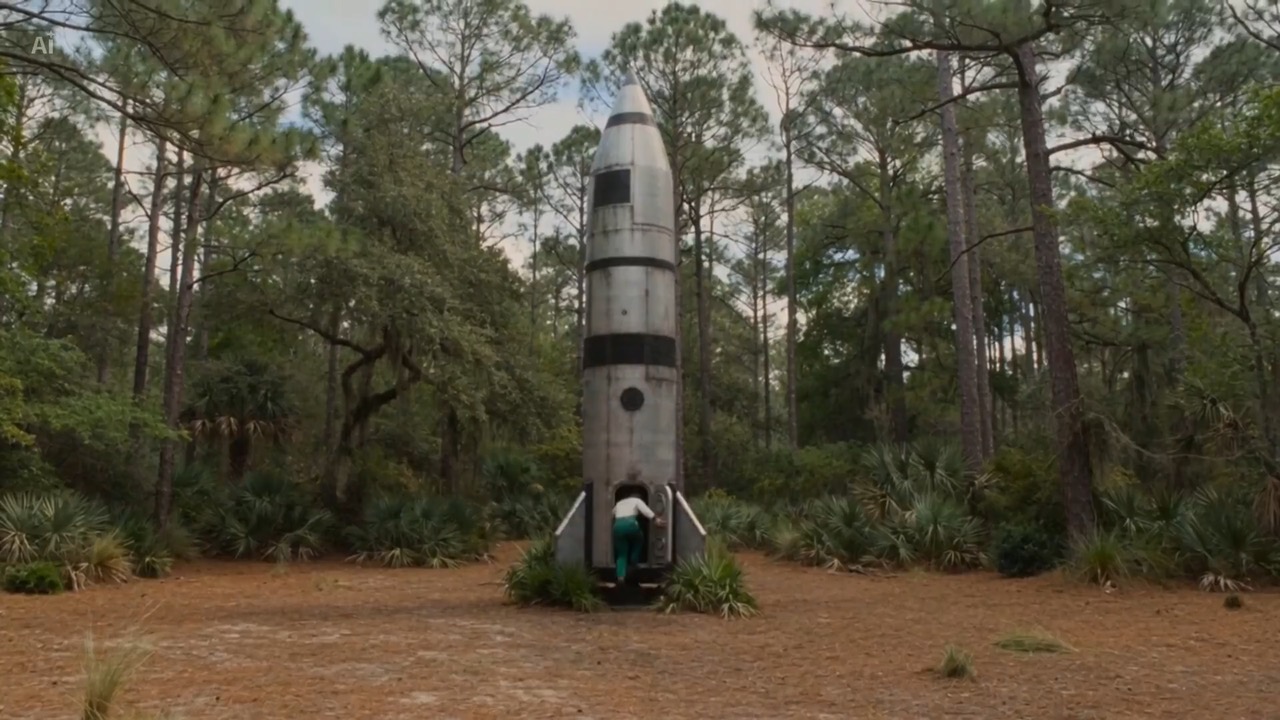
Example; generating model unverified · Preview for Wooded Hills Oil Painting Drive, focused on scene setup, camera path, motion continuity, editable details, and the final hero frame.
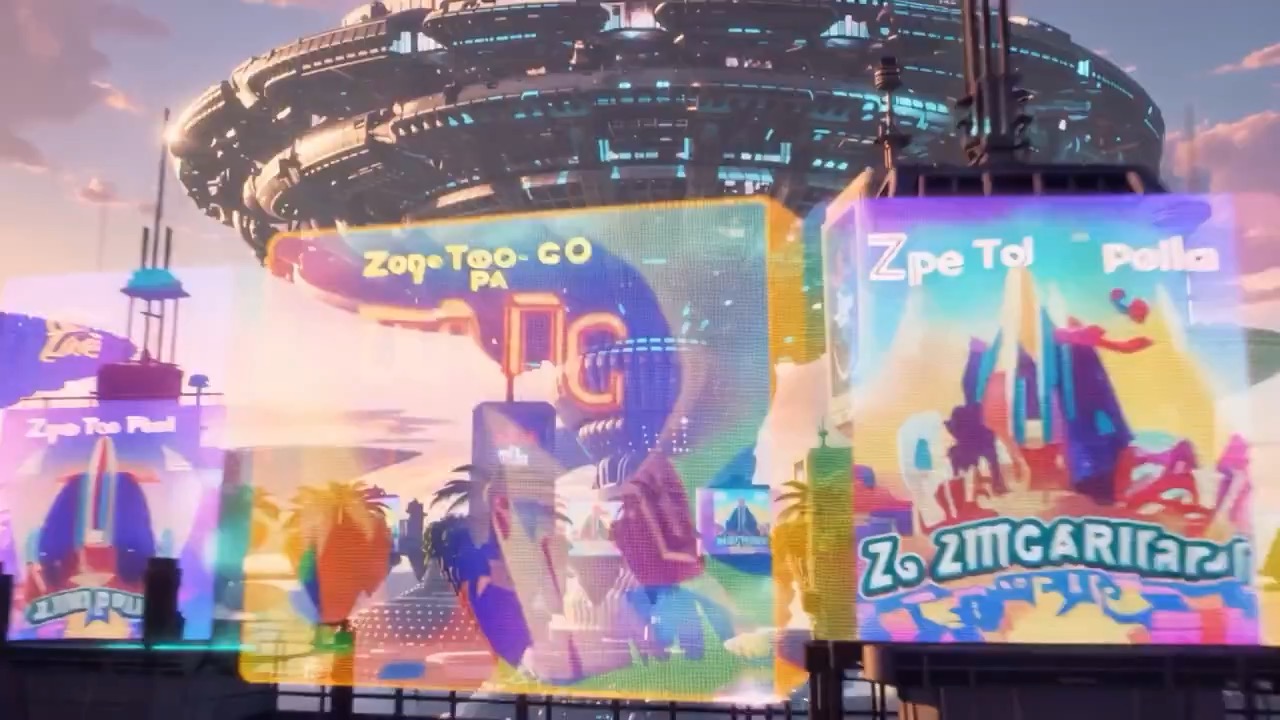
Example; generating model unverified · Preview clip for an orbital megastructure sunset shot, focused on horizon setup, parallax reveal, readable scale, editable color temperature, and the final hero frame.
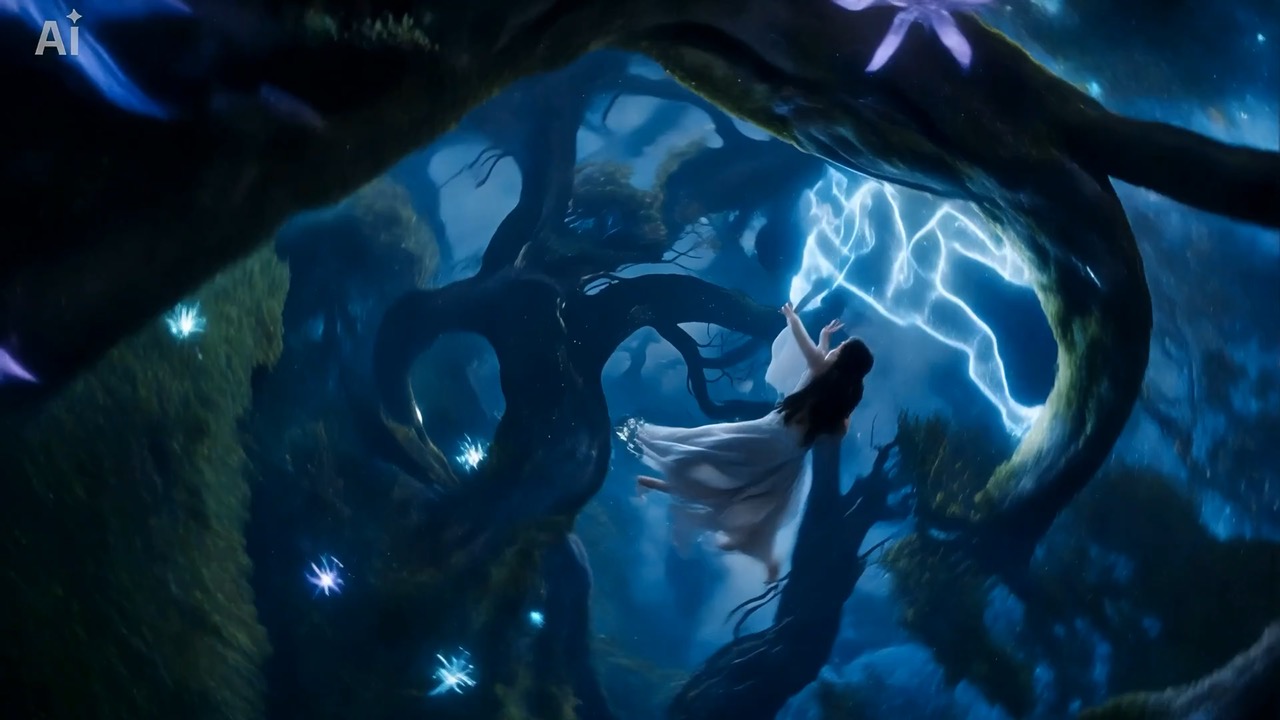
Example; generating model unverified · Preview clip for a midnight fog forest wanderer brief, focused on fog depth, character motion, subtle light, and final reveal composition.
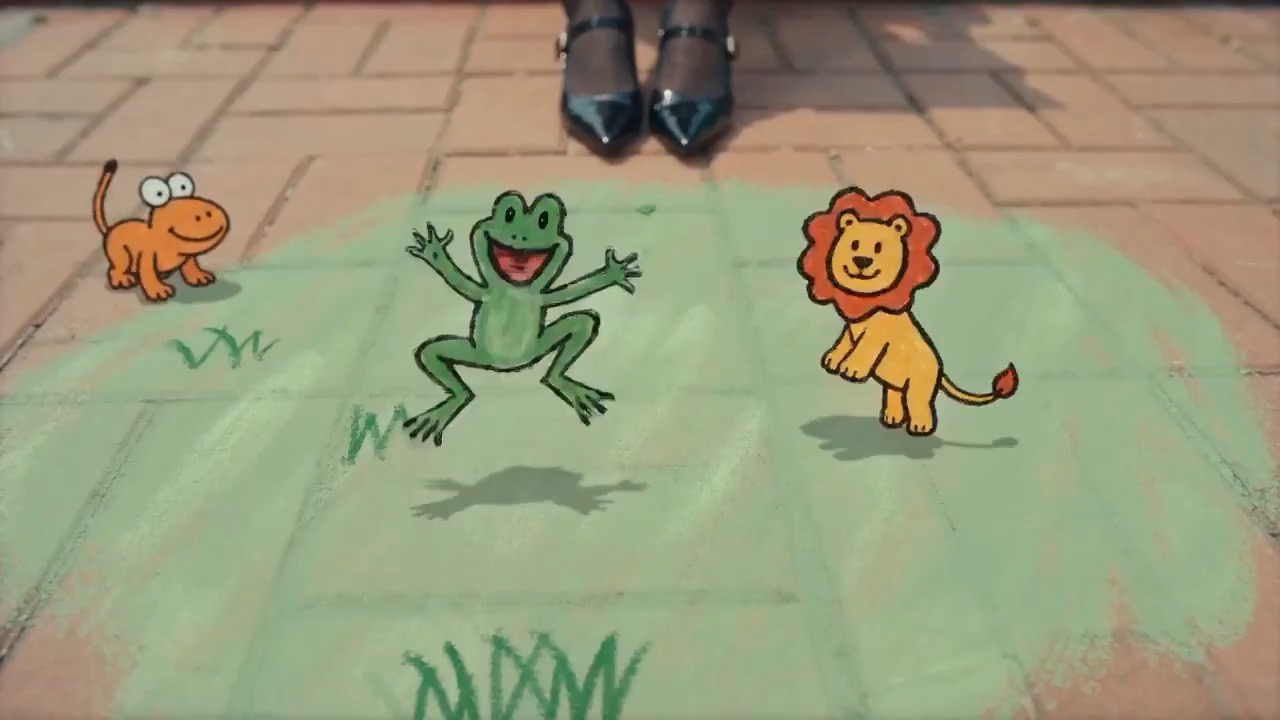
Example; generating model unverified · Preview of a hand-drawn storybook pop-up shot focused on page-turn continuity, handmade animation, outdoor light, and final book composition.
One heavy Wan option that can start from a source video instead of only text or still images
Use exactly 1 JPG/PNG/WebP image (at least 256×256, up to 10 MB) or 1–3 MP4/MOV videos (up to 10 MB per file).
Text and image inputs support 5, 10, or 15 seconds; video input supports 5 or 10 seconds only.
The default is 1080p, 5 seconds, shot mode Off, and content filter On. Both controls are sent explicitly, and no audio track is generated.
Best-fit tasks
Use it when the task looks like this
Video-to-video edits from an existing source clipText and image inputs support 5, 10, or 15 seconds; video input supports 5 or 10 seconds only.Animating stills with a flexible Wan projectIterative motion tests across text, image, and video inputsTeams that need one model for generation and source-video rework
Model details
Inputs, output, and credits to confirm
Provider
Alibaba
Category
Video
Capabilities
Text to Video · Image to Video · Video to Video
Credit model
Credit rate: 70–315 / video
Input path
Up to 3 reference files
Prompt setup
Up to 5,000 chars
Developer access
Partly available via API
Wan 2.6 has callable Public API modes, but reference-media modes still need Files API upload support. Check the model reference before submitting.
FAQ
Wan 2.6 FAQ
What kind of video work is Wan 2.6 actually the best fit for?
Wan 2.6 supports text-to-video with no media, image-to-video with exactly one image, and video editing with one to three videos; images and videos cannot be mixed. Text and image inputs support 5, 10, or 15 seconds; video input supports 5 or 10 seconds only.
What is Wan 2.6's real scope on Rivya right now?
Wan 2.6 supports text-to-video with no media, image-to-video with exactly one image, and video editing with one to three videos; images and videos cannot be mixed. Use exactly 1 JPG/PNG/WebP image (at least 256×256, up to 10 MB) or 1–3 MP4/MOV videos (up to 10 MB per file). Text and image inputs support 5, 10, or 15 seconds; video input supports 5 or 10 seconds only. The default is 1080p, 5 seconds, shot mode Off, and content filter On. Both controls are sent explicitly, and no audio track is generated.
When is Wan 2.6's source-video path the real reason to choose it?
The source-video path is the main reason to step up to Wan 2.6 when the existing clip already contains motion, timing, or blocking worth preserving. If the strongest asset you have is the clip itself, not just a written shot description, Wan 2.6 becomes much easier to justify because you are steering from footage instead of rebuilding the scene from scratch.
When is Wan 2.6 worth its current credit tier?
Wan 2.6 is currently priced as `720p 5s = 70`, `720p 10s = 140`, `720p 15s = 210`, `1080p 5s = 105`, `1080p 10s = 210`, and `1080p 15s = 315` credits. That tier makes sense when the flexibility itself is saving work, especially if the same model is covering first generation, still-led motion, and source-video rework in one option. Text and image inputs support 5, 10, or 15 seconds; video input supports 5 or 10 seconds only.
When should I choose Wan 2.6 over Wan 2.7 or a narrower option?
Wan 2.6 supports text-to-video with no media, image-to-video with exactly one image, and video editing with one to three videos; images and videos cannot be mixed. Text and image inputs support 5, 10, or 15 seconds; video input supports 5 or 10 seconds only.
What can I test first on this page?
Wan 2.6 supports text-to-video with no media, image-to-video with exactly one image, and video editing with one to three videos; images and videos cannot be mixed. Use exactly 1 JPG/PNG/WebP image (at least 256×256, up to 10 MB) or 1–3 MP4/MOV videos (up to 10 MB per file).
What can I set up on this page?
Wan 2.6 supports text-to-video with no media, image-to-video with exactly one image, and video editing with one to three videos; images and videos cannot be mixed. Text and image inputs support 5, 10, or 15 seconds; video input supports 5 or 10 seconds only. The default is 1080p, 5 seconds, shot mode Off, and content filter On. Both controls are sent explicitly, and no audio track is generated.
Which checks are worth making before I hit run?
The default is 1080p, 5 seconds, shot mode Off, and content filter On. Both controls are sent explicitly, and no audio track is generated. Use exactly 1 JPG/PNG/WebP image (at least 256×256, up to 10 MB) or 1–3 MP4/MOV videos (up to 10 MB per file).
Do I need to sign in before I run here, and how do credits work?
The page is public, but the actual video run is still gated behind sign in. Pricing currently follows the visible ladder: `720p 5s = 70`, `720p 10s = 140`, `720p 15s = 210`, `1080p 5s = 105`, `1080p 10s = 210`, and `1080p 15s = 315` credits. You can choose the right source path, duration, and resolution first, then sign in when you are ready to run it. Text and image inputs support 5, 10, or 15 seconds; video input supports 5 or 10 seconds only.
When should I stay on this page, and when should I move into the full Studio?
Stay here while you are validating the first source path and the first cost tier on Wan 2.6. Open the full Studio once the work needs saved versions, repeated clip iterations, multiple coordinated assets, or a longer managed project around the same footage or scene set.
Compare alternatives
Other models to consider next
Video
Seedance 2.5
Seedance 2.5 is Rivya's larger Seedance workflow for prompt-only video, first- and last-frame guidance, multimodal references, and video-guided transformation. It adds a 1080p tier, output up to 30 seconds, automatic duration, MP4 or MOV output, and substantially larger image, video, and audio reference capacity than Mini.
Why consider it
Consider it when your next task needs Up to 50 reference files.
Input
Up to 50 reference files
Credits
Credits depend on inputs and settings. Check the estimate before generating.
Best for
1080p multimodal video projects with several visual or audio references
ByteDance's full Seedance 2.0 video model with explicit support for prompt-only generation, frame-driven animation, and multimodal reference generation. Rivya keeps the documented role split explicit so frame inputs and multimodal references stay mutually exclusive instead of collapsing into one ambiguous upload bucket.
Why consider it
Consider it when your next task needs Prompt, frames, or image/video/audio references.
Input
Prompt, frames, or image/video/audio references
Credits
Credits depend on inputs and settings. Check the estimate before generating.
Best for
Higher-quality short videos from prompts, frames, or reference bundles
ByteDance's faster Seedance 2.0 video model with full scene routing for prompt-only generation, frame-driven image animation, and multimodal reference video generation. Rivya keeps the documented scene split explicit so first/last-frame inputs do not collide with reference image, video, and audio roles.
Why consider it
Consider it when your next task needs Prompt, frames, or image/video/audio references.
Input
Prompt, frames, or image/video/audio references
Credits
Credits depend on inputs and settings. Check the estimate before generating.