Wan 2.5 Video is Rivya's middle Wan video tier for 5 or 10 second clips from text or one image. It is a practical pick when you want resolution-and-duration pricing, prompt expansion, negative prompts, and seed control but do not need the broader editing options in newer Wan models.
One model supports both text-to-video and image-to-videoPricing follows four visible resolution and duration tiers
Both modes use the same saved generation history
Input
Prompt + optional images
Output
AI Video Generator
Credits
From 60 credits per generation
Best for
5 or 10 second Wan promo clips from text or one hero image
Example output
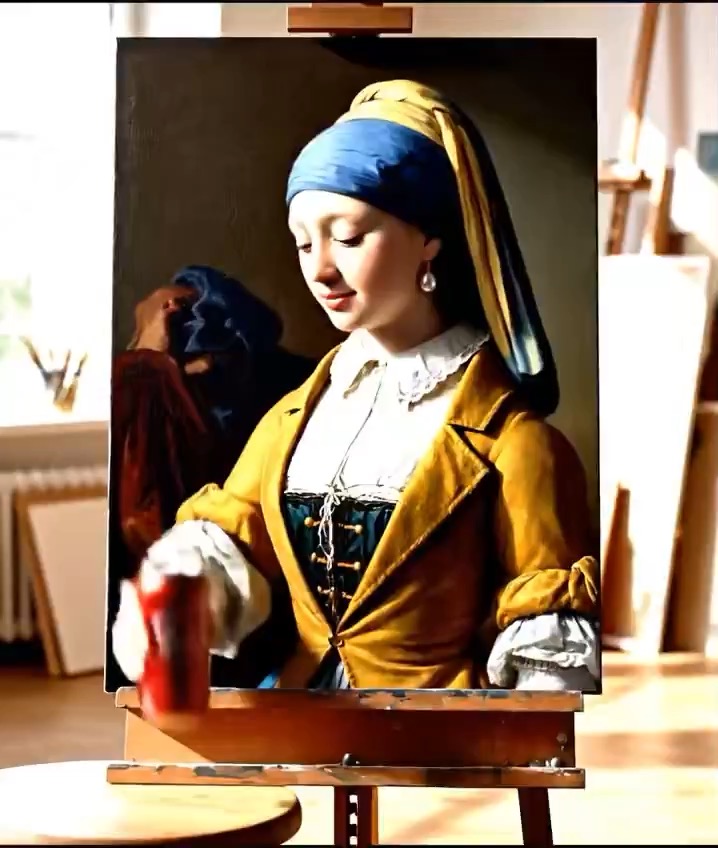
Preview for Sunlit Oil Painting Studio Film, focused on scene setup, camera path, motion continuity, editable details, and the final hero frame.
Check the input, output, credits, and example result, then try this model directly on the page. Move into Studio when you need saved history, assets, or longer iteration.
Example output
Preview for Sunlit Oil Painting Studio Film, focused on scene setup, camera path, motion continuity, editable details, and the final hero frame.
Best for
5 or 10 second Wan promo clips from text or one hero imageWan tests that still need seed and negative-prompt controlTeams comparing a middle Wan tier before moving to Wan 2.7Short-form product or teaser videos without video editing needs
Supports
Text to VideoImage to Video
Online trial
Try Wan 2.5 Video
Try Wan 2.5 Video when you want the simpler middle Wan tier for text-to-video or one-image video drafts. Start from text or one image, keep the run inside the resolution-and-duration pricing option, and stay here when you want prompt control without stepping up to newer Wan editing options.
Results
Wan 2.5 Video
AlibabaText to Video
Wan 2.5 Video is Rivya's middle Wan video tier for 5 or 10 second clips from text or one image. It is a practical pick when you want resolution-and-duration pricing, prompt expansion, negative prompts, and seed control but do not need the broader editing options in newer Wan models.
Wan 2.5 Video
No result yet. Submit a prompt to start a run.
Text to VideoImage to Video
Prompt starters
Start Wan 2.5 Video with a proven prompt
Use a template already mapped to Wan 2.5 Video when you want a stronger first run than a blank prompt.
Preview for Sunlit Oil Painting Studio Film, focused on scene setup, camera path, motion continuity, editable details, and the final hero frame.
Sunlit Oil Painting Studio Film video preview showing motion rhythm, subject continuity, camera direction, and final hero frame.
Input
Prompt + optional images
What to notice
Sunlit Oil Painting Studio Film video preview showing motion rhythm, subject continuity, camera direction, and final hero frame.
Credits per use
From 60 credits per generation
Why this model works
One model supports both text-to-video and image-to-video
Pricing follows four visible resolution and duration tiers
Both modes use the same saved generation history
Best-fit tasks
Best-fit tasks
5 or 10 second Wan promo clips from text or one hero imageWan tests that still need seed and negative-prompt controlTeams comparing a middle Wan tier before moving to Wan 2.7Short-form product or teaser videos without video editing needs
Model proof
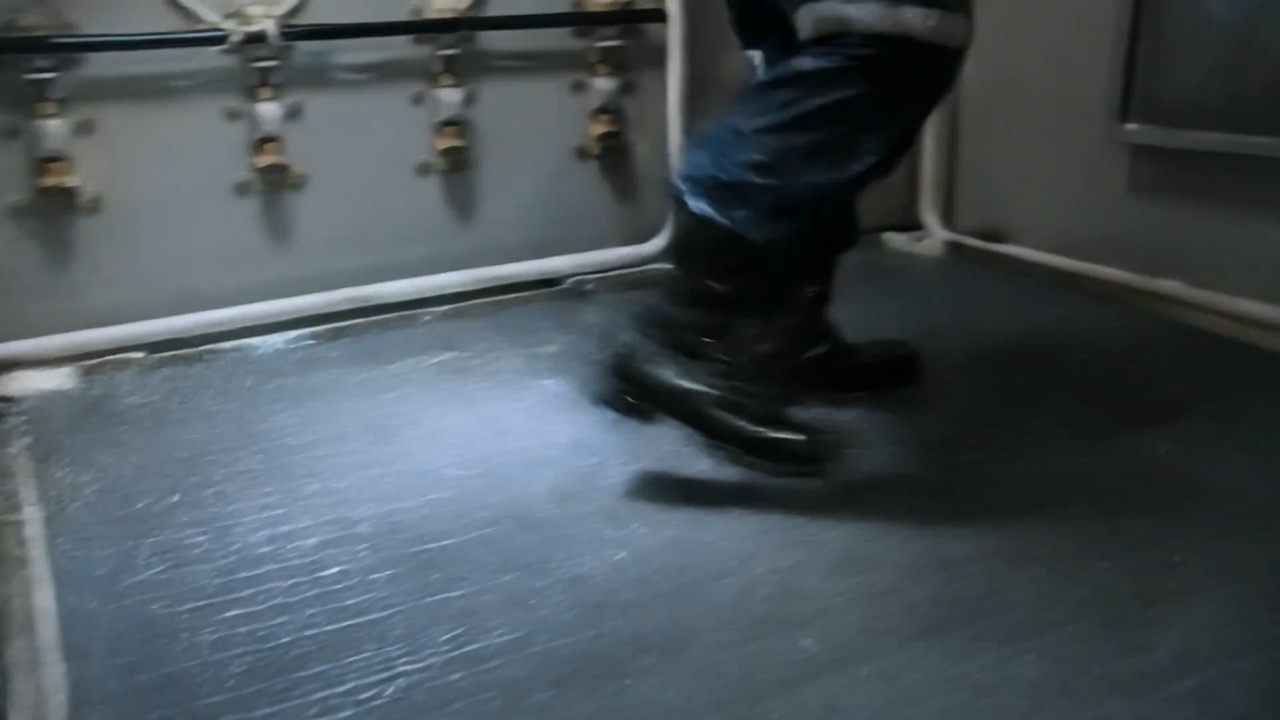
Preview clip for Submarine Crisis Rescue Sequence, focused on scene beats, camera rhythm, continuity, and the final hero moment.
Submarine Crisis Rescue Sequence video preview showing motion style, camera direction, and output rhythm for this prompt.
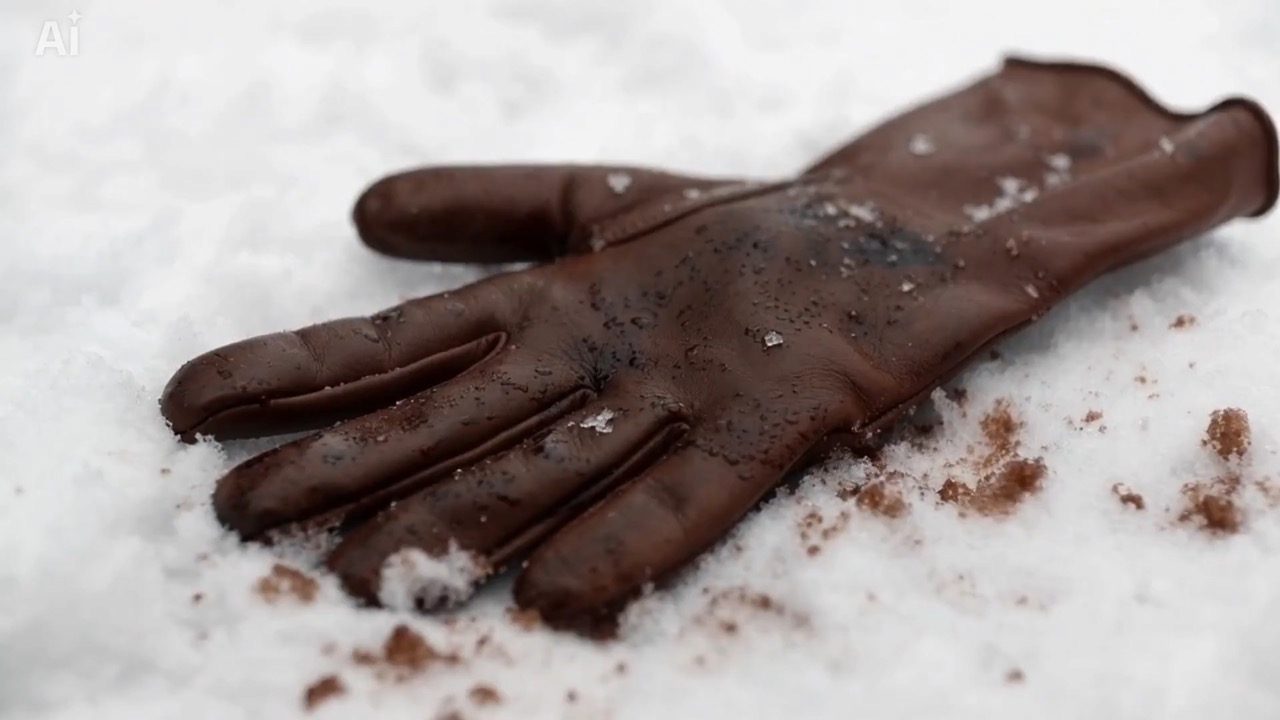
Preview clip for a snowy thriller trailer beat, focused on atmosphere, clue timing, restrained tension, and clean final image.
Snowy thriller trailer beat video preview showing falling snow, clue reveal, camera restraint, and tense final image.
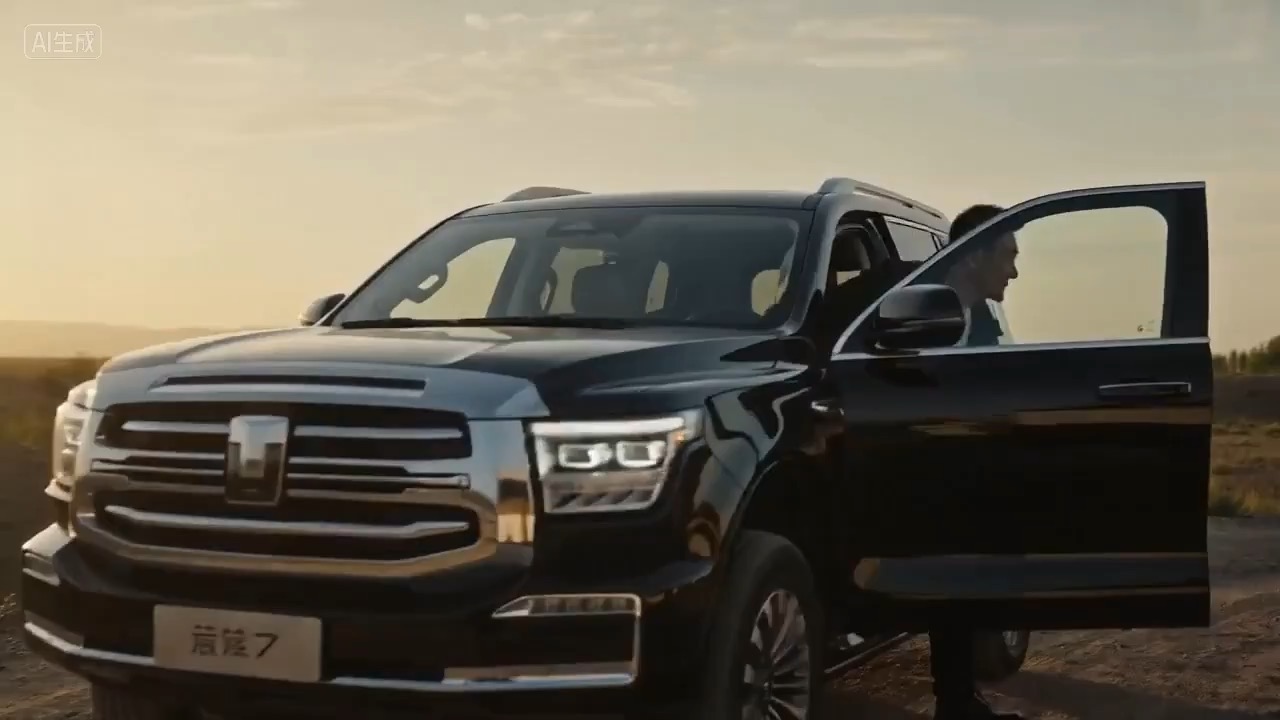
Preview clip for a canyon road homecoming short film, focused on driving continuity, canyon atmosphere, emotional pacing, and warm final silhouette.
Decision fit
When this model is the right choice
Decision fit
Fit signals
One model supports both text-to-video and image-to-video
Pricing follows four visible resolution and duration tiers
Both modes use the same saved generation history
Aspect ratio stays in text mode while image mode accepts only one reference image
Preserves the public NSFW checker control on image-to-video
Best-fit tasks
Use it when the task looks like this
5 or 10 second Wan promo clips from text or one hero imageWan tests that still need seed and negative-prompt controlTeams comparing a middle Wan tier before moving to Wan 2.7Short-form product or teaser videos without video editing needs
Quiet facts
Inputs, output, and credits to confirm
Provider
Alibaba
Category
Video
Capabilities
Text to Video · Image to Video
Credit model
From 60 credits per generation
Input path
Prompt + optional images
Prompt setup
Up to 5,000 chars
FAQ
Wan 2.5 Video FAQ
What kind of video work is Wan 2.5 Video actually the best fit for?
Wan 2.5 Video works best when the job is already pointed at a short, directed clip from text or one hero still, not a wide-open exploration pass. It is a strong fit for 5- or 10-second promos, teaser loops, and product shots where you still want seed, negative-prompt, and prompt-expansion control inside a simpler four-tier pricing option.
What is Wan 2.5 Video's real scope on Rivya right now?
On Rivya, Wan 2.5 Video currently covers text-to-video and image-to-video, with up to one reference image. Text runs expose `16:9`, `9:16`, and `1:1`, while image-led runs stay anchored to the uploaded still. This option also keeps prompt expansion, seed, and negative prompt, and the image path keeps the NSFW checker toggle.
Why do Wan 2.5 Video's prompt controls still matter if the clip is short?
Because Wan 2.5 is for short clips that are already fairly directed. When you are comparing variations of the same shot, seed helps you stay closer to a repeatable option, negative prompt helps remove common failure modes, and prompt expansion lets you decide whether to stay literal or let the model elaborate. That combination is useful when the clip is only 5 or 10 seconds, but the direction is already specific.
When is Wan 2.5 Video worth its current credit ladder?
The current ladder is explicit: `720p 5s = 60`, `720p 10s = 120`, `1080p 5s = 100`, and `1080p 10s = 200` credits. That pricing makes sense when the question is no longer 'can I get any idea at all,' but which short shot, framing, or finish is actually worth carrying forward. In many cases, `720p 5s` is enough to validate the direction before spending more on longer or sharper output.
When should I choose Wan 2.5 Video over Wan 2.7 or a lighter starter option?
Choose Wan 2.5 Video when you want a short, prompt-led Wan project with seed and negative-prompt control, and you do not need source-video editing or a two-asset setup. Move to Wan 2.7 when the job needs first-and-last-frame image motion or a lighter video-edit path. Go even lighter only when the work is still pure rough ideation and control is not the main question yet.
What can I test first on this page?
This page is a good starting point when you want one short Wan pass from text or one image and you already know the clip's job. It is especially useful for testing a 5- or 10-second promo shot, comparing `720p` against `1080p`, or seeing whether Wan 2.5's tighter prompt controls are enough before you move up to a broader project.
What can I set up on this page?
This page supports text-to-video and image-to-video. You can start from a prompt, or upload one still image for an image-led run. Text mode exposes `16:9`, `9:16`, and `1:1`, while the image path stays anchored to the uploaded frame. Prompt expansion, seed, and negative prompt are available here, and the image option also keeps the NSFW checker toggle.
Which checks are worth making before I hit run?
Pick the source path first: prompt-only or one-image start. Then decide whether `5s` or `10s` is enough, whether `720p` can answer the question before you spend more, and whether you want prompt expansion on or off. If the first result needs tighter steering, seed and negative prompt are usually the next controls worth touching.
Do I need to sign in before I run here, and how do credits work?
The page is public, but the actual video run is still gated behind sign in. Pricing follows the four visible tiers: `720p 5s = 60`, `720p 10s = 120`, `1080p 5s = 100`, and `1080p 10s = 200` credits. You can line up the prompt, source type, and duration first, then sign in when you are ready to generate.
When should I stay on this page, and when should I move into the full Studio?
Stay here while you are validating one short clip direction on Wan 2.5: prompt vs image start, `5s` vs `10s`, and the right pricing tier. Open the full Studio once the work needs saved versions, repeated iterations, multiple coordinated assets, or a longer production thread around the same scene.
Compare alternatives
Other models to consider next
Video
Seedance 2.0
ByteDance's full Seedance 2.0 video model with explicit support for prompt-only generation, frame-driven animation, and multimodal reference generation. Rivya keeps the documented role split explicit so frame inputs and multimodal references stay mutually exclusive instead of collapsing into one ambiguous upload bucket.
Why consider it
Consider it when your next task needs Prompt, frames, or image/video/audio references.
InputPrompt, frames, or image/video/audio references
CreditsFrom 64 credits per run
Best forHigher-quality short videos from prompts, frames, or reference bundles
ByteDance's faster Seedance 2.0 video model with full scene routing for prompt-only generation, frame-driven image animation, and multimodal reference video generation. Rivya keeps the documented scene split explicit so first/last-frame inputs do not collide with reference image, video, and audio roles.
Why consider it
Consider it when your next task needs Prompt, frames, or image/video/audio references.
InputPrompt, frames, or image/video/audio references
CreditsFrom 52 credits per run
Best forFast ad previs from prompts or storyboard frames
Video
Seedance 1.5 Pro
A Seedance video model for text-to-video and image-to-video with native audio-visual sync. It supports 480p–1080p, 4–12s clips, 6 aspect ratios, dynamic or fixed lens control, optional audio generation, and lip-sync.
Why consider it
Consider it when the credit note fits your next run: From 28 credits per generation.
InputPrompt + optional images
CreditsFrom 28 credits per generation
Best forShort clips with synced dialogue and motion
Canyon road homecoming video preview with an SUV arriving at an old house in warm twilight.
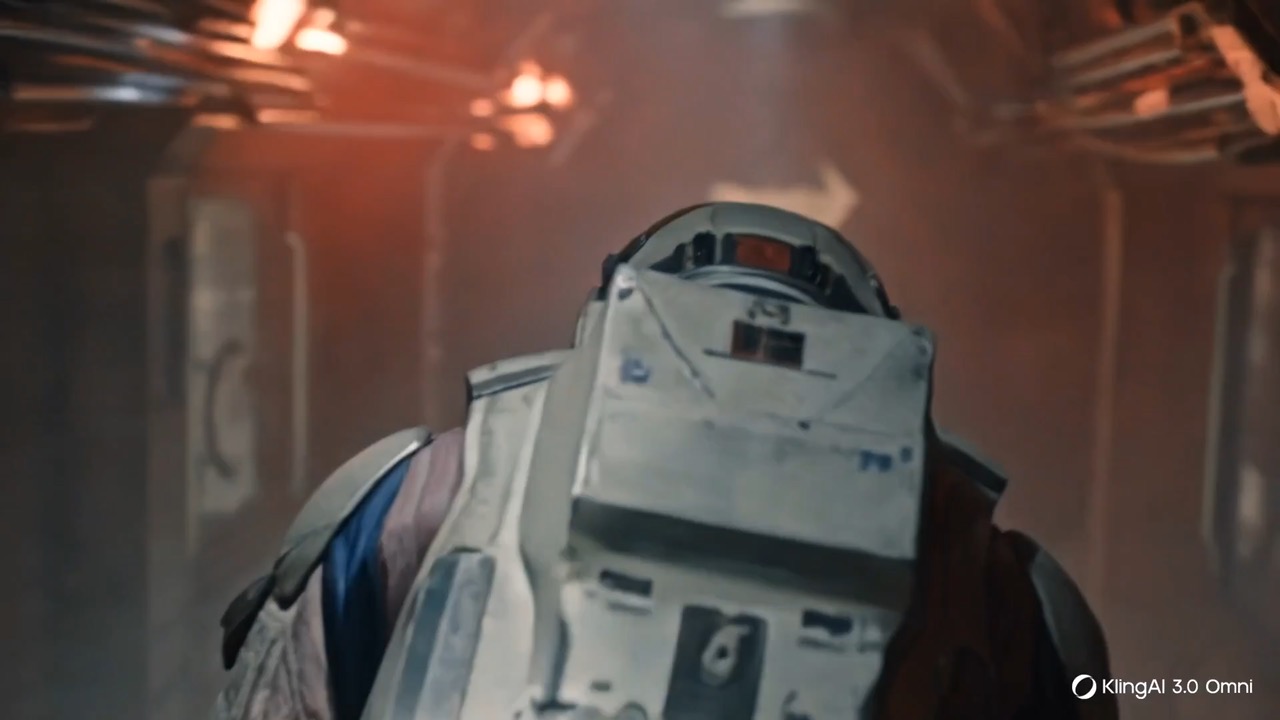
Preview clip for a quiet astronaut corridor systems check, focused on handheld follow motion, suit reflections, corridor continuity, and restrained atmosphere.
Sci-fi corridor video preview with an astronaut walking through dim spacecraft lighting.
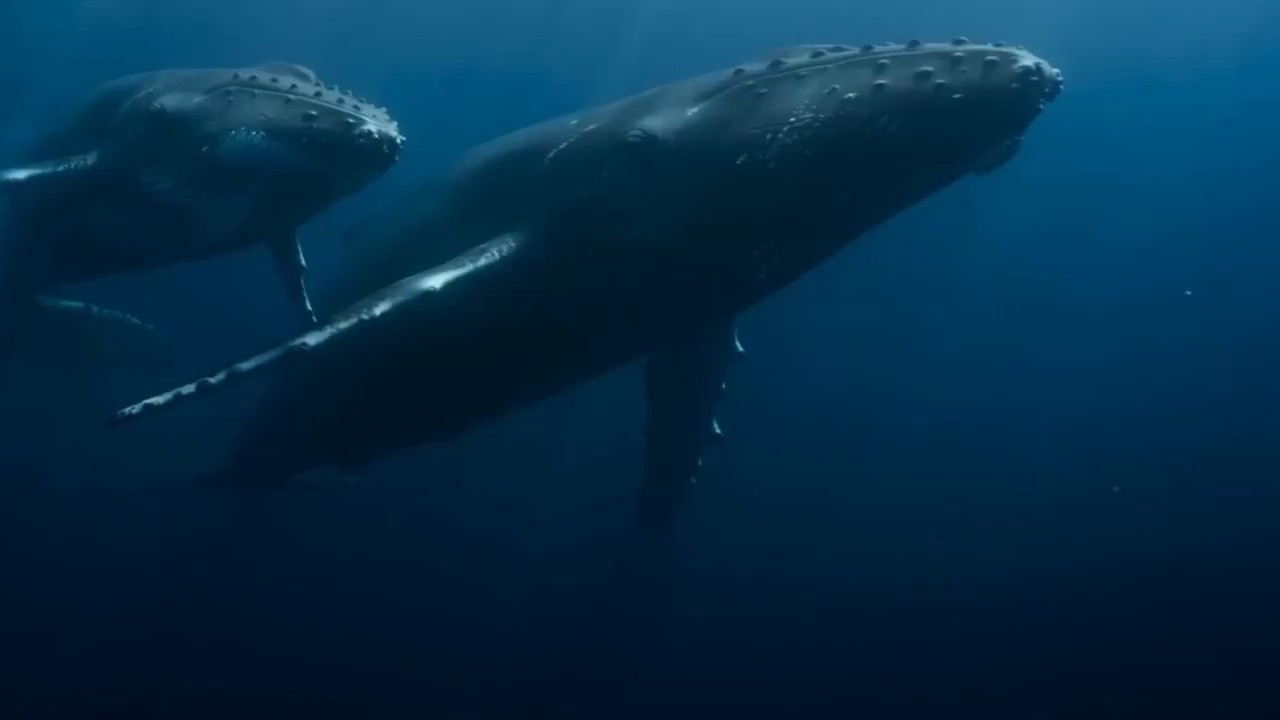
Preview clip for Deep Ocean Whale Majesty Sequence, focused on underwater scale, whale texture, calm paired movement, and readable bubble turbulence.
Underwater whale video preview with two massive whales gliding through a deep ocean trench.
Preview clip for Submarine Crisis Rescue Sequence, focused on scene beats, camera rhythm, continuity, and the final hero moment.
Submarine Crisis Rescue Sequence video preview showing motion style, camera direction, and output rhythm for this prompt.
Preview clip for a snowy thriller trailer beat, focused on atmosphere, clue timing, restrained tension, and clean final image.
Snowy thriller trailer beat video preview showing falling snow, clue reveal, camera restraint, and tense final image.
Preview clip for a canyon road homecoming short film, focused on driving continuity, canyon atmosphere, emotional pacing, and warm final silhouette.
Canyon road homecoming video preview with an SUV arriving at an old house in warm twilight.
Preview clip for a quiet astronaut corridor systems check, focused on handheld follow motion, suit reflections, corridor continuity, and restrained atmosphere.
Sci-fi corridor video preview with an astronaut walking through dim spacecraft lighting.
Preview clip for Deep Ocean Whale Majesty Sequence, focused on underwater scale, whale texture, calm paired movement, and readable bubble turbulence.
Underwater whale video preview with two massive whales gliding through a deep ocean trench.
Simple image-to-video runs where one reference image is enough
Developer access
Partly available via API
Wan 2.5 Video has callable Public API modes, but reference-media modes still need Files API upload support. Check the model reference before submitting.