Wan 2.2 A14B Turbo supports three starting paths on Rivya: text, one image, or one image plus an audio clip for audio-driven video. Use it for lighter Wan experiments, short image-led clips, and portrait motion guided by supplied audio.
One model covers text, image, and image-plus-audio-driven video generationCredit tiers separate lighter text or image runs from heavier audio-driven runs
The image-plus-audio-driven path keeps its own advanced parameter subset instead of collapsing everything to defaults
Input
Prompt, 1 image, or 1 image + 1 audio
Output
AI Video Generator
Credits
From 8 credits per generation
Best for
Lighter Wan text-to-video experiments
Example output
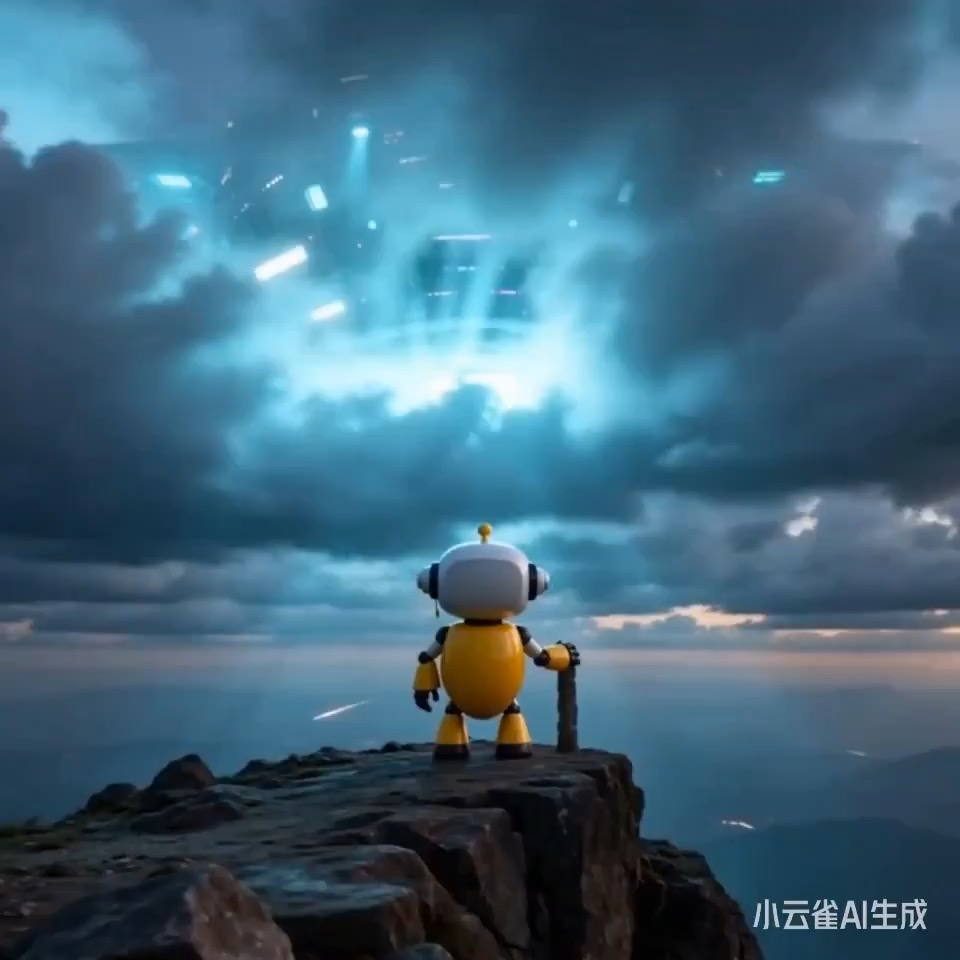
Preview for a lonely robot summit video brief, focused on the wide establish, slow camera path, atmospheric continuity, editable details, and final hero frame.
Check the input, output, credits, and example result, then try this model directly on the page. Move into Studio when you need saved history, assets, or longer iteration.
Example output
Preview for a lonely robot summit video brief, focused on the wide establish, slow camera path, atmospheric continuity, editable details, and final hero frame.
Best for
Lighter Wan text-to-video experimentsGenerating short clips from one imageTalking-head or semi-talking portrait clips from one still image plus one audio fileTeams that want an older Wan video tier below Wan 2.6
Supports
Text to VideoImage to VideoImage + Audio Driven
Online trial
Try Wan 2.2 A14B Turbo
Try Wan 2.2 A14B Turbo when you want the lighter Wan option that can still cover text-to-video, image-to-video, and image-plus-audio video in one model family. Start from text, add one image for image-to-video, or pair one image with one audio clip for the speech-driven path.
Results
Wan 2.2 A14B Turbo
AlibabaText to Video
Wan 2.2 A14B Turbo supports three starting paths on Rivya: text, one image, or one image plus an audio clip for audio-driven video. Use it for lighter Wan experiments, short image-led clips, and portrait motion guided by supplied audio.
Wan 2.2 A14B Turbo
No result yet. Submit a prompt to start a run.
Text to VideoImage to VideoImage + Audio Driven
Prompt starters
Start Wan 2.2 A14B Turbo with a proven prompt
Use a template already mapped to Wan 2.2 A14B Turbo when you want a stronger first run than a blank prompt.
Preview for a lonely robot summit video brief, focused on the wide establish, slow camera path, atmospheric continuity, editable details, and final hero frame.
Lonely robot summit video preview showing a wide mountain peak, controlled camera drift, subject continuity, atmospheric scale, and final hero frame.
Input
Prompt, 1 image, or 1 image + 1 audio
What to notice
Lonely robot summit video preview showing a wide mountain peak, controlled camera drift, subject continuity, atmospheric scale, and final hero frame.
Credits per use
From 8 credits per generation
Why this model works
One model covers text, image, and image-plus-audio-driven video generation
Credit tiers separate lighter text or image runs from heavier audio-driven runs
The image-plus-audio-driven path keeps its own advanced parameter subset instead of collapsing everything to defaults
Best-fit tasks
Best-fit tasks
Lighter Wan text-to-video experimentsGenerating short clips from one imageTalking-head or semi-talking portrait clips from one still image plus one audio fileTeams that want an older Wan video tier below Wan 2.6
Model proof
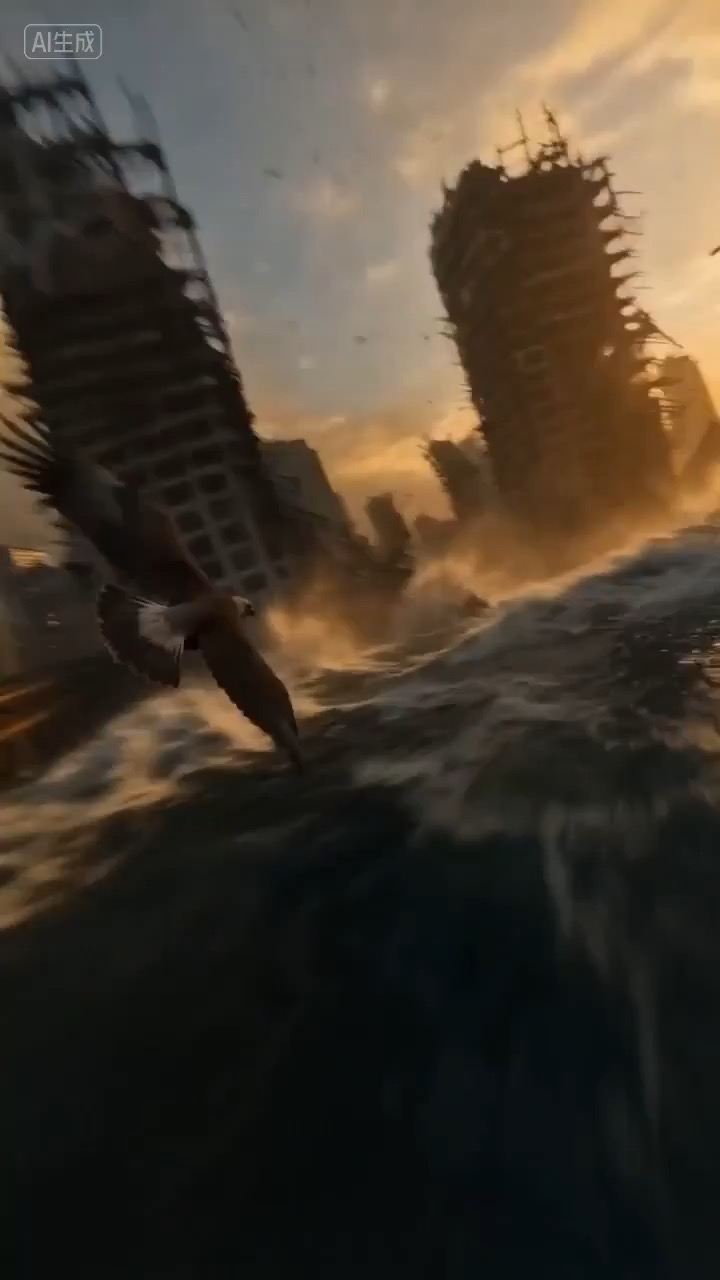
A first-person eagle flight clears broken foreground obstacles, holds the escape path, and opens into a wide light-filled view.
Eagle POV escape flight video preview with a fast readable glide through ruined stone toward open light.
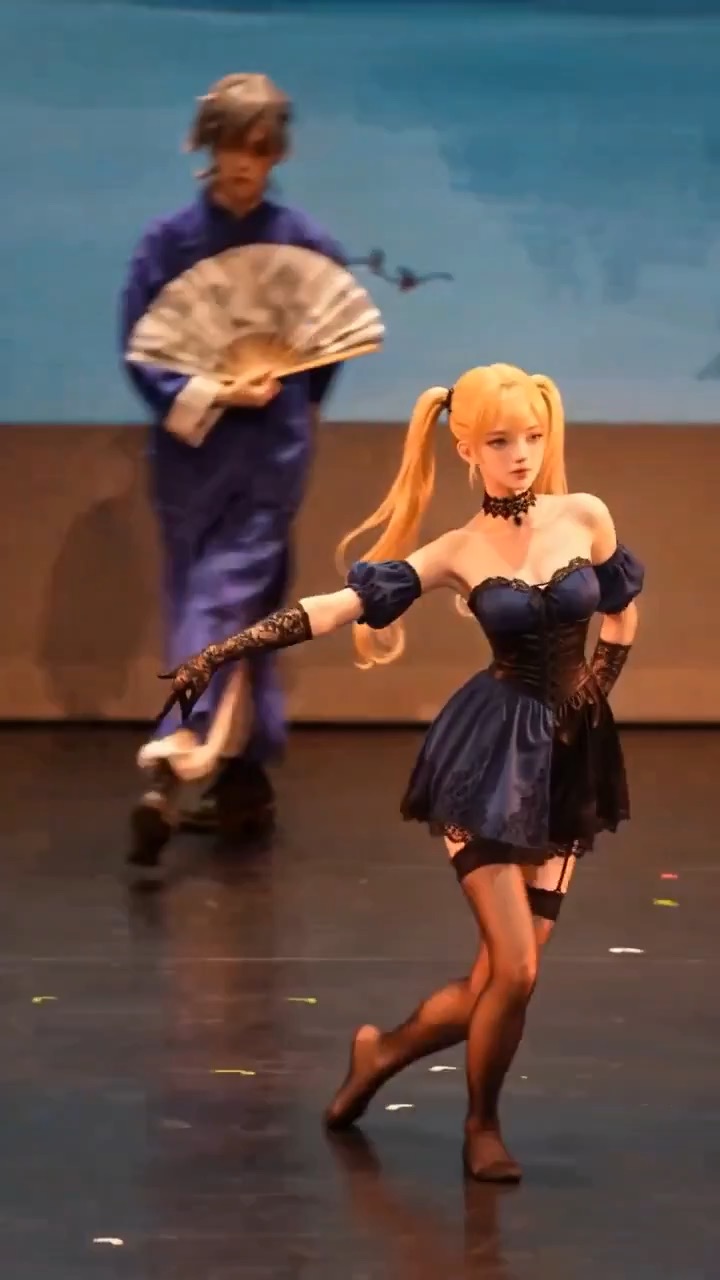
Preview clip for a reference character action prompt, focused on scene beats, camera rhythm, continuity, and the final hero moment.
Reference character action video preview showing motion style, camera direction, and output rhythm for this prompt.
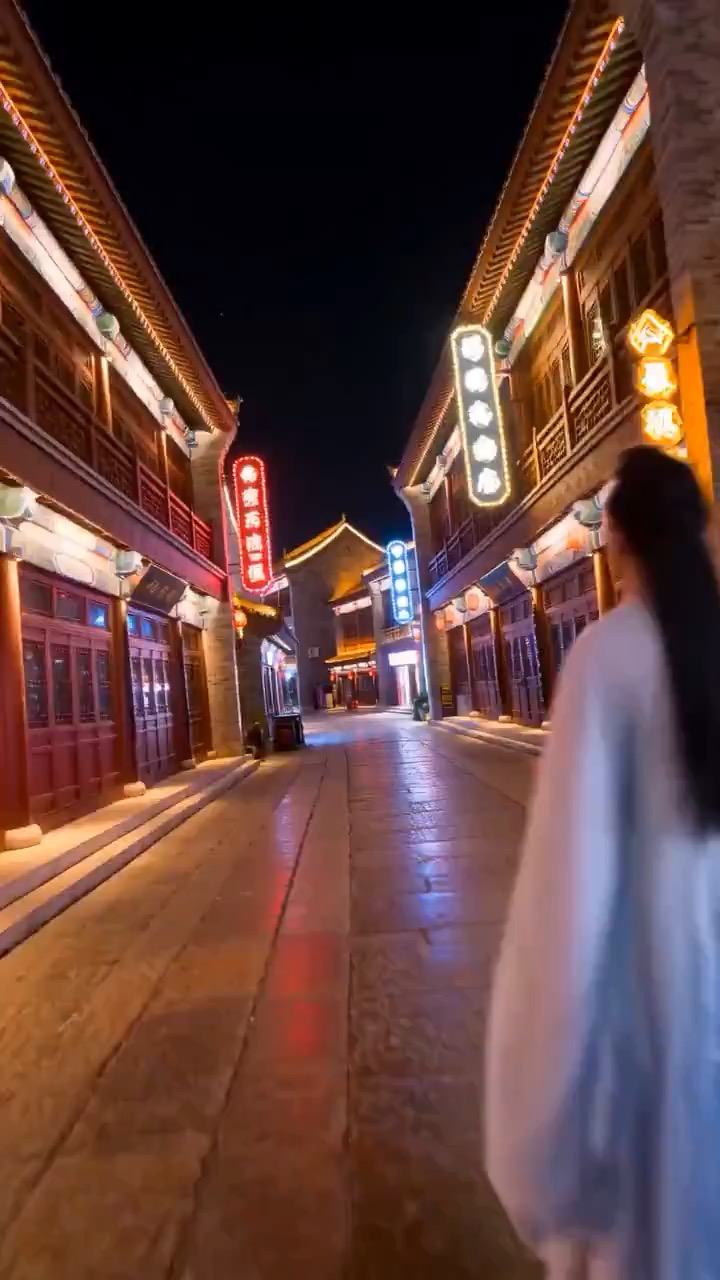
Preview for Zibo Neon Heritage Speedcut, focused on scene setup, camera path, motion continuity, editable details, and the final hero frame.
Decision fit
When this model is the right choice
Decision fit
Fit signals
One model covers text, image, and image-plus-audio-driven video generation
Credit tiers separate lighter text or image runs from heavier audio-driven runs
The image-plus-audio-driven path keeps its own advanced parameter subset instead of collapsing everything to defaults
All three paths return results through saved generation history
Image and audio still follow the lowest-risk media project Rivya already uses elsewhere
Best-fit tasks
Use it when the task looks like this
Lighter Wan text-to-video experimentsGenerating short clips from one imageTalking-head or semi-talking portrait clips from one still image plus one audio fileTeams that want an older Wan video tier below Wan 2.6
Quiet facts
Inputs, output, and credits to confirm
Provider
Alibaba
Category
Video
Capabilities
Text to Video · Image to Video · Image + Audio Driven
Credit model
From 8 credits per generation
Input path
Prompt, 1 image, or 1 image + 1 audio
Prompt setup
Up to 5,000 chars
FAQ
Wan 2.2 A14B Turbo FAQ
When should I use Wan 2.2 A14B Turbo for video work?
Use Wan 2.2 A14B Turbo for lighter text-to-video tests, short clips from one image, or portrait motion driven by one still image plus one audio file. It is useful when you want those three starting paths in one model with separate credit tiers for lighter and audio-driven runs.
What is Wan 2.2 A14B Turbo's real scope on Rivya right now?
On Rivya, Wan 2.2 A14B Turbo currently supports text to video, image to video, and image + audio driven. It can also take up to 2 reference files across image inputs and audio inputs.
Which controls or inputs matter most once you're evaluating Wan 2.2 A14B Turbo for real work?
Choose 480p, 580p, or 720p, set the frame shape, and decide whether the run starts from text, one image, or image plus audio. For audio-driven portrait motion, the still and audio must already form a credible pair.
When is Wan 2.2 A14B Turbo worth the current credit tier on Rivya?
Rivya currently lists pricing from 8 credits per generation. That cost is easier to justify once the clip is tied to lighter Wan text-to-video experiments instead of open-ended exploration.
When should I choose Wan 2.2 A14B Turbo over a lighter or cheaper alternative on Rivya?
Choose Wan 2.2 A14B Turbo when you need text, image, and image-plus-audio video generation in one model. If you only need a basic text or image test, compare a narrower lower-cost option first.
What can I test first on this page?
Start here when the first run is aimed at lighter Wan text-to-video experiments, generating short clips from one image, and talking-head or semi-talking portrait clips from one still image plus one audio file. That keeps the first run practical: check the input, direction, and output quality here before turning it into a longer project.
What can I set up on this page?
This page currently supports text to video, image to video, and image + audio driven. That makes it easier to see whether a pure shot description or a still-led start is the better way into lighter Wan text-to-video experiments. You can also bring in up to 2 reference files across image inputs and audio inputs.
Which controls are worth checking before I hit run?
Before you run it, the main checks are output tiers like 480p, 580p, and 720p, frame shape, and prompt steering. Those are usually the pieces that decide whether the first result is close enough that you can keep iterating here toward lighter Wan text-to-video experiments without making the setup heavier than it needs to be.
Do I need to sign in before I run here, and how do credits work?
The page is public, but the actual first video run is still gated behind sign in. Rivya currently lists pricing from 8 credits per generation. You can set up the shot, source asset, and duration first, then sign in when you are ready to generate the clip.
When should I stay on this page, and when should I move into the full Studio?
Stay on this page while you are still validating the first shot, source type, and whether the first result is getting you close to lighter Wan text-to-video experiments on Wan 2.2 A14B Turbo. Open the full Studio once the work needs saved versions, repeated clip iterations, multiple assets, or a longer production thread around the same scene set.
Compare alternatives
Other models to consider next
Video
Seedance 2.0
ByteDance's full Seedance 2.0 video model with explicit support for prompt-only generation, frame-driven animation, and multimodal reference generation. Rivya keeps the documented role split explicit so frame inputs and multimodal references stay mutually exclusive instead of collapsing into one ambiguous upload bucket.
Why consider it
Consider it when your next task needs Prompt, frames, or image/video/audio references.
InputPrompt, frames, or image/video/audio references
CreditsFrom 64 credits per run
Best forHigher-quality short videos from prompts, frames, or reference bundles
ByteDance's faster Seedance 2.0 video model with full scene routing for prompt-only generation, frame-driven image animation, and multimodal reference video generation. Rivya keeps the documented scene split explicit so first/last-frame inputs do not collide with reference image, video, and audio roles.
Why consider it
Consider it when your next task needs Prompt, frames, or image/video/audio references.
InputPrompt, frames, or image/video/audio references
CreditsFrom 52 credits per run
Best forFast ad previs from prompts or storyboard frames
Video
Seedance 1.5 Pro
A Seedance video model for text-to-video and image-to-video with native audio-visual sync. It supports 480p–1080p, 4–12s clips, 6 aspect ratios, dynamic or fixed lens control, optional audio generation, and lip-sync.
Why consider it
Consider it when your next task needs Prompt + optional images.
InputPrompt + optional images
CreditsFrom 28 credits per generation
Best forShort clips with synced dialogue and motion
Zibo Neon Heritage Speedcut video preview showing motion rhythm, subject continuity, camera direction, and final hero frame.
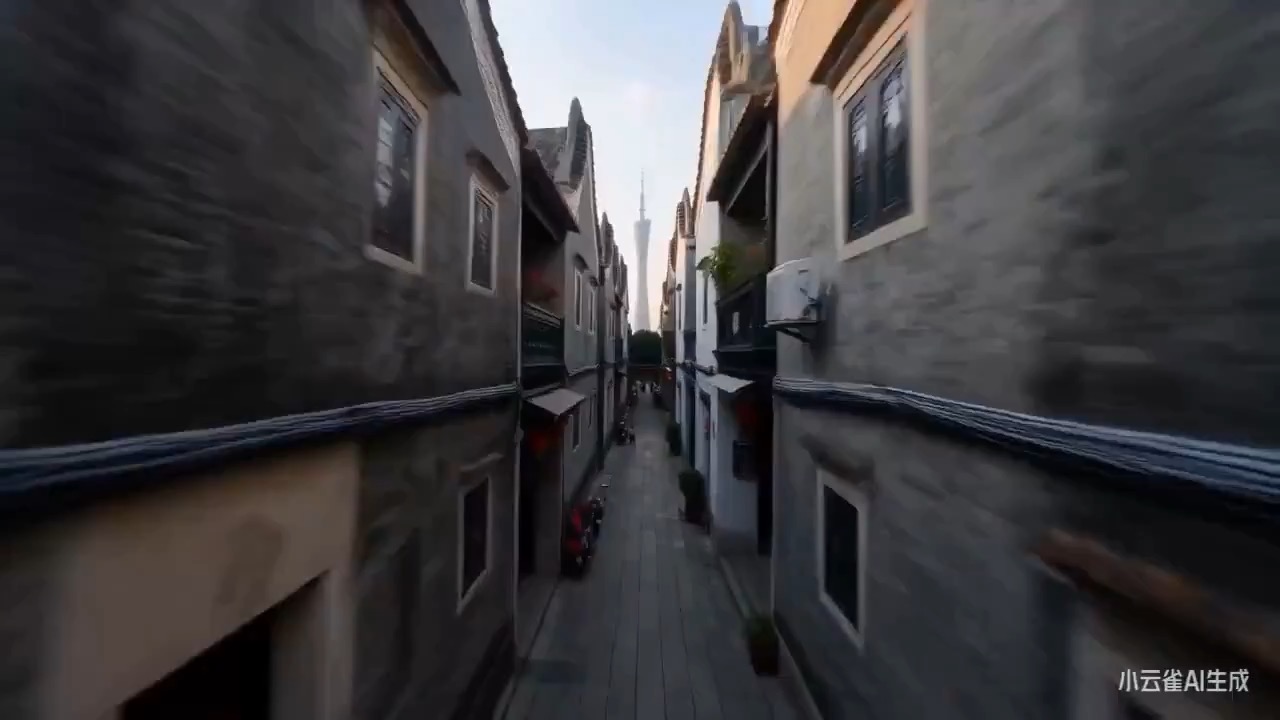
Preview of a Guangzhou cyber-heritage FPV one-take focused on continuous camera logic, Lingnan texture, river neon, and stable landmark scale.
Guangzhou FPV city video preview with heritage architecture, tea house steam, Pearl River neon, and Canton Tower orbit.
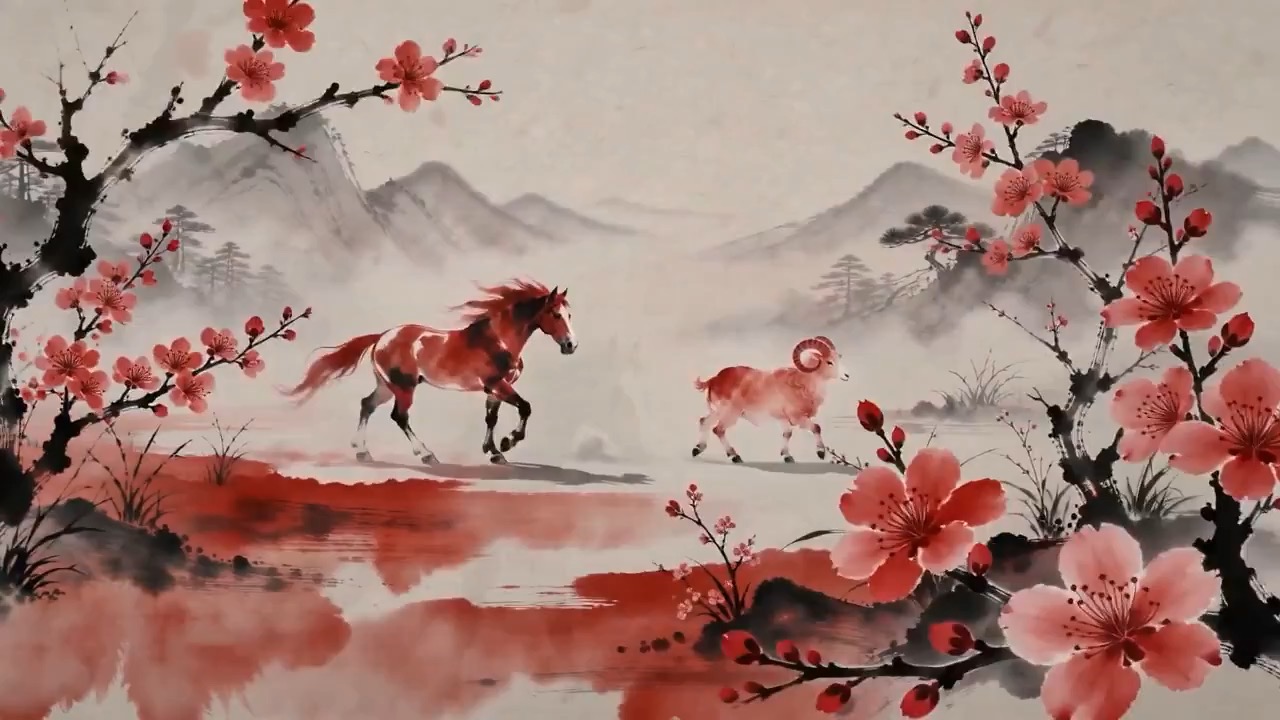
Preview clip for a cinnabar ink scroll duo animation, focused on ink bloom, symbolic motion, negative space, landscape transition, and editable seal ending.
3D ink-wash animation preview with cinnabar auspicious figures moving across a rice-paper scroll.
A first-person eagle flight clears broken foreground obstacles, holds the escape path, and opens into a wide light-filled view.
Eagle POV escape flight video preview with a fast readable glide through ruined stone toward open light.
Preview clip for a reference character action prompt, focused on scene beats, camera rhythm, continuity, and the final hero moment.
Reference character action video preview showing motion style, camera direction, and output rhythm for this prompt.
Preview for Zibo Neon Heritage Speedcut, focused on scene setup, camera path, motion continuity, editable details, and the final hero frame.
Zibo Neon Heritage Speedcut video preview showing motion rhythm, subject continuity, camera direction, and final hero frame.
Preview of a Guangzhou cyber-heritage FPV one-take focused on continuous camera logic, Lingnan texture, river neon, and stable landmark scale.
Guangzhou FPV city video preview with heritage architecture, tea house steam, Pearl River neon, and Canton Tower orbit.
Preview clip for a cinnabar ink scroll duo animation, focused on ink bloom, symbolic motion, negative space, landscape transition, and editable seal ending.
3D ink-wash animation preview with cinnabar auspicious figures moving across a rice-paper scroll.
Projects that want text, image, and image-plus-audio entry points under one model
Developer access
Partly available via API
Wan 2.2 A14B Turbo has callable Public API modes, but reference-media modes still need Files API upload support. Check the model reference before submitting.