
Floating intersection
Illustrative scene inspiration. Illustrative example; it was not generated by this model.
Upload MP4, MOV or WebM up to 50 MB and 60 seconds. The output fits the chosen box without cropping; larger sources may be reduced. The operation preserves the source audio, frame rate and frame count.
The final cost is rounded up to whole credits.
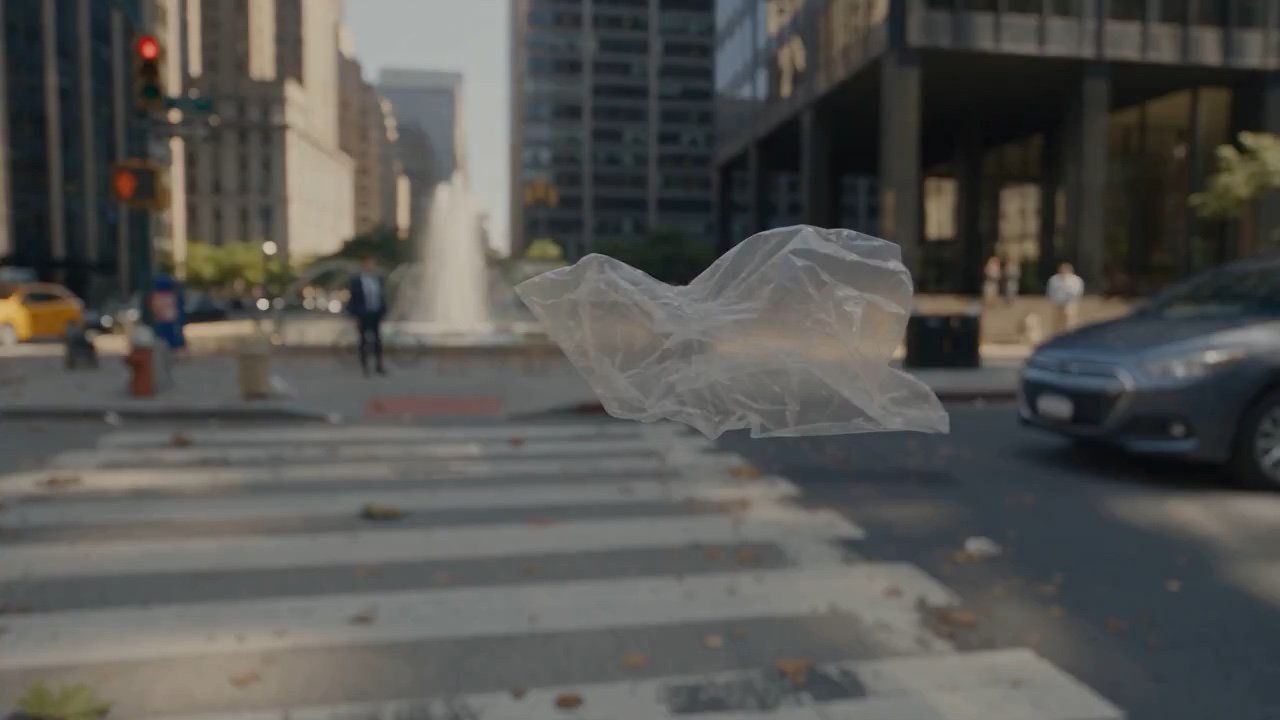
Example output
Illustrative scene inspiration. Illustrative example; it was not generated by this model.
Video to Video
Example output
Illustrative scene inspiration. Illustrative example; it was not generated by this model.
Best for
Supports
Try this model
No results to display yet.
Model examples
Review examples to help decide whether the model fits your task.
Illustrative scene inspiration. Illustrative example; it was not generated by this model.
Illustrative scene inspiration. Illustrative example; it was not generated by this model.
Illustrative scene inspiration. Illustrative example; it was not generated by this model.
Illustrative scene inspiration. Illustrative example; it was not generated by this model.
Illustrative scene inspiration. Illustrative example; it was not generated by this model.
Illustrative scene inspiration. Illustrative example; it was not generated by this model.
Model strengths
Model strengths
Suggested uses
Tasks to consider
Model details
Provider
Rivya
Category
Video
Capabilities
Video to Video
Credit charges
Credit rate: 1.5–6 per second of input
Inputs
1 video reference
Prompt requirements
No prompt required
Developer access
Rivya Video Upscale can be called through Public API v1. Modes that use reference media require uploads through the Files API. Check the model reference for supported inputs.
Rivya Video Upscale FAQ
The estimate uses your uploaded video’s actual duration: 1.5, 3 or 6 credits per second for 1080P, 2K or 4K. The full reservation is rounded up once. Final billing uses confirmed consumption.
Credits are reserved before submission. The estimate covers the selected settings and required inputs. Final billing uses confirmed consumption; unused reserve is returned after settlement. Missing, invalid or higher consumption keeps the reserve under review. If submission is uncertain, check the existing task before sending again.
Compare alternatives
Create Seedance 2.5 videos from text, a start frame with an optional end frame, or image, video, and audio references. Choose 480p, 720p, or 1080p, a duration from 4 to 30 seconds or automatic duration, and an MP4 or MOV format request.
Why consider it
Input option: Up to 50 reference files
Generate video from text, a first frame, or media references.
Why consider it
Input option: Prompt, first frame with optional last frame, or image/video/audio references
ByteDance's Seedance 2.0 Fast video model for text prompts, a first frame with an optional last frame, or image, video and audio references. Choose 480p or 720p, set a 4–15-second duration, and request audio or a returned last frame.
Why consider it
Input option: Prompt, first frame with optional last frame, or image/video/audio references