Veo3.1 Fast is Rivya's faster Google Veo path for AI video drafts, product teasers, and text-to-video or image-to-video tests when speed matters more than maximum polish.
Triple mode: text / image / reference-to-videoUp to 3 reference images for guided generationNative audio generation with video
Input
Prompt + optional images
Output
AI Video Generator
Credits
From 20 credits per generation
Best for
Fast ad concepts with native audio
Example output
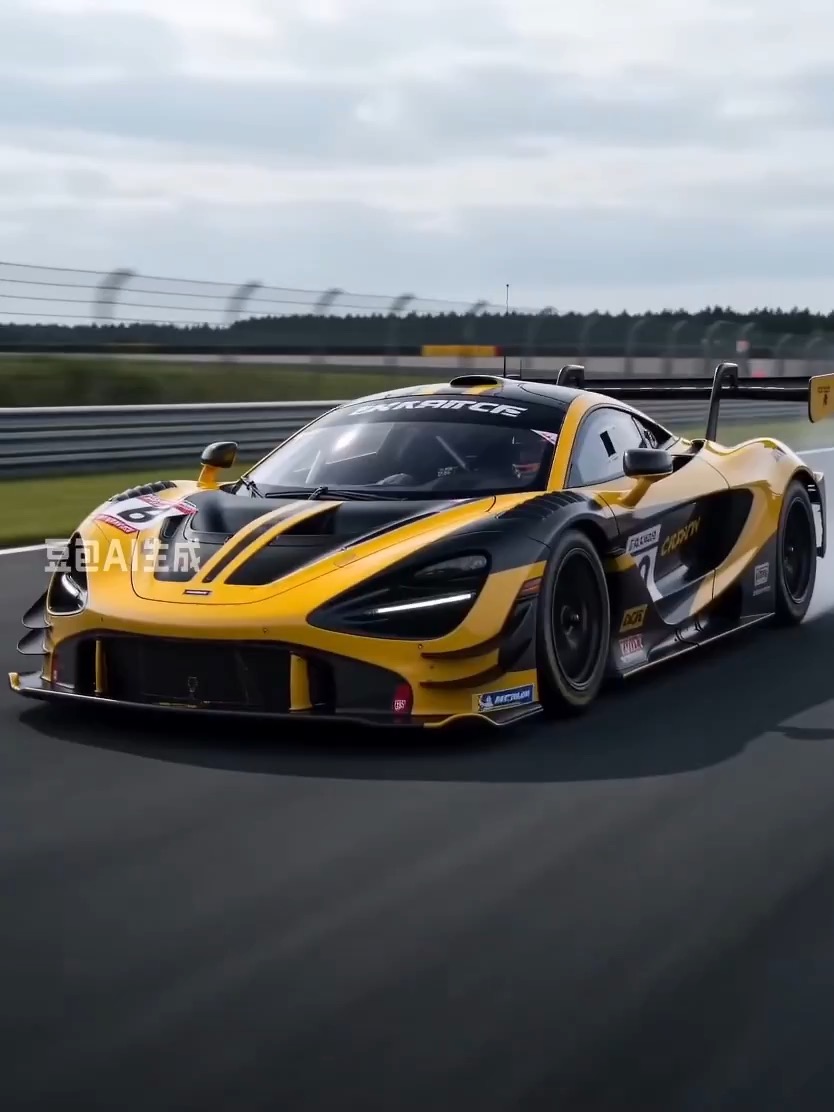
Preview for Supercar Dynamic Storyboard, focused on scene setup, camera path, motion continuity, editable details, and the final hero frame.
Check the input, output, credits, and example result, then try this model directly on the page. Move into Studio when you need saved history, assets, or longer iteration.
Example output
Preview for Supercar Dynamic Storyboard, focused on scene setup, camera path, motion continuity, editable details, and the final hero frame.
Best for
Fast ad concepts with native audioReference-led motion boards and previsSocial campaign tests and short launch clipsImage-guided cinematic scene exploration
Supports
Text to VideoImage to VideoReference to Video
Online trial
Try Veo3.1 Fast
Use Veo3.1 Fast for faster Google Veo text-to-video and image-to-video tests before spending on Quality.
Results
Veo3.1 Fast
GoogleText to Video
Veo3.1 Fast is Rivya's faster Google Veo path for AI video drafts, product teasers, and text-to-video or image-to-video tests when speed matters more than maximum polish.
Veo3.1 Fast
No result yet. Submit a prompt to start a run.
Text to VideoImage to VideoReference to Video
Prompt starters
Start Veo3.1 Fast with a proven prompt
Use a template already mapped to Veo3.1 Fast when you want a stronger first run than a blank prompt.
Preview for Supercar Dynamic Storyboard, focused on scene setup, camera path, motion continuity, editable details, and the final hero frame.
Supercar Dynamic Storyboard video preview showing motion rhythm, subject continuity, camera direction, and final hero frame.
Input
Prompt + optional images
What to notice
Supercar Dynamic Storyboard video preview showing motion rhythm, subject continuity, camera direction, and final hero frame.
Credits per use
From 20 credits per generation
Why this model works
Triple mode: text / image / reference-to-video
Up to 3 reference images for guided generation
Native audio generation with video
Best-fit tasks
Best-fit tasks
Fast ad concepts with native audioReference-led motion boards and previsSocial campaign tests and short launch clipsImage-guided cinematic scene exploration
Model proof
Preview for a rainy neon speed shot, focused on scene setup, camera path, motion continuity, editable details, and the final hero frame.
Rainy neon speed shot video preview showing motion rhythm, subject continuity, camera direction, and final hero frame.
Transition clip focused on camera continuity, shadow cover, speed cue, and cockpit ending.
Toy car to race car transition preview with low camera movement and track reveal.
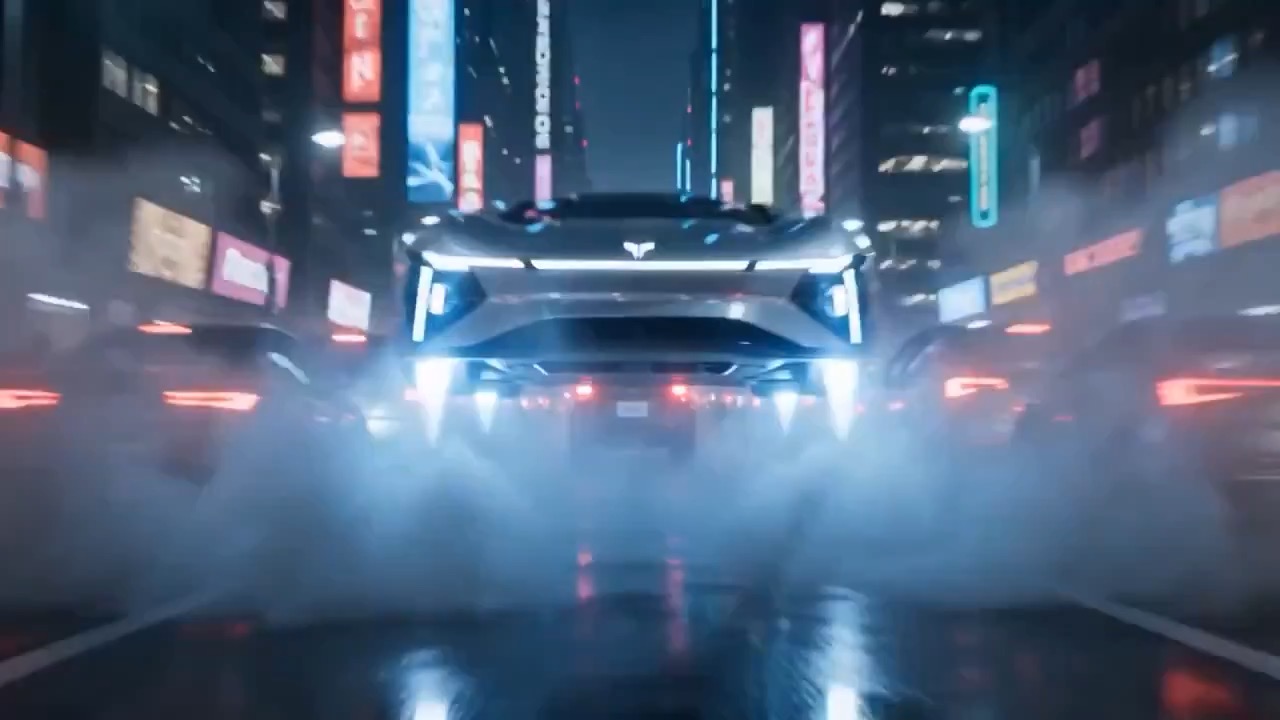
Preview for a neon flying car city corridor, focused on lane direction, tower spacing, vehicle scale, glow continuity, and the final exit frame.
Neon flying car corridor video preview showing a vehicle moving through an elevated lane between cyberpunk towers.
Decision fit
When this model is the right choice
Decision fit
Fit signals
Triple mode: text / image / reference-to-video
Up to 3 reference images for guided generation
Native audio generation with video
Fast generation speed at 20 credits
Mode-aware aspect-ratio handling across first/last-frame and reference projects
Best-fit tasks
Use it when the task looks like this
Fast ad concepts with native audioReference-led motion boards and previsSocial campaign tests and short launch clipsImage-guided cinematic scene exploration
Quiet facts
Inputs, output, and credits to confirm
Provider
Google
Category
Video
Capabilities
Text to Video · Image to Video · Reference to Video
Credit model
From 20 credits per generation
Input path
Prompt + optional images
Prompt setup
Up to 5,000 chars
FAQ
Veo3.1 Fast FAQ
What kind of video work is Veo3.1 Fast actually the best fit for?
Veo3.1 Fast is strongest when speed matters, but the shot still needs more than a bare-bones draft. It is a good fit for fast ad concepts, reference-led motion boards, short launch clips, and native-audio scene tests where you want Veo's broader mode coverage without paying for the Quality tier.
What is Veo3.1 Fast's real scope on Rivya right now?
On Rivya, this option supports text-to-video, first/last-frame image projects, and reference-to-video. It can take up to 3 images in the reference-led path, includes native audio, and exposes Veo controls for aspect ratio, watermark text, seed, and prompt translation.
What matters most when you are deciding whether Veo3.1 Fast is the right Veo option?
The biggest decision is usually which source path the shot really needs: pure text, first/last-frame images, or up to 3 reference images. After that, check whether prompt translation should stay on, whether the reference mode needs fixed `16:9` or `9:16`, and whether seed control matters because you expect to rerun the same idea.
When is Veo3.1 Fast worth its current credit tier?
Rivya currently lists pricing from 20 credits per generation. That is easiest to justify when Lite is too narrow, but Quality is still too expensive for the stage of the work. In practice, it is the Veo option for faster structured exploration rather than premium approval-stage output.
When should I choose Veo3.1 Fast over Lite or Quality?
Choose Veo3.1 Lite when you only need the cheapest base Veo draft. Choose Veo3.1 Quality when polish and premium finish are the whole point. Choose Veo3.1 Fast when you want the practical middle option: broader mode coverage, native audio, and reference-led control without jumping to the expensive tier.
What can I test first on this page?
Start here when the first result needs to answer whether a Veo shot belongs in the fast middle option. Use it for quick campaign tests, motion boards, and short native-audio clips where you want more than Lite but are not ready to spend on Quality.
What can I set up on this page?
This page supports text-to-video, first/last-frame image projects, and reference-to-video with up to 3 images. Before the first result, you can choose the source path, set aspect ratio, keep or change the translation setting, and add watermark text or a seed if the project needs those controls.
Which checks are worth making before I hit run?
First decide whether the shot should start from text, from first/last frames, or from a reference-image set. Then check whether the chosen mode can stay on `Auto` aspect ratio or needs a fixed `16:9` or `9:16`, and decide whether seed repeatability matters for review. Those choices usually matter more than writing a much longer prompt.
Do I need to sign in before I run here, and how do credits work?
The page is public, but the actual video generation run is still gated behind sign in. Rivya currently lists pricing from 20 credits per generation, so you can settle the source mode, translation choice, and output shape first, then sign in when you are ready to generate.
When should I stay on this page, and when should I move into the full Studio?
Stay on this page while you are checking one Veo shot, its source path, and whether the Fast option is enough. Open the full Studio once the project needs saved versions, multiple source sets, or a longer production thread around the same scene family.
Compare alternatives
Other models to consider next
Video
Seedance 2.0
ByteDance's full Seedance 2.0 video model with explicit support for prompt-only generation, frame-driven animation, and multimodal reference generation. Rivya keeps the documented role split explicit so frame inputs and multimodal references stay mutually exclusive instead of collapsing into one ambiguous upload bucket.
Why consider it
Consider it when your next task needs Prompt, frames, or image/video/audio references.
InputPrompt, frames, or image/video/audio references
CreditsFrom 64 credits per run
Best forHigher-quality short videos from prompts, frames, or reference bundles
ByteDance's faster Seedance 2.0 video model with full scene routing for prompt-only generation, frame-driven image animation, and multimodal reference video generation. Rivya keeps the documented scene split explicit so first/last-frame inputs do not collide with reference image, video, and audio roles.
Why consider it
Consider it when your next task needs Prompt, frames, or image/video/audio references.
InputPrompt, frames, or image/video/audio references
CreditsFrom 52 credits per run
Best forFast ad previs from prompts or storyboard frames
Video
Seedance 1.5 Pro
A Seedance video model for text-to-video and image-to-video with native audio-visual sync. It supports 480p–1080p, 4–12s clips, 6 aspect ratios, dynamic or fixed lens control, optional audio generation, and lip-sync.
Why consider it
Consider it when the credit note fits your next run: From 28 credits per generation.
InputPrompt + optional images
CreditsFrom 28 credits per generation
Best forShort clips with synced dialogue and motion