
Topaz Image Upscaler is Rivya's delivery-grade AI image upscaler for final stills that need larger export tiers, sharper review files, or 4K and 8K enlargement.
The final task cost is rounded up to whole credits.
Example output
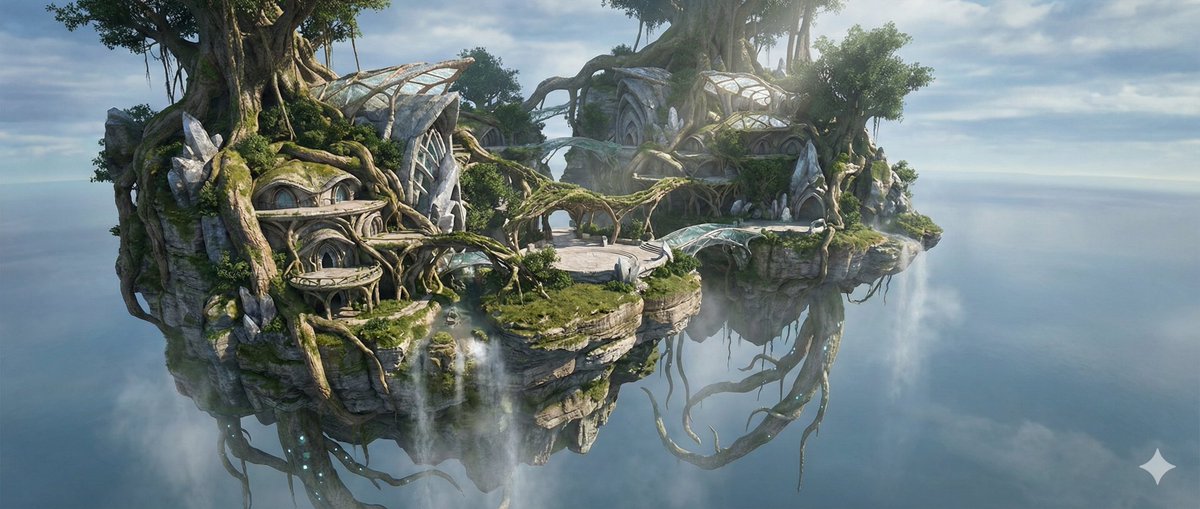
Example; generating model unverified · Preview for Sky Island Ecosystem, focused on floating terrain, atmospheric depth, editable details, and brand-safe production constraints.
Image Upscaling · Resolution Enhancement
Example output
Example; generating model unverified · Preview for Sky Island Ecosystem, focused on floating terrain, atmospheric depth, editable details, and brand-safe production constraints.
Best for
Supports
Online trial
No results to display yet.
Prompt starters
Model examples
Browse template previews for ideas. Each caption indicates whether generation with this model has been verified.
Example; generating model unverified · Preview for Sky Island Ecosystem, focused on floating terrain, atmospheric depth, editable details, and brand-safe production constraints.
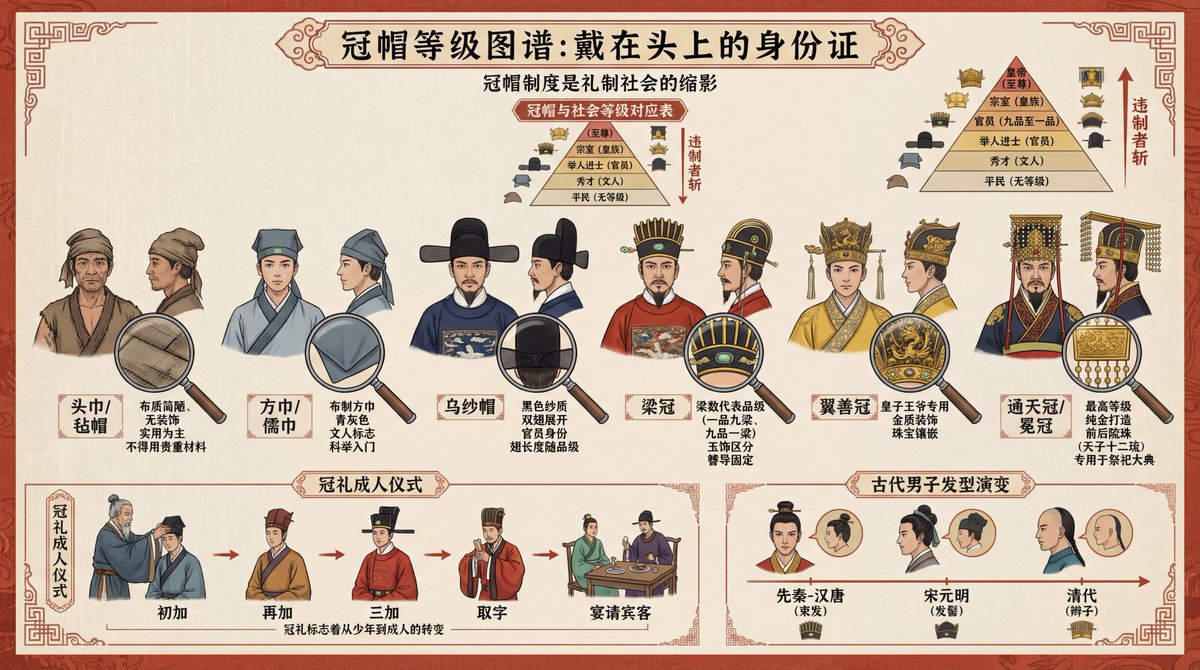
Example; generating model unverified · Preview for a traditional headwear infographic, focused on hat details, annotation clarity, visual hierarchy, and brand-safe production constraints.

Example; generating model unverified · Reference sheet focused on view consistency, material notes, spacing, and production clarity.
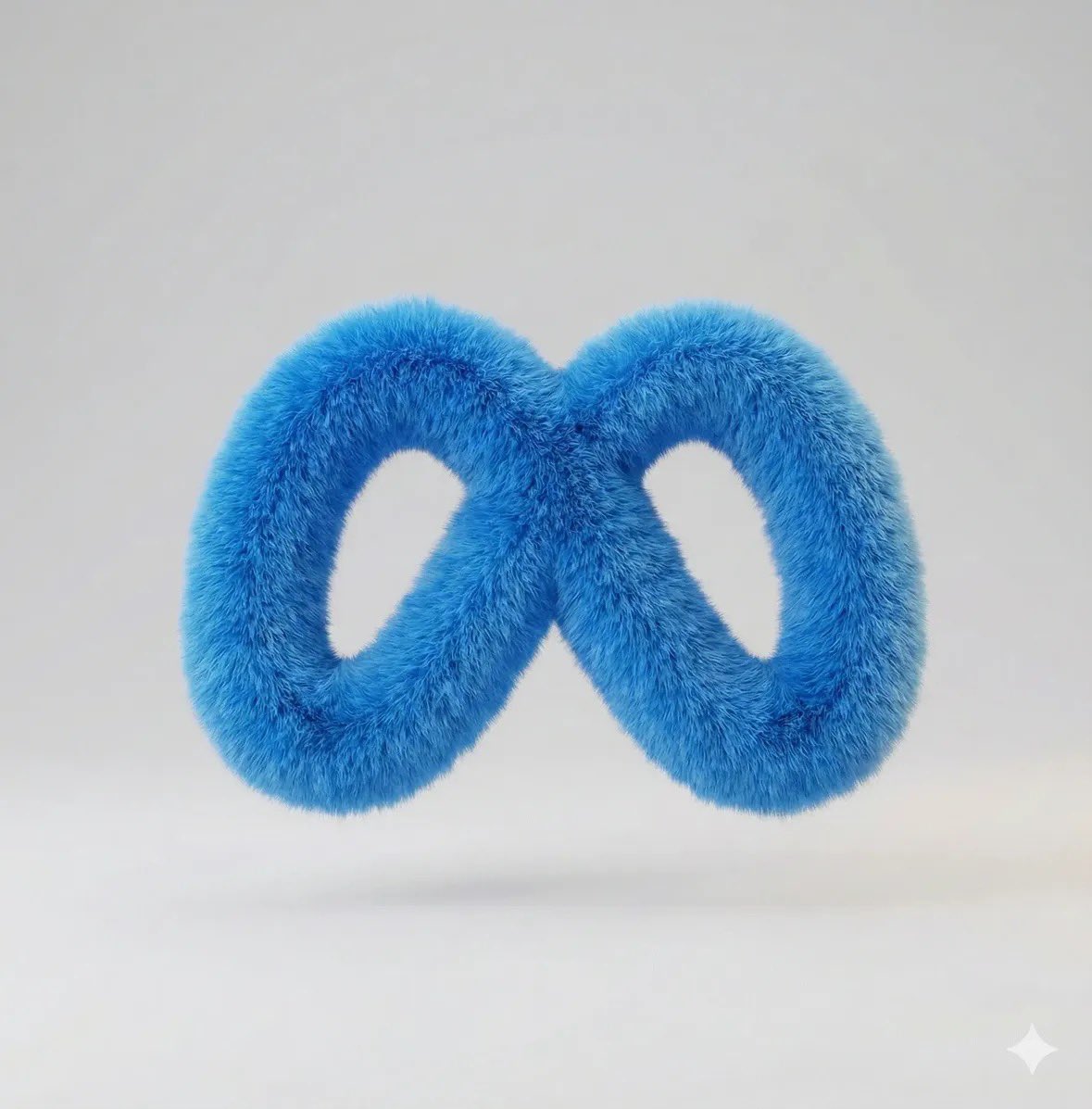
Example; generating model unverified · Plush logo render preview focused on editable mark artwork, tactile fabric texture, clear hierarchy, clean shadows, and brand-safe production constraints.
Decision fit
Decision fit
Best-fit tasks
Use it when the task looks like this
Model details
Provider
Topaz
Category
Image
Capabilities
Image Upscaling · Resolution Enhancement
Credit model
Credit rate: 10–40 / image
Input path
1 image reference
Prompt setup
No prompt required
Topaz Image Upscaler FAQ
Topaz Image Upscaler is strongest when the image is already the right image and the only real problem left is size. It fits approved ecommerce stills, campaign key art, product images for review decks, and any chosen frame that should survive a larger export without going back into generation. Exactly 1 JPEG, PNG, or WebP image up to 10 MB; output longest edge ≤ 8192 px. Reserve 40 credits; settle actual usage.
Choose Topaz Image Upscaler when the composition is locked and the problem is delivery size, not image direction. If the shot still needs a new background, object cleanup, style change, or composition change, go back to editing or generation first; if it only needs a mild polish, a lighter upscale path is often enough.
This page is best for the first delivery-minded upscale pass on a still you have already chosen to keep. It is the right place to test whether the image survives a larger export cleanly before you start moving that asset through a broader delivery project. Exactly 1 JPEG, PNG, or WebP image up to 10 MB; output longest edge ≤ 8192 px. Reserve 40 credits; settle actual usage.
Stay here while you are still judging whether the still is worth upscaling and what the first enlargement pass looks like. Open the full Studio once the work turns into a batch, a saved version history, or a longer post-processing pipeline around several assets.
Compare alternatives
Generate images from text or edit with up to 16 reference images. Choose 1K, 2K, or 4K and an automatic, transparent, or opaque background.
Why consider it
Consider it when your next task needs Prompt + optional images.
Generate images from text or edit with up to 16 reference images. Choose 1K, 2K, or 4K and an automatic, transparent, or opaque background.
Why consider it
Consider it when your next task needs Prompt + optional images.
OpenAI's newer GPT Image model on Rivya, with text-to-image, image-to-image, up to 16 reference images, and clear 1K / 2K / 4K credit tiers.
Why consider it
Consider it when your next task needs Prompt + optional images.