
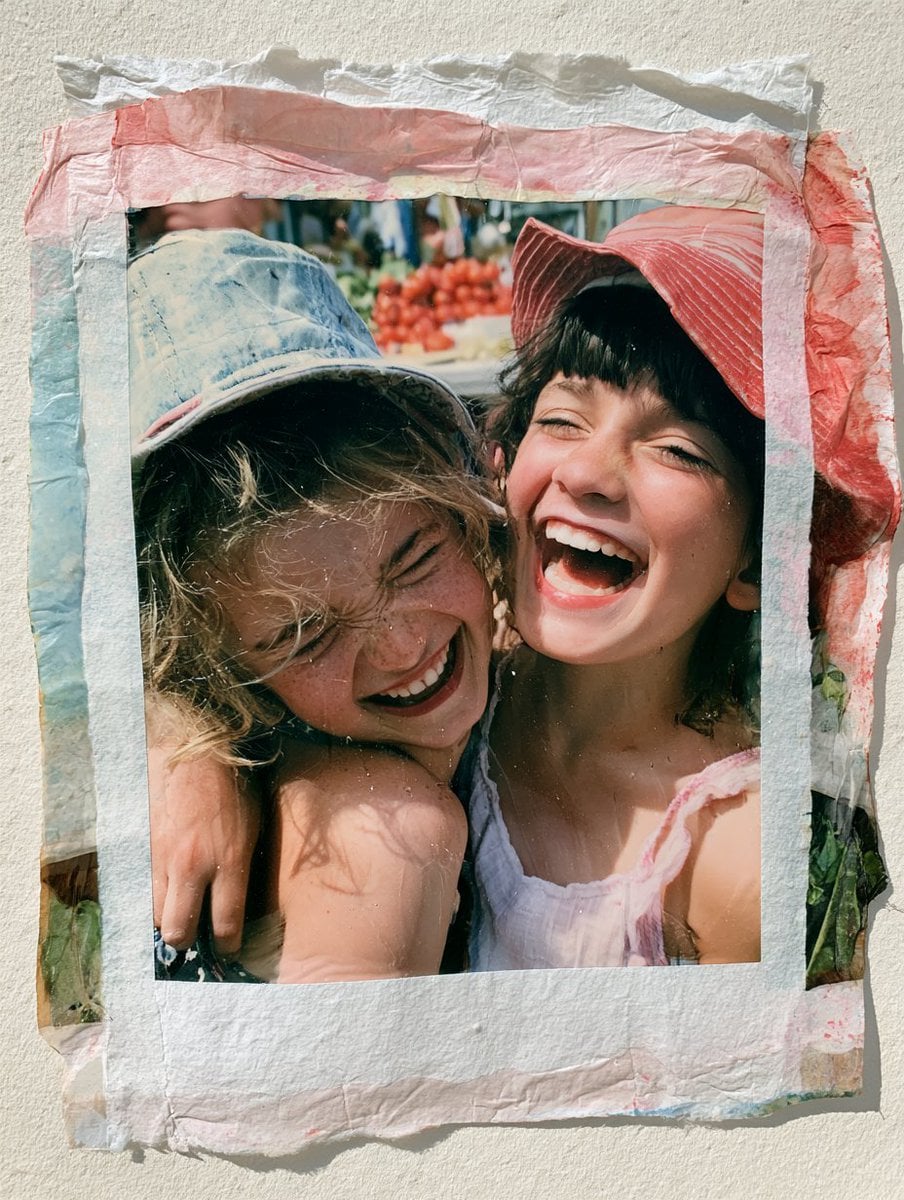
Paper emulsion study
Illustrative scene inspiration. Illustrative example; it was not generated by this model.
Upload JPEG, PNG or WebP images up to 10 MB each and write 5–5000 characters. Choose 1K, 1.5K or 2K and PNG or JPEG. Auto aspect ratio is available; transparency requires PNG.
The final cost is rounded up to whole credits.
Example output
Illustrative scene inspiration. Illustrative example; it was not generated by this model.
Image to Image
Example output
Illustrative scene inspiration. Illustrative example; it was not generated by this model.
Best for
Supports
Try this model
No results to display yet.
Model examples
Review examples to help decide whether the model fits your task.
Illustrative scene inspiration. Illustrative example; it was not generated by this model.
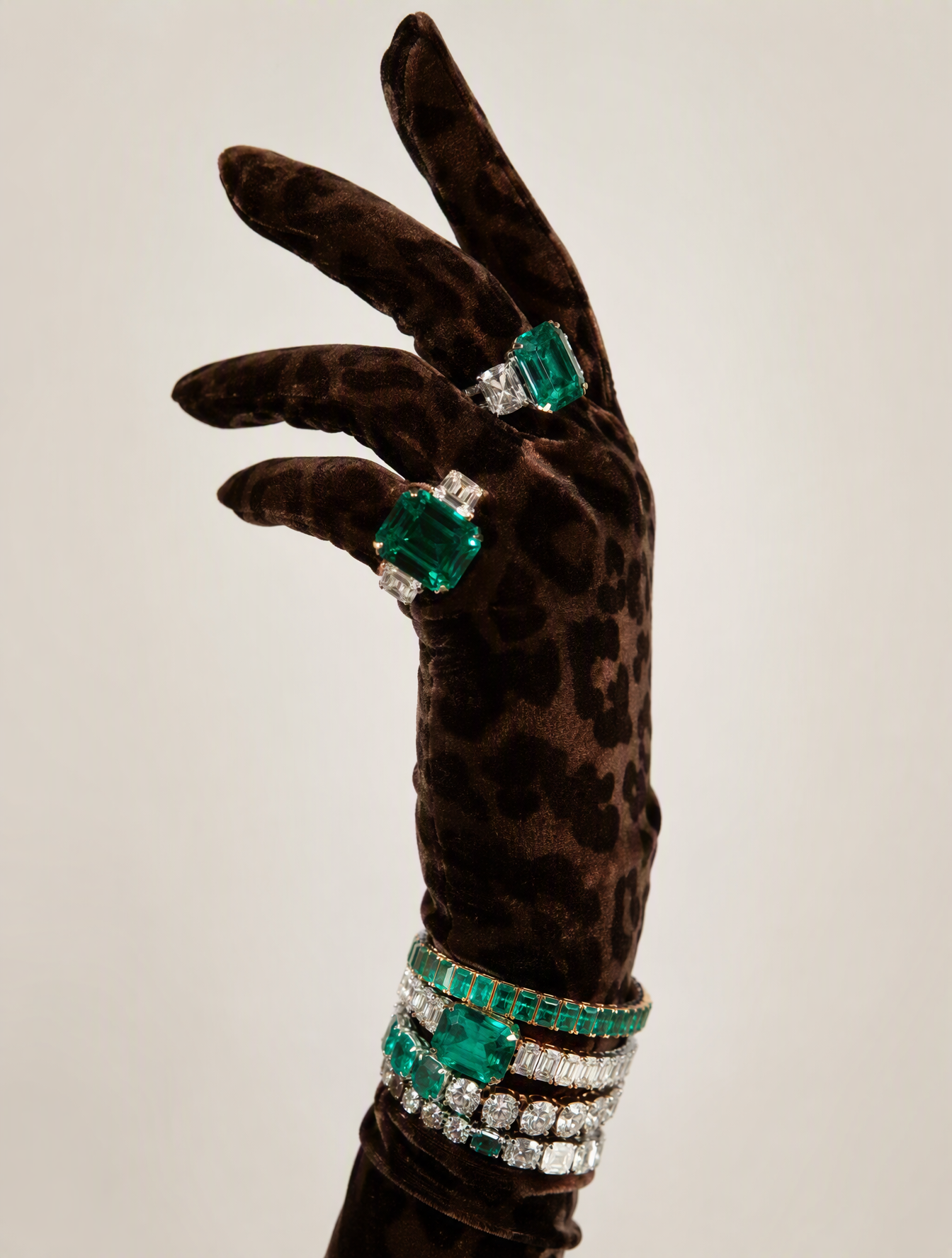
Illustrative scene inspiration. Illustrative example; it was not generated by this model.
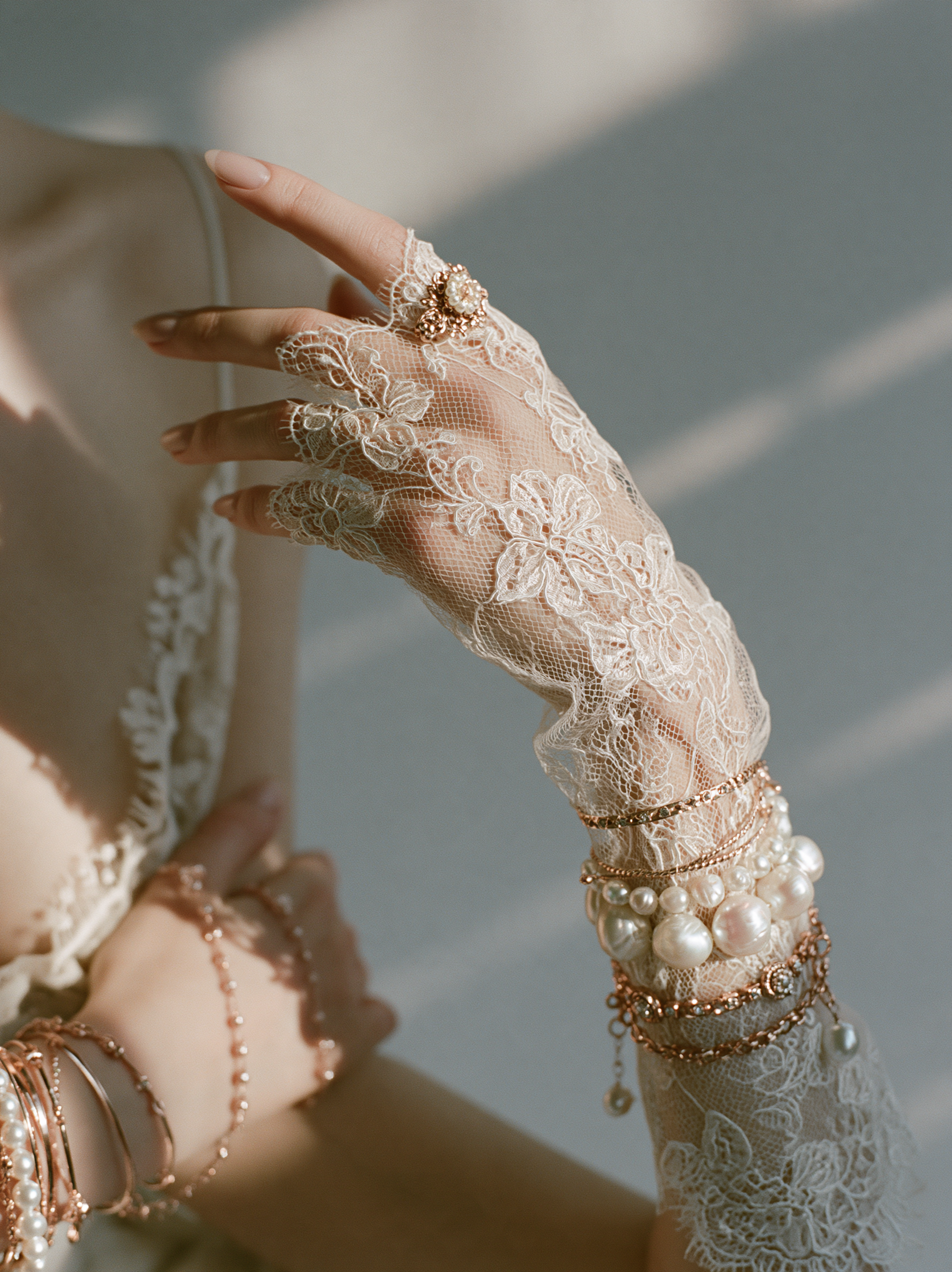
Illustrative scene inspiration. Illustrative example; it was not generated by this model.
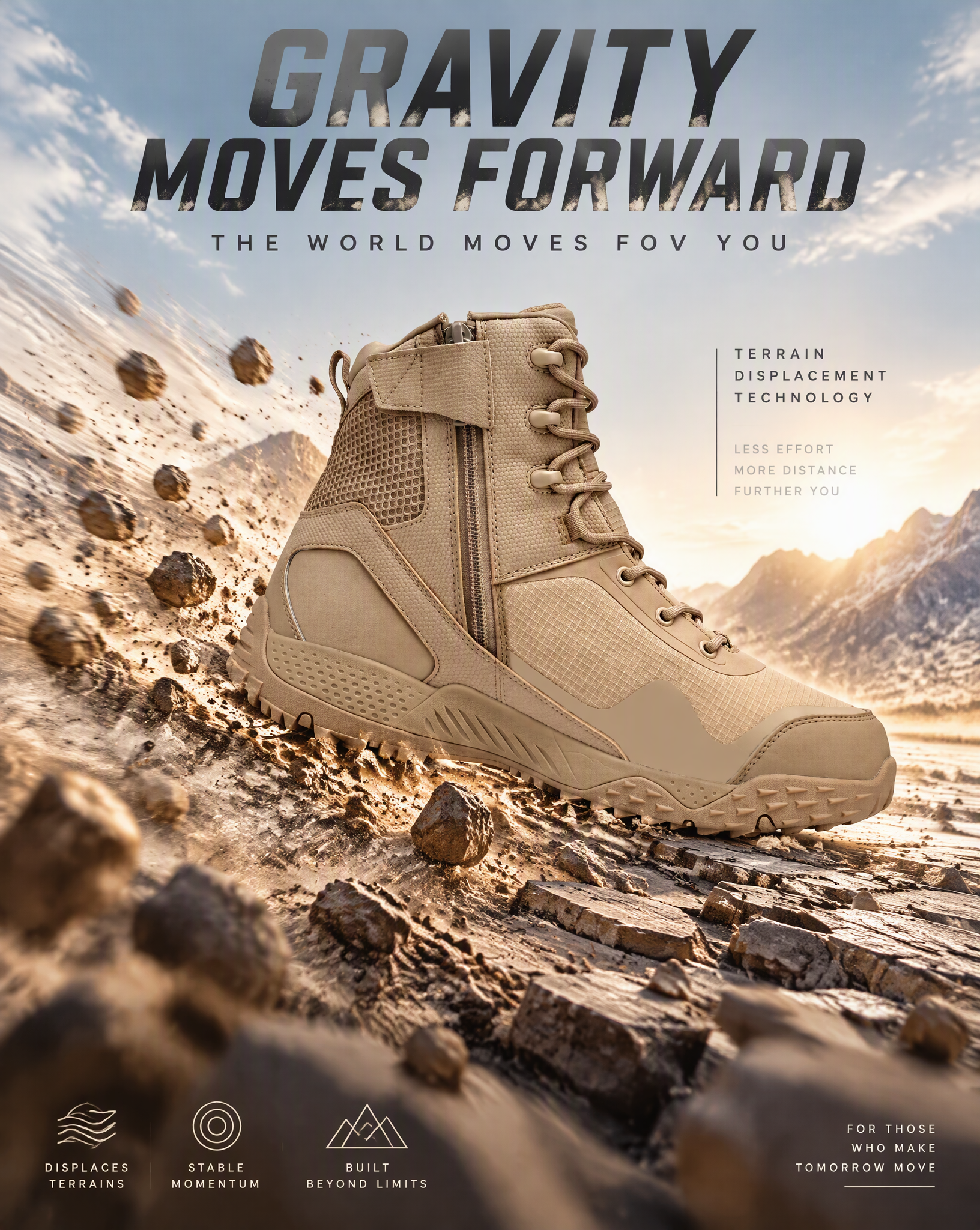
Illustrative scene inspiration. Illustrative example; it was not generated by this model.
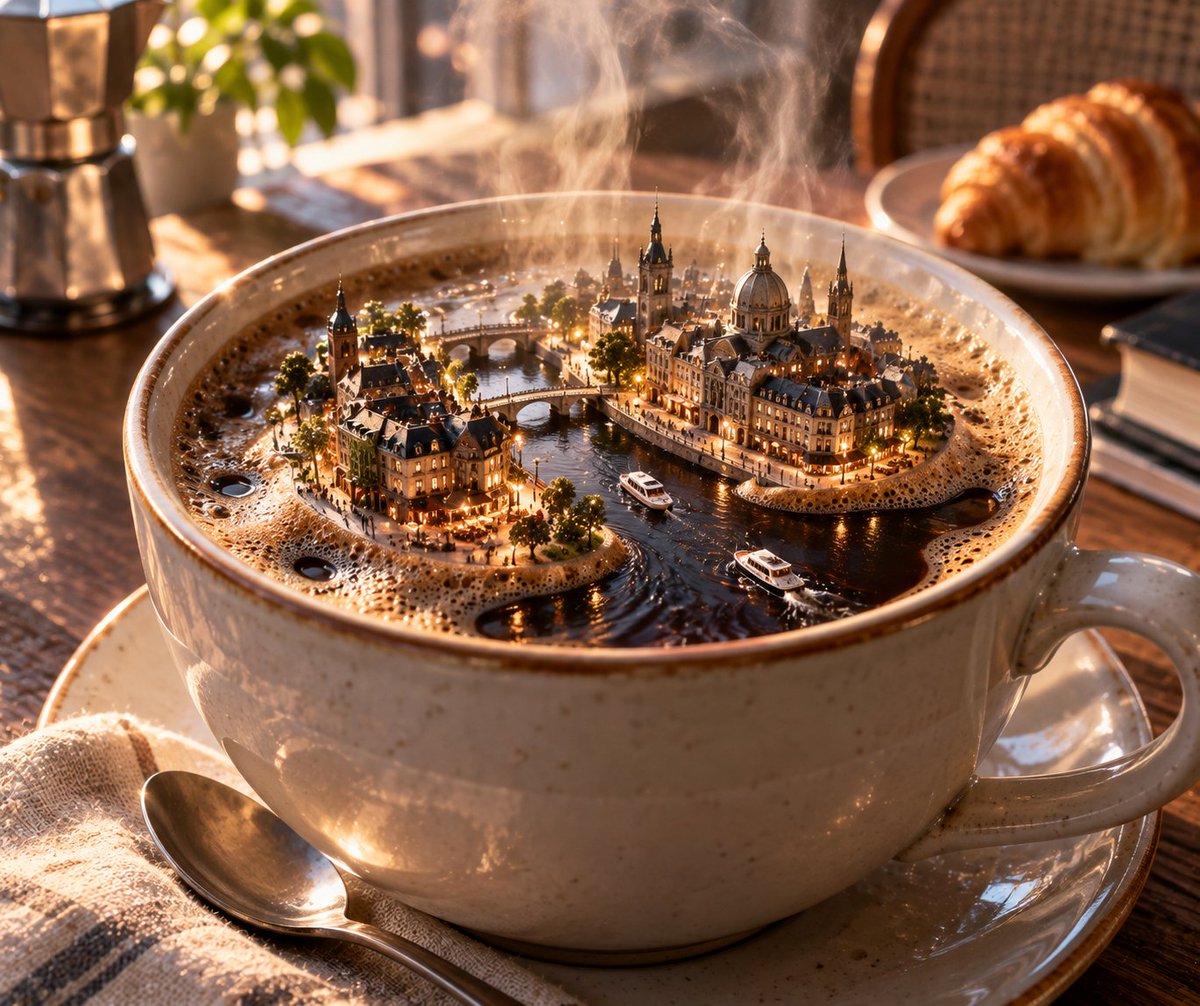
Illustrative scene inspiration. Illustrative example; it was not generated by this model.
Illustrative scene inspiration. Illustrative example; it was not generated by this model.
Model strengths
Model strengths
Suggested uses
Tasks to consider
Model details
Provider
ByteDance
Category
Image
Capabilities
Image to Image
Credit charges
The credit cost depends on your inputs and settings. Check the estimate before you start.
Inputs
Up to 10 image references
Prompt requirements
Up to 5,000 characters
Developer access
Seedream 5.5 Image to Image can be called through Public API v1. Modes that use reference media require uploads through the Files API. Check the model reference for supported inputs.
Seedream 5.5 Image to Image FAQ
Every supplied image adds 1.44 credits before the whole request is rounded. Add the output rate of 3.6 credits at 1K or 1.5K, or 6.3 at 2K. For example, two references and one 2K output reserve 10 credits.
Credits are reserved before submission. The estimate covers the selected settings and required inputs. Final billing uses confirmed consumption; unused reserve is returned after settlement. Missing, invalid or higher consumption keeps the reserve under review. If submission is uncertain, check the existing task before sending again.
Compare alternatives
Create or edit one 1K PNG image. Reference images are optional. Animated GIF output is unavailable on Rivya.
Why consider it
Input option: Prompt + optional images
GPT Image 2.5 Flare supports image creation from a prompt and edits with image references, plus aspect ratio, resolution, and background settings.
Why consider it
Input option: Prompt + optional images
GPT Image 2.5 Sunburst generates images from a prompt, with optional reference images and separate aspect ratio, resolution, and background settings.
Why consider it
Input option: Prompt + optional images