Runway Aleph is Rivya's source-video AI editor for transforming existing clips with prompt-guided visual changes, optional reference images, and scene rewrites without generating from scratch.
Built around one source video, so the motion foundation comes from your footage rather than a blank generationPrompt-led transformation with one optional reference image for style or subject guidanceKeeps Aleph separate from standard Runway 5- or 10-second text/image generation
Input
1 source video + optional image
Output
AI Video Transformation
Credits
Credit rate: 90 / video
Best for
Reworking an approved source clip into a different art direction or mood
The final task cost is rounded up to whole credits.
Example output
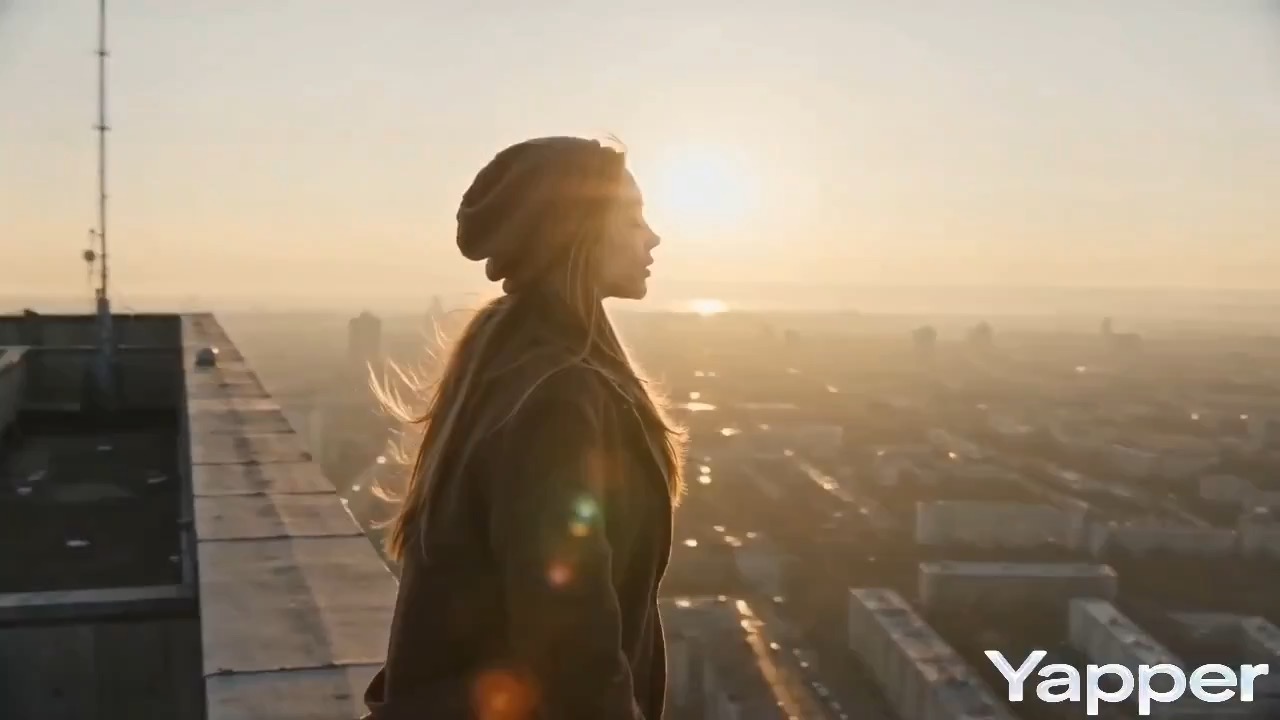
Example; generating model unverified · Preview for a brutalist rooftop sunrise scene, focused on scene setup, camera path, motion continuity, editable details, and the final frame.
Check current availability, input, output, credits, and proof first. If an online trial is available, test the model on the page; use Studio for saved history, assets, and longer iteration.
Example output
Example; generating model unverified · Preview for a brutalist rooftop sunrise scene, focused on scene setup, camera path, motion continuity, editable details, and the final frame.
Best for
Reworking an approved source clip into a different art direction or moodTransforming product demos, trailers, or branded footage without starting motion from zeroSource-clip rewrite runs where one optional reference image helps steer the transformationTeams comparing a transformation pass against standard Runway generation
Supports
Video RewriteSource Clip Transformation
Online trial
Use Runway Aleph
Use Runway Aleph to transform a source video with prompt-guided edits, visual rewrites, and optional reference-image guidance.
Example; generating model unverified · Preview for a brutalist rooftop sunrise scene, focused on scene setup, camera path, motion continuity, editable details, and the final frame.
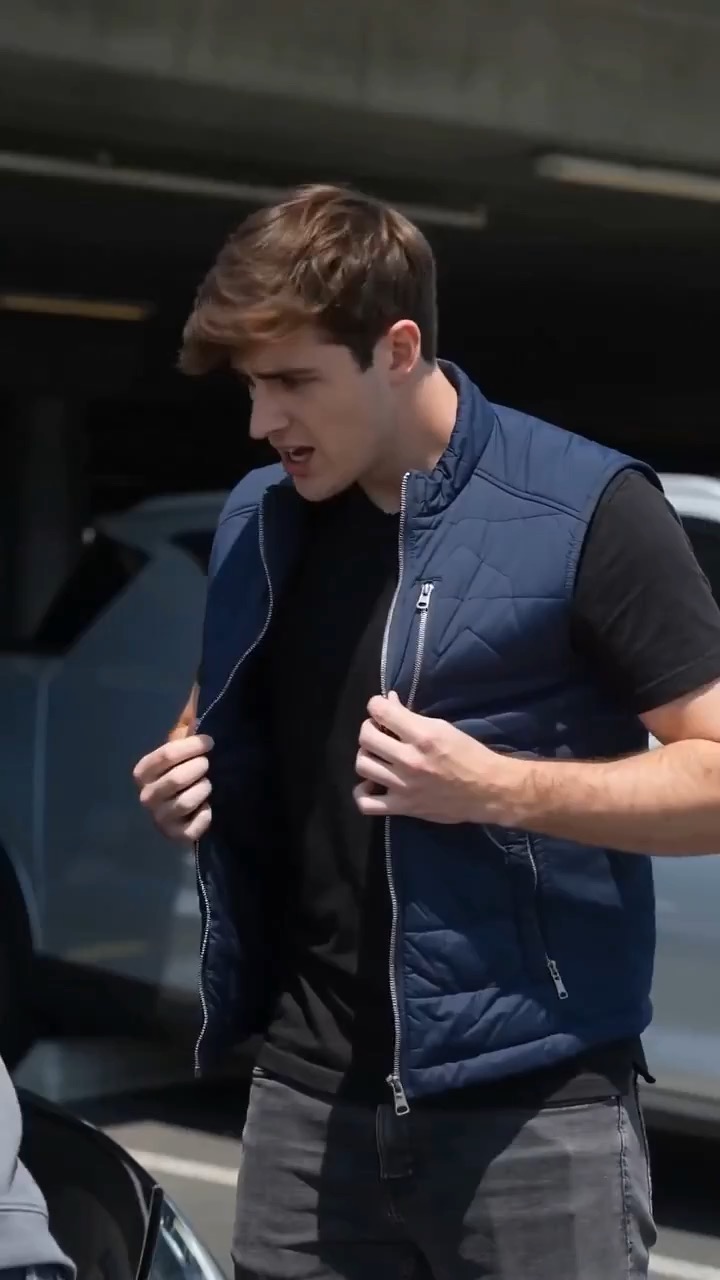
Example; generating model unverified · Preview for a reference image-to-video brief, focused on scene setup, camera path, motion continuity, editable details, and the final hero frame.
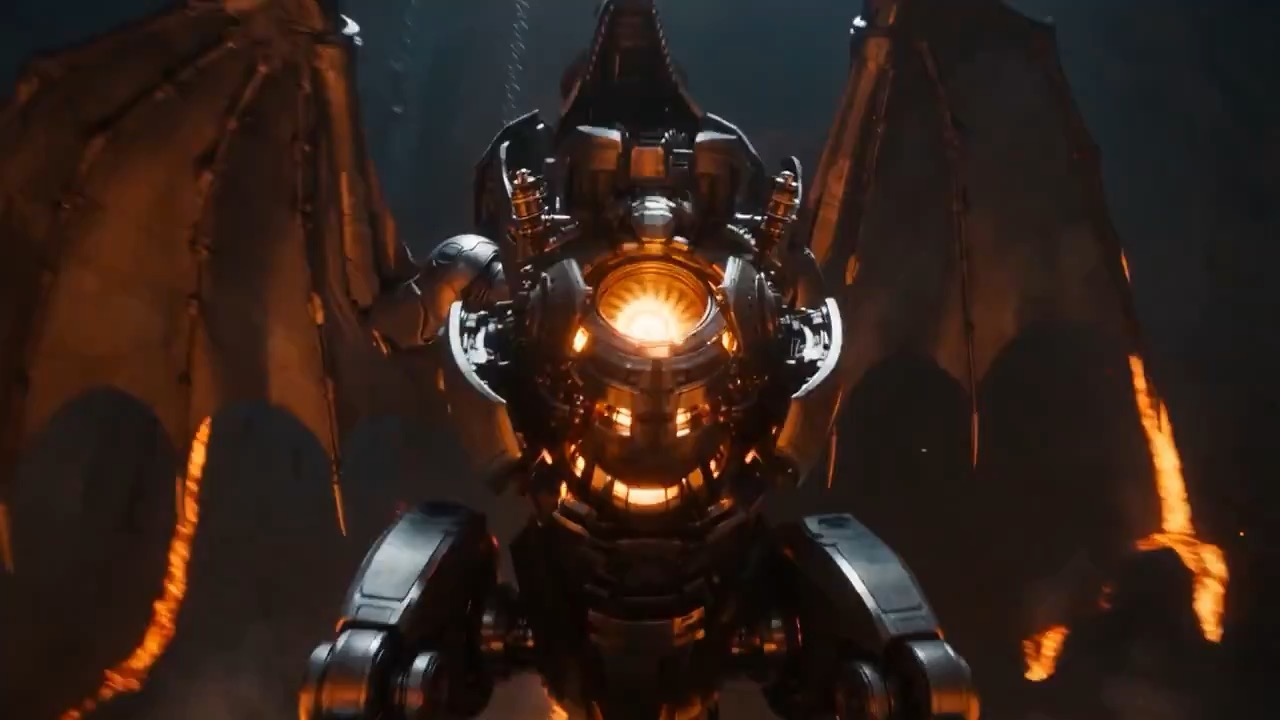
Example; generating model unverified · Environment clip focused on molten light, steam, wall texture, camera pace, and scale.
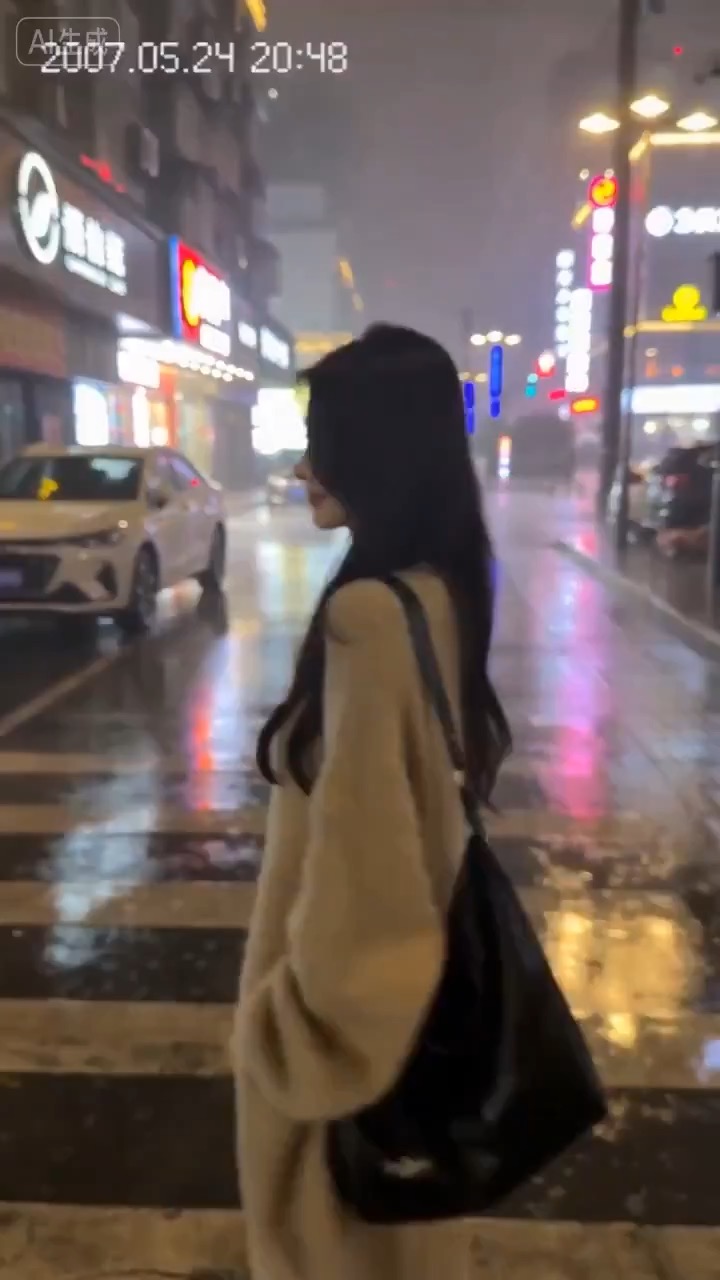
Example; generating model unverified · Vertical retro-phone prompt focused on 2007-style artifacts, handheld motion, delayed focus, lens-touch blur, rain continuity, and the final wave.
Decision fit
When this model is the right choice
Decision fit
Fit signals
Built around one source video, so the motion foundation comes from your footage rather than a blank generation
Prompt-led transformation with one optional reference image for style or subject guidance
Keeps Aleph separate from standard Runway 5- or 10-second text/image generation
FAQ
Runway Aleph FAQ
What kind of video work is Runway Aleph actually the best fit for?
Runway Aleph is best when the motion and timing in the source clip are already worth keeping, but the look still needs to change. It works well for approved footage rewrites, alternative art-direction passes on demos or trailers, and source-video transformations where the creative question is how to reinterpret the clip, not how to generate new motion from scratch.
What is Runway Aleph's real scope on Rivya right now?
On Rivya, this option is built around one source video plus an optional reference image. Public controls stay focused on transformation essentials: aspect ratio, watermark text, and seed. It is a dedicated video-to-video rewrite option, not a blank-sheet text or image generator.
What matters most when you are deciding whether Runway Aleph is the right rewrite option?
The first question is whether the source clip already has the motion you want to preserve. If it does, the next decision is whether one prompt and maybe one still reference are enough to steer the new look. In practice, source quality, rewrite clarity, and whether you need repeatable seed tests matter more here than piling on more input complexity.
When is Runway Aleph worth its current credit tier?
Rivya currently lists a fixed 90 credits per generation. That is easiest to justify when rerunning the whole shot would be wasteful, because the source clip is already doing the right motion work and the value is in a deliberate rewrite pass.
What can I test first on this page?
Start here when the first result is about finding out whether one existing clip can survive a serious prompt-led rewrite. Use it for approved footage that already has the right motion, but still needs a different visual direction.
What can I set up on this page?
This page supports one source video and one optional reference image. Before the first result, you can set aspect ratio, add watermark text if needed, and set a seed for repeatability. The point is to pressure-test a rewrite on top of an existing clip, not to build a new shot from scratch.
Which checks are worth making before I hit run?
First make sure the source clip is actually the one whose motion you want to keep. Then decide whether the rewrite needs the optional reference image, whether the output shape should change, and whether seed repeatability matters for comparisons. Those checks usually tell you more than rewriting the prompt over and over.
Do I need to sign in before I run here, and how do credits work?
The page is public, but the actual rewrite run is still gated behind sign in. Rivya currently lists a fixed 90 credits per generation, so you can inspect the source clip, settle the rewrite goal, and decide on the output shape first, then sign in when you are ready to run it.
When should I stay on this page, and when should I move into the full Studio?
Stay on this page while you are checking one source clip and deciding whether the rewrite is working. Open the full Studio once the project needs saved versions, multiple clips, or a longer managed transformation project around the same footage.
Compare alternatives
Other models to consider next
Video
Seedance 2.5
Seedance 2.5 is Rivya's larger Seedance workflow for prompt-only video, first- and last-frame guidance, multimodal references, and video-guided transformation. It adds a 1080p tier, output up to 30 seconds, automatic duration, MP4 or MOV output, and substantially larger image, video, and audio reference capacity than Mini.
Why consider it
Consider it when your next task needs Up to 50 reference files.
Input
Up to 50 reference files
Credits
Credits depend on inputs and settings. Check the estimate before generating.
Best for
1080p multimodal video projects with several visual or audio references
ByteDance's full Seedance 2.0 video model with explicit support for prompt-only generation, frame-driven animation, and multimodal reference generation. Rivya keeps the documented role split explicit so frame inputs and multimodal references stay mutually exclusive instead of collapsing into one ambiguous upload bucket.
Why consider it
Consider it when your next task needs Prompt, frames, or image/video/audio references.
Input
Prompt, frames, or image/video/audio references
Credits
Credits depend on inputs and settings. Check the estimate before generating.
Best for
Higher-quality short videos from prompts, frames, or reference bundles
Video
Seedance 2.0 Fast
ByteDance's faster Seedance 2.0 video model with full scene routing for prompt-only generation, frame-driven image animation, and multimodal reference video generation. Rivya keeps the documented scene split explicit so first/last-frame inputs do not collide with reference image, video, and audio roles.
Why consider it
Consider it when your next task needs Prompt, frames, or image/video/audio references.
Input
Prompt, frames, or image/video/audio references
Credits
Credits depend on inputs and settings. Check the estimate before generating.
Best for
Fast ad previs from prompts or storyboard frames
Only exposes the small control set that matters on Rivya: aspect ratio, watermark, and seed
Fixed 90-credit pricing
Best-fit tasks
Use it when the task looks like this
Reworking an approved source clip into a different art direction or moodTransforming product demos, trailers, or branded footage without starting motion from zeroSource-clip rewrite runs where one optional reference image helps steer the transformationTeams comparing a transformation pass against standard Runway generation