
Recraft Crisp Upscale is Rivya's quick AI image upscaler for improving clarity on an approved still, product image, icon, or design asset before a heavier Topaz pass is needed.
The final task cost is rounded up to whole credits.
Example output
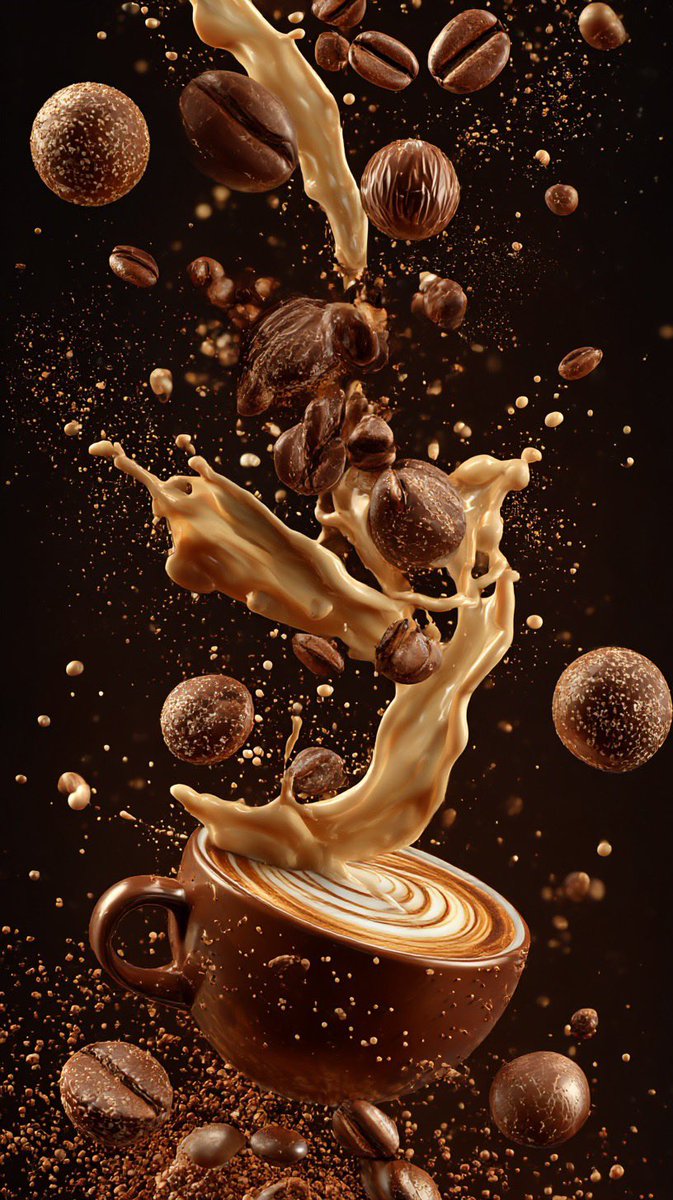
Example; generating model unverified · Preview for floating coffee splash art, focused on macro composition, editable details, visual hierarchy, and brand-safe production constraints.
Detail Enhancement · Light Upscaling
Example output
Example; generating model unverified · Preview for floating coffee splash art, focused on macro composition, editable details, visual hierarchy, and brand-safe production constraints.
Best for
Supports
Online trial
No results to display yet.
Prompt starters
Model examples
Browse template previews for ideas. Each caption indicates whether generation with this model has been verified.
Example; generating model unverified · Preview for floating coffee splash art, focused on macro composition, editable details, visual hierarchy, and brand-safe production constraints.
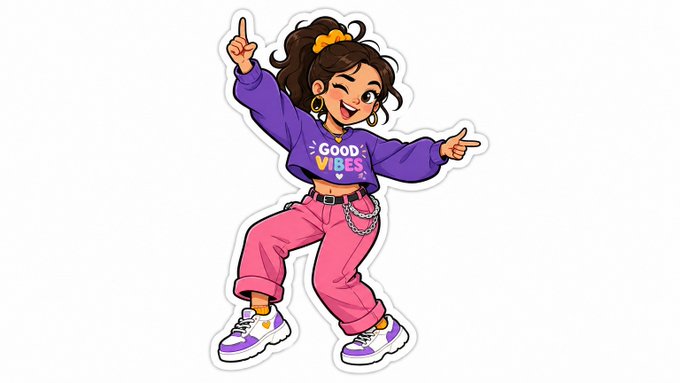
Example; generating model unverified · Preview for Hand Drawn Sticker Art, focused on composition, editable details, visual hierarchy, and brand-safe production constraints.
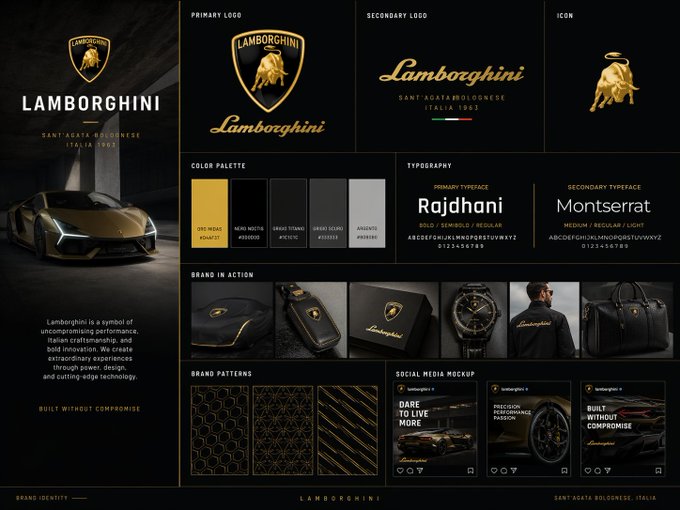
Example; generating model unverified · A polished identity board built around alignment, palette control, type hierarchy, usage examples, and editable placeholders.
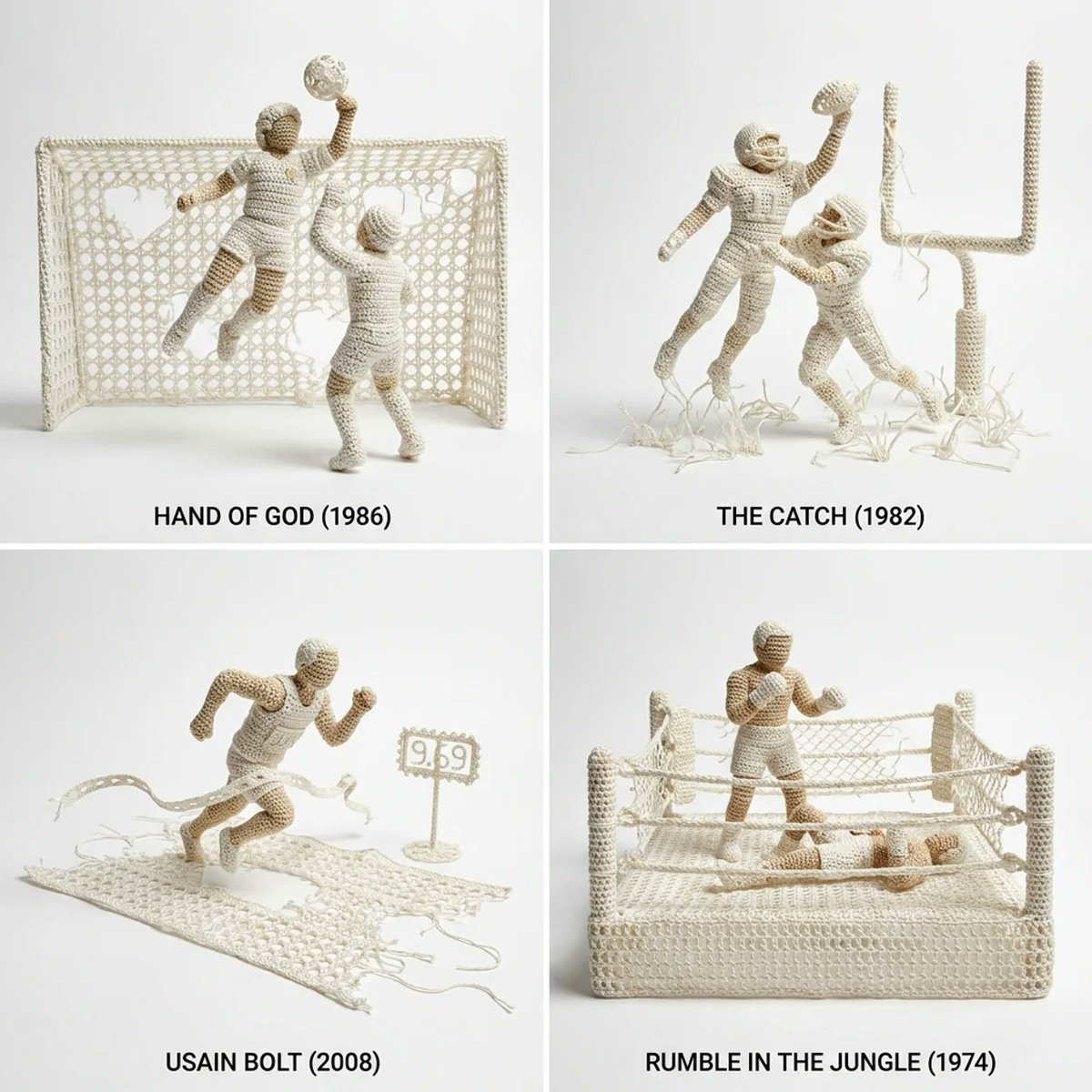
Example; generating model unverified · Preview for a crochet sports diorama, focused on handmade fiber texture, clear sports action, clean scale cues, and editable signage areas.
Decision fit
Decision fit
Best-fit tasks
Use it when the task looks like this
Model details
Provider
Recraft
Category
Image
Capabilities
Detail Enhancement · Light Upscaling
Credit model
Credit rate: 0.5 / image
Input path
1 image reference
Prompt setup
Optional
Recraft Crisp Upscale FAQ
Use Recraft Crisp Upscale when a chosen thumbnail, social graphic, or small product image only needs a quick clarity lift. It is a low-cost cleanup step before a deck, listing, or lightweight export, not a tool for changing the underlying composition.
On Rivya, Recraft Crisp Upscale currently supports detail enhancement and light upscaling. It can also take one source image. This option is built around an existing source asset rather than a prompt-only generation flow.
The first thing to judge here is source-asset quality. On projects like this, the value usually does not come from writing a more elaborate prompt; it comes from deciding whether the source asset is already good enough to justify enhancement or cleanup instead of regeneration.
The page is public, but processing requires sign-in. Each request costs a fixed 1 credit.
Choose Recraft Crisp Upscale when the source asset is already the right asset and the job is to preserve it while improving one specific part of the result. If you still need new composition, style, motion, or content, a generation or edit option is usually the better first stop.
Start here when the first run is aimed at giving one thumbnail, social graphic, or small product image a quick clarity lift, cleaning a chosen image before a deck, listing, or lightweight export, or running a cheap polish pass before deciding whether a heavier upscale is worth it. That keeps the first run practical: check the input, direction, and output quality here before turning it into a longer project.
This page currently supports detail enhancement and light upscaling. That keeps the first result centered on whether the existing source is worth taking through giving one thumbnail, social graphic, or small product image a quick clarity lift rather than restarting the work from scratch. You can also bring in one source image. Where the model is not prompt-first, this page stays organized around the source asset instead of pretending everything starts from a blank prompt.
Before you run it, the main checks are source-asset quality and whether the source asset is actually ready for a processing step. On cleanup, enhancement, and upscale options, the real first decision is often whether the source file is already strong enough to preserve.
The page is public, but processing requires sign-in. Each request costs a fixed 1 credit.
Stay on this page while you are still judging whether the source asset is worth processing and whether the first result is enough to move toward giving one thumbnail, social graphic, or small product image a quick clarity lift. Open the full Studio once the work starts involving multiple source files, saved versions, or a longer post-processing project.
Compare alternatives
Generate images from text or edit with up to 16 reference images. Choose 1K, 2K, or 4K and an automatic, transparent, or opaque background.
Why consider it
Consider it when your next task needs Prompt + optional images.
Generate images from text or edit with up to 16 reference images. Choose 1K, 2K, or 4K and an automatic, transparent, or opaque background.
Why consider it
Consider it when your next task needs Prompt + optional images.
OpenAI's newer GPT Image model on Rivya, with text-to-image, image-to-image, up to 16 reference images, and clear 1K / 2K / 4K credit tiers.
Why consider it
Consider it when your next task needs Prompt + optional images.