Kling AI Avatar Standard is Rivya's lower-cost AI talking avatar model for turning one portrait image and one audio clip into a lip-synced presenter video.
Fixed portrait-plus-audio talking-avatar project8 credits per second of verified audio, with the total rounded upStraightforward lip-sync path
Input
1 image + 1 audio
Output
AI Talking Avatar
Credits
Credit rate: 8 / input second
Best for
Talking-avatar videos
The final task cost is rounded up to whole credits.
Example output
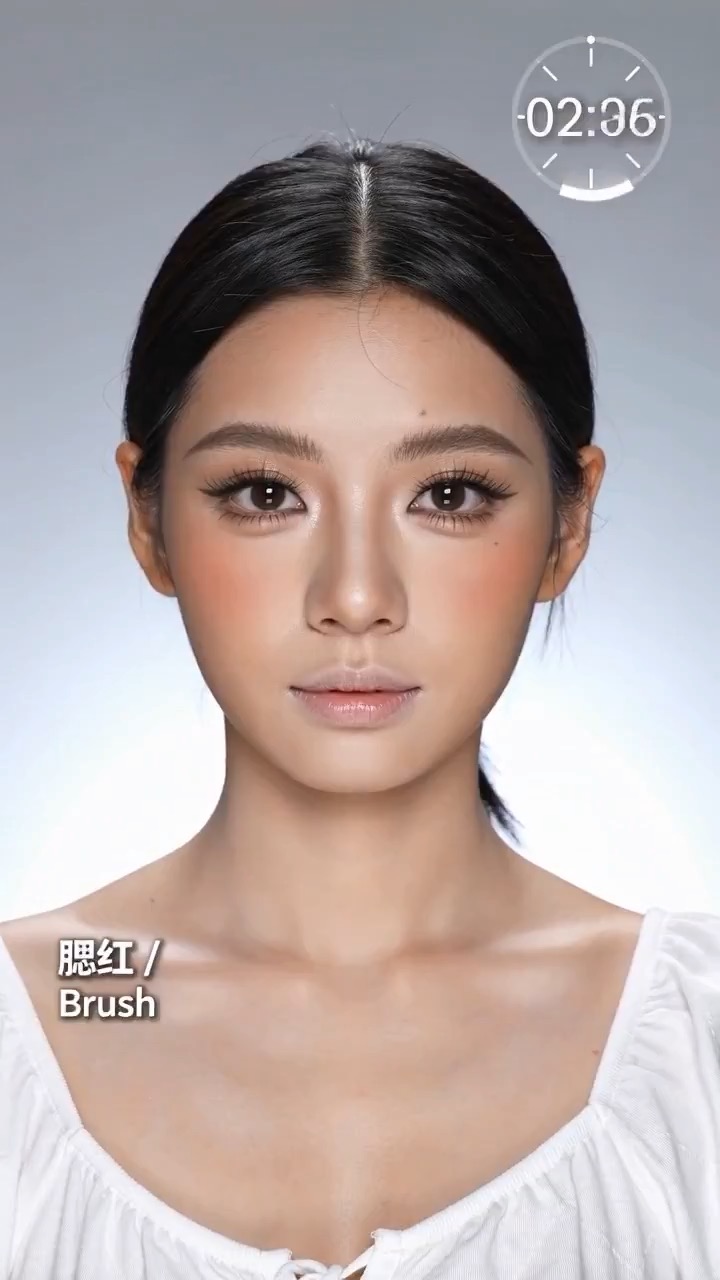
Example; generating model unverified · Preview clip for a fast makeup transformation reel, focused on readable beauty beats, identity continuity, unbranded products, and a polished social-video finish.
Check current availability, input, output, credits, and proof first. If an online trial is available, test the model on the page; use Studio for saved history, assets, and longer iteration.
Example output
Example; generating model unverified · Preview clip for a fast makeup transformation reel, focused on readable beauty beats, identity continuity, unbranded products, and a polished social-video finish.
Example; generating model unverified · Preview clip for a fast makeup transformation reel, focused on readable beauty beats, identity continuity, unbranded products, and a polished social-video finish.
Example; generating model unverified · Food host avatar presents an editable dish, tastes it safely, reacts naturally, and finishes with a clean product-and-host frame.
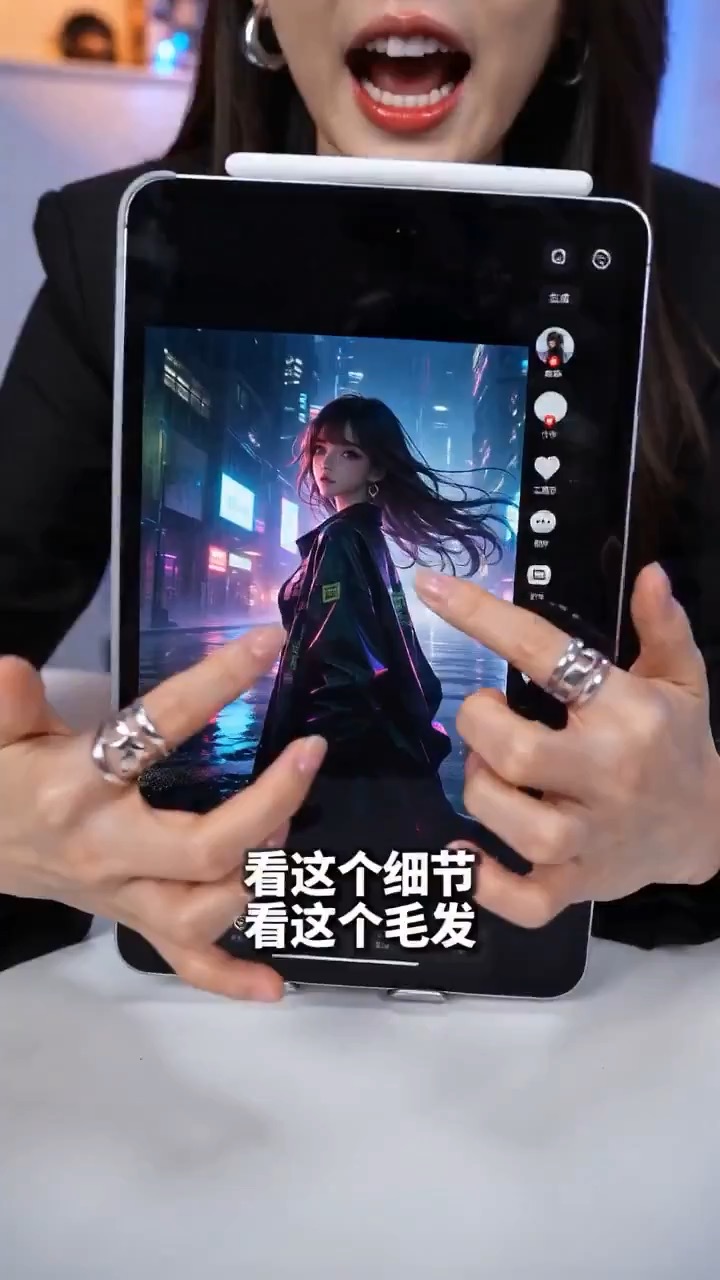
Example; generating model unverified · Preview for a live-commerce presenter video brief, focused on scene setup, camera path, facial motion continuity, editable details, and the final hero frame.
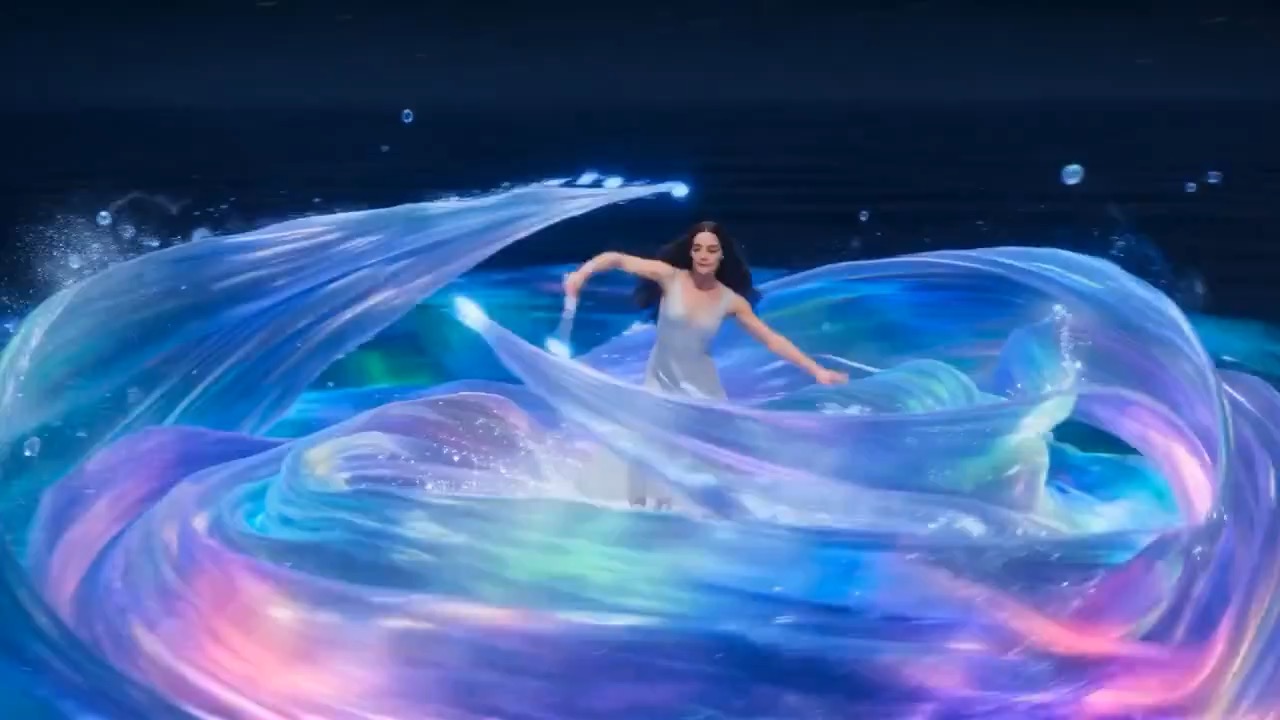
Example; generating model unverified · An editable dancer moves through glowing ocean water, traces light with each step, and ends in a calm moonlit pose.
Decision fit
When this model is the right choice
Decision fit
Fit signals
Fixed portrait-plus-audio talking-avatar project
8 credits per second of verified audio, with the total rounded up
What kind of video work is Kling AI Avatar Standard actually the best fit for?
Kling AI Avatar Standard is the better fit when one portrait and one audio clip are enough to carry the whole job. It works well for simpler talking-avatar explainers, internal presenter videos, and lower-risk social delivery where the 8-credit-per-second Standard rate matters more than squeezing out the cleanest premium finish.
What is Kling AI Avatar Standard's real scope on Rivya right now?
On Rivya, this option is intentionally narrow: one portrait image, one audio clip of up to 300 seconds, and an optional prompt layered on top. It costs 8 credits per second of verified audio, and the total is rounded up to a whole credit.
What matters most when you are deciding whether Standard is enough?
The biggest question is usually not settings depth, but source quality. If the portrait is clean, front-facing, and already looks like the presenter you want to keep, and the audio is a usable final take, Standard can be enough. If the work is more brand-sensitive or needs a more polished avatar result, that is when Pro starts to make more sense.
When is Kling AI Avatar Standard worth its current credit tier?
Rivya charges 8 credits per second of verified audio, up to 300 seconds, with the total rounded up to a whole credit. The Standard rate is easiest to justify for short explainers, internal presenter clips, or early customer-facing drafts that do not need the more premium finish of the Pro tier.
When should I choose Kling AI Avatar Standard over Pro or a duration-based talking-video option?
Choose Kling AI Avatar Standard when you want the lower 8-credit-per-second portrait-plus-audio avatar tier and the output does not need to look especially premium. Move up to Kling AI Avatar Pro when the same avatar format needs a higher-finish result at 16 credits per second. Both Avatar tiers are billed from verified audio duration, up to 300 seconds.
What can I test first on this page?
Start here when the first result is simply about checking whether one portrait and one audio clip can already carry a usable talking-avatar result. Use it for internal explainers, simple spokesperson clips, and lower-cost avatar drafts before you turn the work into a fuller production flow.
What can I set up on this page?
This page is built around one portrait image, one audio clip, and an optional prompt. There is no heavier public control setup here, so the first result is mainly about validating whether the chosen portrait and the chosen audio are already strong enough for a simple lip-sync avatar run.
Which checks are worth making before I hit run?
Before you run, make sure the portrait is face-forward, the mouth area is clean and unobstructed, and the audio is the take you actually want to keep. On this model, source quality matters more than parameter tweaking because the page is intentionally lightweight.
Do I need to sign in before I run here, and how do credits work?
The page is public, but the actual avatar generation run is still gated behind sign in. Rivya charges 8 credits per second of verified audio, with a 300-second maximum and the total rounded up, so you can line up the portrait, audio, and basic tone before signing in to render.
When should I stay on this page, and when should I move into the full Studio?
Stay on this page while you are checking one portrait-audio pair and checking whether Standard is good enough for the job. Open the full Studio once the project needs saved versions, multiple avatar assets, repeated revisions, or a longer production thread around the same presenter.
Compare alternatives
Other models to consider next
Video
Seedance 2.5
Seedance 2.5 is Rivya's larger Seedance workflow for prompt-only video, first- and last-frame guidance, multimodal references, and video-guided transformation. It adds a 1080p tier, output up to 30 seconds, automatic duration, MP4 or MOV output, and substantially larger image, video, and audio reference capacity than Mini.
Why consider it
Consider it when your next task needs Up to 50 reference files.
Input
Up to 50 reference files
Credits
Credits depend on inputs and settings. Check the estimate before generating.
Best for
1080p multimodal video projects with several visual or audio references
ByteDance's full Seedance 2.0 video model with explicit support for prompt-only generation, frame-driven animation, and multimodal reference generation. Rivya keeps the documented role split explicit so frame inputs and multimodal references stay mutually exclusive instead of collapsing into one ambiguous upload bucket.
Why consider it
Consider it when your next task needs Prompt, frames, or image/video/audio references.
Input
Prompt, frames, or image/video/audio references
Credits
Credits depend on inputs and settings. Check the estimate before generating.
Best for
Higher-quality short videos from prompts, frames, or reference bundles
ByteDance's faster Seedance 2.0 video model with full scene routing for prompt-only generation, frame-driven image animation, and multimodal reference video generation. Rivya keeps the documented scene split explicit so first/last-frame inputs do not collide with reference image, video, and audio roles.
Why consider it
Consider it when your next task needs Prompt, frames, or image/video/audio references.
Input
Prompt, frames, or image/video/audio references
Credits
Credits depend on inputs and settings. Check the estimate before generating.