
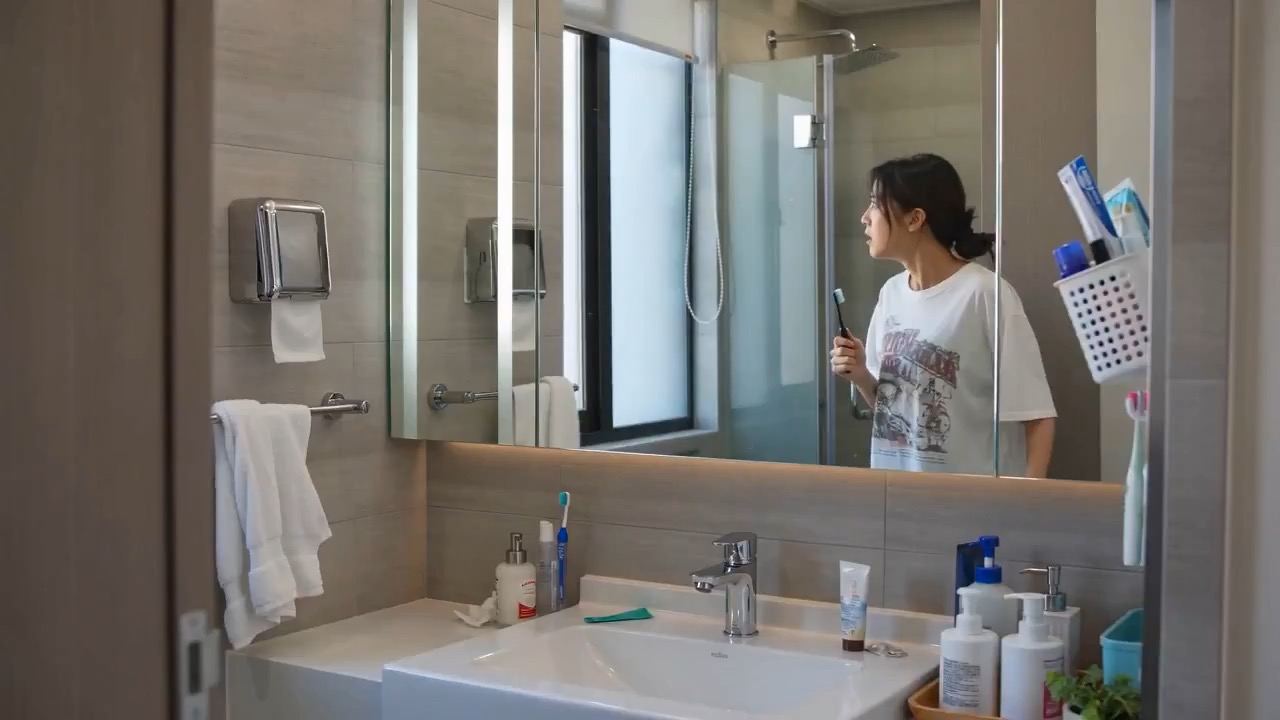
15.1 sec
Mirror reflection delay video preview with a person facing a mirror while the reflected motion lags behind.
Surreal vlog brief: one person / mirror reflection lag / independent blink / fixed room / clean final reveal
Kling 3.0 is Rivya's control-heavy Kling video model for text-to-video and image-to-video. Use Standard, Pro, or 4K mode, 3 to 15 second duration, optional audio, multi-shot structure, and up to two reference images when a simple one-shot clip is not enough.
The final task cost is rounded up to whole credits.
Example output
Example; generating model unverified · Preview clip for a mirror reflection delay brief, focused on subtle timing, clean mirror geometry, eye-line control, and a readable final reveal.
Text to Video · Image to Video
Example output
Example; generating model unverified · Preview clip for a mirror reflection delay brief, focused on subtle timing, clean mirror geometry, eye-line control, and a readable final reveal.
Best for
Supports
Online trial
No results to display yet.
Prompt starters
Model examples
Browse template previews for ideas. Each caption indicates whether generation with this model has been verified.
Example; generating model unverified · Preview clip for a mirror reflection delay brief, focused on subtle timing, clean mirror geometry, eye-line control, and a readable final reveal.

Example; generating model unverified · Preview for a comic horse New Year animation, focused on festive setup, gallop timing, greeting text, editable details, and the final frame.
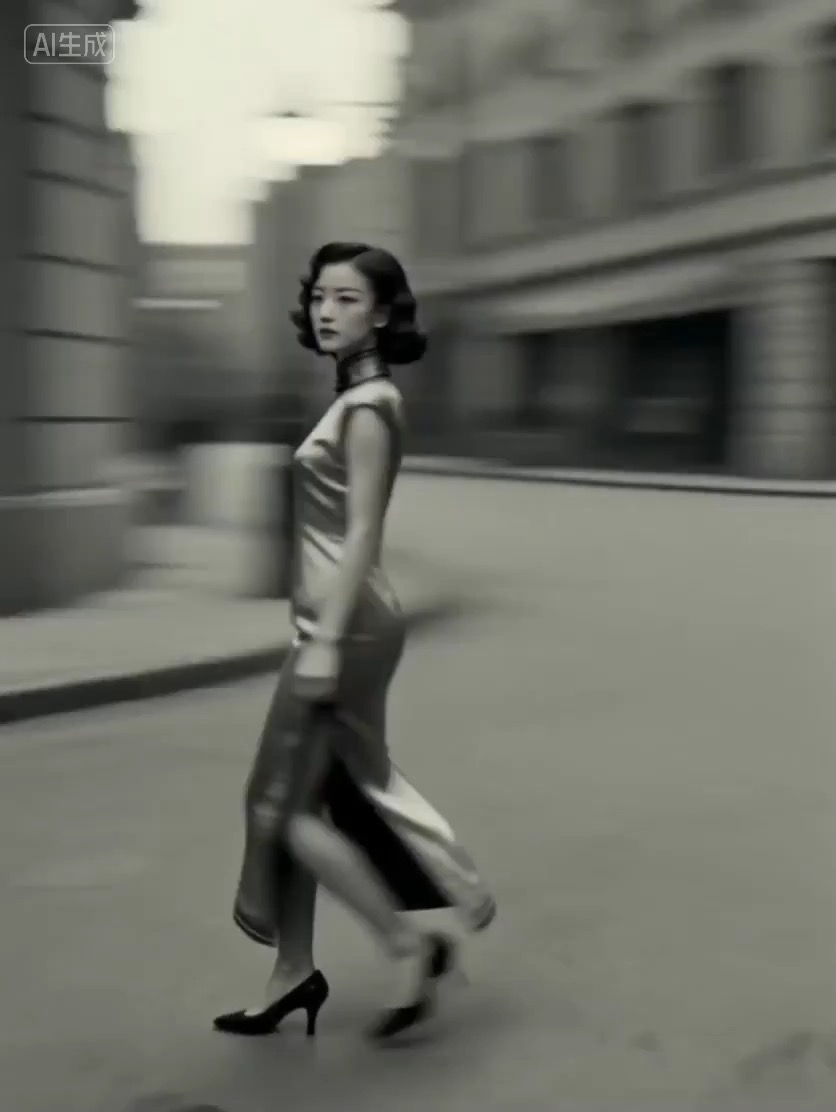
Example; generating model unverified · Transformation clip focused on era detail, costume readability, subject continuity, and rhythm.
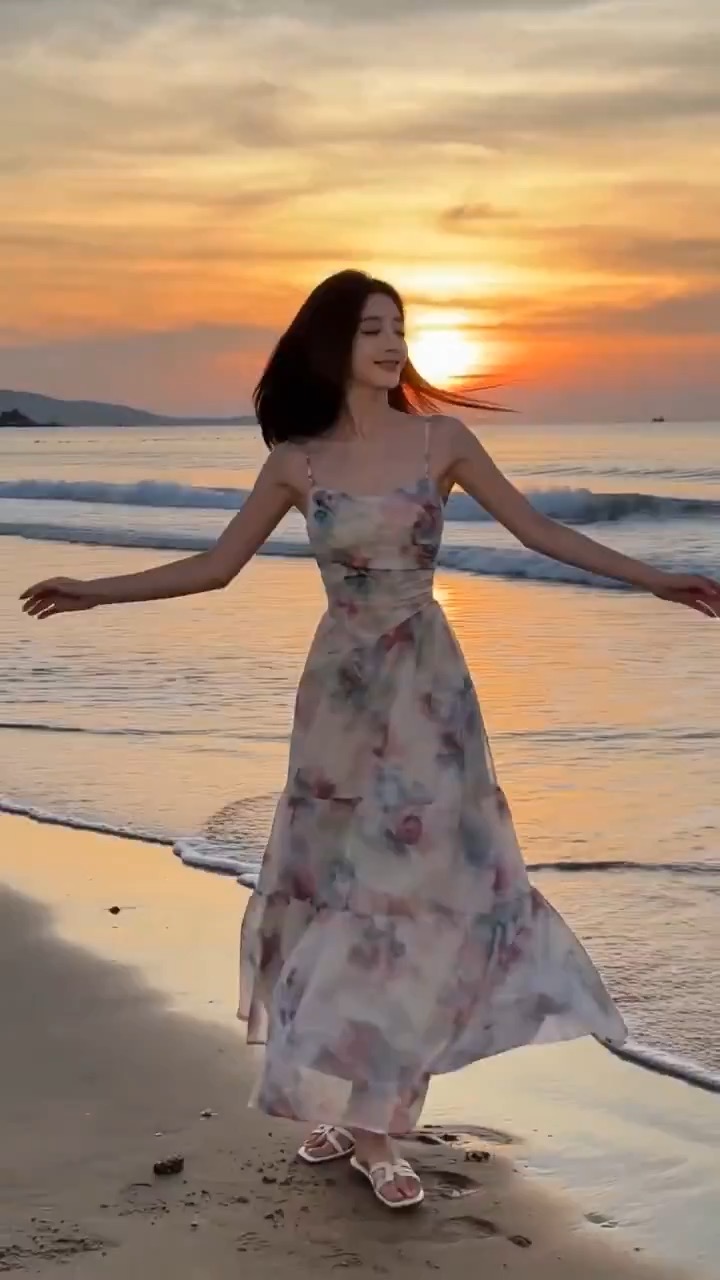
Example; generating model unverified · Fashion-era quick-change prompt focused on era readability, model continuity, beat-synced outfit changes, clean camera motion, and the final hero frame.
Decision fit
Decision fit
Kling 3.0 FAQ
Kling 3.0 is strongest when the video brief already cares about structure: ad previs, product motion tests, teaser cuts, and still-led clips where timing, shot mode, and optional audio all need to be part of the first decision. It is less about raw novelty and more about whether the model gives you a controlled motion setup early.
On Rivya, Kling 3.0 currently supports text-to-video, image-to-video, up to 2 reference images, Standard, Pro, or 4K quality, single-shot or multi-shot mode, 3 to 15 seconds, and optional audio generation. That makes it a planning-heavy option rather than a bare-bones one-shot generator.
The first real decisions are whether the clip should be single-shot or multi-shot, whether the duration should stay short or stretch longer, whether audio should be on at all, and whether the prompt or the reference still is doing most of the directing. Those choices usually tell you more than another paragraph of camera wording.
Kling 3.0 costs 14/20 credits per second at 720P without/with audio, 18/27 at 1080P, and 67 at 4K. The lightest 3-second Standard silent clip costs 42 credits. That spend starts to make sense when the clip is already being judged as a structured ad draft, product motion test, or creator-facing teaser rather than as disposable exploration.
Choose Kling 3.0 when timing, shot structure, duration range, and the option to turn audio on or off matter from the first result. Use a lighter option when the goal is simply to spray motion directions without caring much about clip architecture.
This page is best for the first planned Kling pass: a storyboard test, a product motion draft, a still-to-video teaser, or a clip where you want to compare shot structure before committing. It is a good place to see whether Kling 3.0 is giving you the right clip grammar before you build a longer thread.
The public page setup supports text-to-video, image-to-video, up to 2 reference images, Standard, Pro, or 4K quality, single-shot or multi-shot mode, 3 to 15 seconds, and optional audio. That is enough to test both the creative direction and the structural setup in one place.
Before you run it, decide whether this should be single-shot or multi-shot, how long the clip really needs to be, whether audio helps or distracts, and whether the motion is being driven by the prompt or the still. On Kling 3.0, those setup choices usually shape the first result more than extra prompt detail does.
The page is public, but the actual first video run is still gated behind sign in. Per-second rates are 14/20 credits at 720P without/with audio, 18/27 at 1080P, and 67 at 4K; the lightest 3-second Standard silent setup costs 42 credits. It is worth deciding the shot mode, duration, and audio stance here first, then signing in when you are ready to spend on the clip.
Stay here while you are still comparing shot structure, duration, and the first motion setup. Open the full Studio once you need saved takes, multiple assets, repeated shot variants, or a longer production thread around the same concept.
Compare alternatives
Seedance 2.5 is Rivya's larger Seedance workflow for prompt-only video, first- and last-frame guidance, multimodal references, and video-guided transformation. It adds a 1080p tier, output up to 30 seconds, automatic duration, MP4 or MOV output, and substantially larger image, video, and audio reference capacity than Mini.
Why consider it
Consider it when your next task needs Up to 50 reference files.
ByteDance's full Seedance 2.0 video model with explicit support for prompt-only generation, frame-driven animation, and multimodal reference generation. Rivya keeps the documented role split explicit so frame inputs and multimodal references stay mutually exclusive instead of collapsing into one ambiguous upload bucket.
Why consider it
Consider it when your next task needs Prompt, frames, or image/video/audio references.
ByteDance's faster Seedance 2.0 video model with full scene routing for prompt-only generation, frame-driven image animation, and multimodal reference video generation. Rivya keeps the documented scene split explicit so first/last-frame inputs do not collide with reference image, video, and audio roles.
Why consider it
Consider it when your next task needs Prompt, frames, or image/video/audio references.
Best-fit tasks
Use it when the task looks like this
Model details
Provider
Kuaishou
Category
Video
Capabilities
Text to Video · Image to Video
Credit model
Credit rate: 14–67 / output second
Input path
Prompt + optional images
Prompt setup
Up to 2,500 chars
Developer access
Kling 3.0 has callable Public API modes, but reference-media modes still need Files API upload support. Check the model reference before submitting.