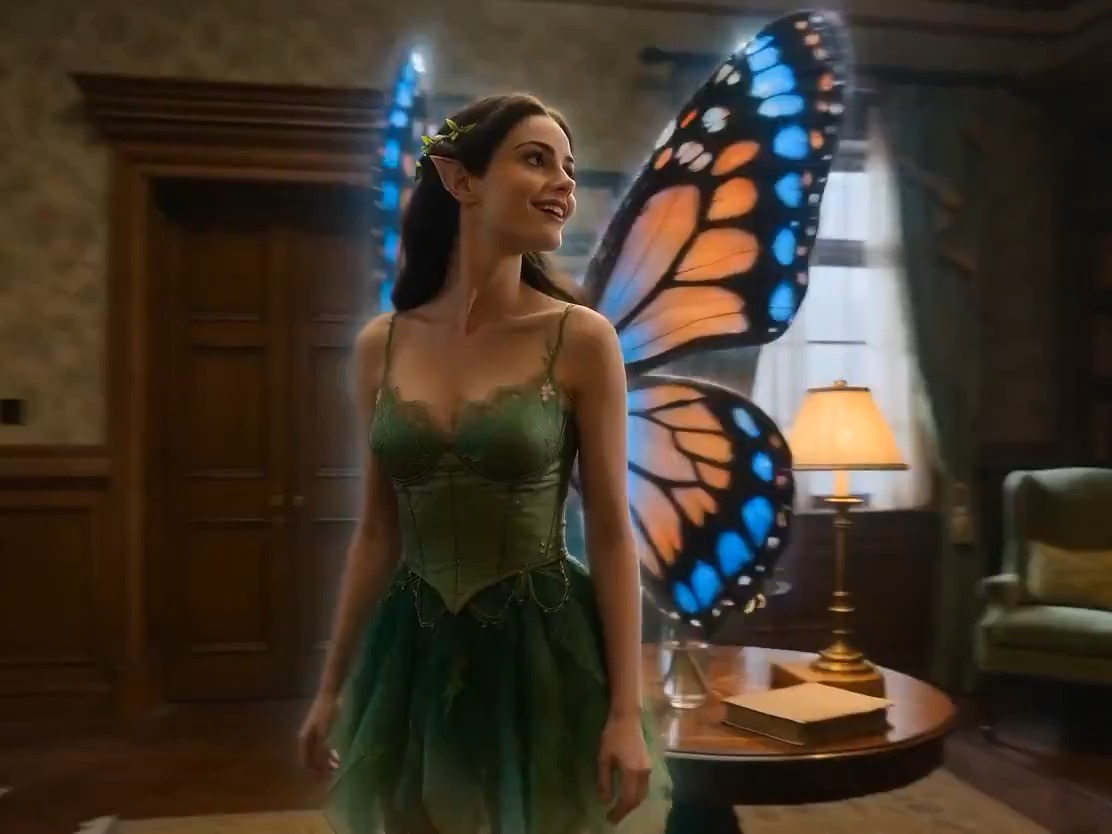
HappyHorse 1.0 gives Rivya one focused video entry for four related workflows: start from text, animate a single image, guide a clip with multiple reference images, or edit an existing video with optional image references.
One model page covers text, image, reference, and video-edit workflowsSupports 720p and 1080p fixed-price output tiers
Accepts up to 9 image references when no video is attached
Input
Up to 10 reference files
Output
AI Video Generator
Credits
From 28 credits per generation
Best for
Short ad or product motion drafts from a written brief
Example output
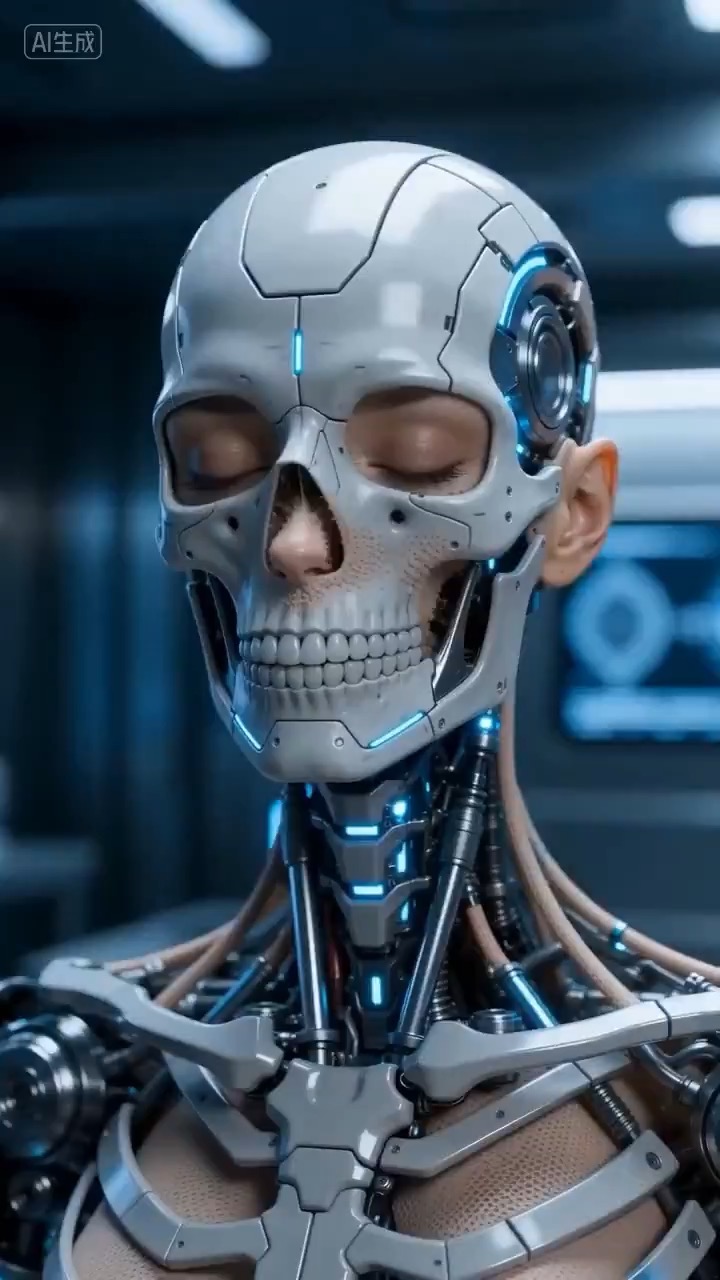
Preview for a HappyHorse cybernetic transformation brief, focused on transformation timing, subject continuity, camera direction, and edit constraints.
Check the input, output, credits, and example result, then try this model directly on the page. Move into Studio when you need saved history, assets, or longer iteration.
Example output
Preview for a HappyHorse cybernetic transformation brief, focused on transformation timing, subject continuity, camera direction, and edit constraints.
Best for
Short ad or product motion drafts from a written briefTurning one hero image into a quick moving clipUsing multiple references to guide character, outfit, or product detailsEditing an existing short video while preserving key structure
Supports
Text to VideoImage to VideoReference to VideoVideo to Video
Online trial
Try HappyHorse 1.0
Use HappyHorse 1.0 when you want one video model page that can switch between text, image, reference, and video-edit workflows.
Results
HappyHorse 1.0
HappyHorseText to Video
HappyHorse 1.0 gives Rivya one focused video entry for four related workflows: start from text, animate a single image, guide a clip with multiple reference images, or edit an existing video with optional image references.
HappyHorse 1.0
No result yet. Submit a prompt to start a run.
Text to VideoImage to VideoReference to VideoVideo to Video
Prompt starters
Start HappyHorse 1.0 with a proven prompt
Use a template already mapped to HappyHorse 1.0 when you want a stronger first run than a blank prompt.
Preview for a HappyHorse cybernetic transformation brief, focused on transformation timing, subject continuity, camera direction, and edit constraints.
HappyHorse video preview showing a cybernetic figure forming from mechanical structure into a finished futuristic character.
Input
Up to 10 reference files
What to notice
HappyHorse video preview showing a cybernetic figure forming from mechanical structure into a finished futuristic character.
Credits per use
From 28 credits per generation
Why this model works
One model page covers text, image, reference, and video-edit workflows
Supports 720p and 1080p fixed-price output tiers
Accepts up to 9 image references when no video is attached
Best-fit tasks
Best-fit tasks
Short ad or product motion drafts from a written briefTurning one hero image into a quick moving clipUsing multiple references to guide character, outfit, or product detailsEditing an existing short video while preserving key structure
Model proof
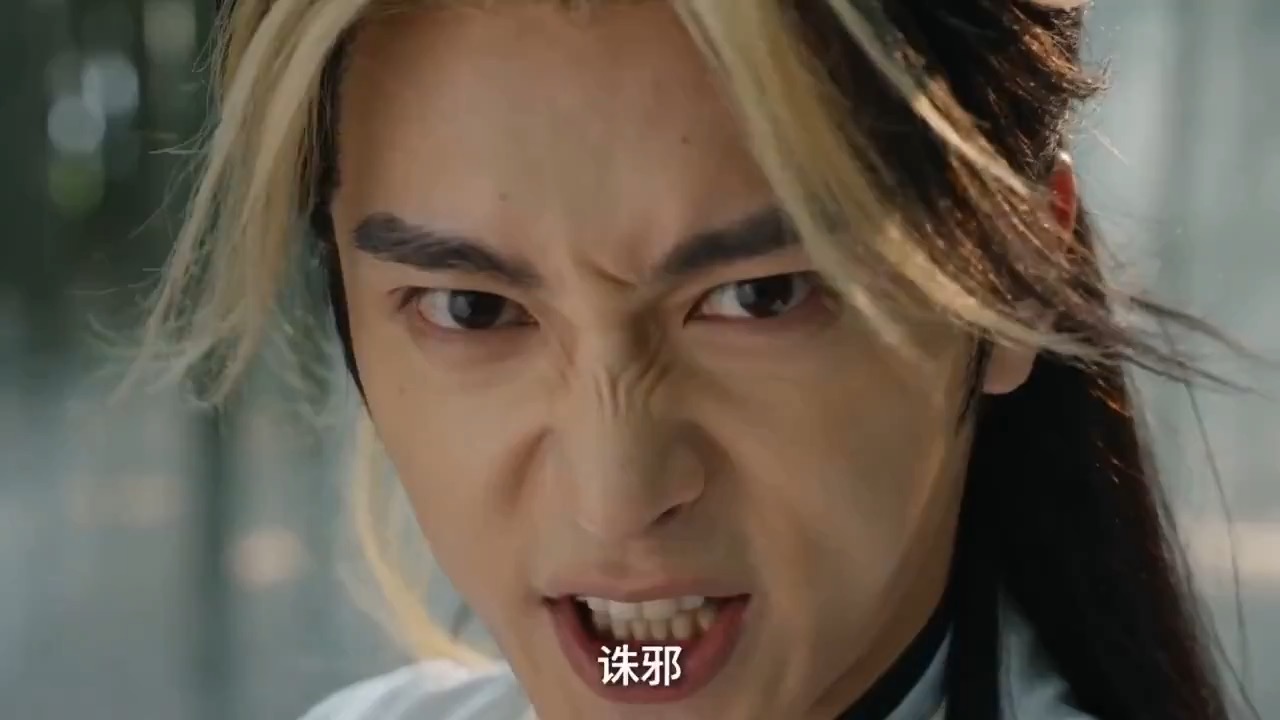
Preview for a HappyHorse dragon gesture motion brief, focused on readable hands, light trails, camera stability, and a clean fantasy reveal.
HappyHorse video preview showing a robed performer shaping gold light into a dragon-like motion trail in a bamboo clearing.
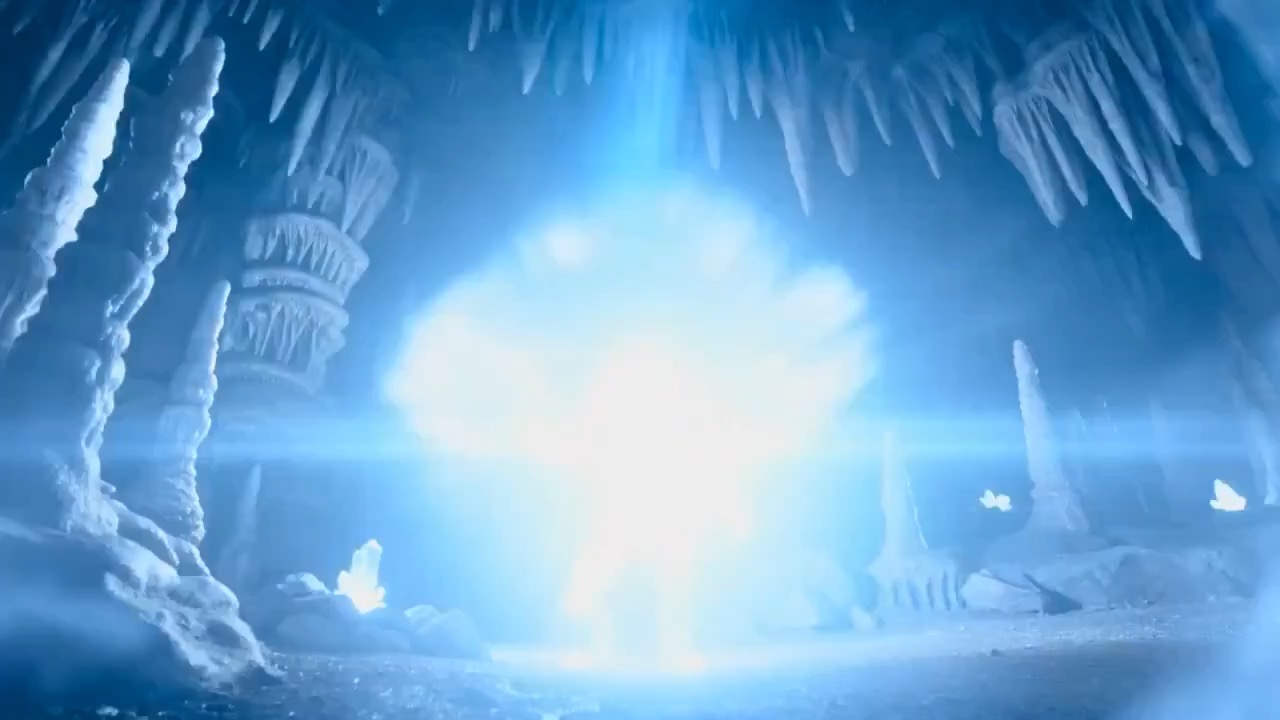
Preview for a HappyHorse cave crystal transformation brief, focused on energy timing, subject continuity, and controlled camera movement.
HappyHorse video preview showing a subject reaching toward a glowing crystal while blue energy forms a refined transformation.
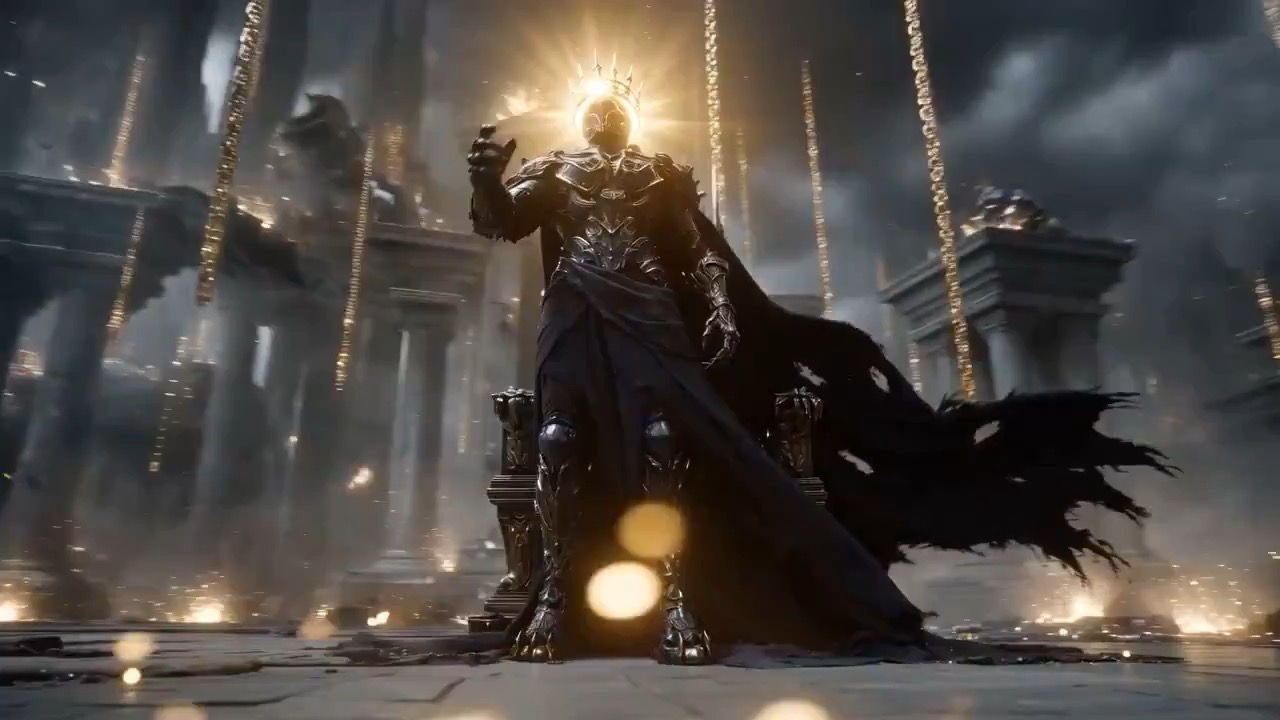
Preview for a HappyHorse obsidian throne brief, focused on pose clarity, light shatter timing, camera direction, and particle control.
Decision fit
When this model is the right choice
Decision fit
Fit signals
One model page covers text, image, reference, and video-edit workflows
Supports 720p and 1080p fixed-price output tiers
Accepts up to 9 image references when no video is attached
Supports one source video with up to 5 image references for video editing
Good fit for quick motion tests and reference-led video variants
Best-fit tasks
Use it when the task looks like this
Short ad or product motion drafts from a written briefTurning one hero image into a quick moving clipUsing multiple references to guide character, outfit, or product detailsEditing an existing short video while preserving key structure
Quiet facts
Inputs, output, and credits to confirm
Provider
HappyHorse
Category
Video
Capabilities
Text to Video · Image to Video · Reference to Video · Video to Video
Credit model
From 28 credits per generation
Input path
Up to 10 reference files
Prompt setup
Up to 5,000 chars
FAQ
HappyHorse 1.0 FAQ
When should I use HappyHorse 1.0 for video work?
Use HappyHorse 1.0 when the input material may change from run to run. It can start from text, one image, several reference images, or one existing video, so it is useful when you are still deciding whether the concept is best driven by a prompt, a still, or source footage.
What is HappyHorse 1.0's real scope on Rivya right now?
On Rivya, HappyHorse 1.0 supports text-to-video with no media, image-to-video with one image, reference-to-video with 2 to 9 images, and video editing with one video plus up to 5 images. Those limits are enforced by the workspace, not just described on the page.
Which controls matter most before running HappyHorse 1.0?
The first decision is the media mix: no media, one image, several images, or one video. After that, choose 720p or 1080p, set a 3 to 15 second output duration, and only use aspect ratio or audio handling where that workflow actually supports it.
When is HappyHorse 1.0 worth the current credit tier?
HappyHorse 1.0 starts at 28 credits for 720p and 48 credits for 1080p. It is easiest to justify when you need to test a real motion direction or video edit, not just create a batch of low-value clips.
What should I avoid when preparing references?
Avoid mixing too many intentions in one run. A single image works as a direct image-to-video start, several images work as references, and an uploaded video becomes the main source. If you attach a video, keep image references to 5 or fewer.
What can I test first on this page?
Start with the media type that best represents the idea: no media for a prompt-only clip, one image for a still-led motion test, several images for reference control, or one existing video for editing.
What can I set up on this page?
You can set resolution, duration, and the reference media mix. Aspect ratio is available for text-to-video and multi-image reference runs, while audio handling applies to video editing.
Which media limits should I know before I run?
HappyHorse accepts up to 9 images when no video is attached. If you attach a video, use only one video and no more than 5 images. The source video must be a short clip in the supported duration range.
Do I need to sign in before I run here, and how do credits work?
The page is public, but creating the actual video requires sign in. Current public pricing starts at 28 credits for 720p and 48 credits for 1080p, so choose the media mix and resolution before spending credits.
When should I stay on this page, and when should I move into the full Studio?
Stay here while you are testing the first clip direction or edit setup. Move into the full Studio when you need saved takes, repeated variations, or a longer production thread around the same source material.
Compare alternatives
Other models to consider next
Video
Seedance 2.0
ByteDance's full Seedance 2.0 video model with explicit support for prompt-only generation, frame-driven animation, and multimodal reference generation. Rivya keeps the documented role split explicit so frame inputs and multimodal references stay mutually exclusive instead of collapsing into one ambiguous upload bucket.
Why consider it
Consider it when your next task needs Prompt, frames, or image/video/audio references.
InputPrompt, frames, or image/video/audio references
CreditsFrom 64 credits per run
Best forHigher-quality short videos from prompts, frames, or reference bundles
ByteDance's faster Seedance 2.0 video model with full scene routing for prompt-only generation, frame-driven image animation, and multimodal reference video generation. Rivya keeps the documented scene split explicit so first/last-frame inputs do not collide with reference image, video, and audio roles.
Why consider it
Consider it when your next task needs Prompt, frames, or image/video/audio references.
InputPrompt, frames, or image/video/audio references
CreditsFrom 52 credits per run
Best forFast ad previs from prompts or storyboard frames
Video
Seedance 1.5 Pro
A Seedance video model for text-to-video and image-to-video with native audio-visual sync. It supports 480p–1080p, 4–12s clips, 6 aspect ratios, dynamic or fixed lens control, optional audio generation, and lip-sync.
Why consider it
Consider it when your next task needs Prompt + optional images.
InputPrompt + optional images
CreditsFrom 28 credits per generation
Best forShort clips with synced dialogue and motion
HappyHorse video preview showing a figure rising from an obsidian throne as gold light bands break into particles.
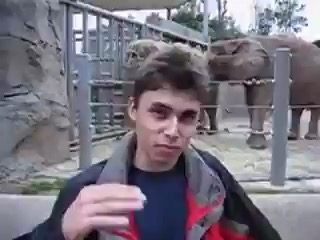
Preview for a HappyHorse vintage zoo video brief, focused on safe distance, documentary framing, natural movement, and restrained film texture.
HappyHorse video preview showing a calm visitor near a separated zoo habitat with soft vintage film texture.
Preview for a HappyHorse butterfly mural transformation brief, focused on elegant motion, camera slide, and a clean return to the wall.
HappyHorse video preview showing painted butterflies lifting from a mural and forming a graceful light figure.
Preview for a HappyHorse dragon gesture motion brief, focused on readable hands, light trails, camera stability, and a clean fantasy reveal.
HappyHorse video preview showing a robed performer shaping gold light into a dragon-like motion trail in a bamboo clearing.
Preview for a HappyHorse cave crystal transformation brief, focused on energy timing, subject continuity, and controlled camera movement.
HappyHorse video preview showing a subject reaching toward a glowing crystal while blue energy forms a refined transformation.
Preview for a HappyHorse obsidian throne brief, focused on pose clarity, light shatter timing, camera direction, and particle control.
HappyHorse video preview showing a figure rising from an obsidian throne as gold light bands break into particles.
Preview for a HappyHorse vintage zoo video brief, focused on safe distance, documentary framing, natural movement, and restrained film texture.
HappyHorse video preview showing a calm visitor near a separated zoo habitat with soft vintage film texture.
Preview for a HappyHorse butterfly mural transformation brief, focused on elegant motion, camera slide, and a clean return to the wall.
HappyHorse video preview showing painted butterflies lifting from a mural and forming a graceful light figure.
Comparing text-led, image-led, and video-led versions of the same idea
Developer access
Partly available via API
HappyHorse 1.0 has callable Public API modes, but reference-media modes still need Files API upload support. Check the model reference before submitting.