Hailuo Standard is Rivya's lower-cost legacy MiniMax video generator for quick text-to-video and image-to-video drafts, including first-and-last-frame tests.
One model for both text-to-video and image-to-videoImage mode supports a first frame or a first-and-last-frame pair512P and 768P image-driven tiers
Input
Prompt + optional images
Output
AI Video Generator
Credits
Credit rate: 12–50 / video
Best for
Turning one hero still into a short motion teaser
The final task cost is rounded up to whole credits.
Example output
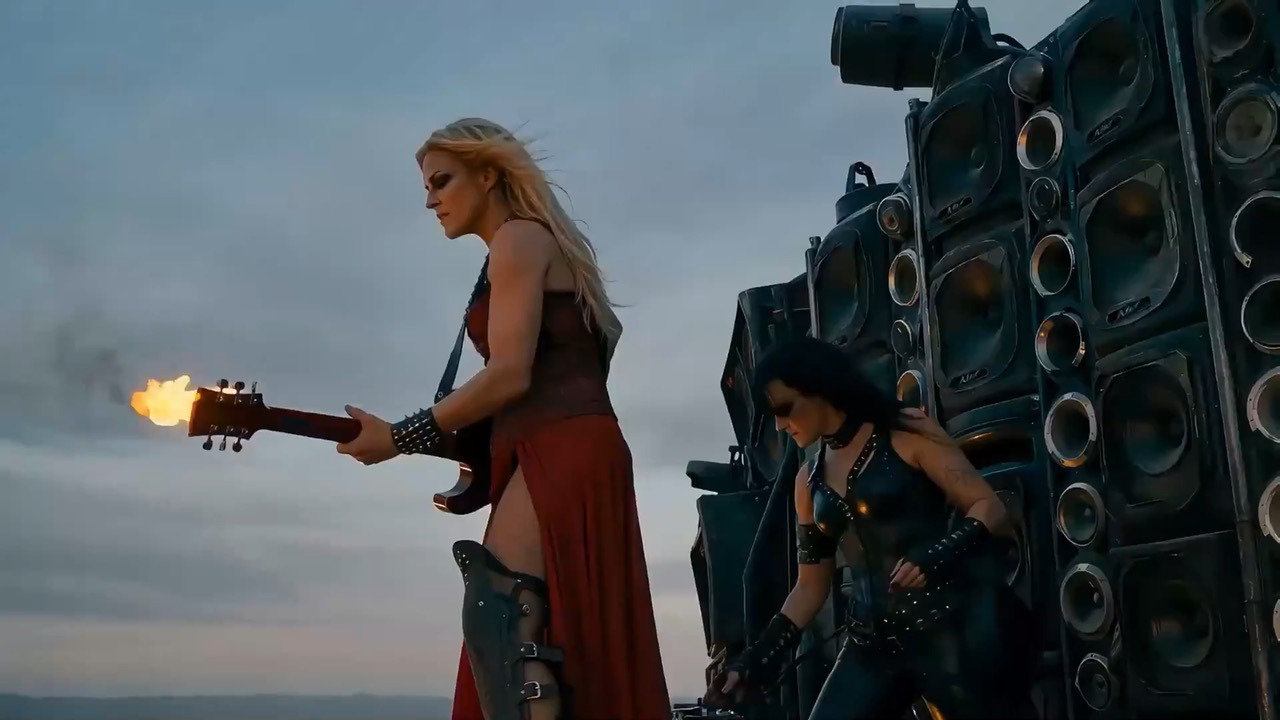
Example; generating model unverified · A cinematic storyboard grid moves through problem, process, and takeaway panels with clean arrows and editable labels.
Check current availability, input, output, credits, and proof first. If an online trial is available, test the model on the page; use Studio for saved history, assets, and longer iteration.
Example output
Example; generating model unverified · A cinematic storyboard grid moves through problem, process, and takeaway panels with clean arrows and editable labels.
Best for
Turning one hero still into a short motion teaserFirst-and-last-frame product or fashion animation draftsBudget-friendly motion tests for social clipsComparing older Hailuo behavior against newer video models
Supports
Text to VideoImage to Video
Online trial
Try Hailuo Standard
Use Hailuo Standard for cheaper legacy MiniMax text-to-video, image-to-video drafts, and 6 to 10 second motion tests.
Example; generating model unverified · A cinematic storyboard grid moves through problem, process, and takeaway panels with clean arrows and editable labels.
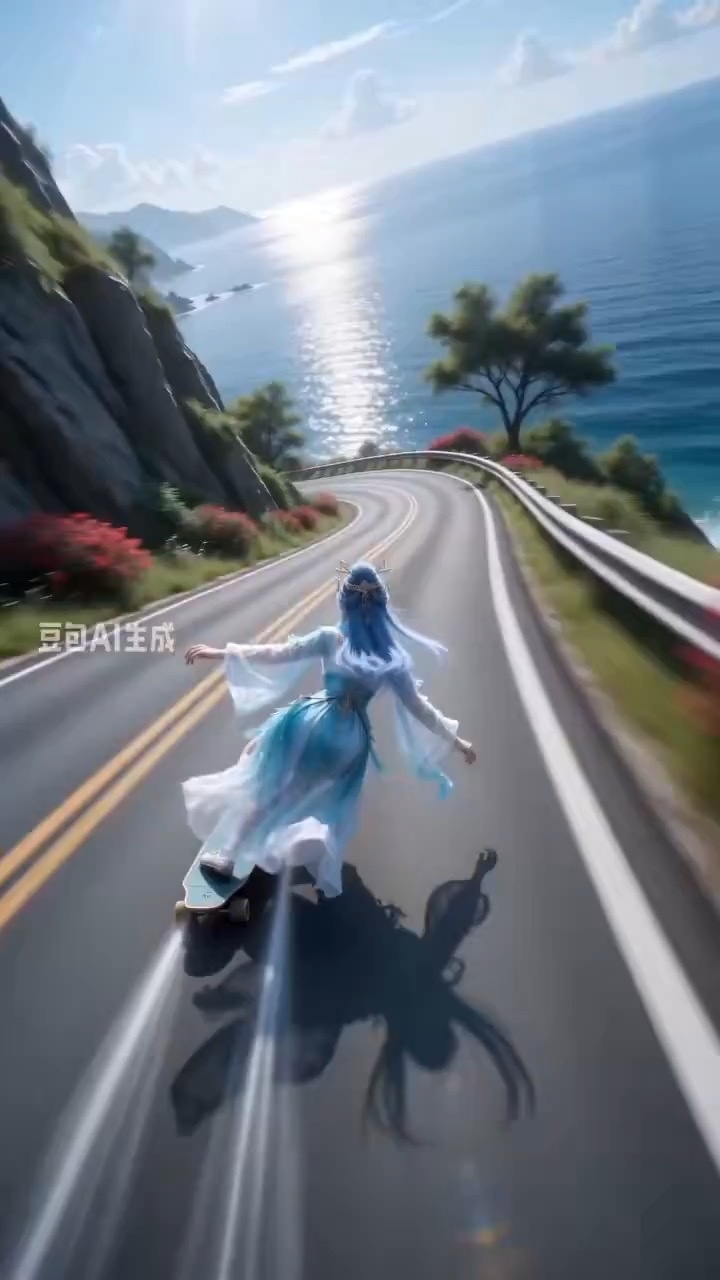
Example; generating model unverified · Preview clip for a coastal mountain skateboard rush brief, focused on ultra-wide sports motion, curve rhythm, and readable speed effects.
Example; generating model unverified · Preview for a cinematic snow slope ski rush, focused on the downhill route, chase camera, snow spray, subject continuity, and final frame.
Decision fit
When this model is the right choice
Decision fit
Fit signals
One model for both text-to-video and image-to-video
Image mode supports a first frame or a first-and-last-frame pair
512P and 768P image-driven tiers
Text mode supports 6s or 10s short-form clips
Keeps prompt optimization available for quick motion drafts
Best-fit tasks
Use it when the task looks like this
Turning one hero still into a short motion teaserFirst-and-last-frame product or fashion animation draftsBudget-friendly motion tests for social clipsComparing older Hailuo behavior against newer video models
Model details
Inputs, output, and credits to confirm
Provider
MiniMax
Category
Video
Capabilities
Text to Video · Image to Video
Credit model
Credit rate: 12–50 / video
Input path
Prompt + optional images
Prompt setup
Up to 1,500 chars
Developer access
Partly available via API
Hailuo Standard has callable Public API modes, but reference-media modes still need Files API upload support. Check the model reference before submitting.
FAQ
Hailuo Standard FAQ
When should I use Hailuo Standard for video work?
Use Hailuo Standard for short motion teasers, product or fashion tests from one or two frames, and budget-conscious social clips. It supports both text-to-video and image-to-video, including a first-and-last-frame pair when the ending needs clearer control.
What is Hailuo Standard's real scope on Rivya right now?
On Rivya, Hailuo Standard currently supports text to video and image to video. It can also take up to 2 reference images.
Which controls or inputs matter most once you're evaluating Hailuo Standard for real work?
Choose 6 or 10 seconds, confirm the available resolution for that duration, and inspect the reference quality. For frame-pair motion, make sure the starting and ending compositions describe one believable movement.
When is Hailuo Standard worth the current credit tier on Rivya?
Rivya currently lists 12-50 credits per generation. That cost is easier to justify once the clip is tied to turning one hero still into a short motion teaser instead of open-ended exploration. [text-to-video: 6s=30, 10s=50; image-to-video: 512P/6s=12, 512P/10s=20, 768P/10s=50]
When should I choose Hailuo Standard over a lighter or cheaper alternative on Rivya?
Choose Hailuo Standard when you need both text and image starts at the lower Hailuo tier. Move to Hailuo Pro when the same short-form workflow needs a higher-quality render rather than more input modes.
What can I test first on this page?
Start here when one hero still needs to become a short motion teaser, first-and-last-frame product or fashion animation draft, or budget-friendly motion test for social clips. That keeps the first run focused enough to check the input, direction, and result before expanding the work.
What can I set up on this page?
This page currently supports text to video and image to video. That makes it easier to see whether a pure shot description or a still-led start is the better way into turning one hero still into a short motion teaser. You can also bring in up to 2 reference images.
Which controls are worth checking before I hit run?
Before you run it, the main checks are duration choices such as 6s and 10s, output tiers like 512P and 768P (10s only), and reference-input quality. Those are usually the pieces that decide whether the first result is close enough that you can keep iterating here toward turning one hero still into a short motion teaser without making the setup heavier than it needs to be.
Do I need to sign in before I run here, and how do credits work?
The page is public, but the actual first video run is still gated behind sign in. Rivya currently lists 12-50 credits per generation. You can set up the shot, source asset, and duration first, then sign in when you are ready to generate the clip. [text-to-video: 6s=30, 10s=50; image-to-video: 512P/6s=12, 512P/10s=20, 768P/10s=50]
When should I stay on this page, and when should I move into the full Studio?
Stay on this page while you are still validating the first shot, source type, and whether the first result is getting you close to turning one hero still into a short motion teaser on Hailuo Standard. Open the full Studio once the work needs saved versions, repeated clip iterations, multiple assets, or a longer production thread around the same scene set.
Compare alternatives
Other models to consider next
Video
Seedance 2.5
Seedance 2.5 is Rivya's larger Seedance workflow for prompt-only video, first- and last-frame guidance, multimodal references, and video-guided transformation. It adds a 1080p tier, output up to 30 seconds, automatic duration, MP4 or MOV output, and substantially larger image, video, and audio reference capacity than Mini.
Why consider it
Consider it when your next task needs Up to 50 reference files.
Input
Up to 50 reference files
Credits
Credits depend on inputs and settings. Check the estimate before generating.
Best for
1080p multimodal video projects with several visual or audio references
ByteDance's full Seedance 2.0 video model with explicit support for prompt-only generation, frame-driven animation, and multimodal reference generation. Rivya keeps the documented role split explicit so frame inputs and multimodal references stay mutually exclusive instead of collapsing into one ambiguous upload bucket.
Why consider it
Consider it when your next task needs Prompt, frames, or image/video/audio references.
Input
Prompt, frames, or image/video/audio references
Credits
Credits depend on inputs and settings. Check the estimate before generating.
Best for
Higher-quality short videos from prompts, frames, or reference bundles
ByteDance's faster Seedance 2.0 video model with full scene routing for prompt-only generation, frame-driven image animation, and multimodal reference video generation. Rivya keeps the documented scene split explicit so first/last-frame inputs do not collide with reference image, video, and audio roles.
Why consider it
Consider it when your next task needs Prompt, frames, or image/video/audio references.
Input
Prompt, frames, or image/video/audio references
Credits
Credits depend on inputs and settings. Check the estimate before generating.