
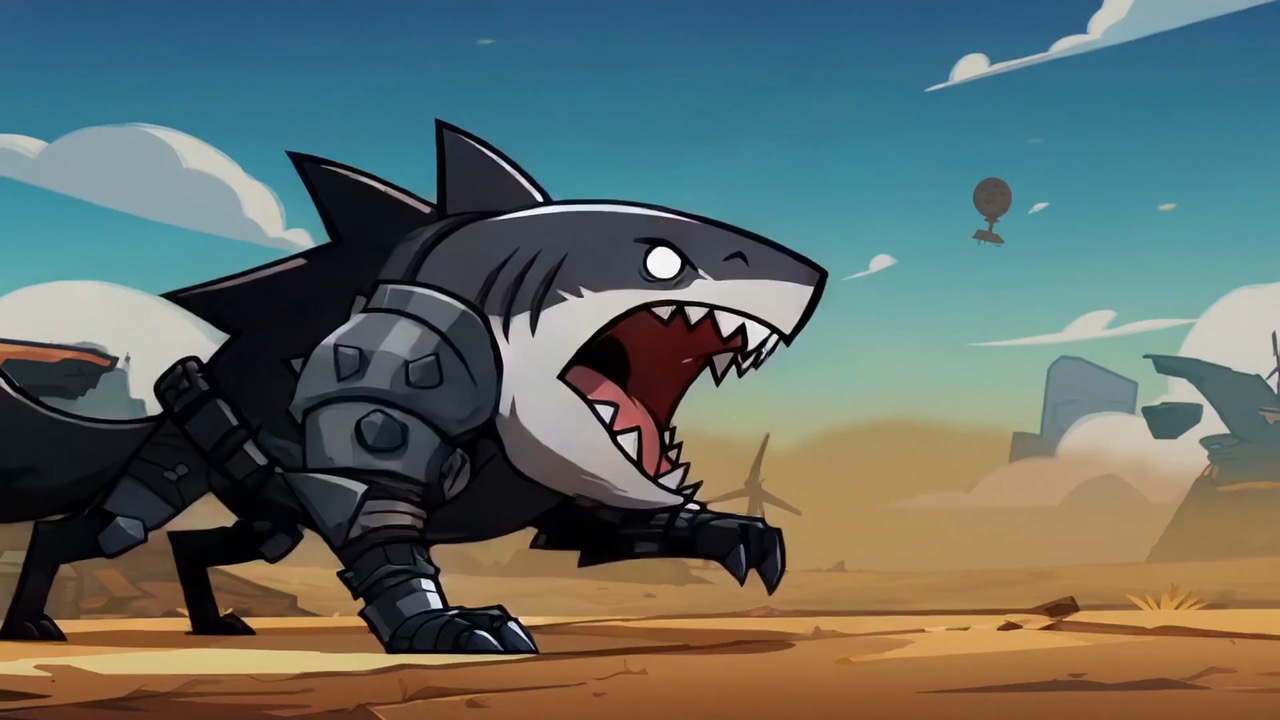
15.2 sec
Neon doodle storm animation preview showing motion rhythm, subject continuity, camera direction, and final hero frame.
Video brief: neon doodle setup / main motion / camera path / continuity / hero ending / review checks
Grok Imagine Video 1.5 Preview supports 1–15 seconds, 480p or 720p, up to 7 reference images, and prompts up to 4096 characters. Up to 7 JPEG, PNG, or WebP images, each no larger than 20MB.
The final task cost is rounded up to whole credits.
Example output
Example; generating model unverified · Preview for a neon doodle storm animation, focused on scene setup, camera path, motion continuity, editable details, and the final hero frame.
Text to Video · Image to Video
Example output
Example; generating model unverified · Preview for a neon doodle storm animation, focused on scene setup, camera path, motion continuity, editable details, and the final hero frame.
Best for
Supports
Online trial
No results to display yet.
Prompt starters
Model examples
Browse template previews for ideas. Each caption indicates whether generation with this model has been verified.
Example; generating model unverified · Preview for a neon doodle storm animation, focused on scene setup, camera path, motion continuity, editable details, and the final hero frame.
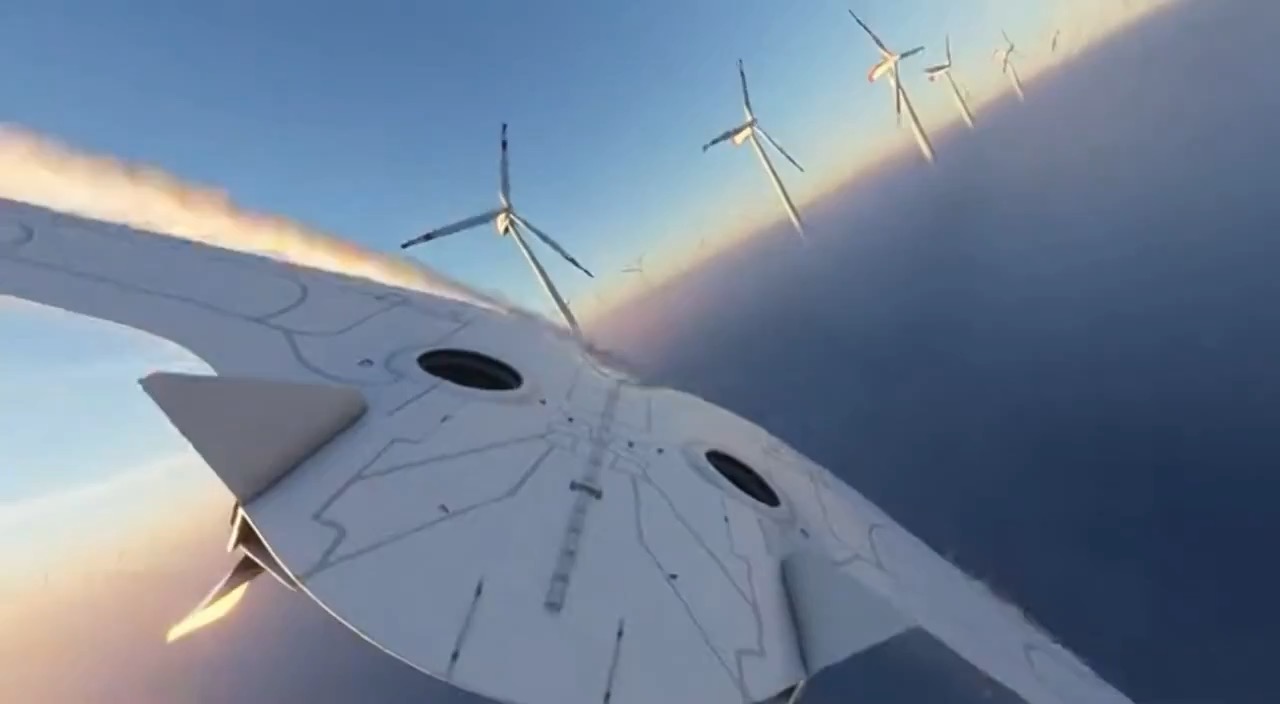
Example; generating model unverified · Preview for Wind Turbine Cloud Orbit Shot, focused on scene setup, camera path, motion continuity, editable details, and the final hero frame.
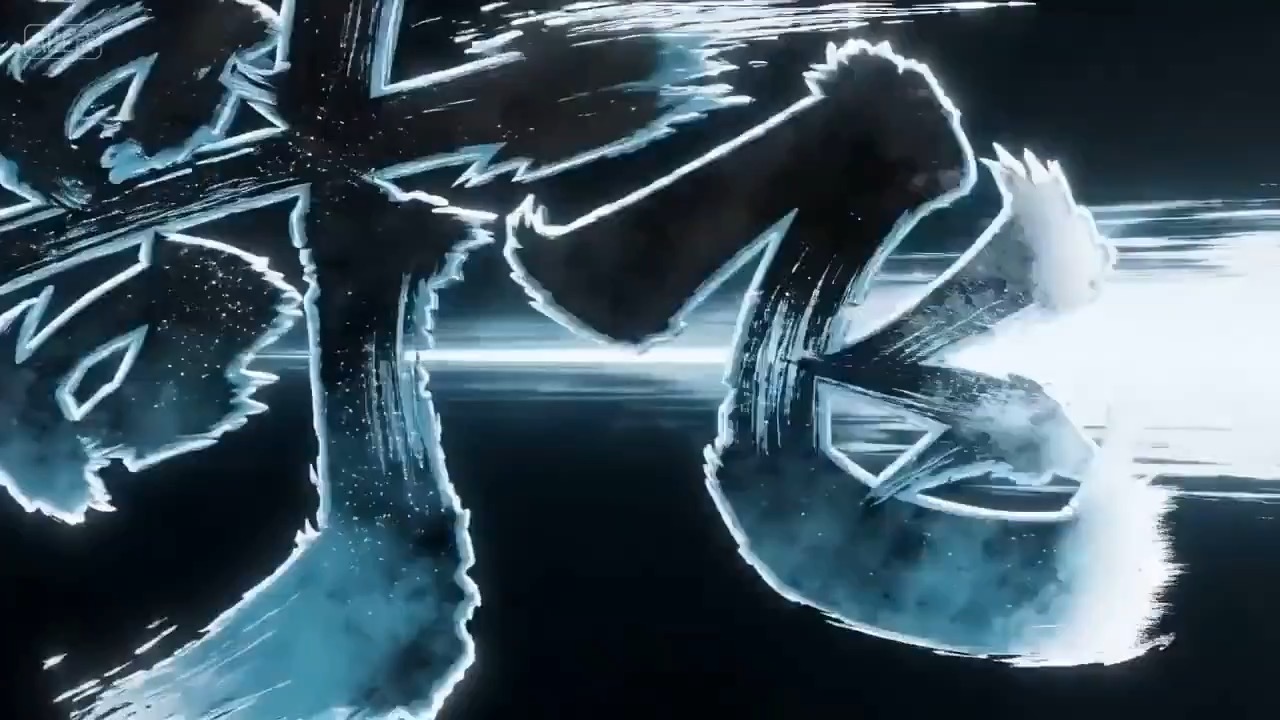
Example; generating model unverified · Title motion focused on particle timing, ink edges, readability, and final lockup.
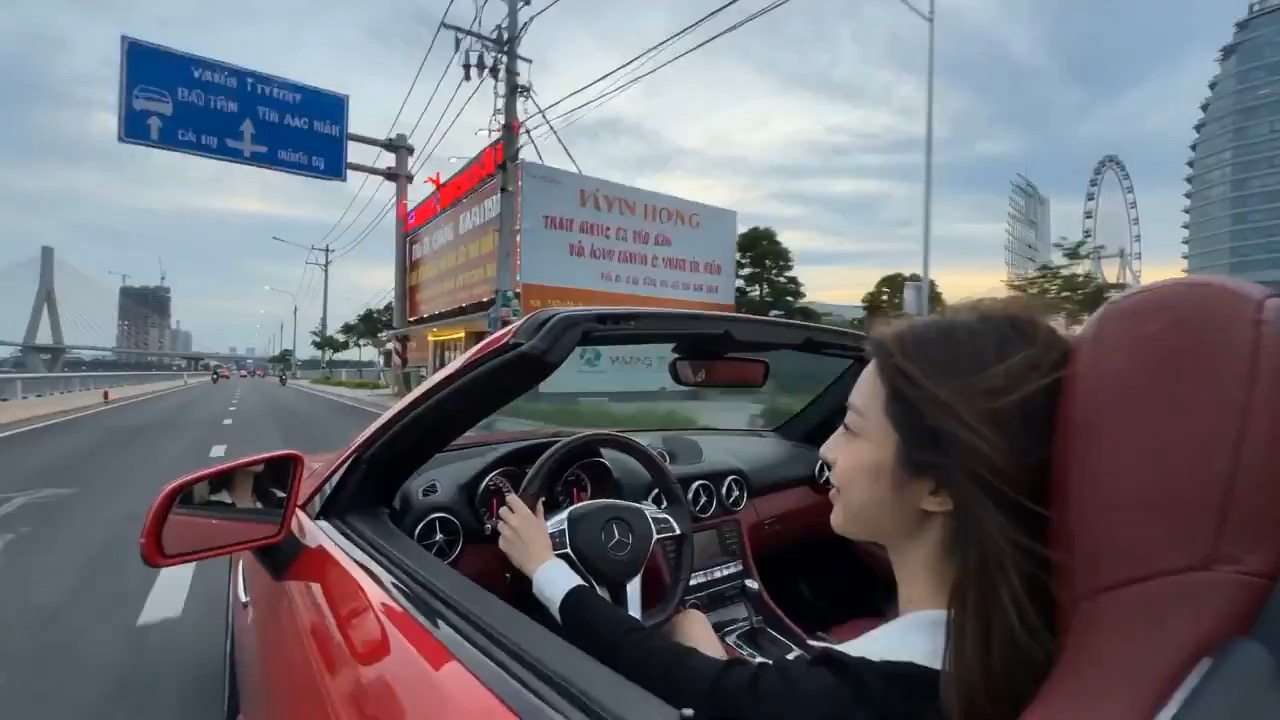
Example; generating model unverified · Preview for a riverfront racing music video, focused on closed-course setup, tracking camera path, reflection continuity, editable details, and the final hero frame.
Decision fit
Decision fit
Best-fit tasks
Use it when the task looks like this
Model details
Provider
xAI
Category
Video
Capabilities
Text to Video · Image to Video
Credit model
Credit rate: 2.4–4.5 / output second
Input path
Prompt + optional images
Prompt setup
Up to 4,096 chars
Developer access
Grok Imagine Video 1.5 Preview has callable Public API modes, but reference-media modes still need Files API upload support. Check the model reference before submitting.
Grok Imagine Video 1.5 Preview FAQ
Grok Imagine Video 1.5 Preview works well for stylized teasers, experimental campaign clips, character-led scenes, and other short-form motion that benefits from text guidance or multiple reference images.
Grok Imagine Video 1.5 Preview supports 1–15 seconds, 480p or 720p, up to 7 reference images, and prompts up to 4096 characters.
Grok Imagine Video 1.5 Preview supports 1–15 seconds, 480p or 720p, up to 7 reference images, and prompts up to 4096 characters.
480p costs 2.4 and 720p 4.5 credits per second; after rounding up, the total range is 3–68 credits.
Extend and Upscale are outside the current 1.5 Preview contract and unavailable; requests are rejected before task creation or credit deduction.
Start here for stylized social clips, bold campaign ideas, character-forward scenes, or a short motion test guided by text or reference images.
Grok Imagine Video 1.5 Preview supports 1–15 seconds, 480p or 720p, up to 7 reference images, and prompts up to 4096 characters.
Up to 7 JPEG, PNG, or WebP images, each no larger than 20MB.
480p costs 2.4 and 720p 4.5 credits per second; after rounding up, the total range is 3–68 credits.
Extend and Upscale are outside the current 1.5 Preview contract and unavailable; requests are rejected before task creation or credit deduction.
Compare alternatives
Seedance 2.5 is Rivya's larger Seedance workflow for prompt-only video, first- and last-frame guidance, multimodal references, and video-guided transformation. It adds a 1080p tier, output up to 30 seconds, automatic duration, MP4 or MOV output, and substantially larger image, video, and audio reference capacity than Mini.
Why consider it
Consider it when your next task needs Up to 50 reference files.
ByteDance's full Seedance 2.0 video model with explicit support for prompt-only generation, frame-driven animation, and multimodal reference generation. Rivya keeps the documented role split explicit so frame inputs and multimodal references stay mutually exclusive instead of collapsing into one ambiguous upload bucket.
Why consider it
Consider it when your next task needs Prompt, frames, or image/video/audio references.
ByteDance's faster Seedance 2.0 video model with full scene routing for prompt-only generation, frame-driven image animation, and multimodal reference video generation. Rivya keeps the documented scene split explicit so first/last-frame inputs do not collide with reference image, video, and audio roles.
Why consider it
Consider it when your next task needs Prompt, frames, or image/video/audio references.