
Google Imagen4 Ultra is Rivya's premium Google image tier for text-to-image work where polish matters more than iteration count. Use it when the prompt is mostly settled and the next result may become a hero visual, launch still, or campaign frame.
The final task cost is rounded up to whole credits.
Example output
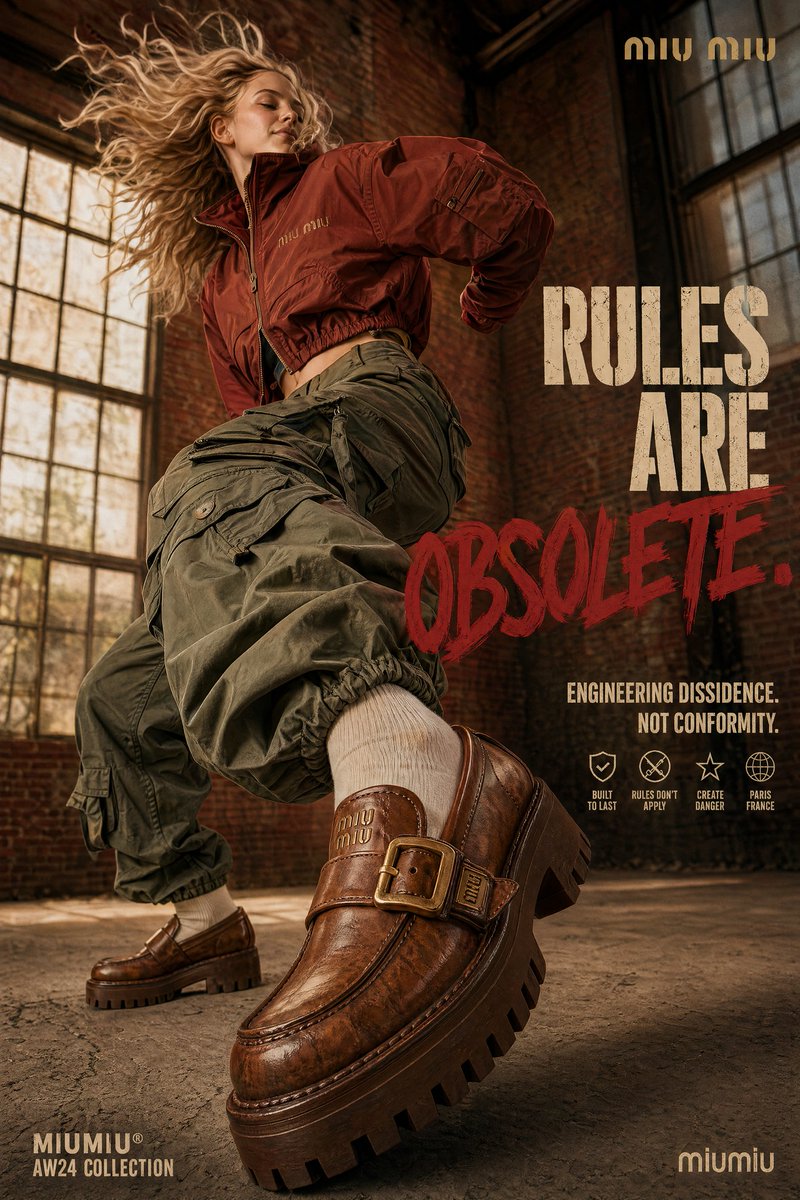
Example; generating model unverified · A disruptive platform loafer campaign scene with forced perspective, rust and olive styling, terracotta warehouse texture, warm window light, and editable poster type.
Text to Image
Example output
Example; generating model unverified · A disruptive platform loafer campaign scene with forced perspective, rust and olive styling, terracotta warehouse texture, warm window light, and editable poster type.
Best for
Supports
Online trial
No results to display yet.
Prompt starters
Model examples
Browse template previews for ideas. Each caption indicates whether generation with this model has been verified.
Example; generating model unverified · A disruptive platform loafer campaign scene with forced perspective, rust and olive styling, terracotta warehouse texture, warm window light, and editable poster type.
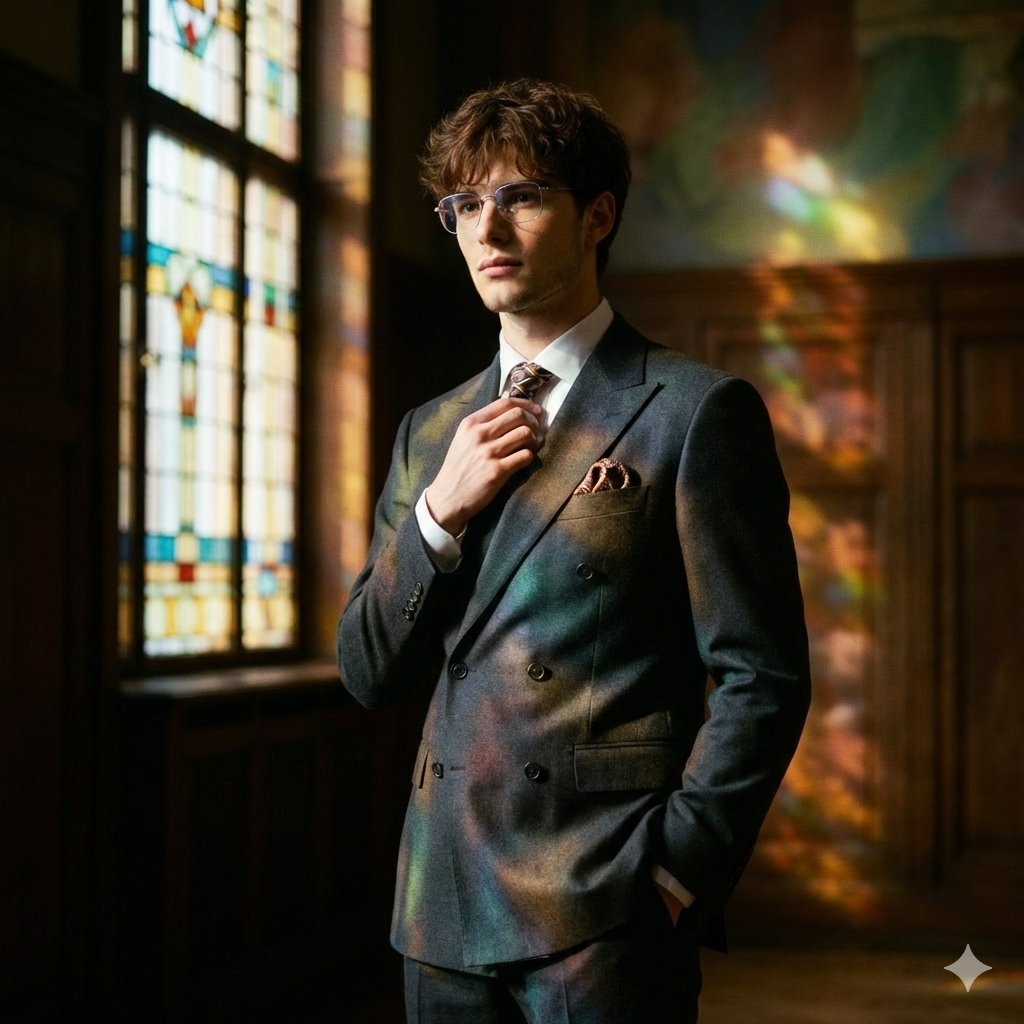
Example; generating model unverified · Preview for an Art Deco retro gentleman poster, focused on portrait composition, editable wardrobe details, visual hierarchy, and brand-safe production constraints.
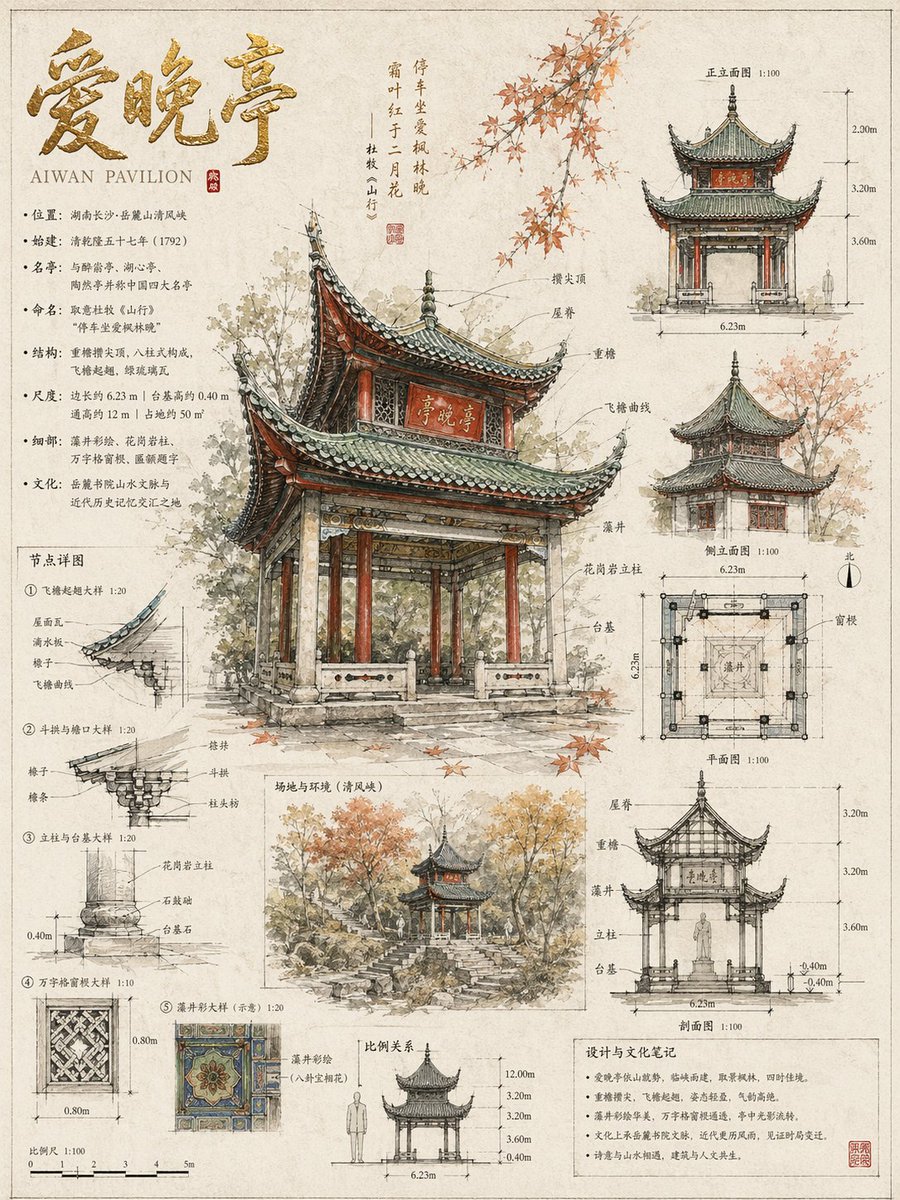
Example; generating model unverified · Sketch scroll focused on structural clarity, measured annotation, material notes, cultural context, and readable paper texture.
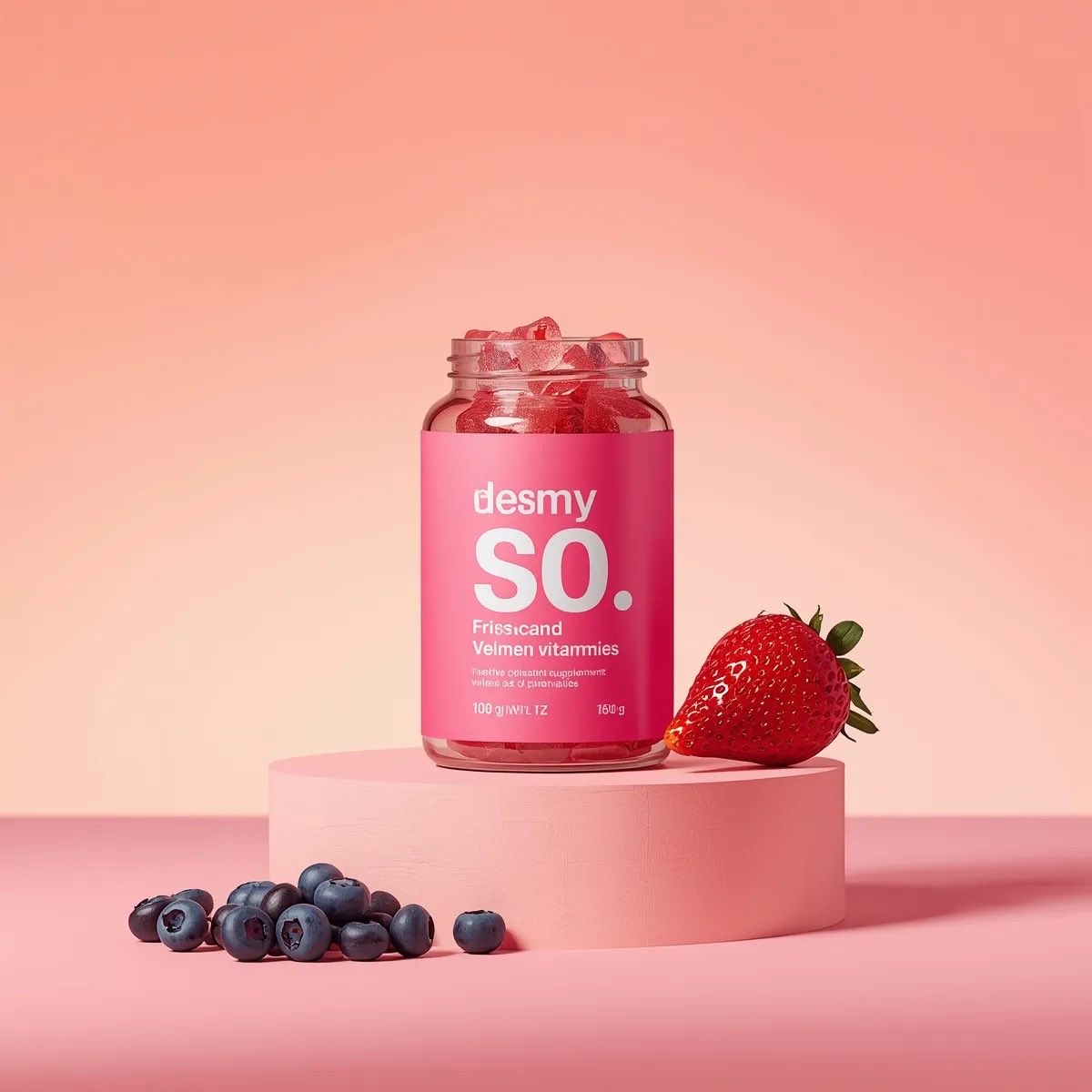
Example; generating model unverified · Preview for Glossy Gummy Jar Commercial, focused on composition, editable details, visual hierarchy, and brand-safe production constraints.
Decision fit
Decision fit
Best-fit tasks
Use it when the task looks like this
Model details
Provider
Category
Image
Capabilities
Text to Image
Credit model
Credit rate: 12 / image
Input path
Prompt only
Prompt setup
Up to 5,000 chars
Developer access
Call Google Imagen4 Ultra from Public API v1 after checking the model fields, reference media rules, and credit behavior.
Google Imagen4 Ultra FAQ
Google Imagen4 Ultra is strongest when the prompt is already fairly stable and the next image may need to survive as a real hero asset rather than just a direction check. It fits homepage hero art, launch visuals, premium campaign stills, and stakeholder-facing brand frames where fewer runs matter, but the finish of each run matters more.
On Rivya, Google Imagen4 Ultra is a text-to-image, single-output option with fixed 12-credit pricing. It keeps the same public controls as the lower Imagen tiers, namely prompt, negative prompt, aspect ratio, and seed, so the difference here is not a bigger control setup but a higher-end rendering tier.
The real question is whether the prompt is already mature enough to deserve the Ultra tier. If prompt wording, negative prompt cleanup, aspect ratio, and seed control are already giving you stable composition, Ultra makes sense as the point where you try to turn that direction into a stronger candidate still rather than continue cheap exploration.
Rivya currently lists a fixed 12 credits per generation, with one image per run. That cost is easiest to justify once each run is already closer to a candidate homepage visual, launch still, or review frame, rather than one more prompt experiment in a broad search.
Choose Imagen4 Fast when you are still screening wording cheaply, and choose the standard Imagen4 tier when you want a middle step between cost and finish. Choose Imagen4 Ultra when the prompt is already mostly settled and the next run needs a stronger shot at becoming the image you actually keep.
Start here when the first result is no longer cheap prompt screening and you are ready to see whether one stronger Ultra render can carry the idea. Use it for a homepage visual, launch still, or premium campaign frame when the wording is already close and the next image needs to look like a serious candidate.
This page is a prompt-first, text-to-image option with one image per run at a fixed 12-credit tier. It currently gives you prompt, negative prompt, aspect ratio, and seed controls, without reference-image input or multi-image output.
Before you run, tighten the prompt wording, use the negative prompt to remove the obvious misses, choose the final frame shape, and only lock a seed if you need repeatable comparison. On Ultra, those choices matter because you are usually spending for a stronger single candidate, not for a long cheap screening loop.
The page is public, but the actual first image run is still gated behind sign in. Rivya currently lists a fixed 12 credits per generation, so you can sort out the wording and frame shape first, then sign in when you are ready to generate.
Stay on this page while you are testing a small number of higher-intent Ultra runs against the same concept. Open the full Studio once the work needs saved versions, repeated revisions, asset management, or a longer image project around the same campaign material.
Compare alternatives
Generate images from text or edit with up to 16 reference images. Choose 1K, 2K, or 4K and an automatic, transparent, or opaque background.
Why consider it
Consider it when your next task needs Prompt + optional images.
Generate images from text or edit with up to 16 reference images. Choose 1K, 2K, or 4K and an automatic, transparent, or opaque background.
Why consider it
Consider it when your next task needs Prompt + optional images.
OpenAI's newer GPT Image model on Rivya, with text-to-image, image-to-image, up to 16 reference images, and clear 1K / 2K / 4K credit tiers.
Why consider it
Consider it when your next task needs Prompt + optional images.