
Google Imagen4 Fast is Rivya's quick Google image generator for testing text-to-image prompts, hero visual directions, and campaign drafts before spending more credits on Standard or Ultra.
The final task cost is rounded up to whole credits.
Example output
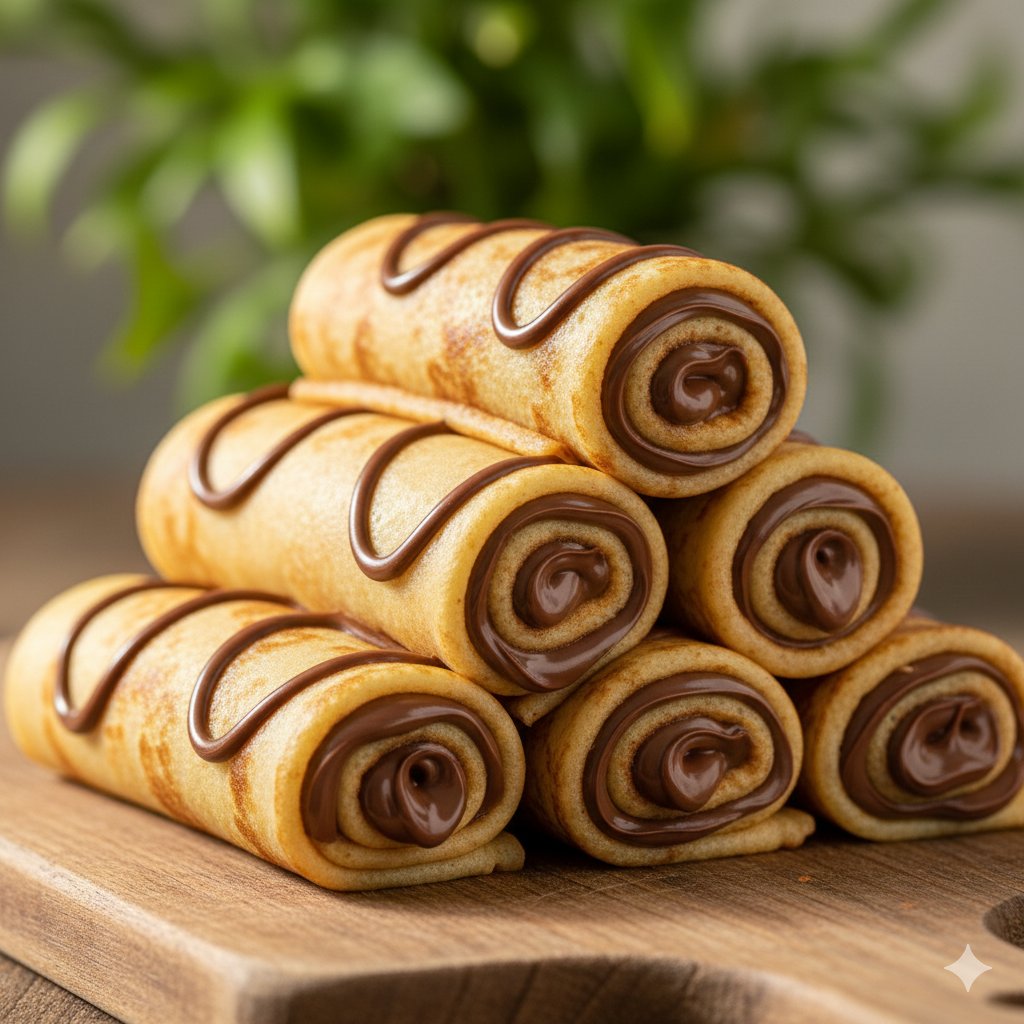
Example; generating model unverified · Preview for Chocolate Dessert Macro Ad, focused on appetizing texture, chocolate highlights, clean food styling, editable marks, and campaign-ready crop.
Text to Image
Example output
Example; generating model unverified · Preview for Chocolate Dessert Macro Ad, focused on appetizing texture, chocolate highlights, clean food styling, editable marks, and campaign-ready crop.
Best for
Supports
Online trial
No results to display yet.
Prompt starters
Model examples
Browse template previews for ideas. Each caption indicates whether generation with this model has been verified.
Example; generating model unverified · Preview for Chocolate Dessert Macro Ad, focused on appetizing texture, chocolate highlights, clean food styling, editable marks, and campaign-ready crop.
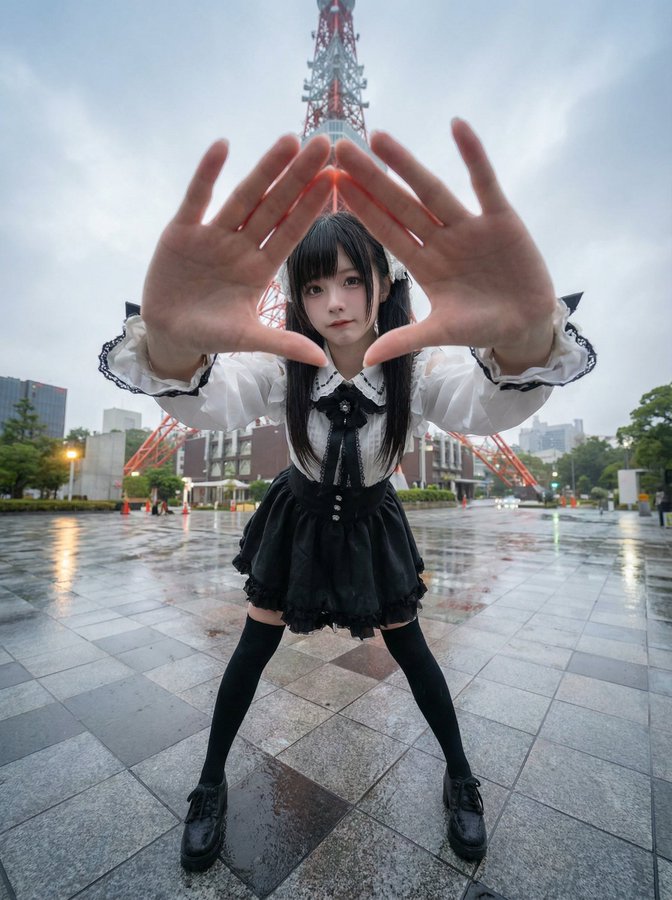
Example; generating model unverified · Pose grid preview focused on character consistency, readable labels, aligned cells, clear negative space, and production-safe reference details.
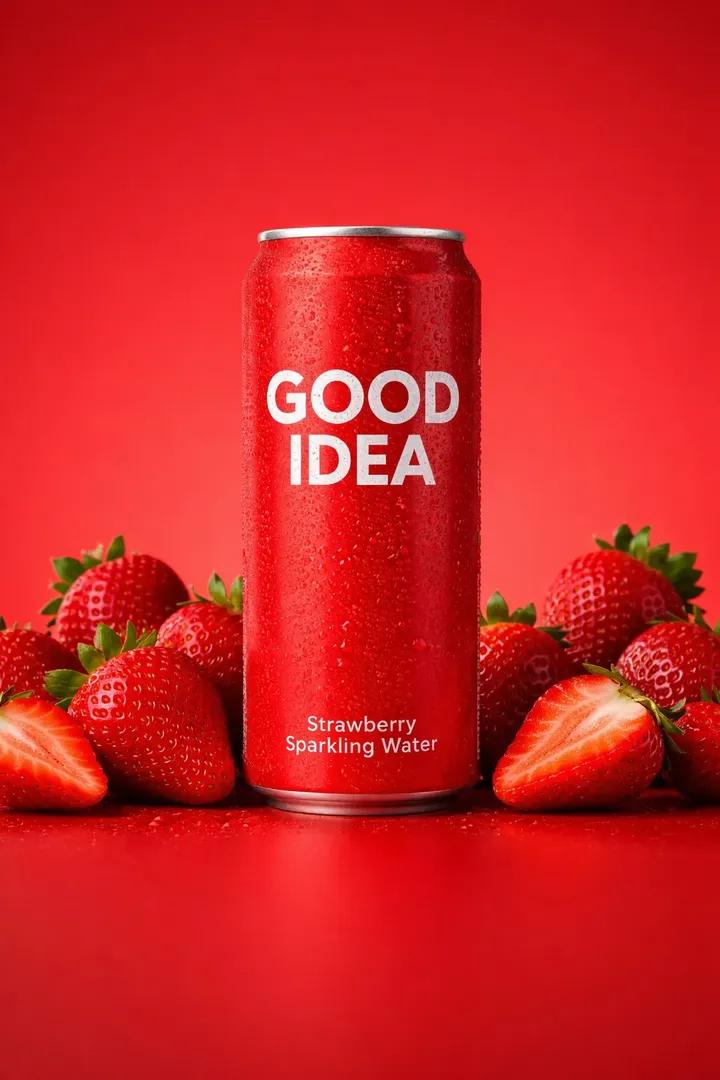
Example; generating model unverified · Studio product composition focused on color control, fruit cues, label safety, and commercial crop.
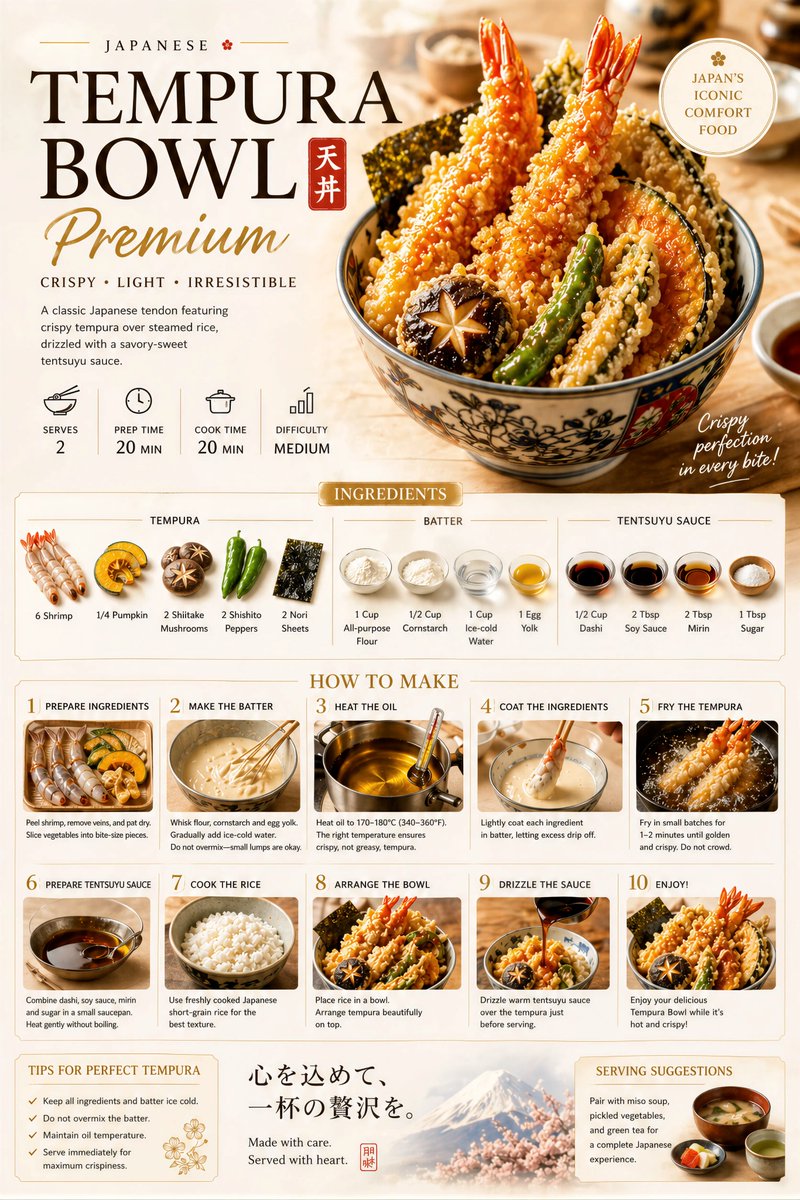
Example; generating model unverified · Recipe poster preview focused on hero food clarity, readable recipe sections, editable text areas, clean margins, and brand-safe production constraints.
Decision fit
Decision fit
Google Imagen4 Fast FAQ
Google Imagen4 Fast is strongest when the wording and composition are still moving and you want to test them cheaply inside the Google Imagen family. It is a good fit for landing-page visuals, blog art, social graphics, and early campaign roughs where prompt direction matters more than squeezing the most polished single render out of the model.
On Rivya, Google Imagen4 Fast is a text-to-image, single-output option with fixed 4-credit pricing. The current controls are prompt, negative prompt, aspect ratio, and seed, which means it stays prompt-led instead of becoming a reference-image project.
The real question here is whether the Fast tier already gives you enough control before you move up the ladder. If prompt wording, negative prompt cleanup, aspect ratio, and seed control are already enough to lock composition and direction, Fast is usually the right starting point; if the prompt is stable and the job needs a stronger single render, the standard Imagen4 tier or Ultra becomes more relevant.
Rivya currently lists a fixed 4 credits per generation, with one image per run. That cost works best as a cheap screening layer: if you are using Fast to test prompt variants before spending more on the standard or Ultra tiers, it usually pays for itself quickly.
Choose Google Imagen4 Fast when you specifically want Google Imagen prompt behavior in the lowest-cost option Rivya offers for that family. If the work is no longer about testing wording and composition and already needs a stronger first deliverable, step up to the standard Imagen4 tier or Ultra instead.
Start here when the first result is mainly about prompt wording, composition, and negative-prompt cleanup before you spend more on a heavier Imagen tier. It is the right place to pressure-test fast blog art, landing visuals, and social roughs without turning the first result into an expensive render.
This page is a prompt-first, text-to-image option with one image per run. It currently gives you prompt, negative prompt, aspect ratio, and seed controls at a fixed 4-credit tier, without opening reference-image input or multi-image output.
Before you run, line up the prompt wording, use the negative prompt to remove the most obvious misses, choose the right aspect ratio, and only set a seed if repeatability matters. For a first result on Fast, those four controls are usually enough to tell whether the idea should stay here or move up to a pricier tier.
The page is public, but the actual first image run is still gated behind sign in. Rivya currently lists a fixed 4 credits per generation, so you can sort out the wording and frame shape first, then sign in when you are ready to generate.
Stay on this page while you are still screening prompt variants and output shapes at the cheap Fast tier. Open the full Studio once the work needs saved versions, repeated revisions, asset management, or a longer image project around the same material.
Compare alternatives
Generate images from text or edit with up to 16 reference images. Choose 1K, 2K, or 4K and an automatic, transparent, or opaque background.
Why consider it
Consider it when your next task needs Prompt + optional images.
Generate images from text or edit with up to 16 reference images. Choose 1K, 2K, or 4K and an automatic, transparent, or opaque background.
Why consider it
Consider it when your next task needs Prompt + optional images.
OpenAI's newer GPT Image model on Rivya, with text-to-image, image-to-image, up to 16 reference images, and clear 1K / 2K / 4K credit tiers.
Why consider it
Consider it when your next task needs Prompt + optional images.
Best-fit tasks
Use it when the task looks like this
Model details
Provider
Category
Image
Capabilities
Text to Image
Credit model
Credit rate: 4 / request
Input path
Prompt only
Prompt setup
Up to 5,000 chars
Developer access
Call Google Imagen4 Fast from Public API v1 after checking the model fields, reference media rules, and credit behavior.