

Google Imagen4 is Rivya's balanced Google image model for text-to-image prompts, clean hero visuals, and prompt-led campaign drafts when Ultra is more than you need and Fast is too light.
The final task cost is rounded up to whole credits.
Example output
Example; generating model unverified · Preview for a neon future tech isometric card, focused on isometric composition, editable details, visual hierarchy, and brand-safe production constraints.
Text to Image
Example output
Example; generating model unverified · Preview for a neon future tech isometric card, focused on isometric composition, editable details, visual hierarchy, and brand-safe production constraints.
Best for
Supports
Online trial
No results to display yet.
Prompt starters
Model examples
Browse template previews for ideas. Each caption indicates whether generation with this model has been verified.
Example; generating model unverified · Preview for a neon future tech isometric card, focused on isometric composition, editable details, visual hierarchy, and brand-safe production constraints.

Example; generating model unverified · Product image focused on warm materials, botanical cues, label safety, and soft studio lighting.
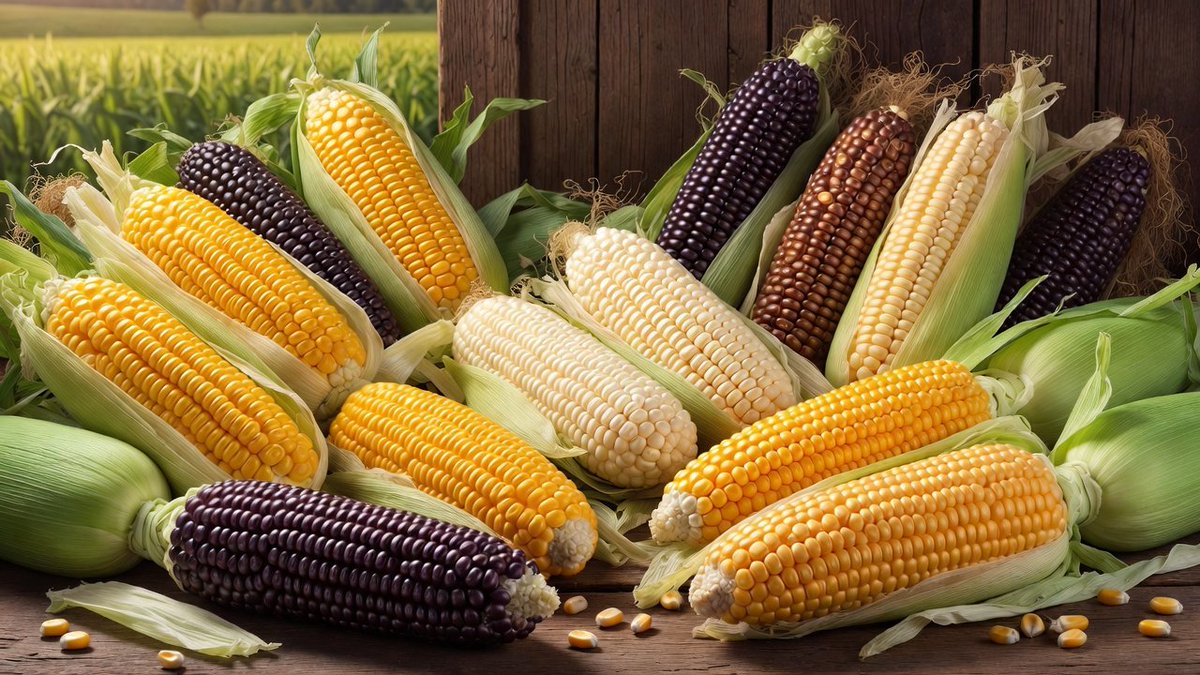
Example; generating model unverified · Preview for Colorful Corn Harvest Still Life, focused on vivid corn texture, husk detail, rustic styling, clean negative space, and editorial crop.
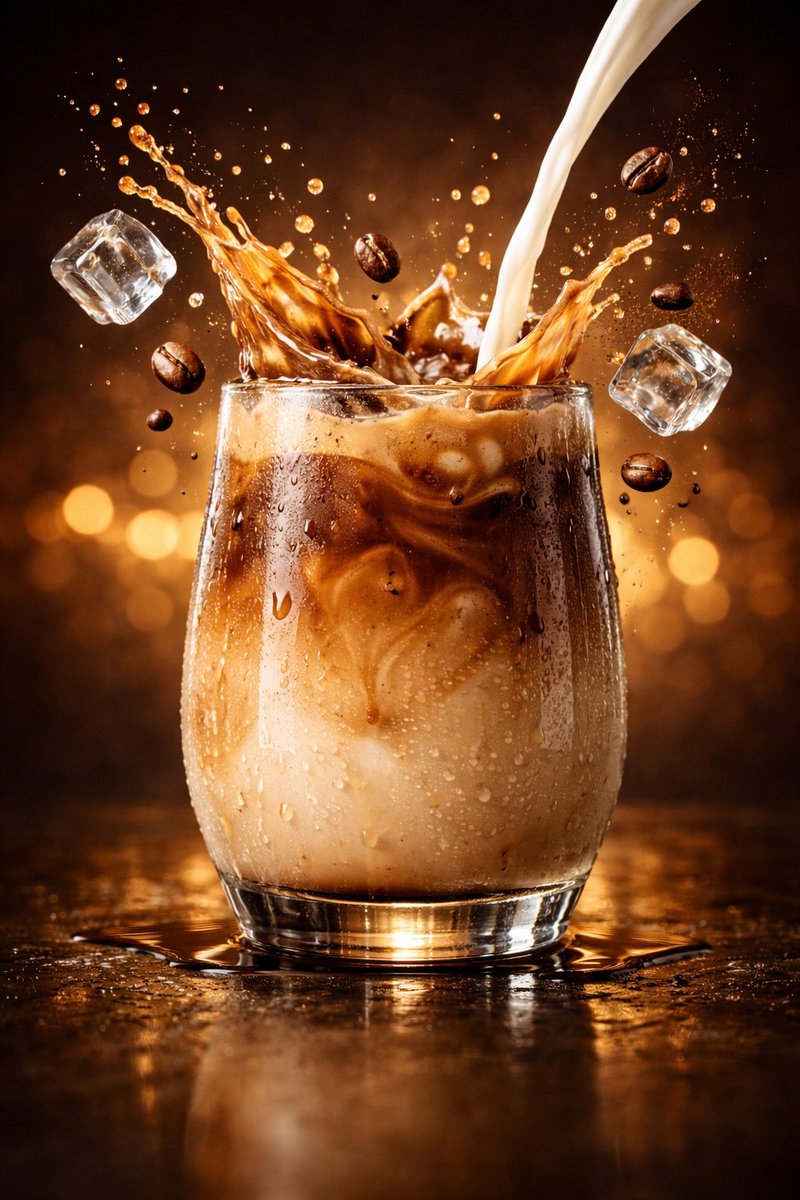
Example; generating model unverified · Preview for an iced latte splash product ad, focused on composition, editable details, visual hierarchy, and brand-safe production constraints.
Decision fit
Decision fit
Best-fit tasks
Use it when the task looks like this
Model details
Provider
Category
Image
Capabilities
Text to Image
Credit model
Credit rate: 8 / request
Input path
Prompt only
Prompt setup
Up to 5,000 chars
Developer access
Call Google Imagen4 from Public API v1 after checking the model fields, reference media rules, and credit behavior.
Google Imagen4 FAQ
Google Imagen4 is the middle Google option for prompt-first image work when Fast still looks too rough but Ultra is more polish than the brief needs. It fits website hero art, editorial illustrations, branded lifestyle scenes, and campaign concepts that are already heading toward a real design handoff.
On Rivya, Google Imagen4 currently runs as a text-to-image-only option with negative prompt, aspect ratio, and seed controls, and it returns one image per run at a fixed 8-credit tier. That keeps it best for prompt-led image generation where the concept should stand on the written brief itself rather than on a stack of references or an edit project.
The useful first checks are aspect ratio, what the negative prompt is actually excluding, and whether seed consistency matters for iteration. Because the option is text-only and single-image, the real question is whether the prompt can already carry the scene cleanly without leaning on source assets.
At a fixed 8 credits per generation for one stronger prompt-led render, Imagen4 is easiest to justify when the job has moved past rough ideation but does not yet need Ultra-tier polish. It is a good spend when cleaner finish will save reruns, and a worse spend when you are still burning through lots of disposable concepts.
Choose Google Imagen4 when you want a cleaner middle tier between rough first-pass ideation and premium-end polish, especially on prompt-first brand or editorial work. Go lighter when cost-per-try matters most, and step up only when the brief really needs the extra finish of the top Google tier.
This page is best for the initial prompt-first image pass when the concept is already fairly settled and you mainly need to see whether Imagen4 gives you a cleaner render than Fast. It is a good checkpoint for hero art, editorial graphics, and campaign visuals that might actually move toward design handoff.
The public page setup here is text-to-image only, with negative prompt, aspect ratio, and seed controls. Each run is a fixed 8-credit, single-image check, so it is a clean place to test whether the prompt itself is strong enough to carry the scene before you commit to a longer image project.
Before you run it, check the aspect ratio, make sure the negative prompt is only excluding what really matters, and decide whether seed repeatability will help the next round. On Imagen4, those three choices usually matter more than adding more descriptive fluff.
The page is public, but the actual initial prompt-led image run is still gated behind sign in. Public guidance is a fixed 8 credits per generation, so it makes sense to line up the prompt, crop, and seed strategy here first, then sign in when you are ready to spend on the run.
Stay here while you are pressure-testing prompt wording, crop, and the first clean render. Open the full Studio once you want saved variants, broader prompt branching, or a longer asset project around the same image direction.
Compare alternatives
Generate images from text or edit with up to 16 reference images. Choose 1K, 2K, or 4K and an automatic, transparent, or opaque background.
Why consider it
Consider it when your next task needs Prompt + optional images.
Generate images from text or edit with up to 16 reference images. Choose 1K, 2K, or 4K and an automatic, transparent, or opaque background.
Why consider it
Consider it when your next task needs Prompt + optional images.
OpenAI's newer GPT Image model on Rivya, with text-to-image, image-to-image, up to 16 reference images, and clear 1K / 2K / 4K credit tiers.
Why consider it
Consider it when your next task needs Prompt + optional images.