
Flux 2 Pro is Rivya's premium Black Forest Labs image model for product photos, brand visuals, and reference-led edits. Use it when you want prompt-faithful AI images with more polish than a fast draft.
The final task cost is rounded up to whole credits.
Example output
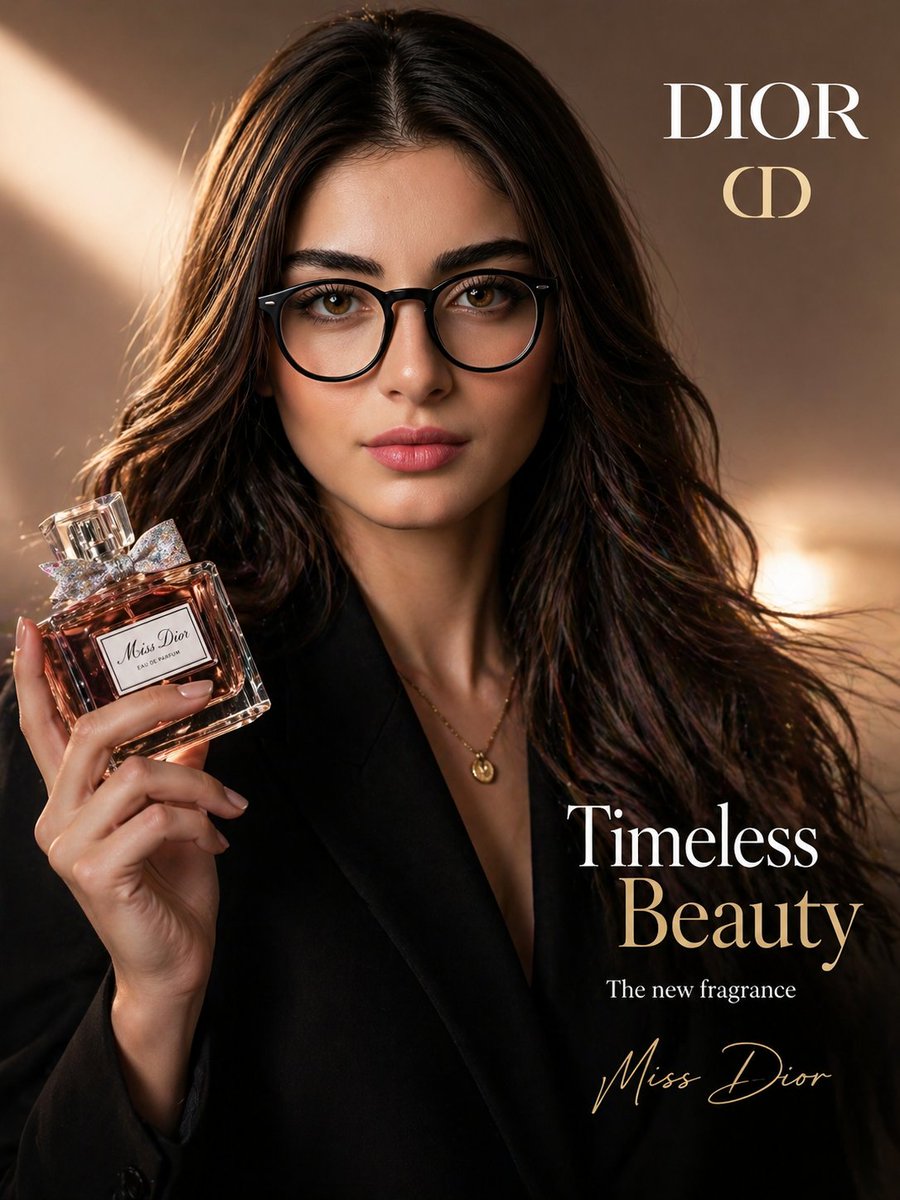
Example; generating model unverified · Preview for Cinematic Skincare Product Shot, focused on product silhouette, reflective surfaces, clean props, editable marks, and campaign-ready crop.
Text to Image · Image to Image
Example output
Example; generating model unverified · Preview for Cinematic Skincare Product Shot, focused on product silhouette, reflective surfaces, clean props, editable marks, and campaign-ready crop.
Best for
Supports
Online trial
No results to display yet.
Prompt starters
Model examples
Browse template previews for ideas. Each caption indicates whether generation with this model has been verified.
Example; generating model unverified · Preview for Cinematic Skincare Product Shot, focused on product silhouette, reflective surfaces, clean props, editable marks, and campaign-ready crop.
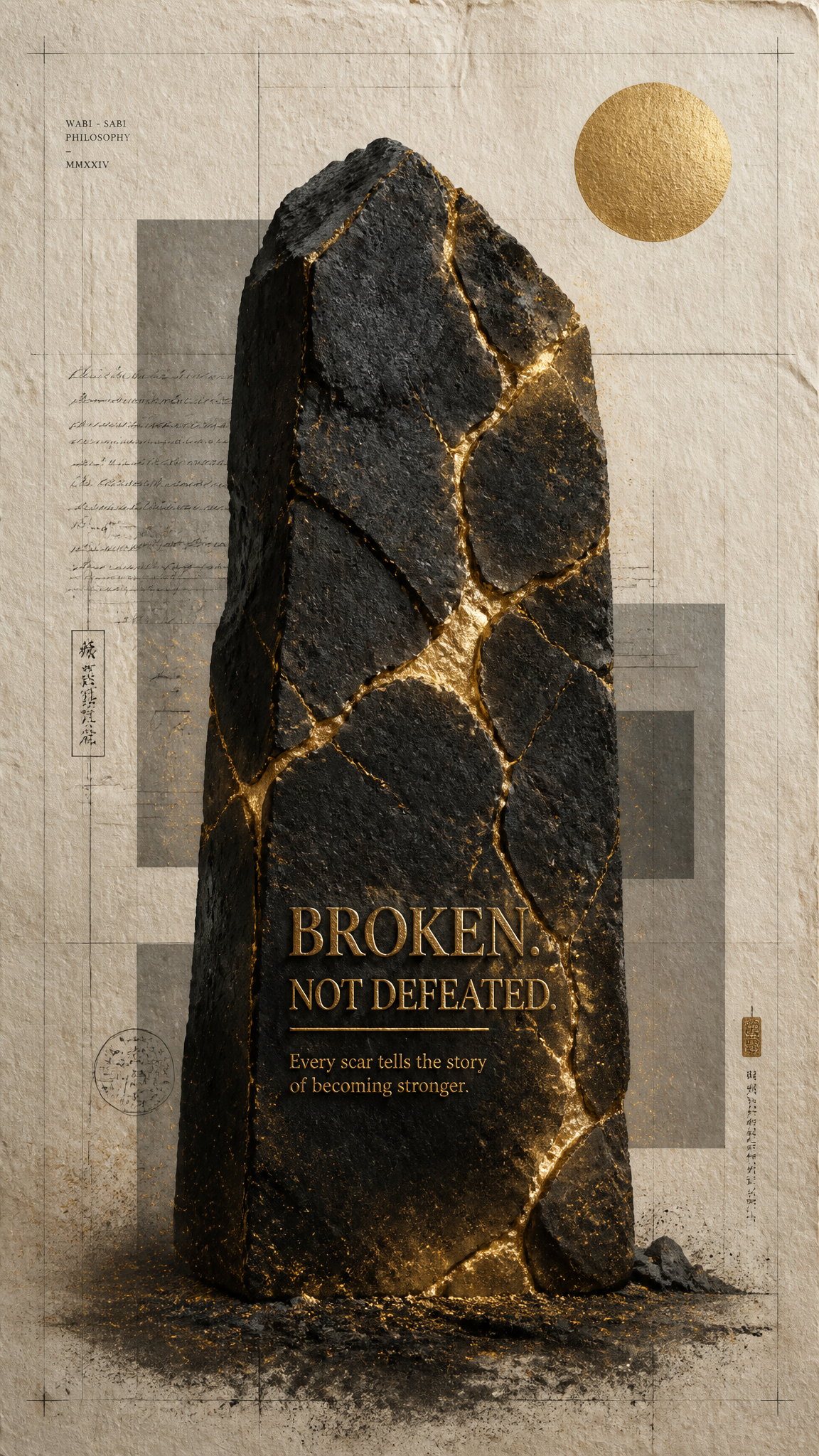
Example; generating model unverified · Safe resin light, rough pores, charcoal geometry, and negative space replace hazardous molten material.
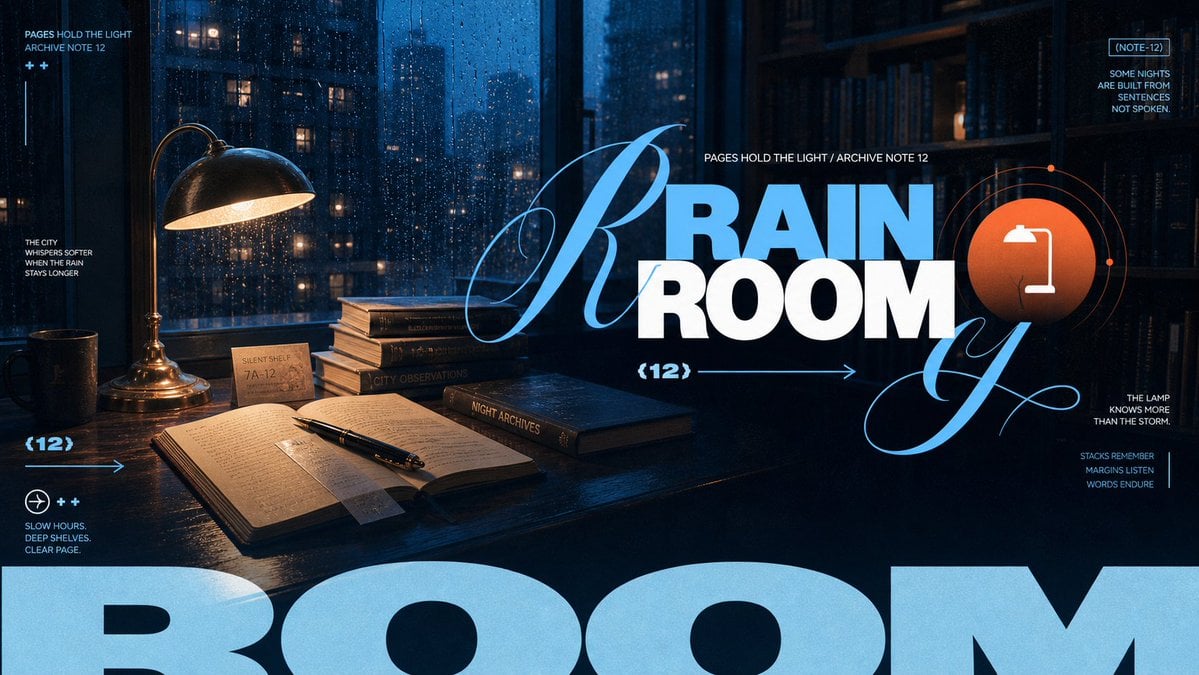
Example; generating model unverified · One selected night motif supports a deliberate title zone and restrained poetic annotations.

Example; generating model unverified · A single arched-window beam catches the horn and dust while blank books recede into shadow.
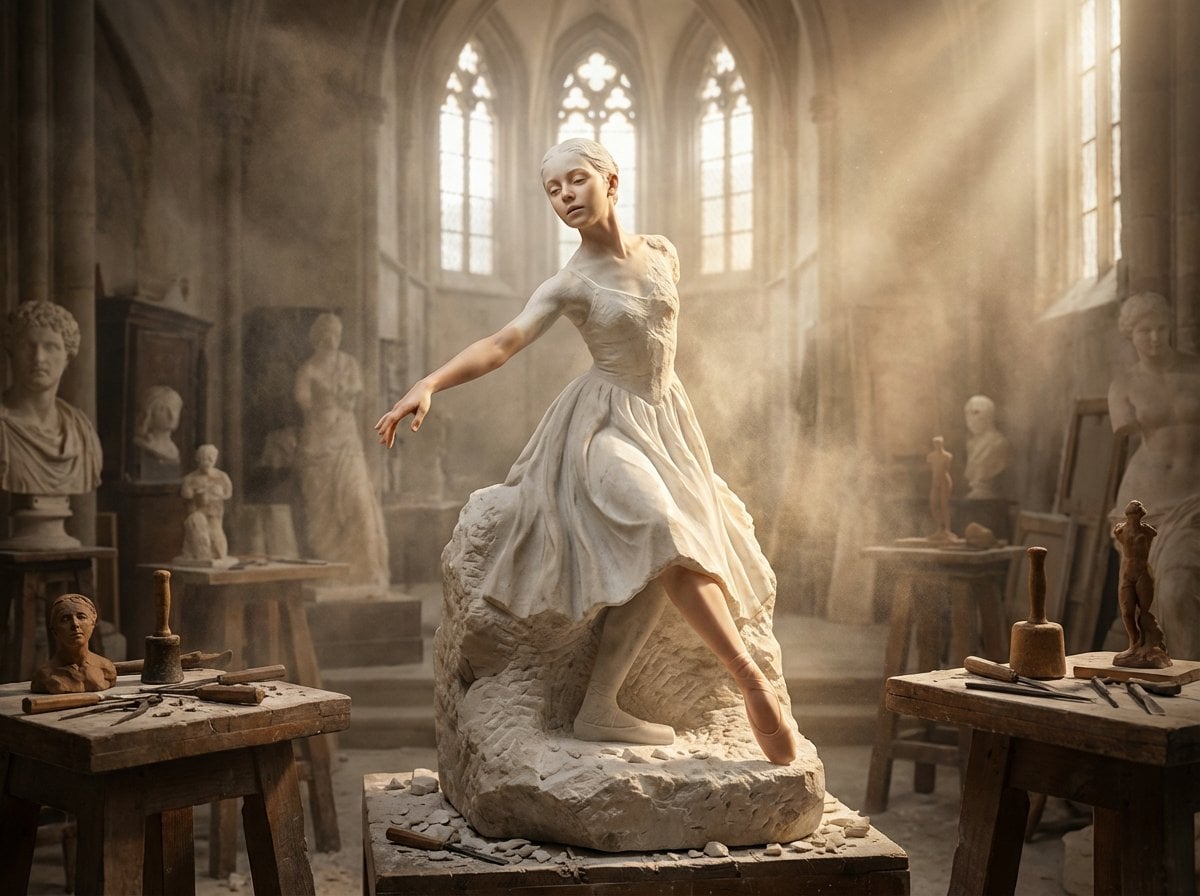
Example; generating model unverified · Settled dust, stored tools, and continuous stone material keep the transformation fictional and safe.
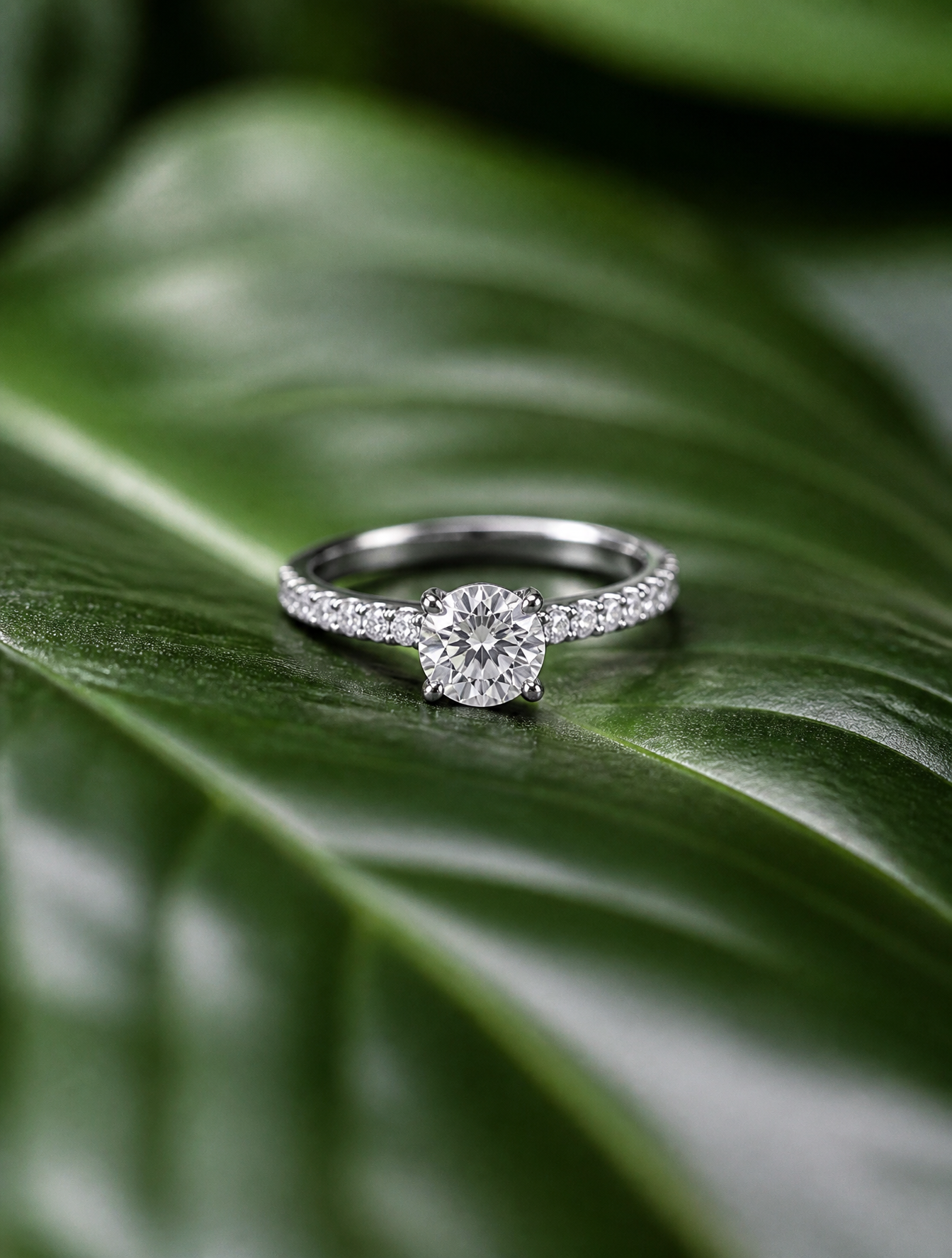
Example; generating model unverified · The ring plane, leaf veins, and soft facets share one restrained macro focus zone.
Decision fit
Decision fit
Best-fit tasks
Use it when the task looks like this
Model details
Provider
Black Forest Labs
Category
Image
Capabilities
Text to Image · Image to Image
Credit model
Credit rate: 5–7 / image
Input path
Prompt + optional images
Prompt setup
Up to 5,000 chars
Developer access
Flux 2 Pro has callable Public API modes, but reference-media modes still need Files API upload support. Check the model reference before submitting.
Flux 2 Pro FAQ
Flux 2 Pro is the stronger choice when the brief already sounds like a real deliverable instead of an ideation board: hero packshots, polished ecommerce stills, launch visuals, and brand images where prompt adherence and in-image text matter. It is much less about spraying dozens of loose concepts and much more about getting a smaller number of images to look finished early.
On Rivya, Flux 2 Pro currently runs as both text-to-image and image-to-image, supports 1K and 2K output, and can take up to 8 reference images. In practice, that makes it useful not just for prompt-only generation, but also for brand-led runs where product cues, packaging details, or visual consistency need to stay anchored from the first result.
The first useful decisions are usually simpler than they look: 1K or 2K, the aspect ratio, whether composition should come mainly from the prompt or from the references, and whether in-image text or logo fidelity is mission-critical. If those decisions are off, extra prompt polish usually will not rescue the run; if they are right, you can tell very quickly whether Flux 2 Pro is the right image option for the job.
In the current Rivya setup, 1K runs cost 5 credits and 2K runs cost 7. Flux 2 Pro starts to make sense when the image is heading toward paid media, storefront use, stakeholder review, or a real brand-facing asset. If the job is still wide-open exploration with lots of disposable directions, a lighter image option is usually the better spend.
Choose Flux 2 Pro when typography, packaging copy, logo handling, and multi-reference consistency are part of the brief from day one. Start with a lighter model when the real priority is speed, breadth of exploration, or cheap first-pass ideation rather than finish.
This page is strongest for the first serious product or brand-image pass, especially when you already know the shot is supposed to become a hero still, a launch visual, or a packaging-led campaign image. It is a good place to test whether Flux 2 Pro is already landing close enough to final quality before you open a longer studio project.
You can start from text-to-image, switch into image-to-image, choose 1K or 2K output, and bring in up to 8 reference images on the public page setup. That gives you enough room to test prompt-led work, reference-led product images, or a first brand-consistency pass without leaving the page.
Before the first result, check the resolution tier, the aspect ratio, whether the references are carrying too much or too little of the composition, and whether text or logo fidelity actually matters on this shot. On Flux 2 Pro, those choices usually tell you more than a longer prompt does about whether the first result will feel usable.
The page is public, but the actual first image run and reference upload flow are still gated behind sign in. Public guidance is 5 credits for 1K and 7 credits for 2K, so you can shape the prompt, ratio, resolution, and references here first, then sign in once you are ready to spend on a real pass.
Stay here while the job is still about validating the first hero shot, the first reference setup, or the first brand-facing direction. Open the full Studio once you start branching prompts, saving versions, managing assets, or iterating across several related visuals.
Compare alternatives
Generate images from text or edit with up to 16 reference images. Choose 1K, 2K, or 4K and an automatic, transparent, or opaque background.
Why consider it
Consider it when the credit note fits your next run: Credit rate: 3–16 / image.
Generate images from text or edit with up to 16 reference images. Choose 1K, 2K, or 4K and an automatic, transparent, or opaque background.
Why consider it
Consider it when the credit note fits your next run: Credit rate: 3–16 / image.
OpenAI's newer GPT Image model on Rivya, with text-to-image, image-to-image, up to 16 reference images, and clear 1K / 2K / 4K credit tiers.
Why consider it
Consider it when the credit note fits your next run: Credit rate: 3–8 / image.